
Hop — SSH Client
SSH client & terminal
Dirancang untuk iPhone, iPad
Gratis · Pembelian dalam aplikasi
- Batasan usia4+
- KategoriAlat Pengembang
- PengembangJUAN DE DIOS FRAUSTO RAMIREZ
- BahasaInggris+ 1 lainnya
- Ukuran15,0 MB
Tertaut ke halaman resmi App Store
Download.org tidak menyimpan file Hop — SSH Client apa pun. Tombol ini membuka halaman aplikasi di App Store, tempat JUAN DE DIOS FRAUSTO RAMIREZ menerbitkannya. Halaman terakhir diperiksa pada 14/11/2026.
Tangkapan layar
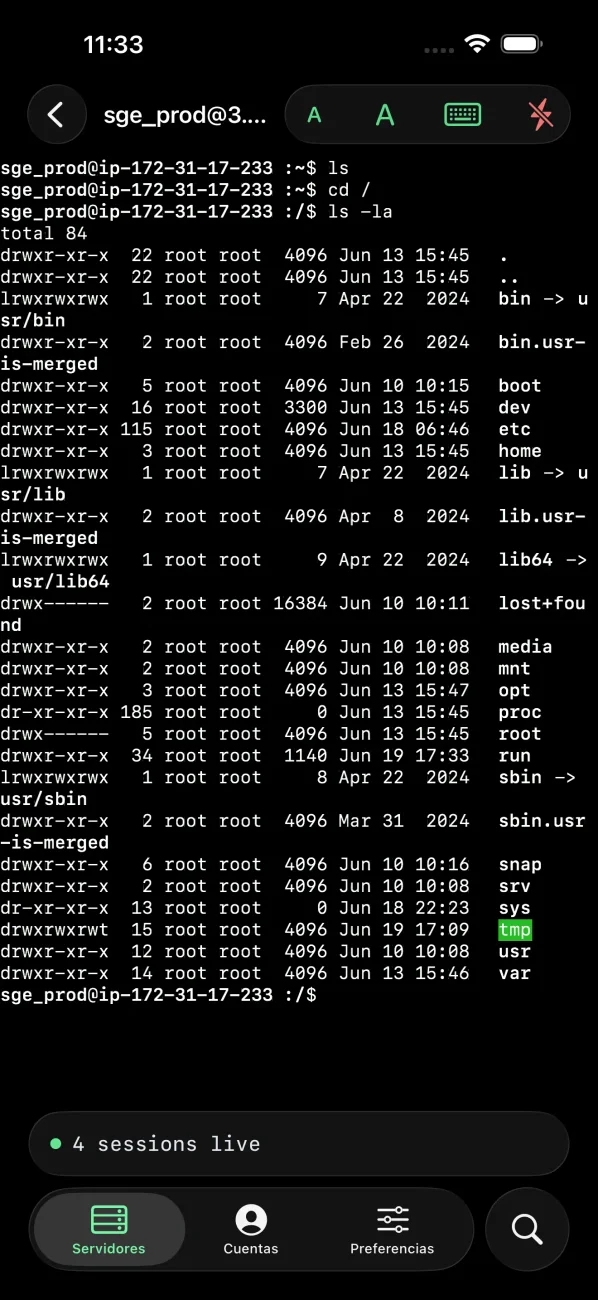

Tentang
Pengembang belum menyediakan teks ini dalam bahasa Anda.
Hop is a fast, beautiful SSH client for iPadOS and iOS, built for developers and sysadmins.
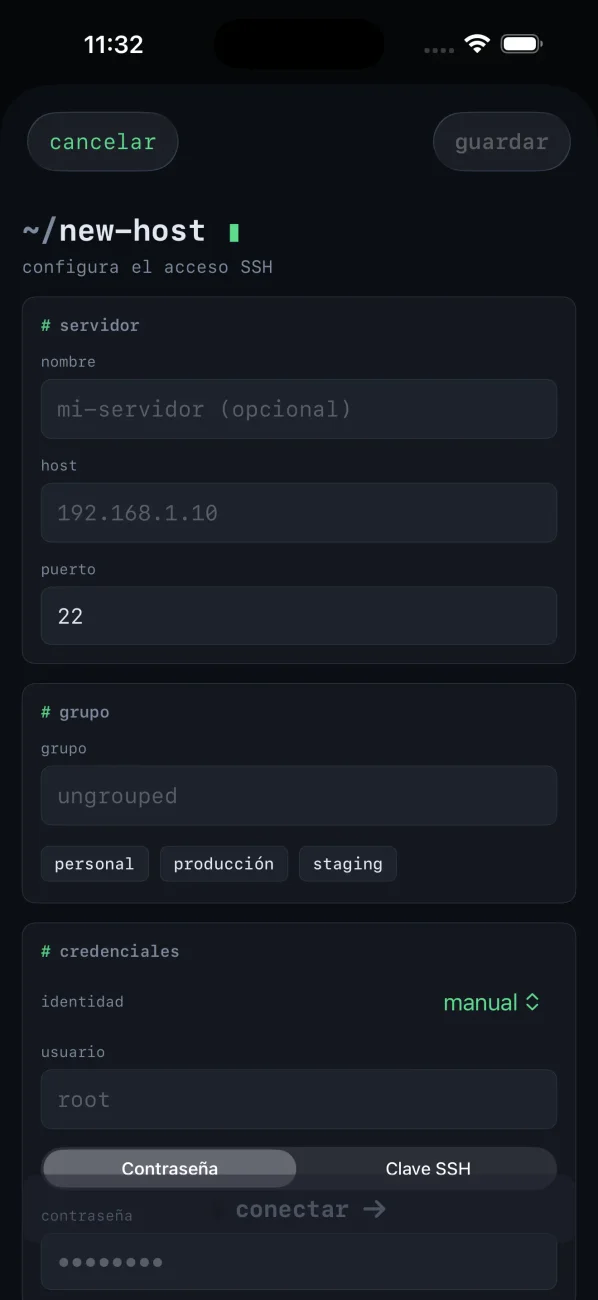
Connect to any server with a password or SSH key and work in a native terminal that feels just like your usual console.
Highlights
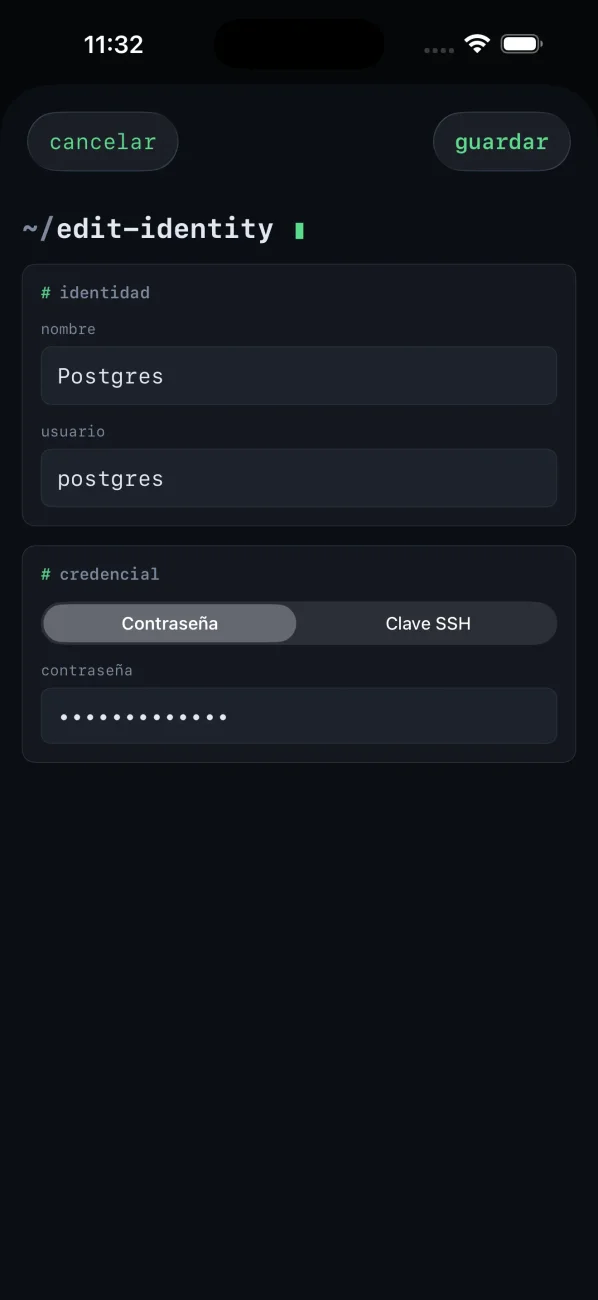
• SSH with password or key auth (Ed25519 and RSA, OpenSSH and PKCS#1)
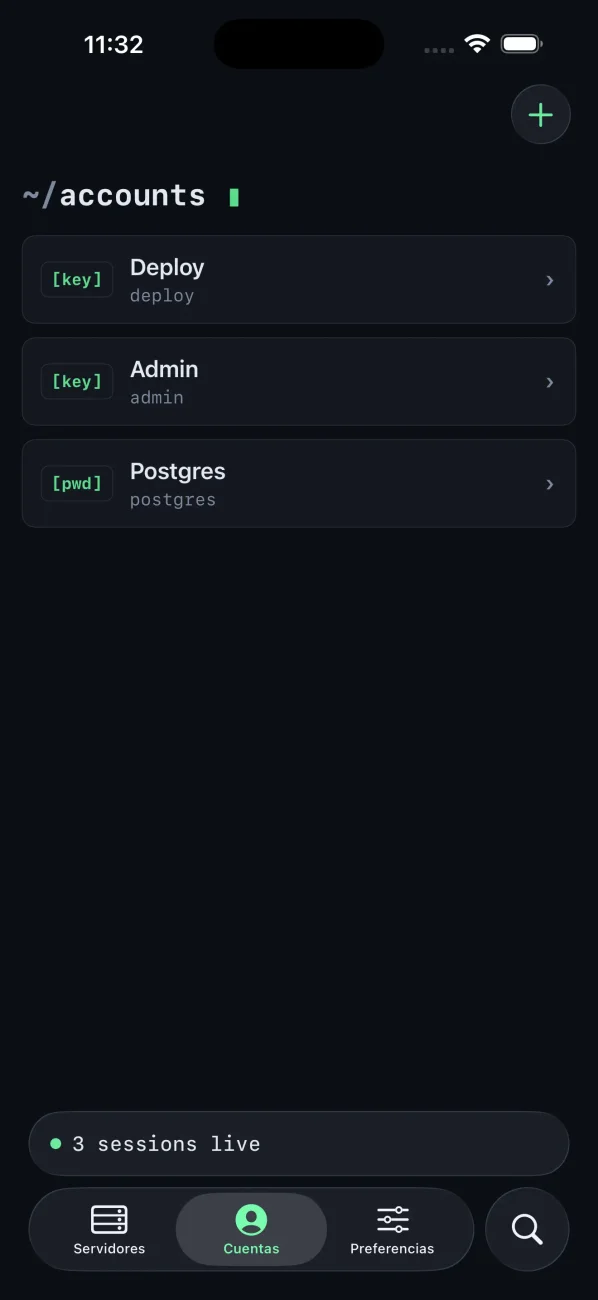
• Reusable identities: save a user + credential and reuse it across servers
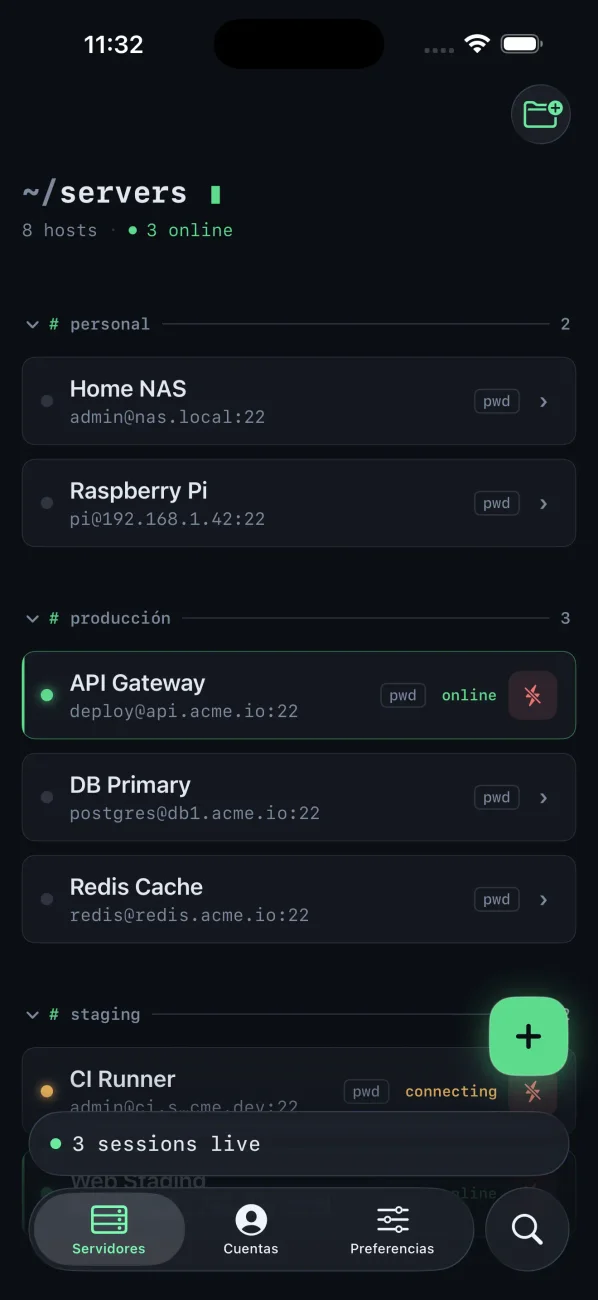
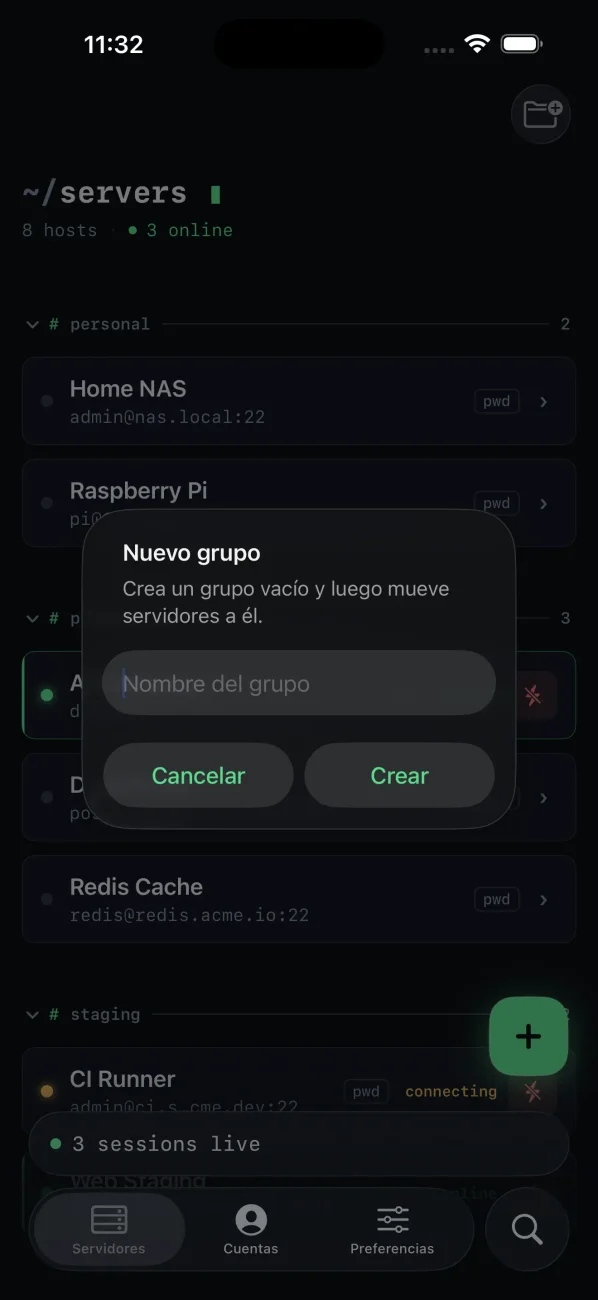
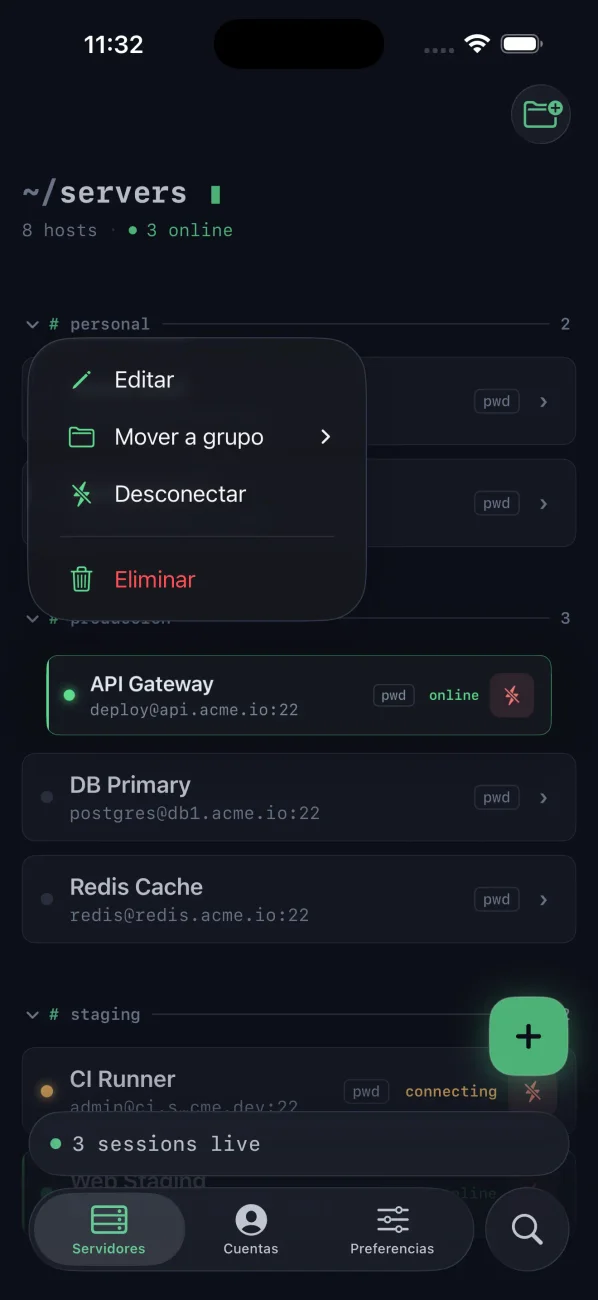
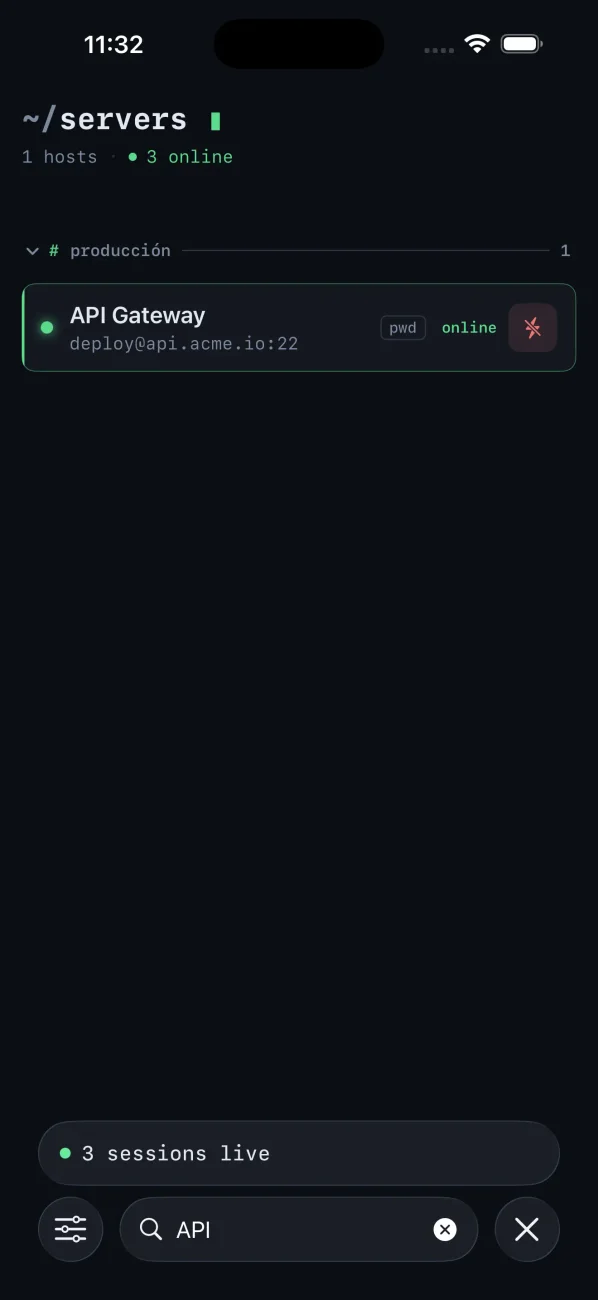
• Organize servers into collapsible groups
• Multiple simultaneous sessions with live status indicators
• Fast terminal with full hardware & Magic Keyboard support
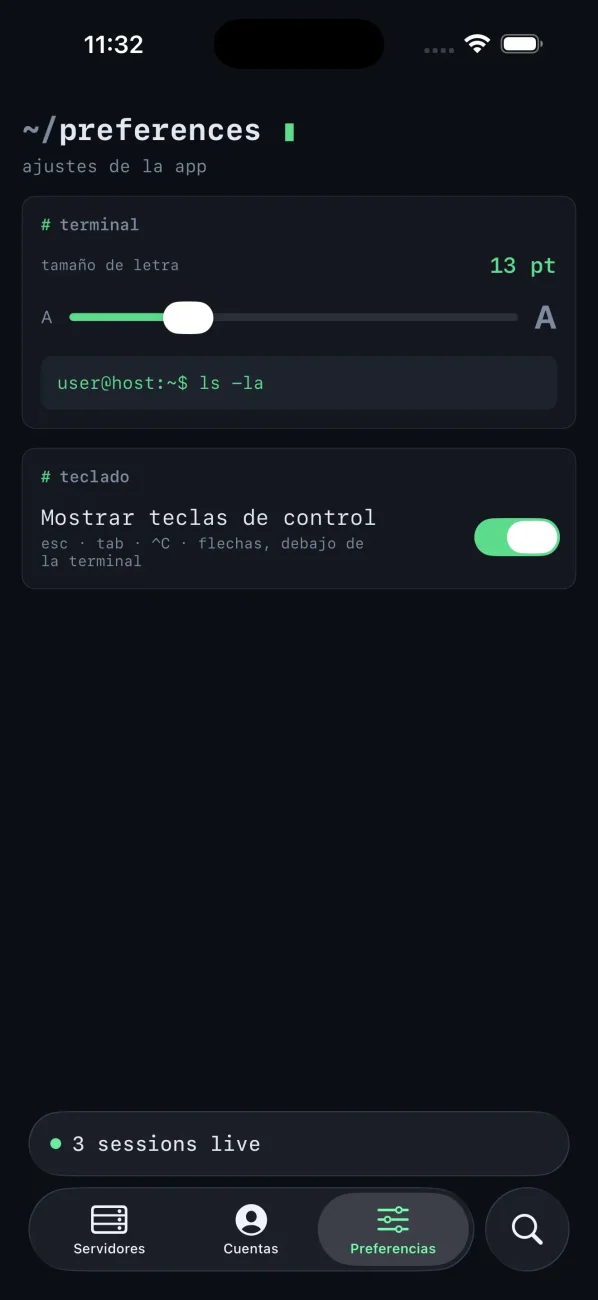
• On-screen control keys (esc, tab, Ctrl, arrows) and text zoom
• Terminal-native dark design with monospaced type
• Credentials secured in the device Keychain
• Available in English and Spanish
Your servers, in your pocket.
Yang baru
Versi 1.2 · 9/9/2026
Your remote files, inside Hop
• New Files tab: browse your server over SFTP without typing
paths or opening a terminal
• Open and read remote files in the app (configs, logs), with
sudo when the user you log in as isn't enough
• "Edit in GlassCode": send the file to the editor and Hop
writes it back to the server when you're done
It all rides the connection you already have open: no second
login, and the session you left running is untouched.
Safer
• Host key verification (known_hosts): Hop learns the
fingerprint on the first connection and stops the session if
it ever changes, instead of trusting blindly
• Import your existing known_hosts file
• Review and remove accepted fingerprints from Settings
Steadier
• Auto-reconnect: if the network drops, you switch from Wi-Fi
to cellular, or you wake the iPad, the session comes back on
its own
Also
• Import servers from a ~/.ssh/config file
• Favorites and duplicate server
• Startup commands, one per line (Hop Pro)
• Bell settings: sound and haptics
Privasi aplikasi
Yang dinyatakan JUAN DE DIOS FRAUSTO RAMIREZ di App Store tentang cara aplikasi ini menangani data.
-
Data tidak dikumpulkan
Pengembang tidak mengumpulkan data apa pun dari aplikasi ini.
Praktik privasi dapat bervariasi, misalnya berdasarkan fitur yang Anda gunakan atau usia Anda.
Informasi
- Penjual
- JUAN DE DIOS FRAUSTO RAMIREZ
- Kategori
- Alat Pengembang
- Versi
- 1.2
- Diperbarui
- 9/9/2026
- Dirilis
- 23/6/2026
- Ukuran
- 15,0 MB
- Memerlukan
- iOS 26.0 atau yang lebih baru
- Batasan usia
- 4+
- Harga
- Gratis
- Pembelian dalam aplikasi
- Ya
- Bahasa
- Inggris, Spanyol
- Hak cipta
- © 2026 PJASoft
Mungkin Anda juga suka
-
 Shelify SSH Remote ConnectAlat Pengembang
-
 TermLite: Klien SSH & TerminalSSH privat, SFTP & terminal
-
 JTermAlat Pengembang
-
 termi1Alat Pengembang
-
 Diffs Agent ClientAlat Pengembang
-
 Fleet Command: AgentsAlat Pengembang
-
 OSH - Zero Trust SSHAlat Pengembang
-
 Icon Finder for ExpoAlat Pengembang
-
 ShellPhone - SSH clientAlat Pengembang
-
 Shellby: SSH Client & TerminalAlat Pengembang