
Kai: Stop Scrolling
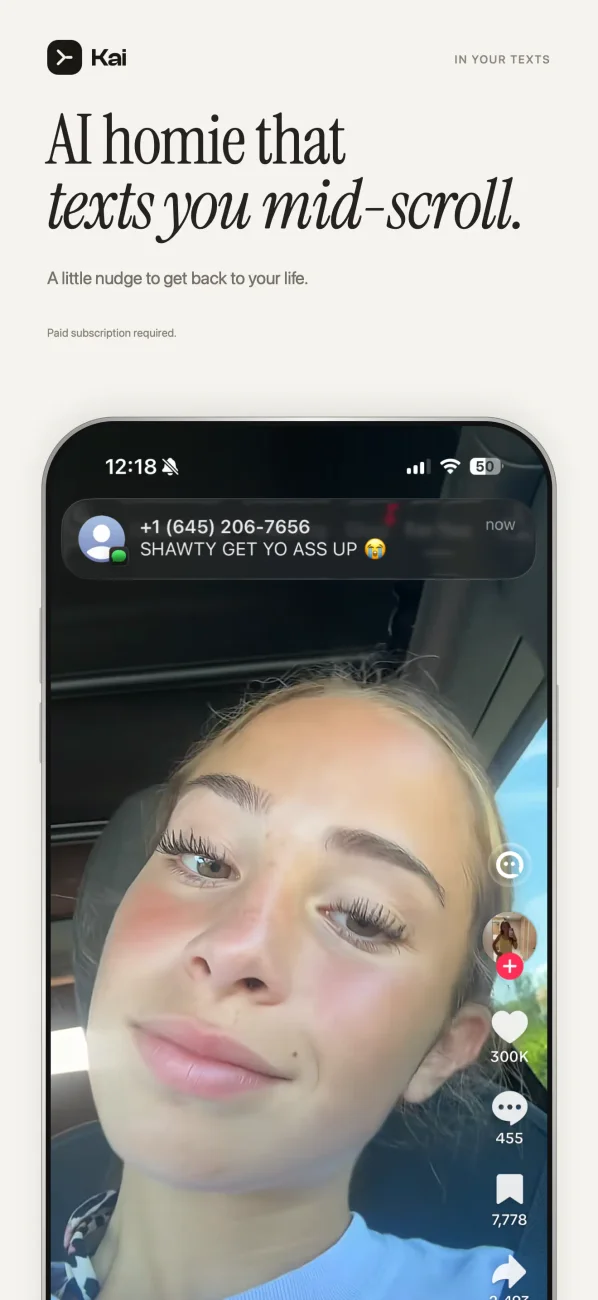
The AI that texts mid-scroll
Entwickelt für iPhone
Kostenlos · In-App-Käufe
- Altersfreigabe12+
- KategorieGesundheit und Fitness
- EntwicklerALEKSEY STEFANOV RUSENOV
- SprachenEnglisch
- Größe3,1 MB
Verlinkt auf die offizielle App Store-Seite
Download.org hostet keine Datei von Kai: Stop Scrolling. Die Schaltfläche öffnet die App-Seite bei App Store, wo ALEKSEY STEFANOV RUSENOV die App veröffentlicht. Eintrag zuletzt geprüft am 18.11.2026.
Screenshots

Info
Der Entwickler hat diesen Text nicht in Ihrer Sprache bereitgestellt.
Meet Kai, the AI friend who texts you mid-scroll.
You meant to check one thing. Now you've been scrolling for an hour. Kai helps you catch that moment and get back to what you wanted to do—with humor, a little teasing, and accountability that feels personal.
A personality worth replying to
Kai lives in iMessage. Expect short conversations, quick wit, and a nudge about the things you said mattered. Tell him what you're working toward, whether it's studying, finishing a project, or getting to bed.
Text first. Block when needed.
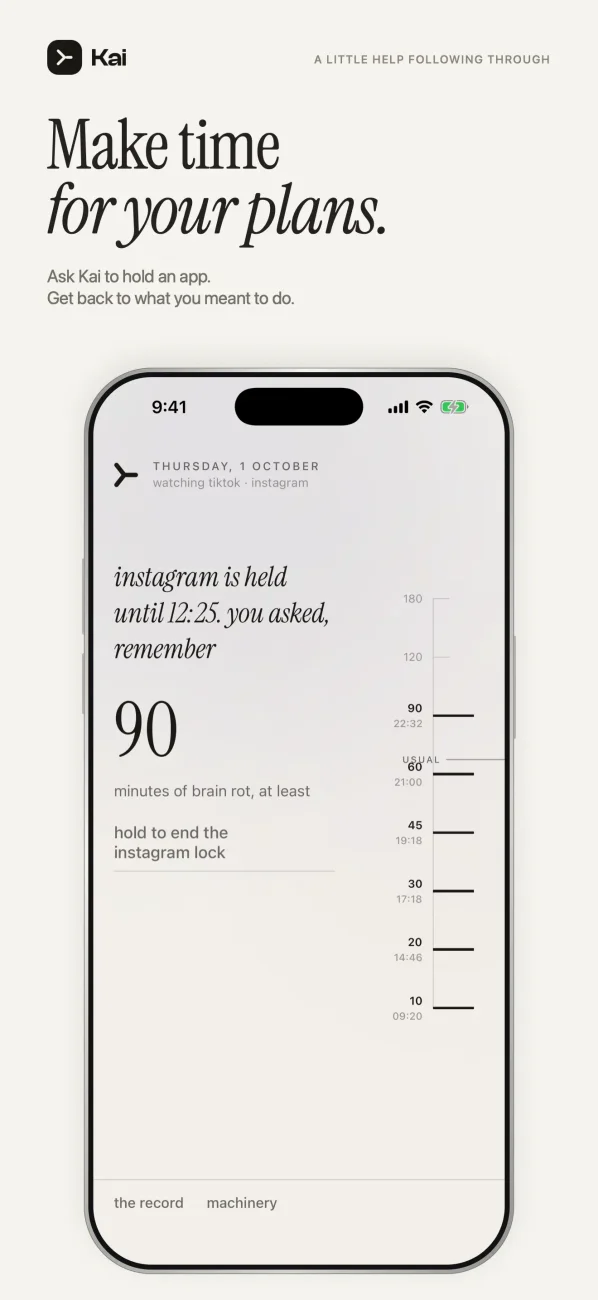
When you've agreed on a focus plan, Kai can temporarily block a selected app if you keep scrolling past his check-ins. You can also ask for a lock when you need help getting started, or end one in the app.
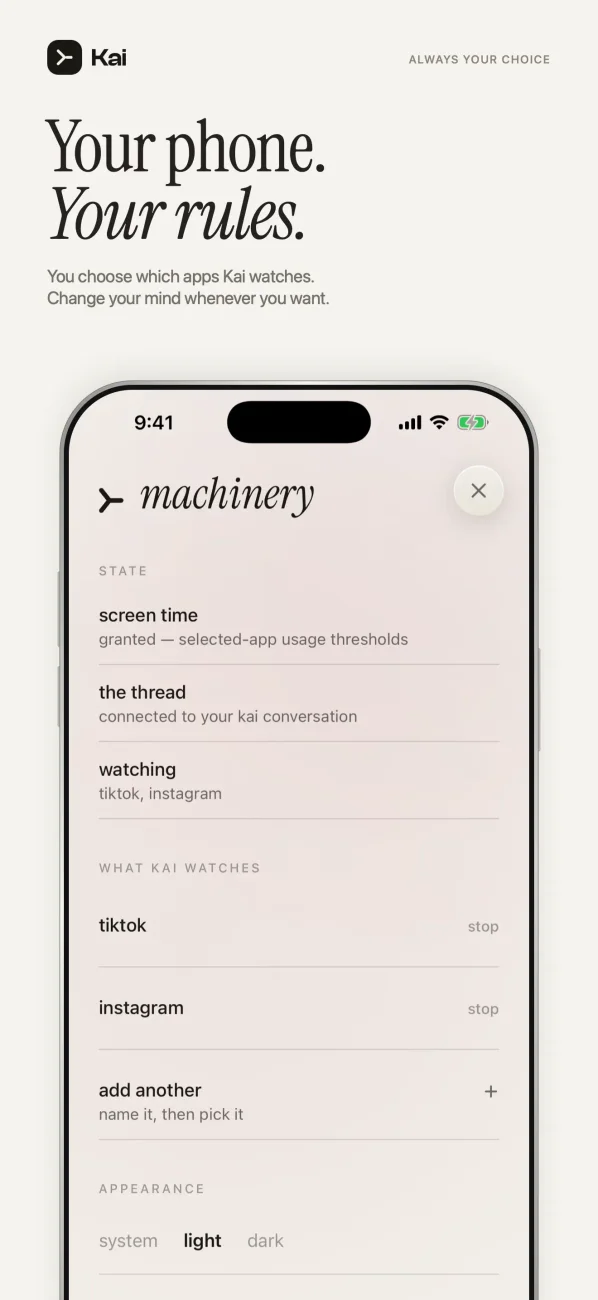
Your phone. Your rules.
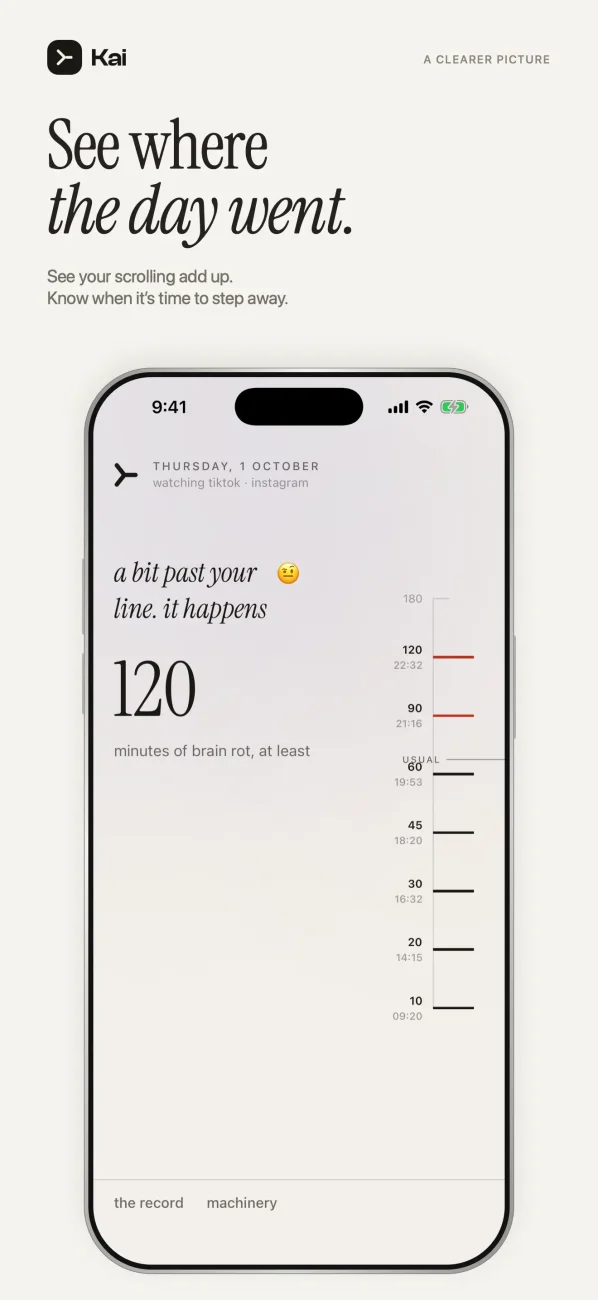
Choose which apps Kai watches with Apple's Screen Time permission. Change your selection whenever you want. See your screen-time milestones in the app and manage your connection, permissions, and locks in one place.
How your data is used
Kai receives the messages you send to Kai—not your other conversations or content you view or type in other apps. With your permission, OpenAI processes your messages, relevant history, shared details and selected app usage-threshold data to generate replies and check-ins. SendBlue delivers your messages. You can decline or withdraw AI sharing in Machinery > ai privacy. Delete your active Kai account data in the app or by texting "delete everything" and confirming; retention exceptions are explained in the Privacy Policy.
Getting started
1. Install Kai and tap "text kai" to start a conversation in iMessage.
2. Enter the code Kai sends you and subscribe through Apple.
3. Allow Screen Time access and choose the apps you want help with.
Born in a Stanford dorm. Built for life outside your feed.
Subscription
A paid monthly subscription is required for app blocking and ongoing accountability. The price is shown before you purchase. Payment is charged to your Apple Account. Your subscription renews automatically unless canceled at least 24 hours before the current period ends. Manage or cancel it in your App Store account settings.
Terms of Use: https://kai-production-cba6.up.railway.app/terms
Privacy Policy: https://kai-production-cba6.up.railway.app/privacy
App-Datenschutz
Was ALEKSEY STEFANOV RUSENOV im App Store zum Umgang dieser App mit Daten angibt.
-
Mit Ihnen verknüpfte Daten
Können erfasst und mit Ihrer Identität verknüpft werden.
- Käufe
- Kontaktinformationen
- Benutzerinhalte
- Kennungen
- Nutzungsdaten
- Sonstige Daten
Die Datenschutzpraktiken können variieren, zum Beispiel je nach den von Ihnen verwendeten Funktionen oder Ihrem Alter.
Informationen
- Anbieter
- ALEKSEY STEFANOV RUSENOV
- Kategorie
- Gesundheit und Fitness
- Version
- 1.0
- Aktualisiert
- 30.09.2026
- Veröffentlicht
- 29.09.2026
- Größe
- 3,1 MB
- Erfordert
- iOS 18.0 oder neuer
- Altersfreigabe
- 12+
- Preis
- Kostenlos
- In-App-Käufe
- Ja
- Sprachen
- Englisch
- Copyright
- © 2026 Kai
Das könnte Ihnen auch gefallen
-
 OnoeraGesundheit und Fitness
-
 AgeMaster AIGesundheit und Fitness
-
 Force Fitness TGGesundheit und Fitness
-
 Yoked - AI Fitness CoachGesundheit und Fitness
-
 SureGoGesundheit und Fitness
-
 Nourimi: Zyklus-ErnährungNourish Every Cycle
-
 Elite Rugby AppGesundheit und Fitness
-
 Enerjize | Your Fitness PassGesundheit und Fitness
-
 Victory CampGesundheit und Fitness
-
 Sukun StudiosGesundheit und Fitness