
Kai: Stop Scrolling
The AI that texts mid-scroll
Conçue pour iPhone
Gratuit · Achats intégrés
- Classification d’âge12+
- CatégorieForme et santé
- DéveloppeurALEKSEY STEFANOV RUSENOV
- LanguesAnglais
- Taille3,1 Mo
Renvoie vers la page App Store officielle
Download.org n’héberge aucun fichier de Kai: Stop Scrolling. Le bouton ouvre la page de l’application sur App Store, où ALEKSEY STEFANOV RUSENOV la publie. Fiche vérifiée pour la dernière fois le 18/11/2026.
Captures d’écran

À propos
Le développeur n’a pas fourni ce texte dans votre langue.
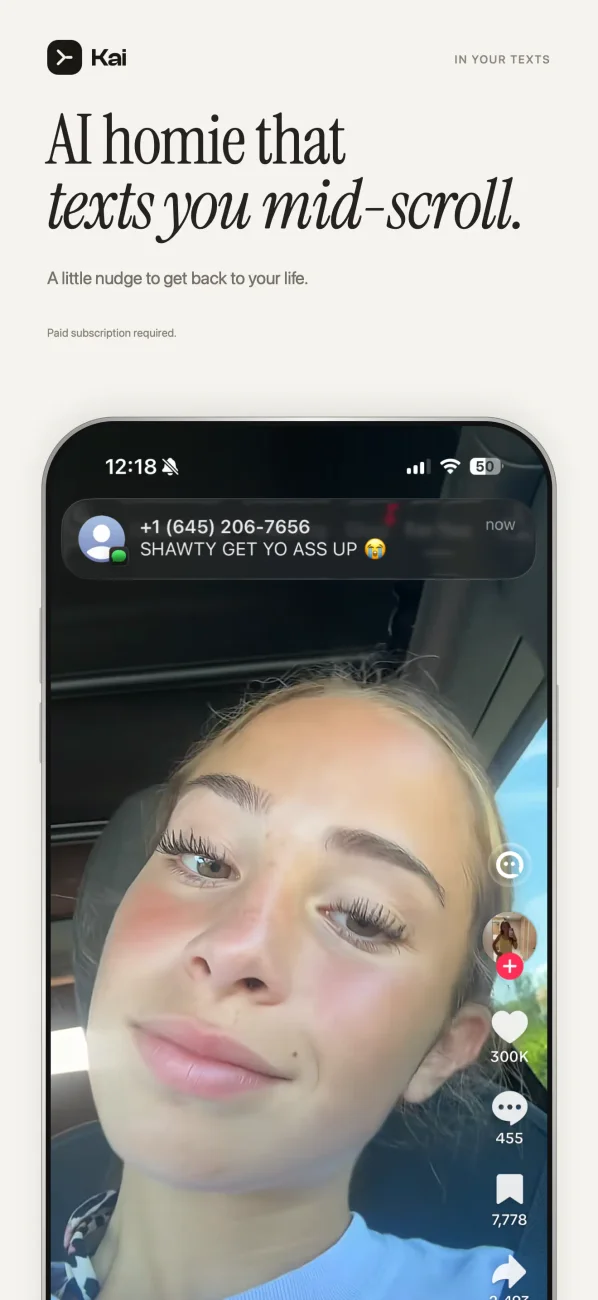
Meet Kai, the AI friend who texts you mid-scroll.
You meant to check one thing. Now you've been scrolling for an hour. Kai helps you catch that moment and get back to what you wanted to do—with humor, a little teasing, and accountability that feels personal.
A personality worth replying to
Kai lives in iMessage. Expect short conversations, quick wit, and a nudge about the things you said mattered. Tell him what you're working toward, whether it's studying, finishing a project, or getting to bed.
Text first. Block when needed.
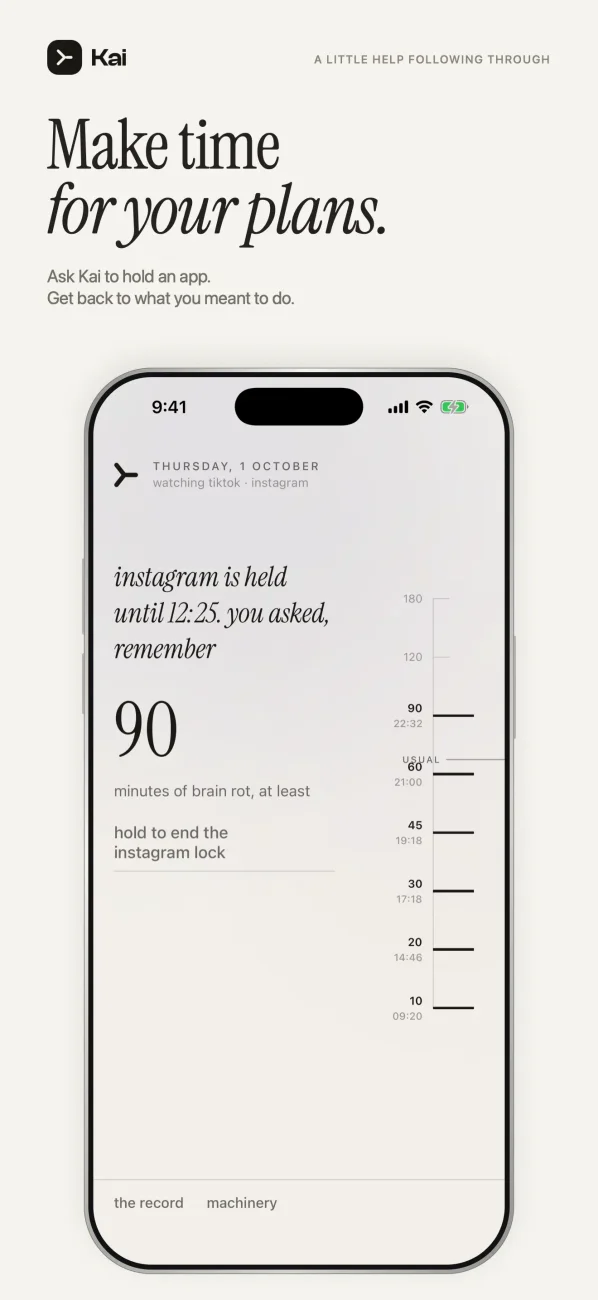
When you've agreed on a focus plan, Kai can temporarily block a selected app if you keep scrolling past his check-ins. You can also ask for a lock when you need help getting started, or end one in the app.
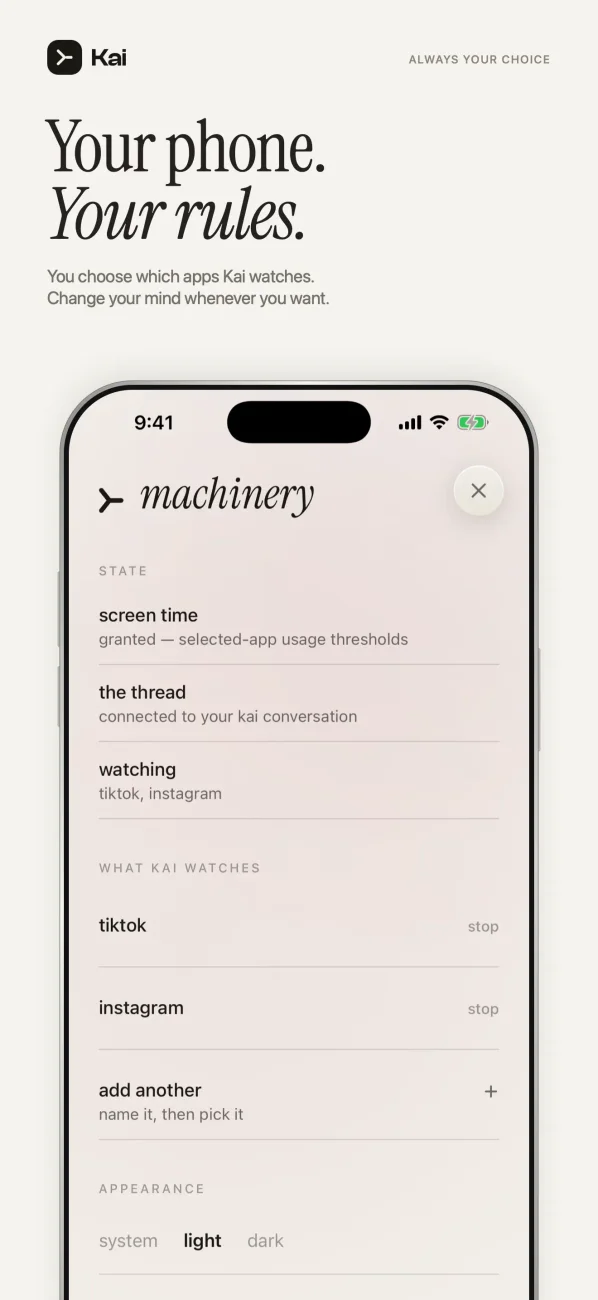
Your phone. Your rules.
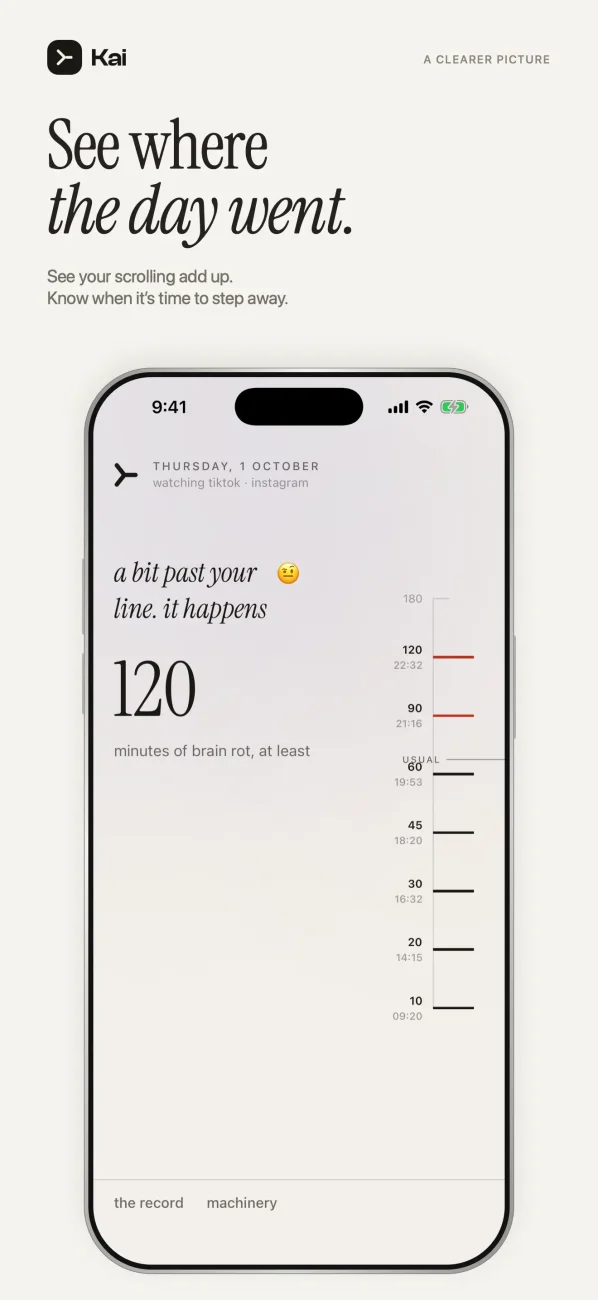
Choose which apps Kai watches with Apple's Screen Time permission. Change your selection whenever you want. See your screen-time milestones in the app and manage your connection, permissions, and locks in one place.
How your data is used
Kai receives the messages you send to Kai—not your other conversations or content you view or type in other apps. With your permission, OpenAI processes your messages, relevant history, shared details and selected app usage-threshold data to generate replies and check-ins. SendBlue delivers your messages. You can decline or withdraw AI sharing in Machinery > ai privacy. Delete your active Kai account data in the app or by texting "delete everything" and confirming; retention exceptions are explained in the Privacy Policy.
Getting started
1. Install Kai and tap "text kai" to start a conversation in iMessage.
2. Enter the code Kai sends you and subscribe through Apple.
3. Allow Screen Time access and choose the apps you want help with.
Born in a Stanford dorm. Built for life outside your feed.
Subscription
A paid monthly subscription is required for app blocking and ongoing accountability. The price is shown before you purchase. Payment is charged to your Apple Account. Your subscription renews automatically unless canceled at least 24 hours before the current period ends. Manage or cancel it in your App Store account settings.
Terms of Use: https://kai-production-cba6.up.railway.app/terms
Privacy Policy: https://kai-production-cba6.up.railway.app/privacy
Confidentialité de l’application
Ce que ALEKSEY STEFANOV RUSENOV déclare sur l’App Store au sujet du traitement des données par cette application.
-
Données établissant un lien avec vous
Peuvent être collectées et liées à votre identité.
- Achats
- Coordonnées
- Contenu utilisateur
- Identifiants
- Données d’utilisation
- Autres données
Les pratiques en matière de confidentialité peuvent varier, notamment en fonction des fonctionnalités que vous utilisez ou de votre âge.
Informations
- Vendeur
- ALEKSEY STEFANOV RUSENOV
- Catégorie
- Forme et santé
- Version
- 1.0
- Mis à jour
- 30/09/2026
- Publié
- 29/09/2026
- Taille
- 3,1 Mo
- Nécessite
- iOS 18.0 ou version ultérieure
- Classification d’âge
- 12+
- Prix
- Gratuit
- Achats intégrés
- Oui
- Langues
- Anglais
- Copyright
- © 2026 Kai
Vous aimerez peut-être aussi
-
 onoeraForme et santé
-
 AgeMaster AIForme et santé
-
 Force Fitness TGForme et santé
-
 Yoked - AI Fitness CoachForme et santé
-
 SureGoForme et santé
-
 Nourimi: nutrition et cycleNourish Every Cycle
-
 Elite Rugby AppForme et santé
-
 Enerjize | Your Fitness PassForme et santé
-
 Victory CampForme et santé
-
 Sukun StudiosForme et santé