
Kai: Stop Scrolling
The AI that texts mid-scroll
iPhone için tasarlandı
Ücretsiz · Uygulama içi satın alma
- Yaş sınırı12+
- KategoriSağlık ve Fitness
- GeliştiriciALEKSEY STEFANOV RUSENOV
- Dillerİngilizce
- Boyut3,1 MB
Resmi App Store sayfasına bağlanır
Download.org, Kai: Stop Scrolling için hiçbir dosya barındırmaz. Düğme, uygulamanın App Store üzerindeki sayfasını açar; uygulamayı orada ALEKSEY STEFANOV RUSENOV yayınlar. Sayfanın son kontrolü: 18.11.2026.
Ekran görüntüleri

Hakkında
Geliştirici bu metni dilinizde sunmamış.
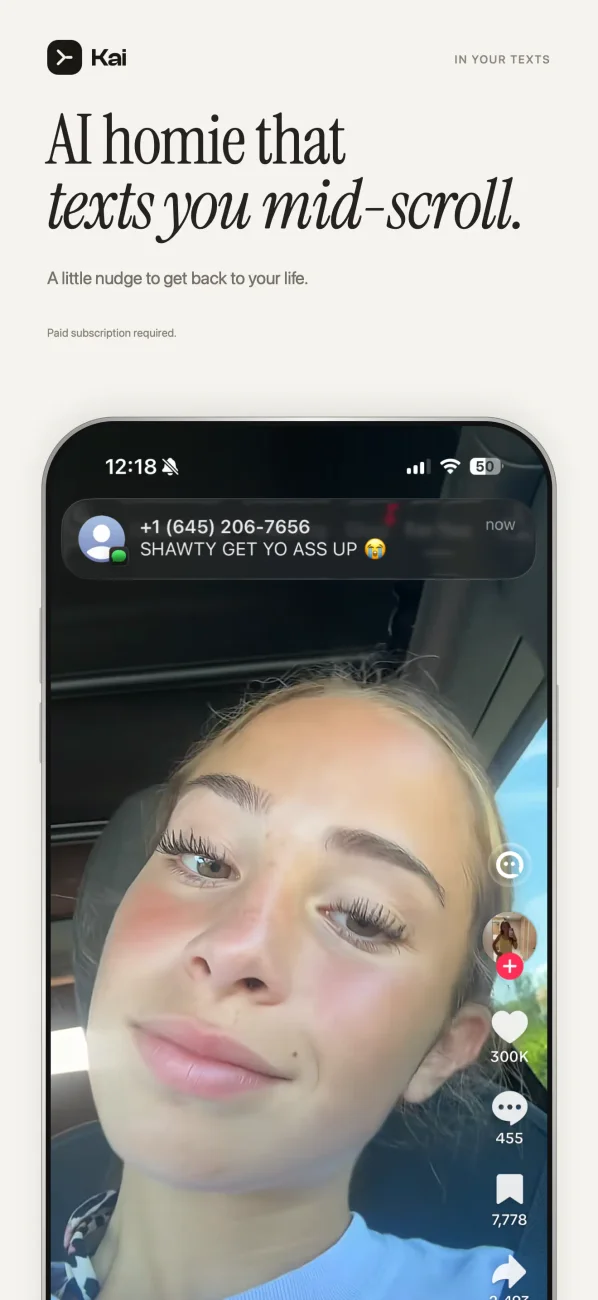
Meet Kai, the AI friend who texts you mid-scroll.
You meant to check one thing. Now you've been scrolling for an hour. Kai helps you catch that moment and get back to what you wanted to do—with humor, a little teasing, and accountability that feels personal.
A personality worth replying to
Kai lives in iMessage. Expect short conversations, quick wit, and a nudge about the things you said mattered. Tell him what you're working toward, whether it's studying, finishing a project, or getting to bed.
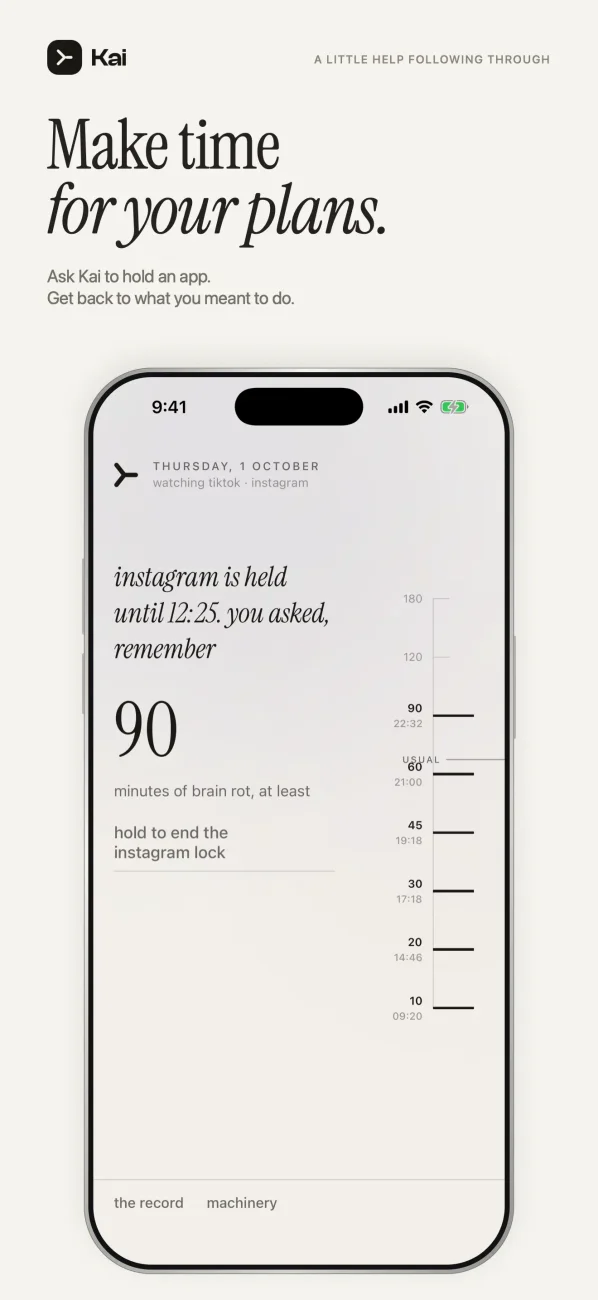
Text first. Block when needed.
When you've agreed on a focus plan, Kai can temporarily block a selected app if you keep scrolling past his check-ins. You can also ask for a lock when you need help getting started, or end one in the app.
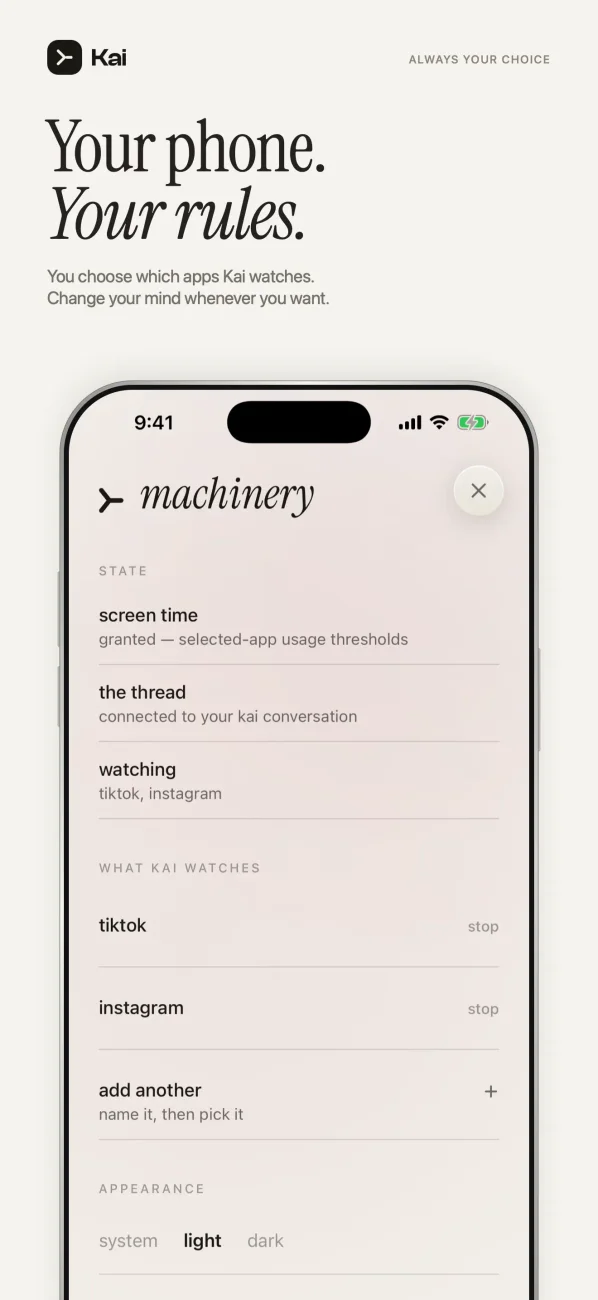
Your phone. Your rules.
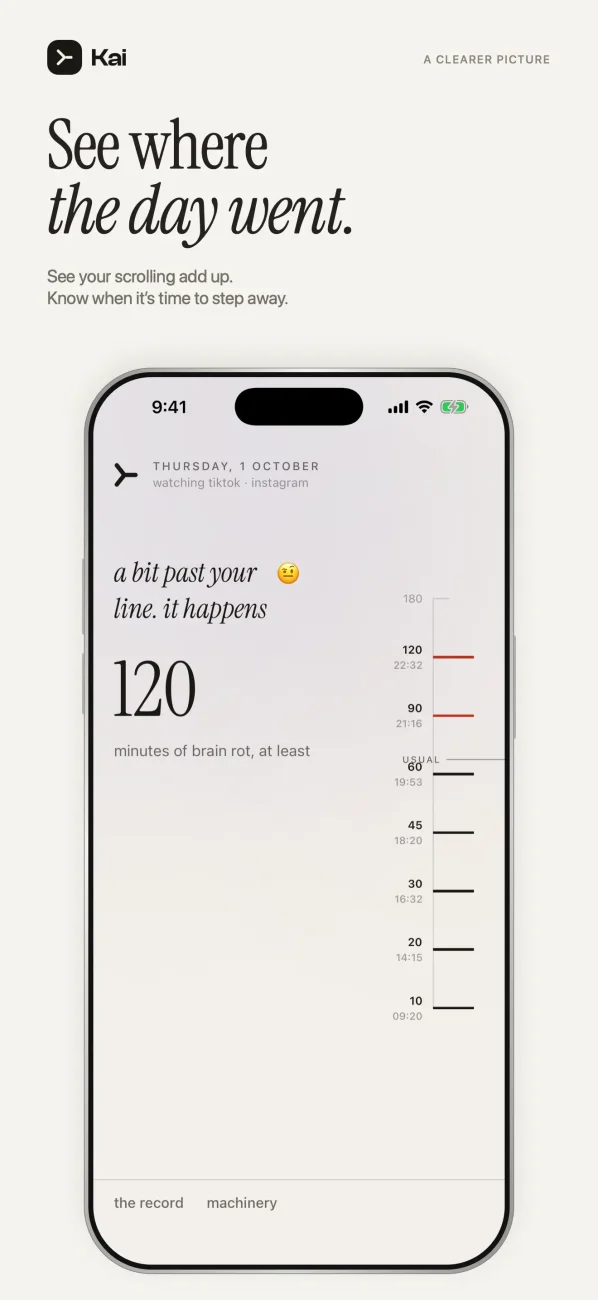
Choose which apps Kai watches with Apple's Screen Time permission. Change your selection whenever you want. See your screen-time milestones in the app and manage your connection, permissions, and locks in one place.
How your data is used
Kai receives the messages you send to Kai—not your other conversations or content you view or type in other apps. With your permission, OpenAI processes your messages, relevant history, shared details and selected app usage-threshold data to generate replies and check-ins. SendBlue delivers your messages. You can decline or withdraw AI sharing in Machinery > ai privacy. Delete your active Kai account data in the app or by texting "delete everything" and confirming; retention exceptions are explained in the Privacy Policy.
Getting started
1. Install Kai and tap "text kai" to start a conversation in iMessage.
2. Enter the code Kai sends you and subscribe through Apple.
3. Allow Screen Time access and choose the apps you want help with.
Born in a Stanford dorm. Built for life outside your feed.
Subscription
A paid monthly subscription is required for app blocking and ongoing accountability. The price is shown before you purchase. Payment is charged to your Apple Account. Your subscription renews automatically unless canceled at least 24 hours before the current period ends. Manage or cancel it in your App Store account settings.
Terms of Use: https://kai-production-cba6.up.railway.app/terms
Privacy Policy: https://kai-production-cba6.up.railway.app/privacy
Uygulama gizliliği
Bu uygulamanın verileri nasıl işlediği hakkında ALEKSEY STEFANOV RUSENOV tarafından App Store üzerinde yapılan beyan.
-
Sizinle ilişkilendirilen veriler
Toplanabilir ve kimliğinizle ilişkilendirilebilir.
- Satın alımlar
- İletişim bilgileri
- Kullanıcı içeriği
- Tanımlayıcılar
- Kullanım verileri
- Diğer veriler
Gizlilik uygulamaları, örneğin kullandığınız özelliklere veya yaşınıza göre değişiklik gösterebilir.
Bilgiler
- Satıcı
- ALEKSEY STEFANOV RUSENOV
- Kategori
- Sağlık ve Fitness
- Sürüm
- 1.0
- Güncellendi
- 30.09.2026
- Yayın tarihi
- 29.09.2026
- Boyut
- 3,1 MB
- Gereksinim
- iOS 18.0 veya sonrası
- Yaş sınırı
- 12+
- Fiyat
- Ücretsiz
- Uygulama içi satın alma
- Evet
- Diller
- İngilizce
- Telif hakkı
- © 2026 Kai
Bunları da beğenebilirsiniz
-
 OnoeraSağlık ve Fitness
-
 AgeMaster AISağlık ve Fitness
-
 Force Fitness TGSağlık ve Fitness
-
 Yoked - AI Fitness CoachSağlık ve Fitness
-
 SureGoSağlık ve Fitness
-
 Nourimi: Cycle NutritionSağlık ve Fitness
-
 Elite Rugby AppSağlık ve Fitness
-
 Enerjize | Your Fitness PassSağlık ve Fitness
-
 Victory CampSağlık ve Fitness
-
 Sukun StudiosSağlık ve Fitness