
- Altersfreigabe4+
- KategorieFoto und Video
- EntwicklerSpmaker
- SprachenEnglisch+ 1 weitere
- Größe1,5 MB
Verlinkt auf die offizielle App Store-Seite
Download.org hostet keine Datei von Liftframe. Die Schaltfläche öffnet die App-Seite bei App Store, wo Spmaker die App veröffentlicht. Eintrag zuletzt geprüft am 12.11.2026.
Screenshots

Info
Der Entwickler hat diesen Text nicht in Ihrer Sprache bereitgestellt.
Liftframe — Subject Lift & Background Composer
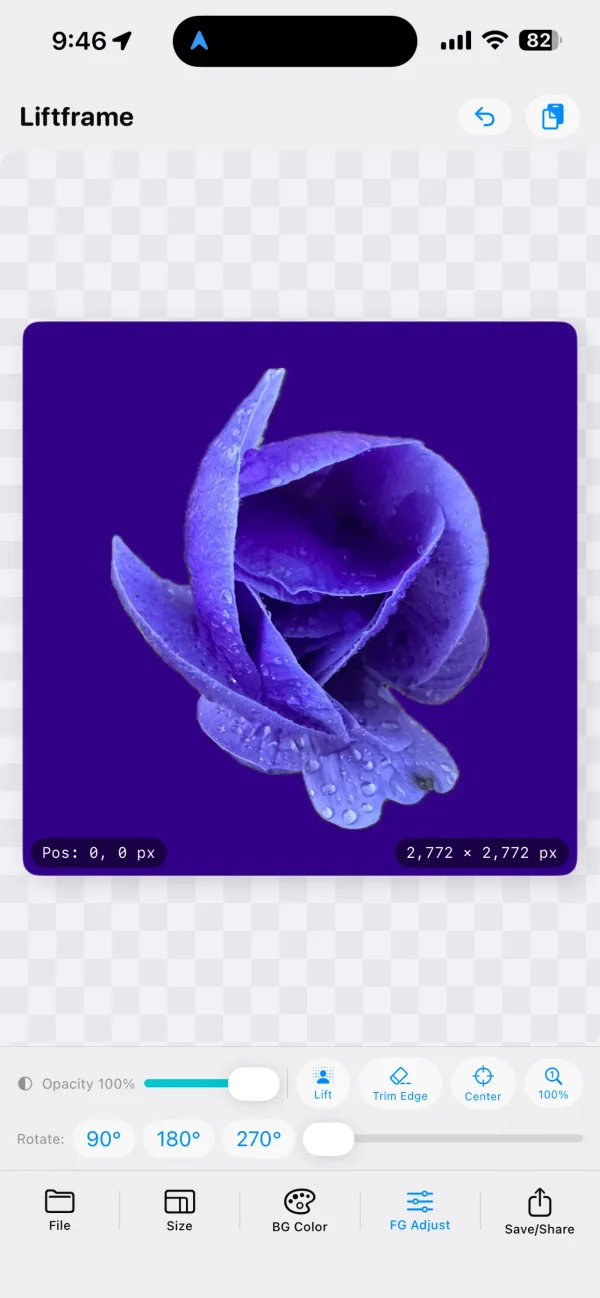
Transform any photo into a stunning composite with just a few taps. Liftframe lets you lift subjects from photos and place them on any background — solid colors, your own photos, or custom canvases.
● What makes Liftframe special
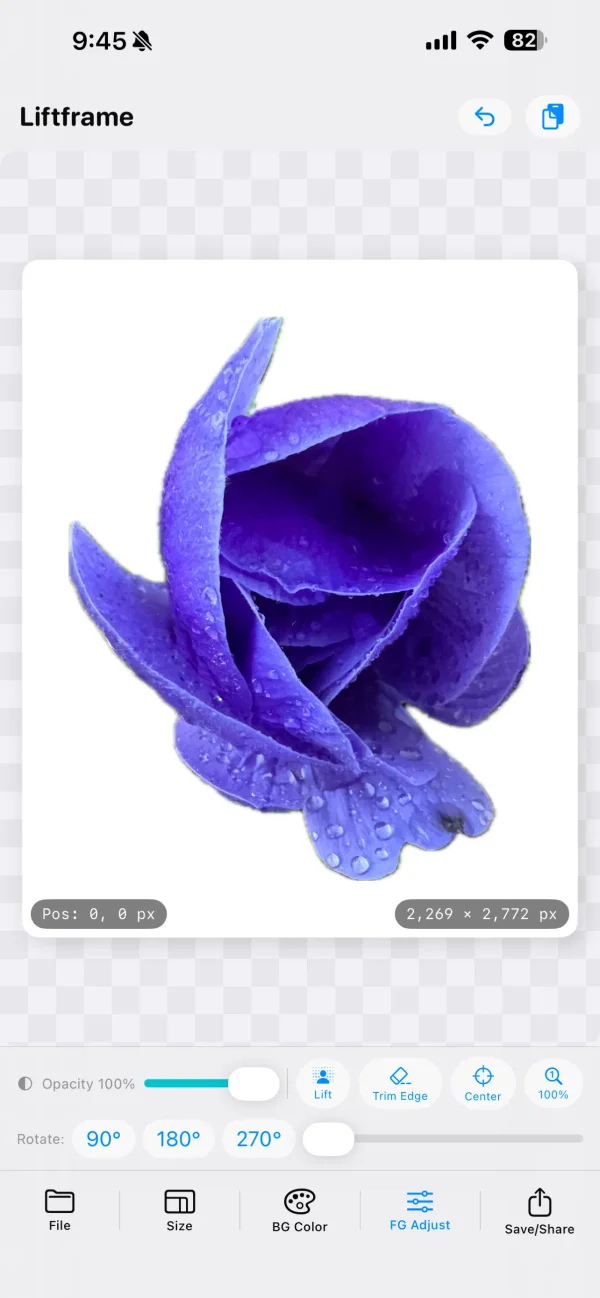
Powered by iOS's built-in subject-lift technology, Liftframe seamlessly extracts people, pets, objects, and more from any photo. No masking tools. No complicated selections. Just long-press the subject and it's done.
● Key Features
• Subject Lift (iOS 17+): Long-press any subject on your foreground image and iOS automatically extracts it with a clean, natural edge.
• Edge Trim: Smooth away fringe pixels left behind after extraction. Fine-tune the trim amount with a dedicated slider.
• Flexible Backgrounds: Use any solid color (with palette, custom picker, or eyedropper), or load a photo from your album.
• Eyedropper: Sample any color from your foreground or background image and apply it as the background color instantly.
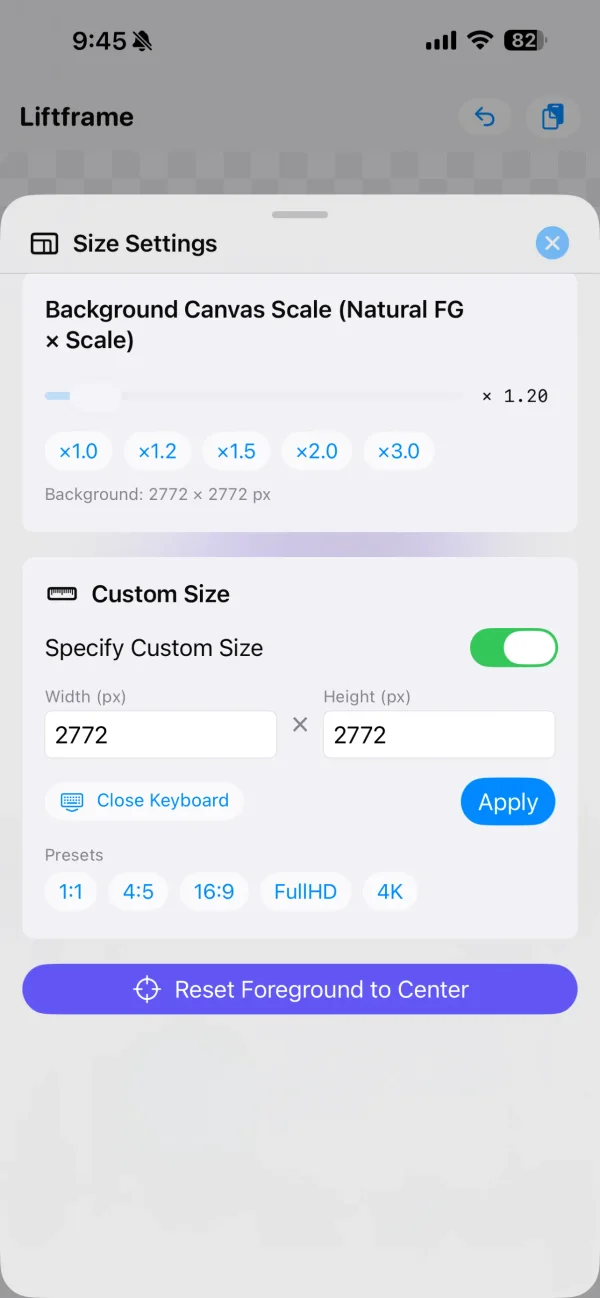
• Canvas Sizing: Scale the canvas as a ratio of the foreground's natural size, or set exact pixel dimensions. Presets for Instagram, X (Twitter), and more.
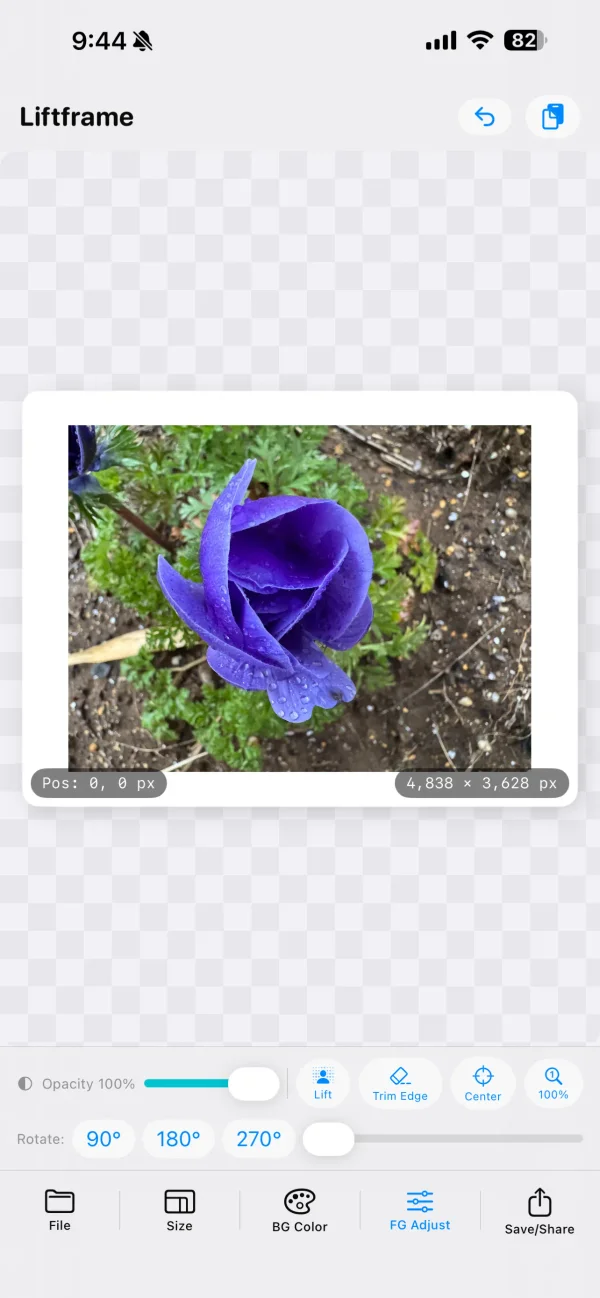
• Foreground Adjustments: Move (drag), resize (pinch), rotate (90° presets or free slider), and control opacity.
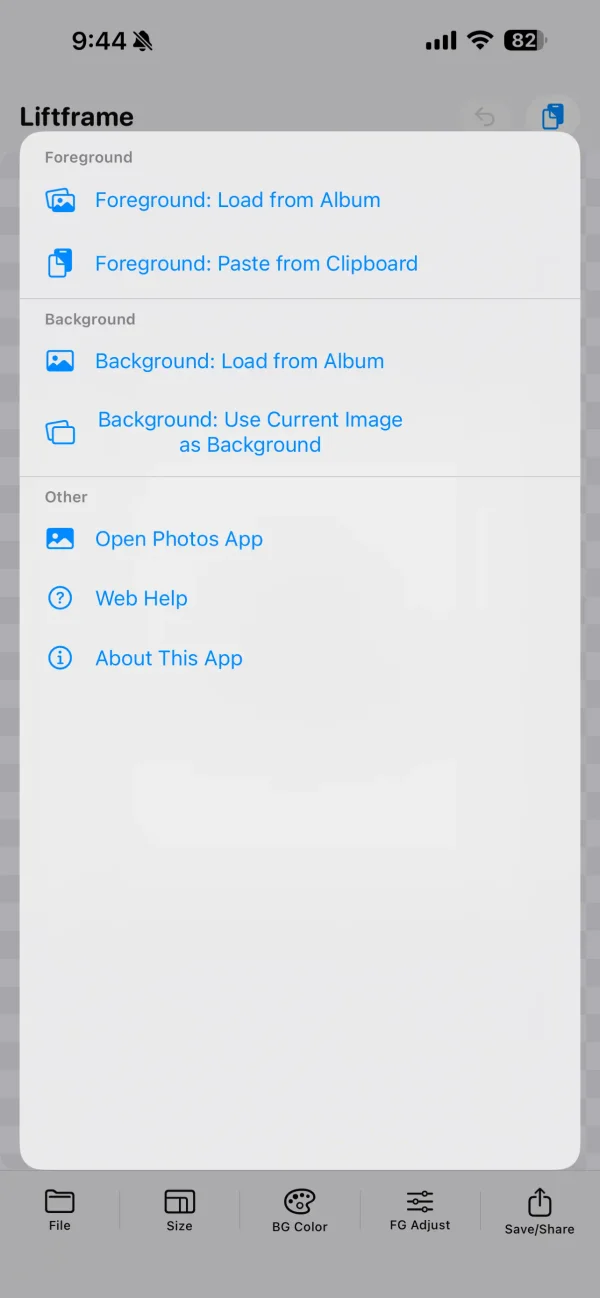
• Layer & Composite: Use "Set Current Image as Background" to flatten your composite and keep adding more subjects on top — perfect for collages.
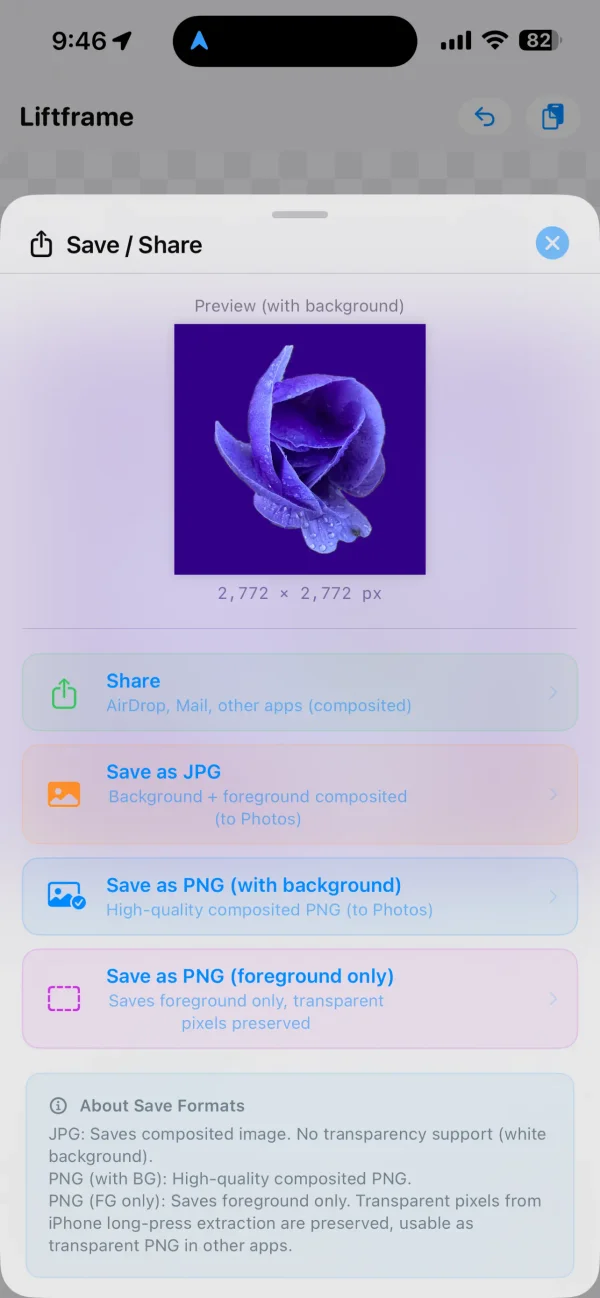
• Multiple Export Formats: Save as JPG (composited), PNG with background, or transparent PNG (foreground only). Share via AirDrop, Mail, and more.
• Undo: Up to 20 steps of undo history — experiment freely without worry.
• Clipboard Support: Paste images directly from other apps.
● How to use
1. Open the File menu and load a foreground image from your album, or paste from the clipboard.
2. In iOS Photos, long-press a subject to copy it, then paste it into Liftframe for an instant cut-out.
3. Set your background color or photo.
4. Position, resize, and rotate the subject to taste.
5. Save as JPG or PNG, or share via AirDrop.
App-Datenschutz
Was Spmaker im App Store zum Umgang dieser App mit Daten angibt.
-
Keine Daten erfasst
Der Entwickler erfasst keine Daten von dieser App.
Die Datenschutzpraktiken können variieren, zum Beispiel je nach den von Ihnen verwendeten Funktionen oder Ihrem Alter.
Informationen
- Anbieter
- MASUJI SUTO
- Kategorie
- Foto und Video
- Version
- 1.0
- Aktualisiert
- 31.03.2026
- Veröffentlicht
- 31.03.2026
- Größe
- 1,5 MB
- Erfordert
- iOS 17.0 oder neuer
- Altersfreigabe
- 4+
- Preis
- Kostenlos
- Sprachen
- Englisch, Japanisch
- Copyright
- © Muttyan 2026
Das könnte Ihnen auch gefallen
-
 ZipPix3DFoto und Video
-
 SceneFuseFoto und Video
-
 MS3D ChaChaFoto und Video
-
 Anaglyph ConverterFoto und Video
-
 MPO ViewerFoto und Video
-
 SkateCam3DFoto und Video
-
 Cutout - Subject CutoutFoto und Video
-
 7rats: No Crop Photo BorderFit Any Shot, Square & 4:5
-
 Spatialapse CameraFoto und Video
-
 PhotoTrail: Photo Travel DiaryFoto und Video