
- Classification d’âge4+
- CatégoriePhoto et vidéo
- DéveloppeurSpmaker
- LanguesAnglais+ 1 de plus
- Taille1,5 Mo
Renvoie vers la page App Store officielle
Download.org n’héberge aucun fichier de Liftframe. Le bouton ouvre la page de l’application sur App Store, où Spmaker la publie. Fiche vérifiée pour la dernière fois le 12/11/2026.
Captures d’écran

À propos
Le développeur n’a pas fourni ce texte dans votre langue.
Liftframe — Subject Lift & Background Composer
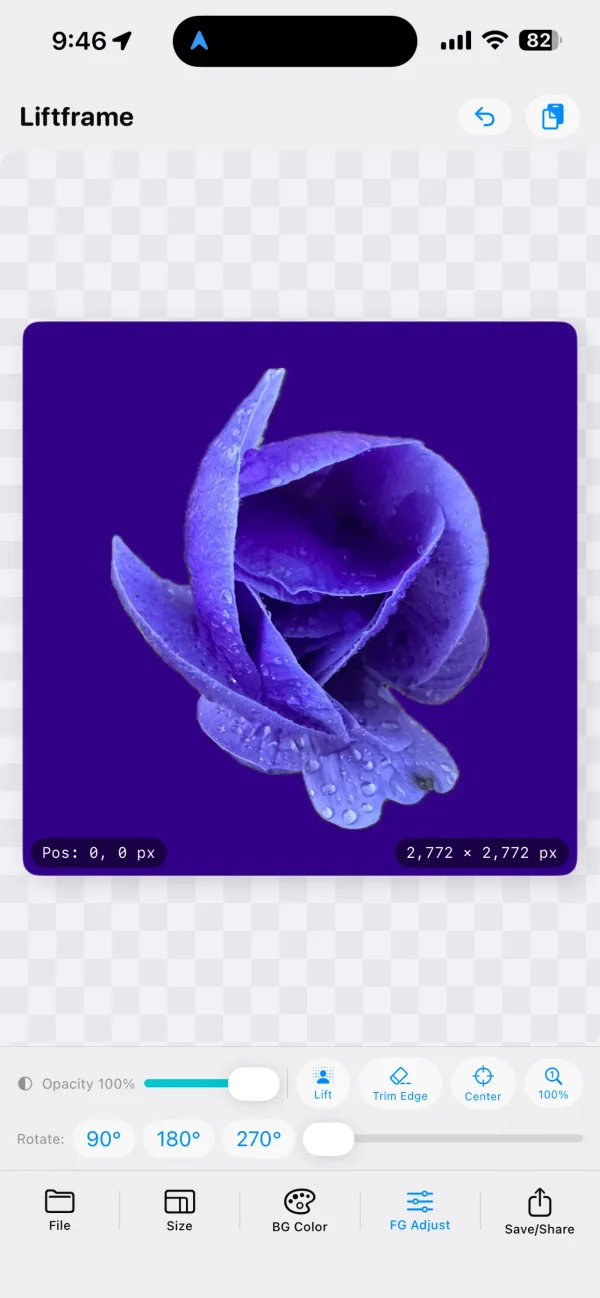
Transform any photo into a stunning composite with just a few taps. Liftframe lets you lift subjects from photos and place them on any background — solid colors, your own photos, or custom canvases.
● What makes Liftframe special
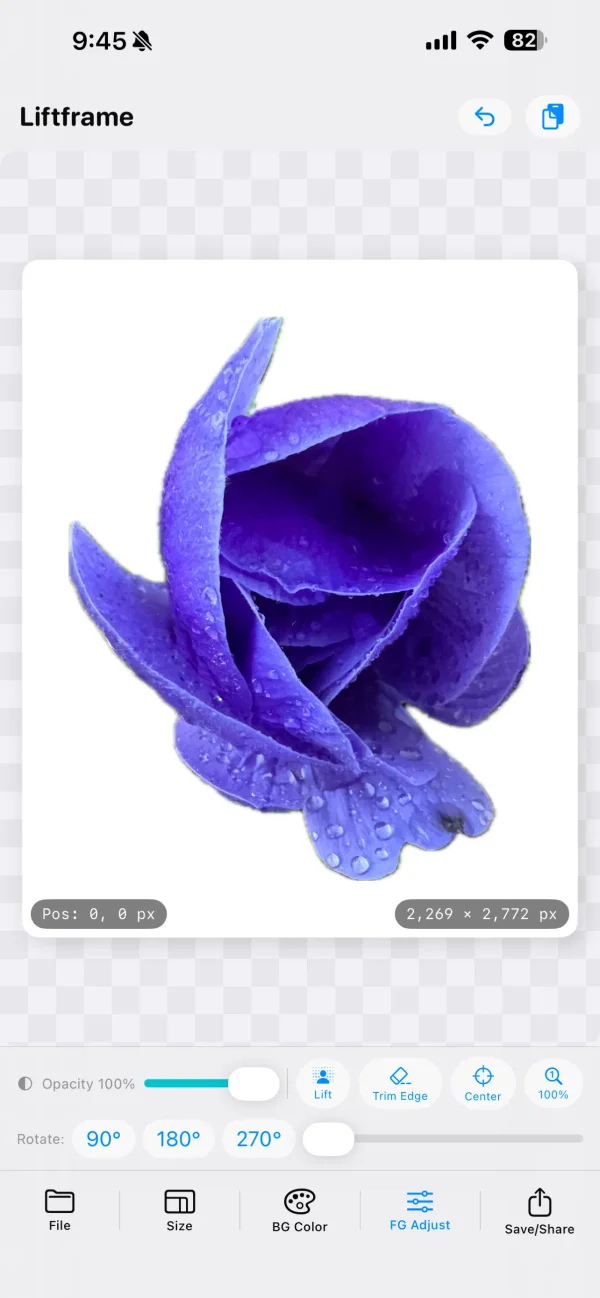
Powered by iOS's built-in subject-lift technology, Liftframe seamlessly extracts people, pets, objects, and more from any photo. No masking tools. No complicated selections. Just long-press the subject and it's done.
● Key Features
• Subject Lift (iOS 17+): Long-press any subject on your foreground image and iOS automatically extracts it with a clean, natural edge.
• Edge Trim: Smooth away fringe pixels left behind after extraction. Fine-tune the trim amount with a dedicated slider.
• Flexible Backgrounds: Use any solid color (with palette, custom picker, or eyedropper), or load a photo from your album.
• Eyedropper: Sample any color from your foreground or background image and apply it as the background color instantly.
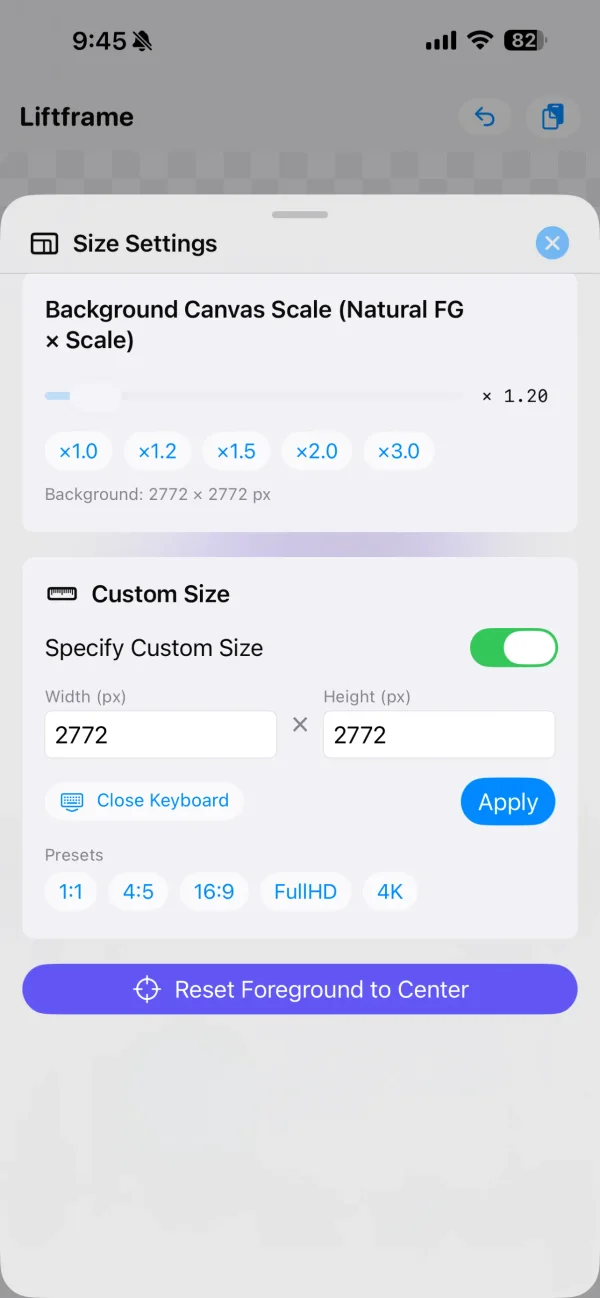
• Canvas Sizing: Scale the canvas as a ratio of the foreground's natural size, or set exact pixel dimensions. Presets for Instagram, X (Twitter), and more.
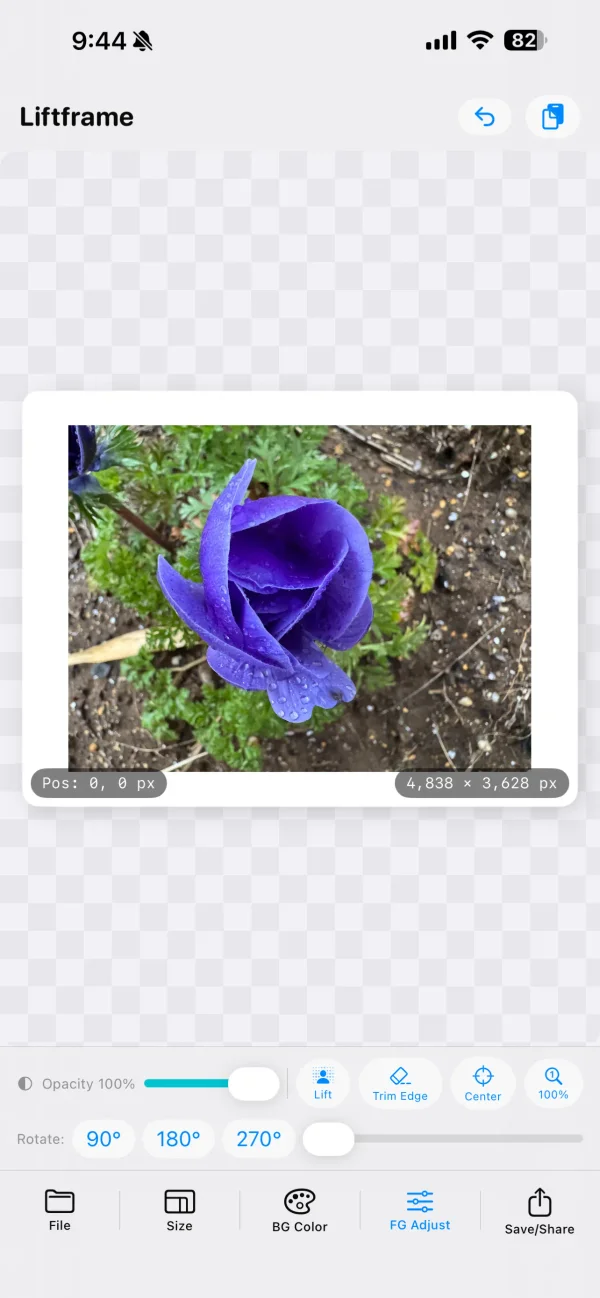
• Foreground Adjustments: Move (drag), resize (pinch), rotate (90° presets or free slider), and control opacity.
• Layer & Composite: Use "Set Current Image as Background" to flatten your composite and keep adding more subjects on top — perfect for collages.
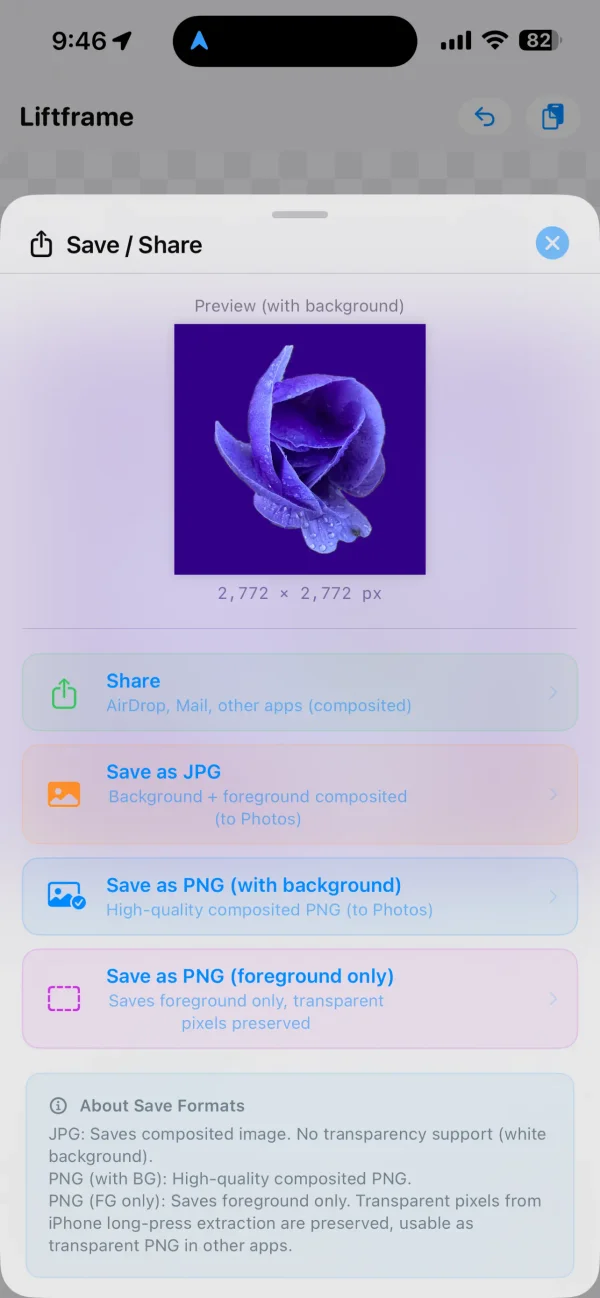
• Multiple Export Formats: Save as JPG (composited), PNG with background, or transparent PNG (foreground only). Share via AirDrop, Mail, and more.
• Undo: Up to 20 steps of undo history — experiment freely without worry.
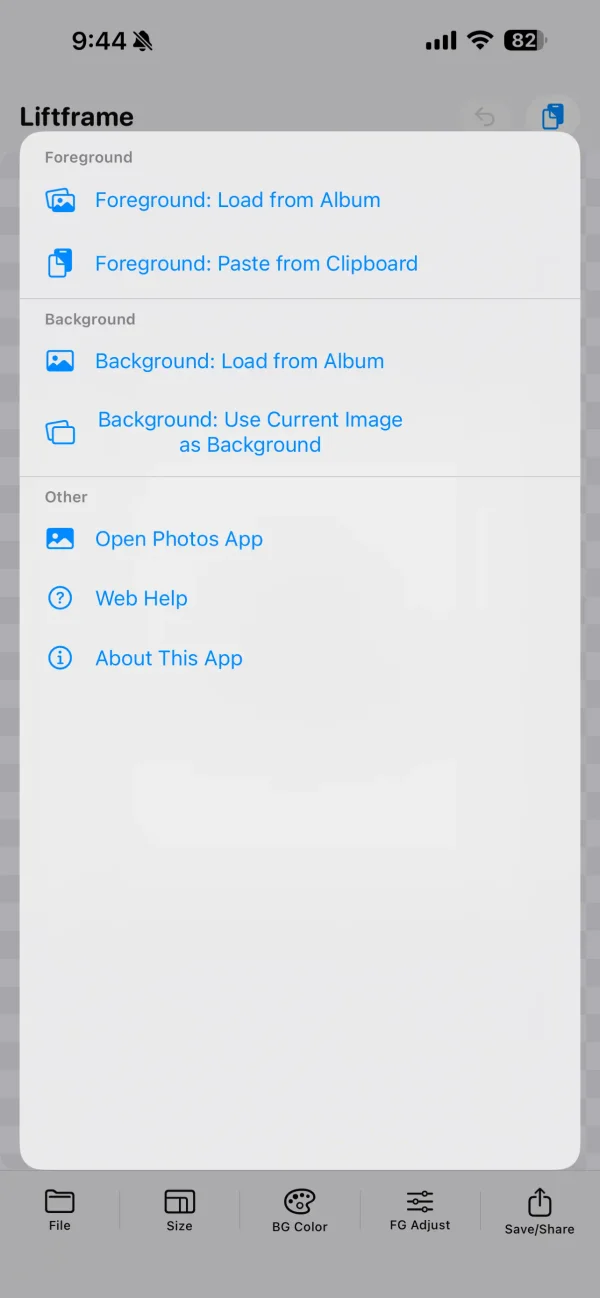
• Clipboard Support: Paste images directly from other apps.
● How to use
1. Open the File menu and load a foreground image from your album, or paste from the clipboard.
2. In iOS Photos, long-press a subject to copy it, then paste it into Liftframe for an instant cut-out.
3. Set your background color or photo.
4. Position, resize, and rotate the subject to taste.
5. Save as JPG or PNG, or share via AirDrop.
Confidentialité de l’application
Ce que Spmaker déclare sur l’App Store au sujet du traitement des données par cette application.
-
Données non collectées
Le développeur ne collecte aucune donnée à partir de cette application.
Les pratiques en matière de confidentialité peuvent varier, notamment en fonction des fonctionnalités que vous utilisez ou de votre âge.
Informations
- Vendeur
- MASUJI SUTO
- Catégorie
- Photo et vidéo
- Version
- 1.0
- Mis à jour
- 31/03/2026
- Publié
- 31/03/2026
- Taille
- 1,5 Mo
- Nécessite
- iOS 17.0 ou version ultérieure
- Classification d’âge
- 4+
- Prix
- Gratuit
- Langues
- Anglais, Japonais
- Copyright
- © Muttyan 2026
Vous aimerez peut-être aussi
-
 ZipPix3DPhoto et vidéo
-
 SceneFusePhoto et vidéo
-
 MS3D ChaChaPhoto et vidéo
-
 Anaglyph ConverterPhoto et vidéo
-
 MPO ViewerPhoto et vidéo
-
 SkateCam3DPhoto et vidéo
-
 Cutout - Subject CutoutPhoto et vidéo
-
 7rats: No Crop Photo BorderFit Any Shot, Square & 4:5
-
 Spatialapse CameraPhoto et vidéo
-
 PhotoTrail: Photo Travel DiaryPhoto et vidéo