- Batasan usia4+
- KategoriFoto & Video
- PengembangSpmaker
- BahasaInggris+ 1 lainnya
- Ukuran1,5 MB
Tertaut ke halaman resmi App Store
Download.org tidak menyimpan file Liftframe apa pun. Tombol ini membuka halaman aplikasi di App Store, tempat Spmaker menerbitkannya. Halaman terakhir diperiksa pada 12/11/2026.
Tangkapan layar

Tentang
Pengembang belum menyediakan teks ini dalam bahasa Anda.
Liftframe — Subject Lift & Background Composer
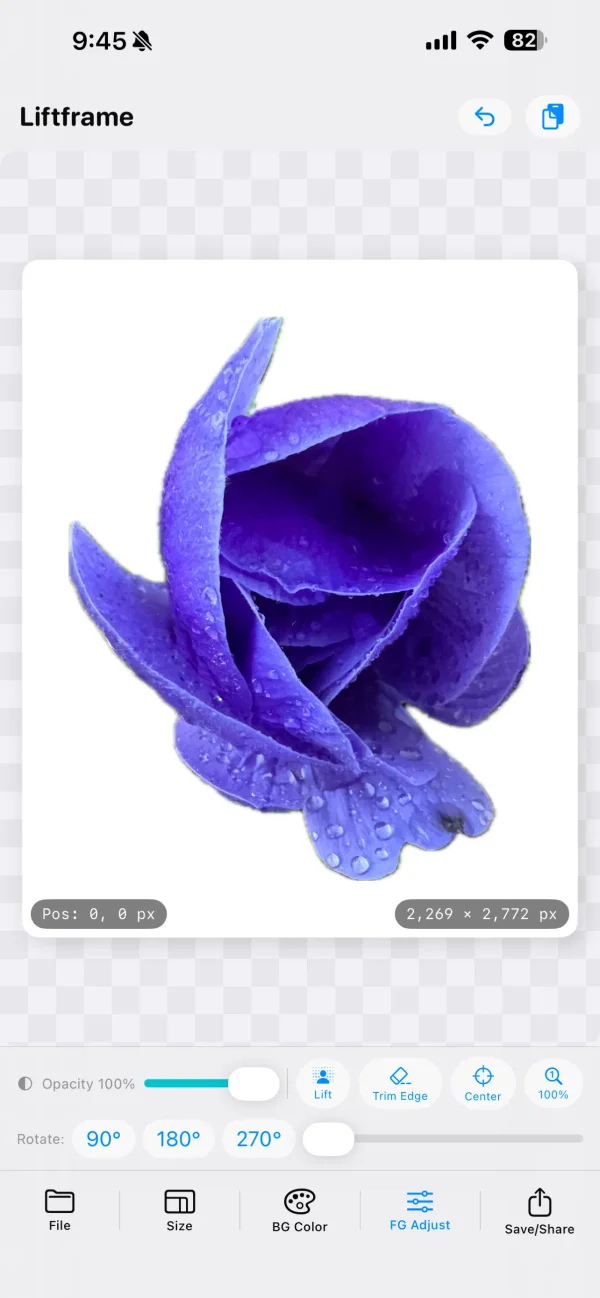
Transform any photo into a stunning composite with just a few taps. Liftframe lets you lift subjects from photos and place them on any background — solid colors, your own photos, or custom canvases.
● What makes Liftframe special
Powered by iOS's built-in subject-lift technology, Liftframe seamlessly extracts people, pets, objects, and more from any photo. No masking tools. No complicated selections. Just long-press the subject and it's done.
● Key Features
• Subject Lift (iOS 17+): Long-press any subject on your foreground image and iOS automatically extracts it with a clean, natural edge.
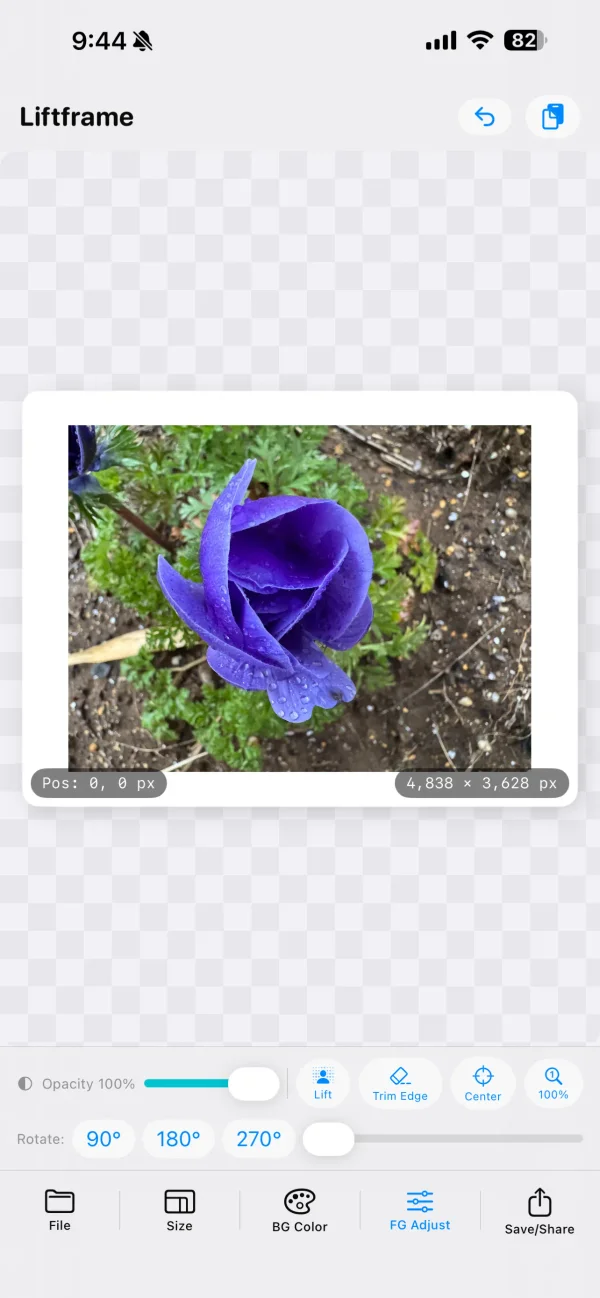
• Edge Trim: Smooth away fringe pixels left behind after extraction. Fine-tune the trim amount with a dedicated slider.
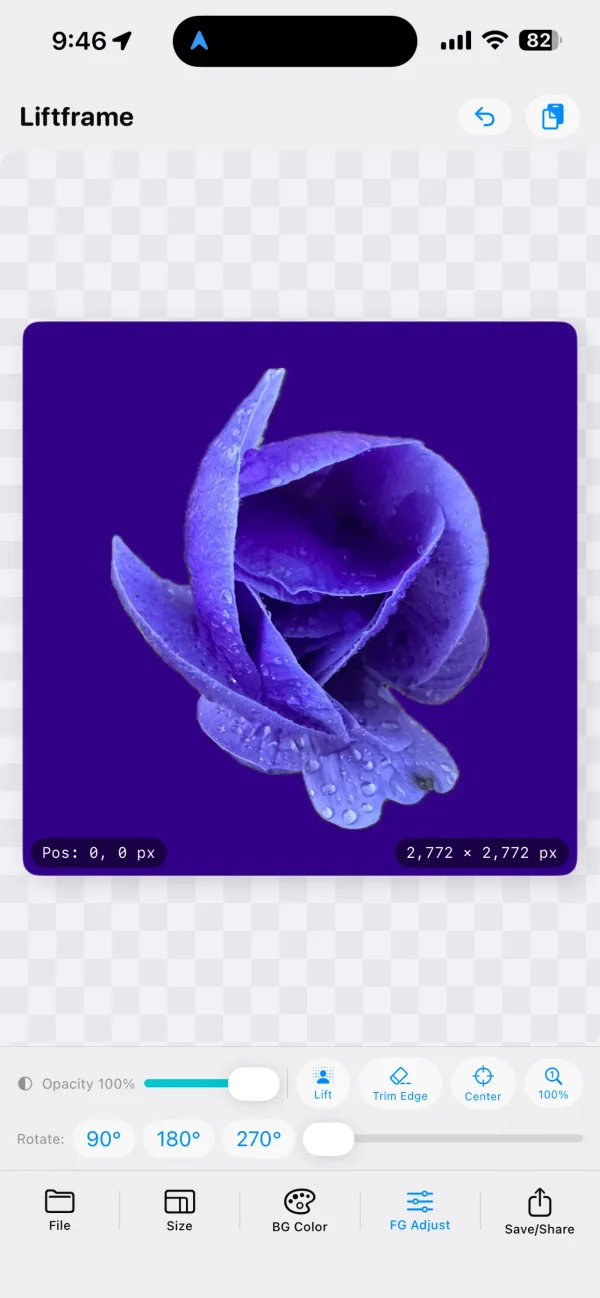
• Flexible Backgrounds: Use any solid color (with palette, custom picker, or eyedropper), or load a photo from your album.
• Eyedropper: Sample any color from your foreground or background image and apply it as the background color instantly.
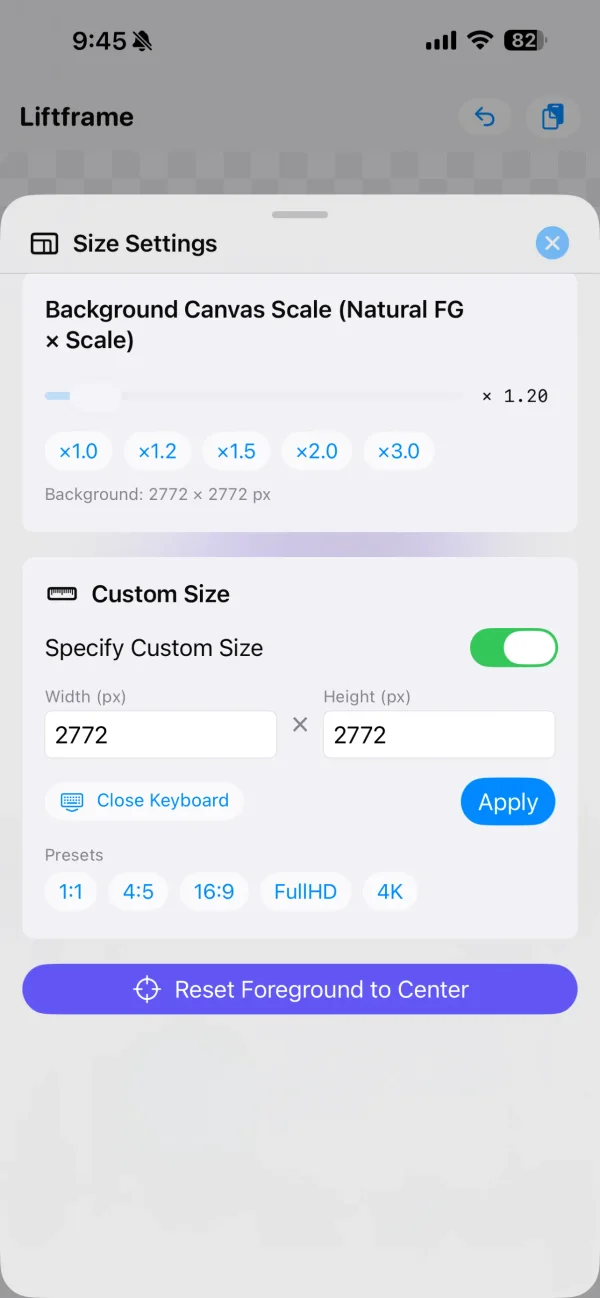
• Canvas Sizing: Scale the canvas as a ratio of the foreground's natural size, or set exact pixel dimensions. Presets for Instagram, X (Twitter), and more.
• Foreground Adjustments: Move (drag), resize (pinch), rotate (90° presets or free slider), and control opacity.
• Layer & Composite: Use "Set Current Image as Background" to flatten your composite and keep adding more subjects on top — perfect for collages.
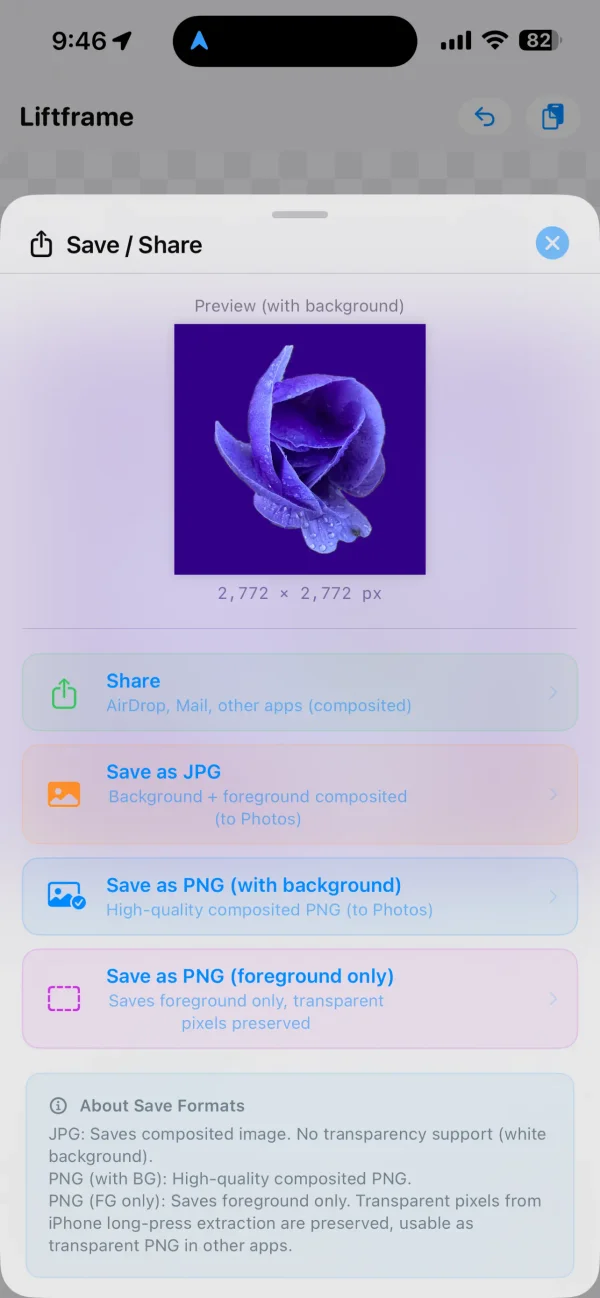
• Multiple Export Formats: Save as JPG (composited), PNG with background, or transparent PNG (foreground only). Share via AirDrop, Mail, and more.
• Undo: Up to 20 steps of undo history — experiment freely without worry.
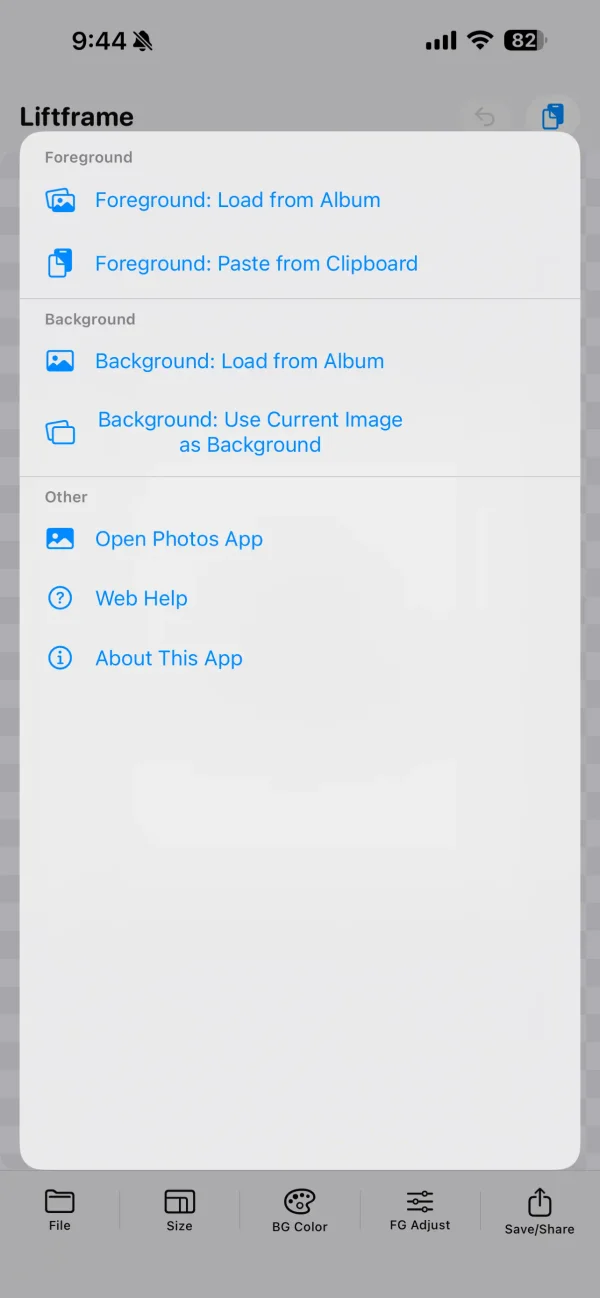
• Clipboard Support: Paste images directly from other apps.
● How to use
1. Open the File menu and load a foreground image from your album, or paste from the clipboard.
2. In iOS Photos, long-press a subject to copy it, then paste it into Liftframe for an instant cut-out.
3. Set your background color or photo.
4. Position, resize, and rotate the subject to taste.
5. Save as JPG or PNG, or share via AirDrop.
Privasi aplikasi
Yang dinyatakan Spmaker di App Store tentang cara aplikasi ini menangani data.
-
Data tidak dikumpulkan
Pengembang tidak mengumpulkan data apa pun dari aplikasi ini.
Praktik privasi dapat bervariasi, misalnya berdasarkan fitur yang Anda gunakan atau usia Anda.
Informasi
- Penjual
- MASUJI SUTO
- Kategori
- Foto & Video
- Versi
- 1.0
- Diperbarui
- 31/3/2026
- Dirilis
- 31/3/2026
- Ukuran
- 1,5 MB
- Memerlukan
- iOS 17.0 atau yang lebih baru
- Batasan usia
- 4+
- Harga
- Gratis
- Bahasa
- Inggris, Jepang
- Hak cipta
- © Muttyan 2026