
Limora: Screen Time Control
Focus & App Blocker
Entwickelt für iPhone
Kostenlos · In-App-Käufe
- Altersfreigabe4+
- KategorieProduktivität
- EntwicklerPinjal Maniya
- SprachenEnglisch
- Größe73,6 MB
Verlinkt auf die offizielle App Store-Seite
Download.org hostet keine Datei von Limora: Screen Time Control. Die Schaltfläche öffnet die App-Seite bei App Store, wo Pinjal Maniya die App veröffentlicht. Eintrag zuletzt geprüft am 18.11.2026.
Screenshots
Info
Der Entwickler hat diesen Text nicht in Ihrer Sprache bereitgestellt.
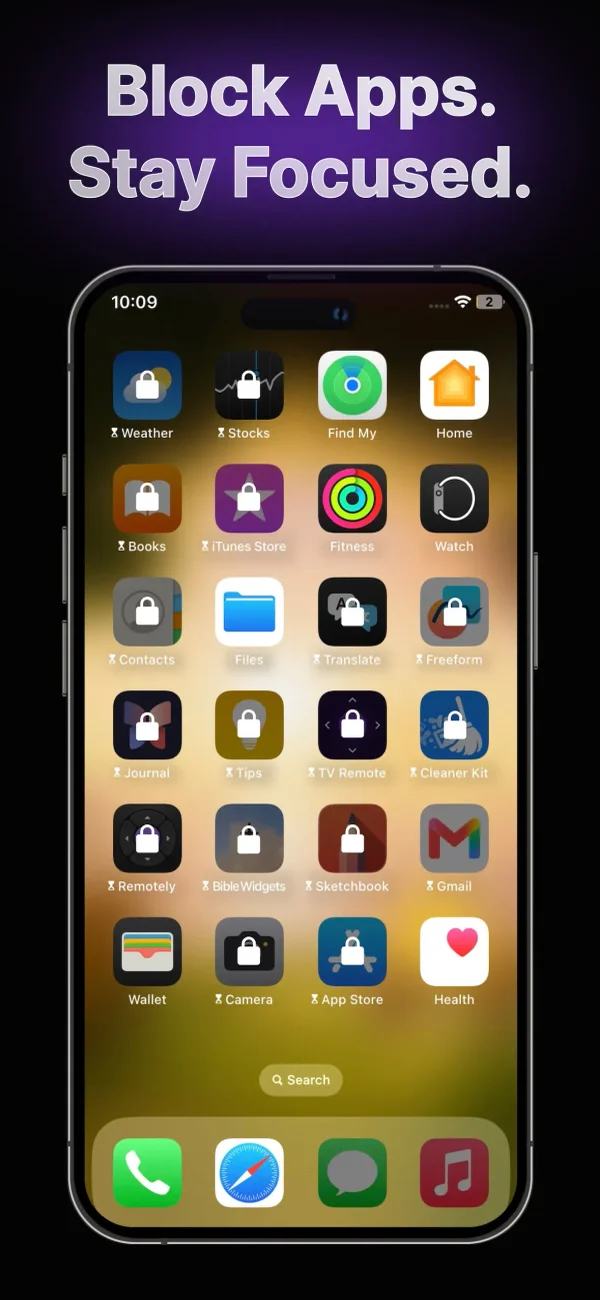
Limora: Screen Time Control helps you take control of your digital habits by limiting distracting apps and websites, setting focused schedules, and building healthier screen time routines.
Whether you want to stay focused at work, reduce social media usage, or create distraction-free study time, Limora gives you flexible tools to manage when and how you use your device.
Take Control of Your Screen Time
▶ Block Apps & Websites
Choose the apps and websites you want to limit or block. Reduce distractions from social media, games, entertainment, messaging, news, and more.
▶ Strict Blocking Mode
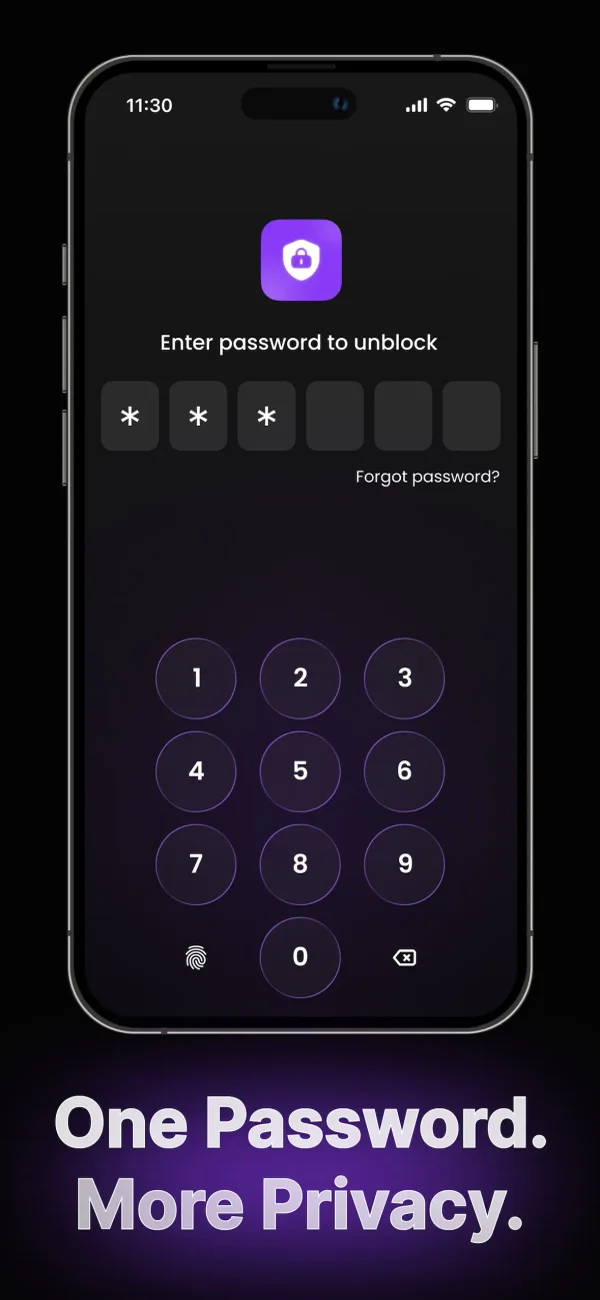
Make your limits harder to bypass with powerful blocking options. Use a passcode controls before allowing an unblock.
▶ Block for a Specific Duration
Need uninterrupted focus? Block selected apps or websites for a set period, such as 30 minutes, 1 hour, or longer.
▶ Create Time-Based Schedules
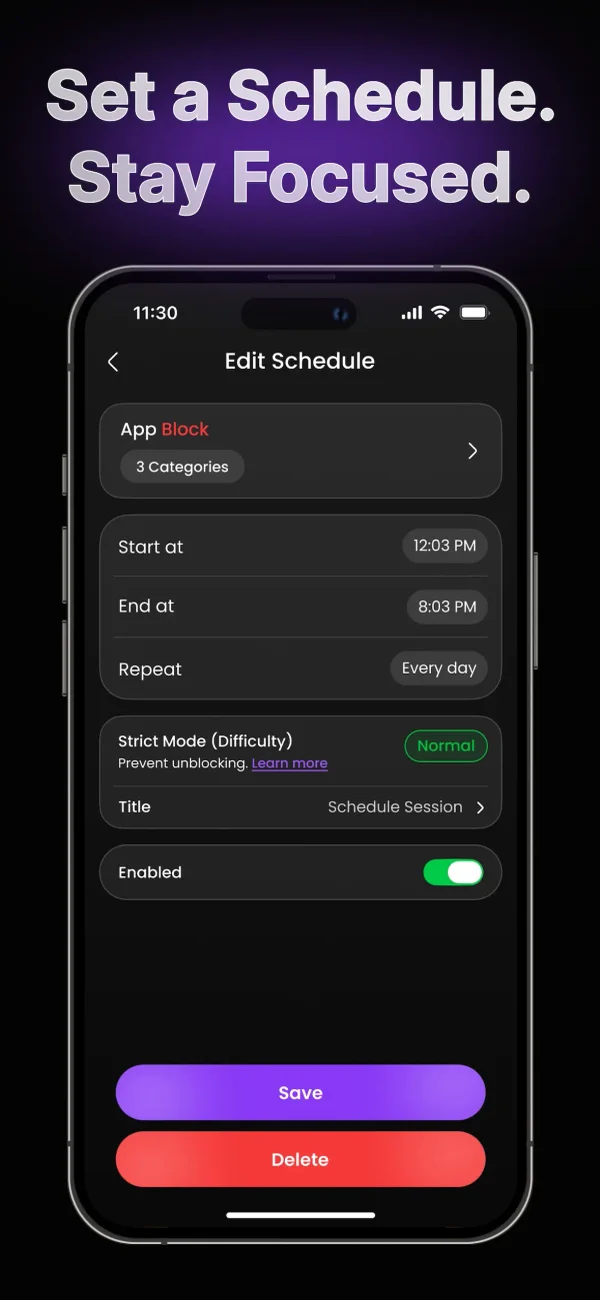
Automatically block distractions during the times that matter most. For example, create a weekday schedule from 9:00 AM to 5:00 PM for work or study.
▶ Set App Usage Limits
Choose how long you can use selected apps each day. Once your limit is reached, Limora can restrict access to help you stay within your goal.
▶ Track Your Screen Time
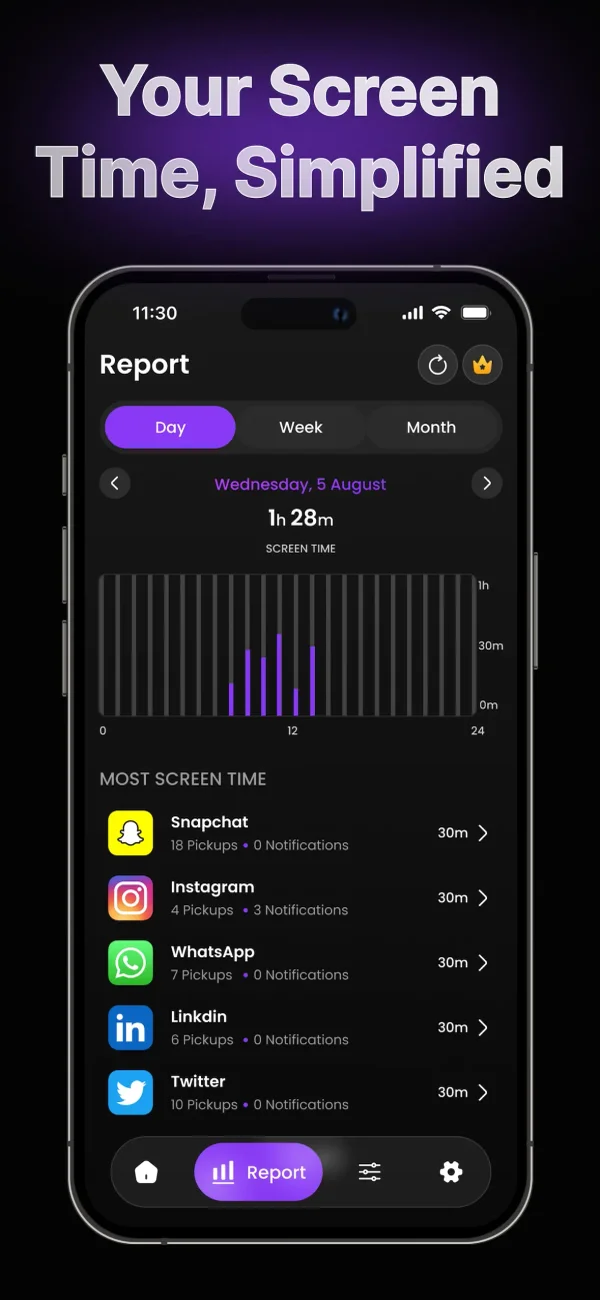
Understand your digital habits with daily, weekly, and monthly screen time insights. See how your usage changes over time and stay accountable to your goals.
Build Better Digital Habits
Limora is designed to give you control without making screen time management complicated. Create your own rules, choose what to block, set your schedule, and focus on what matters.
Use Limora to:
• Reduce social media distractions
• Stay focused while studying or working
• Limit gaming and entertainment
• Create distraction-free routines
• Set healthier app usage limits
• Track your screen time habits
• Build consistent focus sessions
Take back control of your screen time with Limora: Screen Time Control.
Terms of Use:
https://www.apple.com/legal/internet-services/itunes/dev/stdeula/
Privacy Policy:
https://pinjalmaniya.blogspot.com/2026/10/subscription-policy-limora.html
Neue Funktionen
Version 1.0.4 · 22.10.2026
- improved app stability
App-Datenschutz
Was Pinjal Maniya im App Store zum Umgang dieser App mit Daten angibt.
-
Daten, die zum Tracking Ihrer Person verwendet werden
Können verwendet werden, um Sie über Apps und Websites anderer Unternehmen hinweg zu verfolgen.
- Nutzungsdaten
-
Nicht mit Ihnen verknüpfte Daten
Können erfasst werden, sind aber nicht mit Ihrer Identität verknüpft.
- Nutzungsdaten
- Diagnose
Die Datenschutzpraktiken können variieren, zum Beispiel je nach den von Ihnen verwendeten Funktionen oder Ihrem Alter.
Informationen
- Anbieter
- Pinjal Maniya
- Kategorie
- Produktivität
- Version
- 1.0.4
- Aktualisiert
- 22.10.2026
- Veröffentlicht
- 16.07.2026
- Größe
- 73,6 MB
- Erfordert
- iOS 16.0 oder neuer
- Altersfreigabe
- 4+
- Preis
- Kostenlos
- In-App-Käufe
- Ja
- Sprachen
- Englisch
- Copyright
- © Limora
Das könnte Ihnen auch gefallen
-
 WebX: AI Website BuilderProduktivität
-
 Chat Manager: Backup & RestoreProduktivität
-
 TrueU.ai: AI Thinking Partner™Produktivität
-
 Milo Cleaner: Photo CleanupProduktivität
-
 TidyPopProduktivität
-
 PDF View-Picture CreateProduktivität
-
 Handy CleanProduktivität
-
 Avec - Clear your inbox in 60sProduktivität
-
 Gallery Slim: Foto-CleanerDuplikate löschen, Platz frei
-
 Fotli CleanerProduktivität