
Limora: Screen Time Control
Focus & App Blocker
Conçue pour iPhone
Gratuit · Achats intégrés
- Classification d’âge4+
- CatégorieProductivité
- DéveloppeurPinjal Maniya
- LanguesAnglais
- Taille73,6 Mo
Renvoie vers la page App Store officielle
Download.org n’héberge aucun fichier de Limora: Screen Time Control. Le bouton ouvre la page de l’application sur App Store, où Pinjal Maniya la publie. Fiche vérifiée pour la dernière fois le 18/11/2026.
Captures d’écran
À propos
Le développeur n’a pas fourni ce texte dans votre langue.
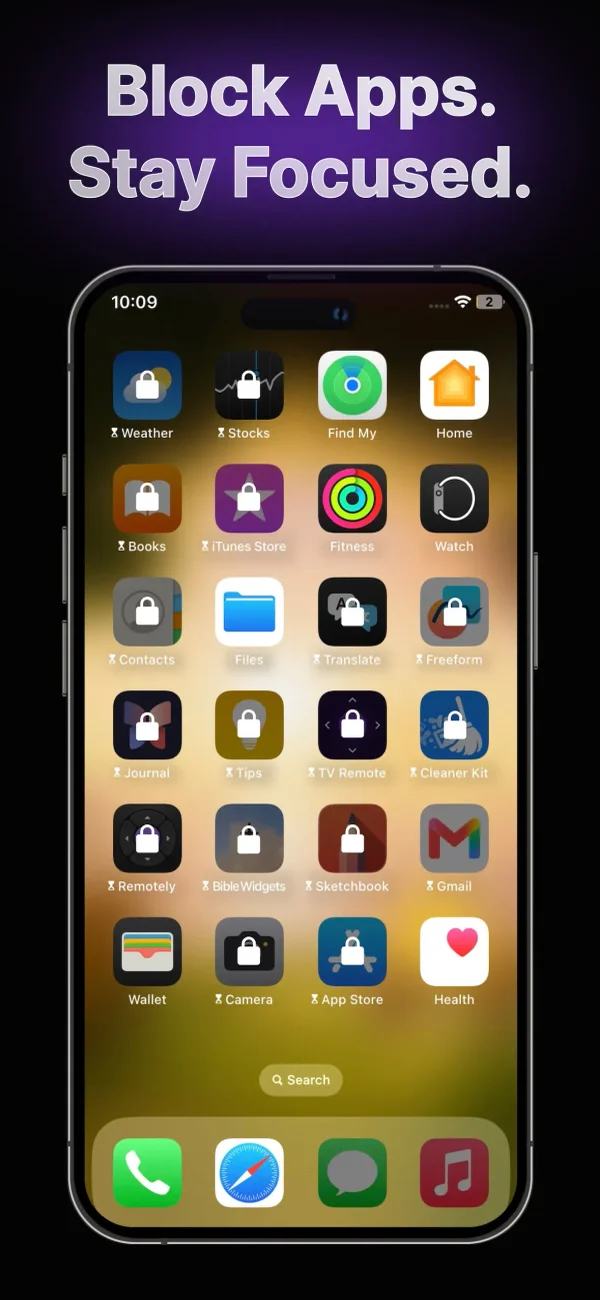
Limora: Screen Time Control helps you take control of your digital habits by limiting distracting apps and websites, setting focused schedules, and building healthier screen time routines.
Whether you want to stay focused at work, reduce social media usage, or create distraction-free study time, Limora gives you flexible tools to manage when and how you use your device.
Take Control of Your Screen Time
▶ Block Apps & Websites
Choose the apps and websites you want to limit or block. Reduce distractions from social media, games, entertainment, messaging, news, and more.
▶ Strict Blocking Mode
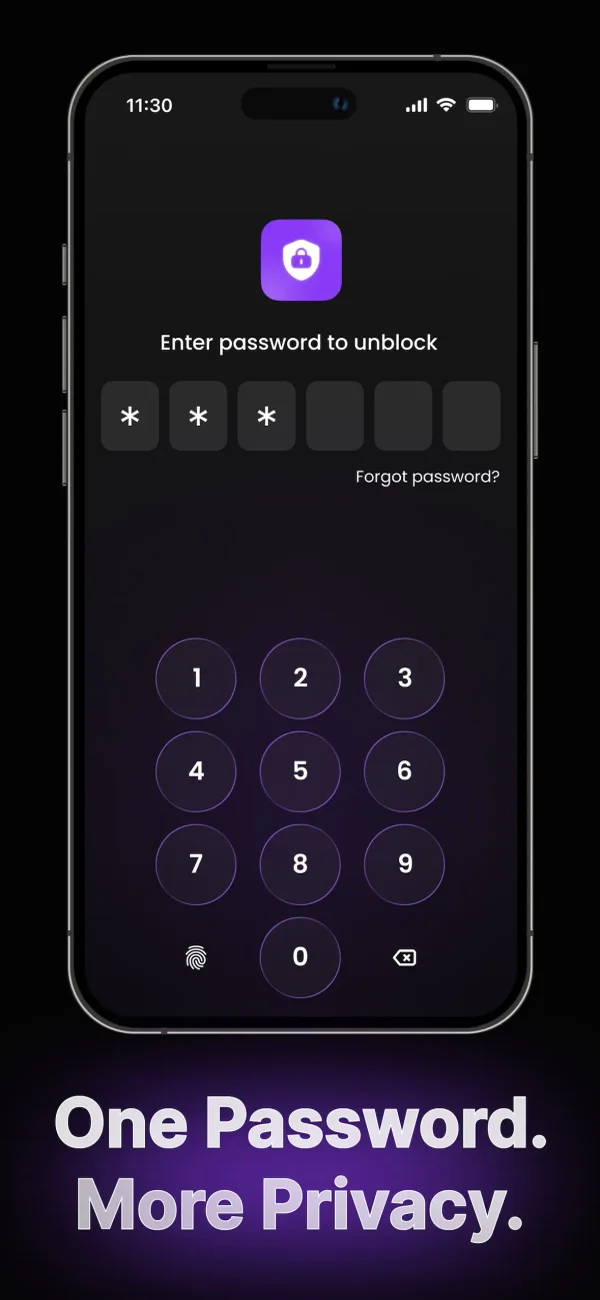
Make your limits harder to bypass with powerful blocking options. Use a passcode controls before allowing an unblock.
▶ Block for a Specific Duration
Need uninterrupted focus? Block selected apps or websites for a set period, such as 30 minutes, 1 hour, or longer.
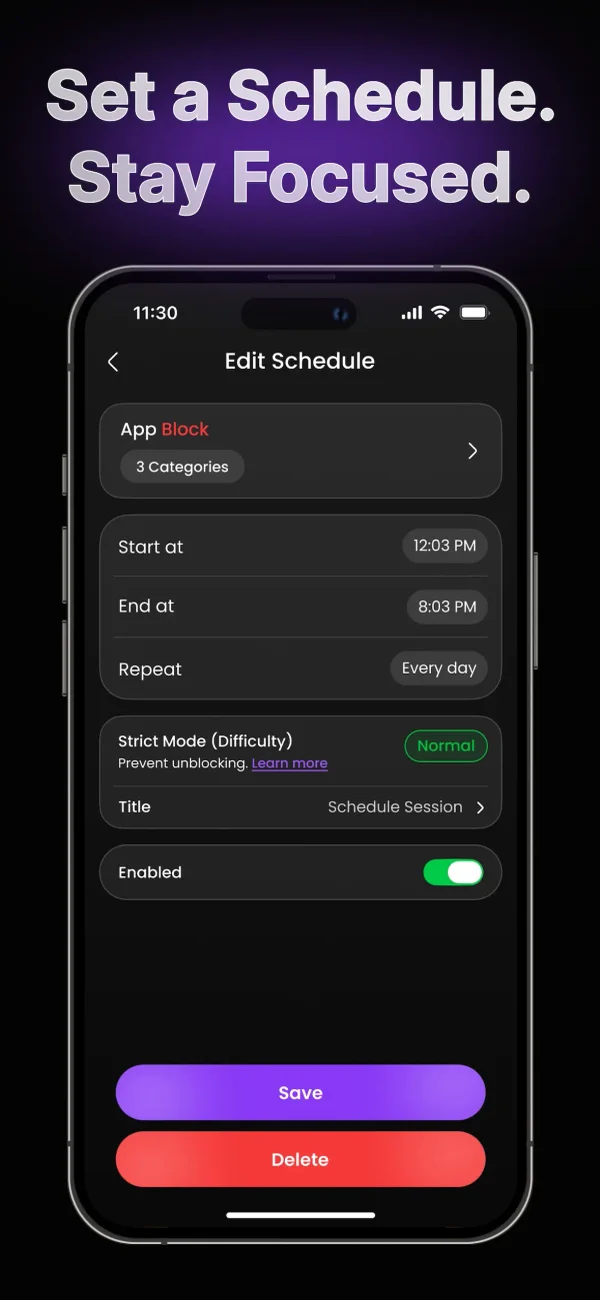
▶ Create Time-Based Schedules
Automatically block distractions during the times that matter most. For example, create a weekday schedule from 9:00 AM to 5:00 PM for work or study.
▶ Set App Usage Limits
Choose how long you can use selected apps each day. Once your limit is reached, Limora can restrict access to help you stay within your goal.
▶ Track Your Screen Time
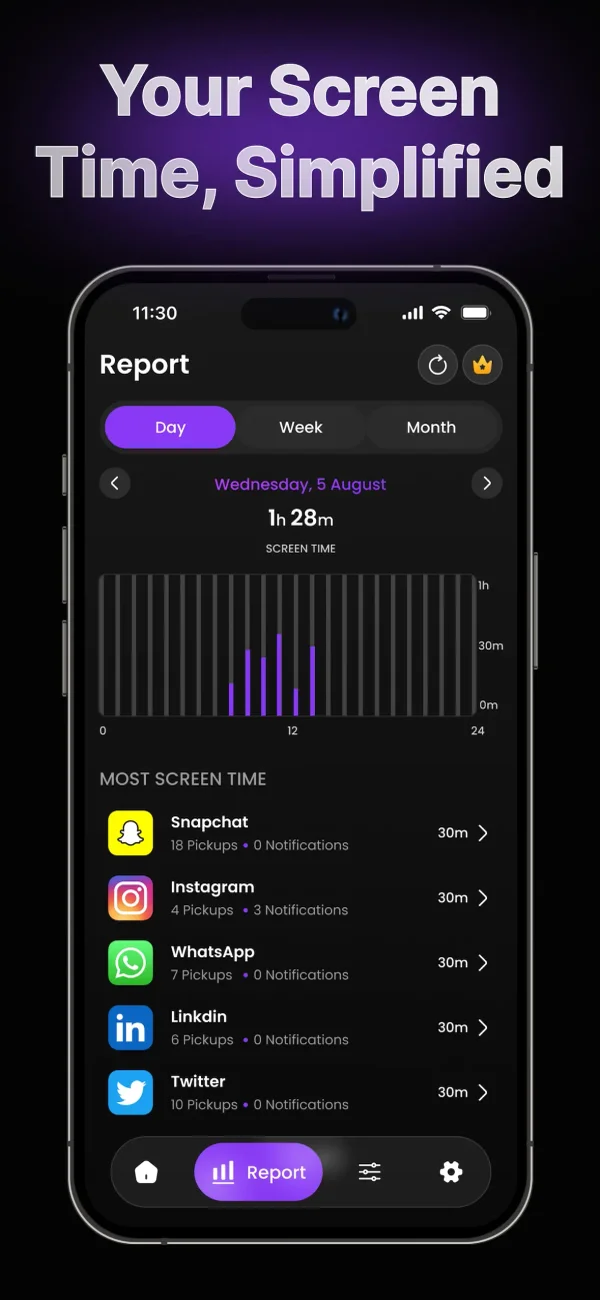
Understand your digital habits with daily, weekly, and monthly screen time insights. See how your usage changes over time and stay accountable to your goals.
Build Better Digital Habits
Limora is designed to give you control without making screen time management complicated. Create your own rules, choose what to block, set your schedule, and focus on what matters.
Use Limora to:
• Reduce social media distractions
• Stay focused while studying or working
• Limit gaming and entertainment
• Create distraction-free routines
• Set healthier app usage limits
• Track your screen time habits
• Build consistent focus sessions
Take back control of your screen time with Limora: Screen Time Control.
Terms of Use:
https://www.apple.com/legal/internet-services/itunes/dev/stdeula/
Privacy Policy:
https://pinjalmaniya.blogspot.com/2026/10/subscription-policy-limora.html
Nouveautés
Version 1.0.4 · 22/10/2026
- improved app stability
Confidentialité de l’application
Ce que Pinjal Maniya déclare sur l’App Store au sujet du traitement des données par cette application.
-
Données utilisées pour vous suivre
Peuvent être utilisées pour vous suivre sur des applications et des sites web appartenant à d’autres sociétés.
- Données d’utilisation
-
Données n’établissant aucun lien avec vous
Peuvent être collectées, mais ne sont pas liées à votre identité.
- Données d’utilisation
- Diagnostic
Les pratiques en matière de confidentialité peuvent varier, notamment en fonction des fonctionnalités que vous utilisez ou de votre âge.
Informations
- Vendeur
- Pinjal Maniya
- Catégorie
- Productivité
- Version
- 1.0.4
- Mis à jour
- 22/10/2026
- Publié
- 16/07/2026
- Taille
- 73,6 Mo
- Nécessite
- iOS 16.0 ou version ultérieure
- Classification d’âge
- 4+
- Prix
- Gratuit
- Achats intégrés
- Oui
- Langues
- Anglais
- Copyright
- © Limora
Vous aimerez peut-être aussi
-
 WebX: AI Website BuilderProductivité
-
 Chat Manager: Backup & RestoreProductivité
-
 TrueU.ai: AI Thinking Partner™Productivité
-
 Milo Cleaner: Photo CleanupProductivité
-
 TidyPopProductivité
-
 PDF View-Picture CreateProductivité
-
 Handy CleanProductivité
-
 Avec - Clear your inbox in 60sProductivité
-
 Gallery Slim : Nettoyeur PhotoDoublons, plus d’espace libre
-
 Fotli CleanerProductivité