
Limora: Screen Time Control
Focus & App Blocker
Designed for iPhone
Free · In-app purchases
- Age rating4+
- CategoryProductivity
- DeveloperPinjal Maniya
- LanguagesEnglish
- Size73.6 MB
Links to the official App Store page
Download.org hosts no file of Limora: Screen Time Control. The button opens its official App Store page, published by Pinjal Maniya. Listing last checked on Nov 18, 2026.
Screenshots
About
Limora: Screen Time Control helps you take control of your digital habits by limiting distracting apps and websites, setting focused schedules, and building healthier screen time routines.
Whether you want to stay focused at work, reduce social media usage, or create distraction-free study time, Limora gives you flexible tools to manage when and how you use your device.
Take Control of Your Screen Time
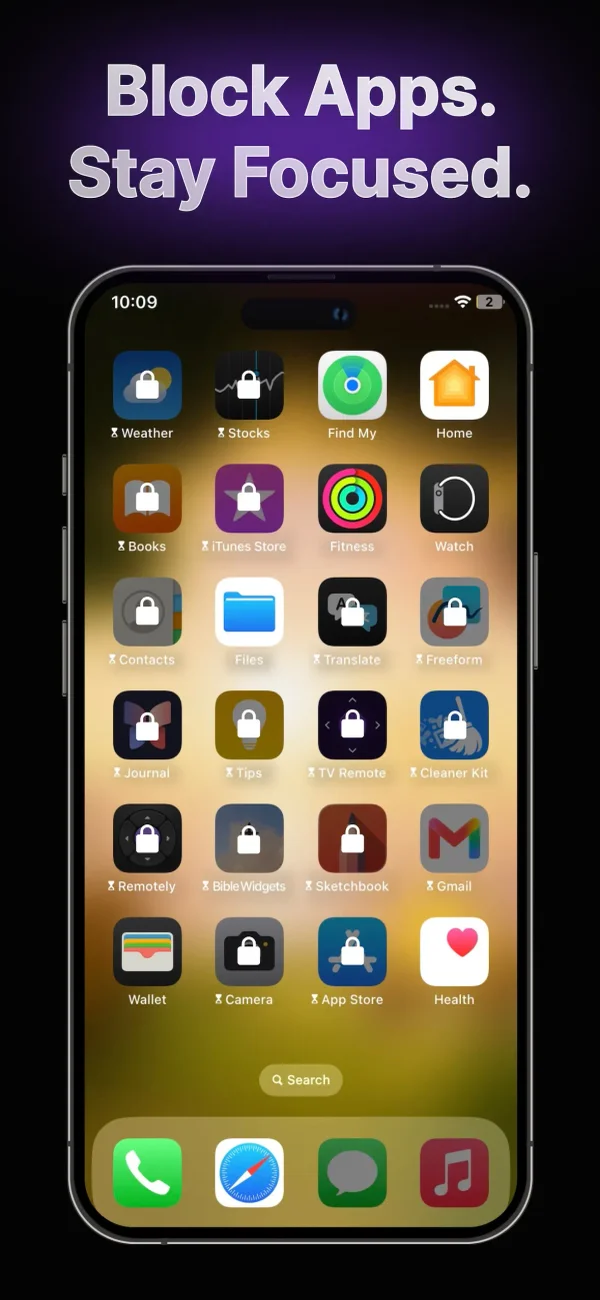
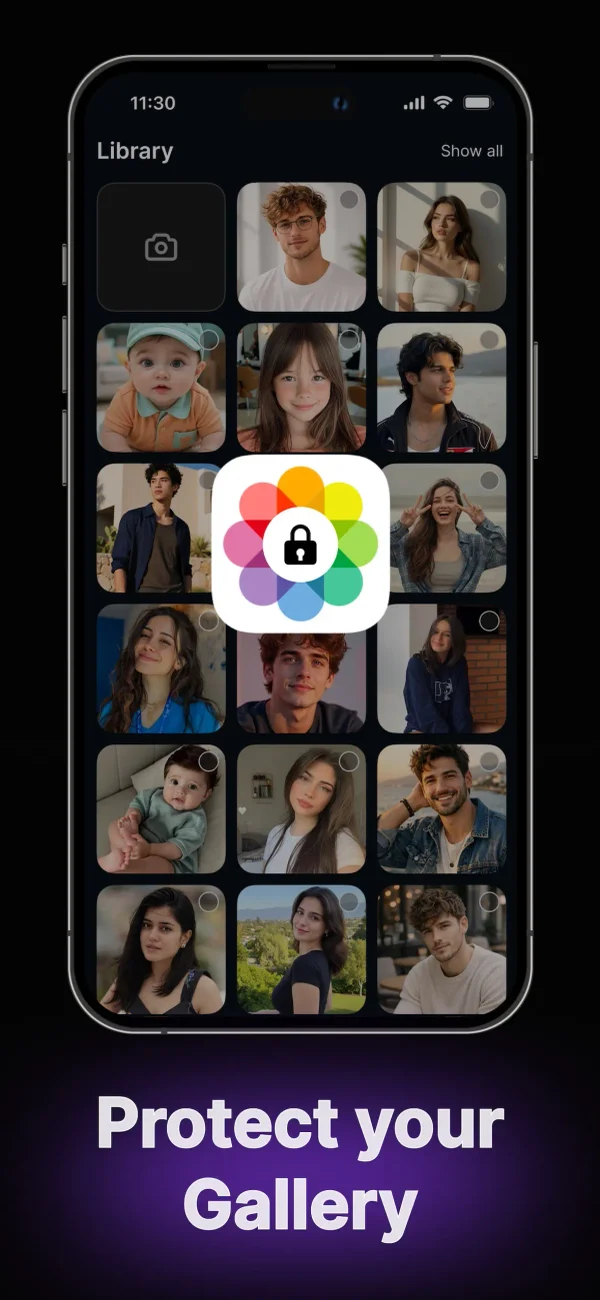
▶ Block Apps & Websites
Choose the apps and websites you want to limit or block. Reduce distractions from social media, games, entertainment, messaging, news, and more.
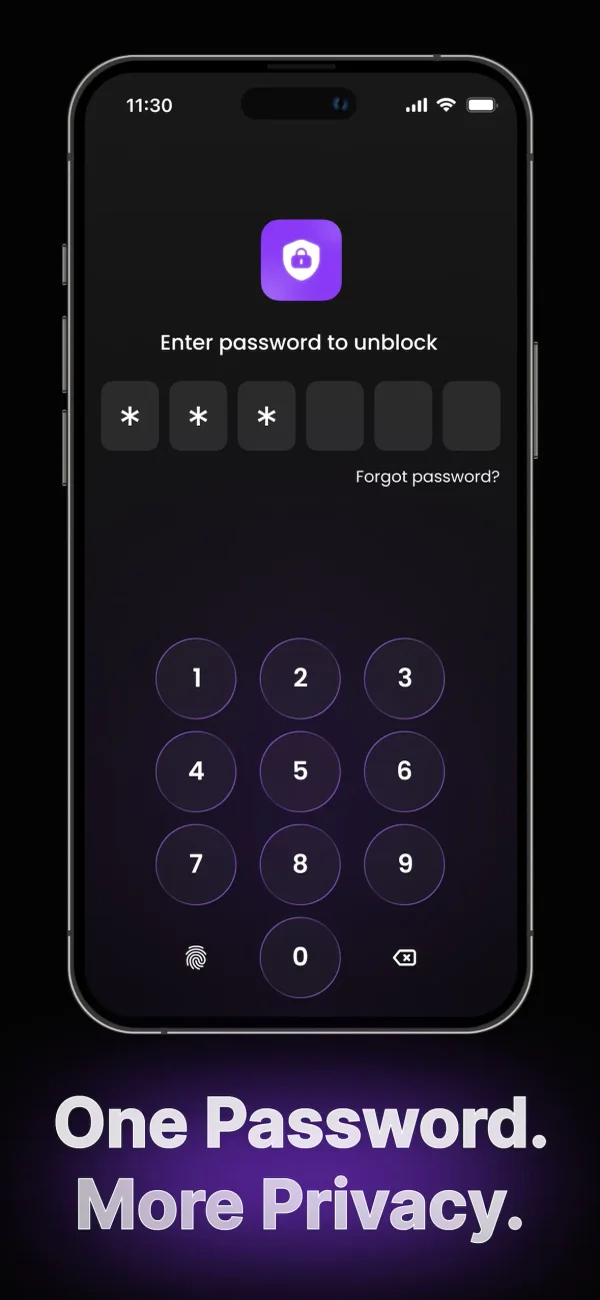
▶ Strict Blocking Mode
Make your limits harder to bypass with powerful blocking options. Use a passcode controls before allowing an unblock.
▶ Block for a Specific Duration
Need uninterrupted focus? Block selected apps or websites for a set period, such as 30 minutes, 1 hour, or longer.
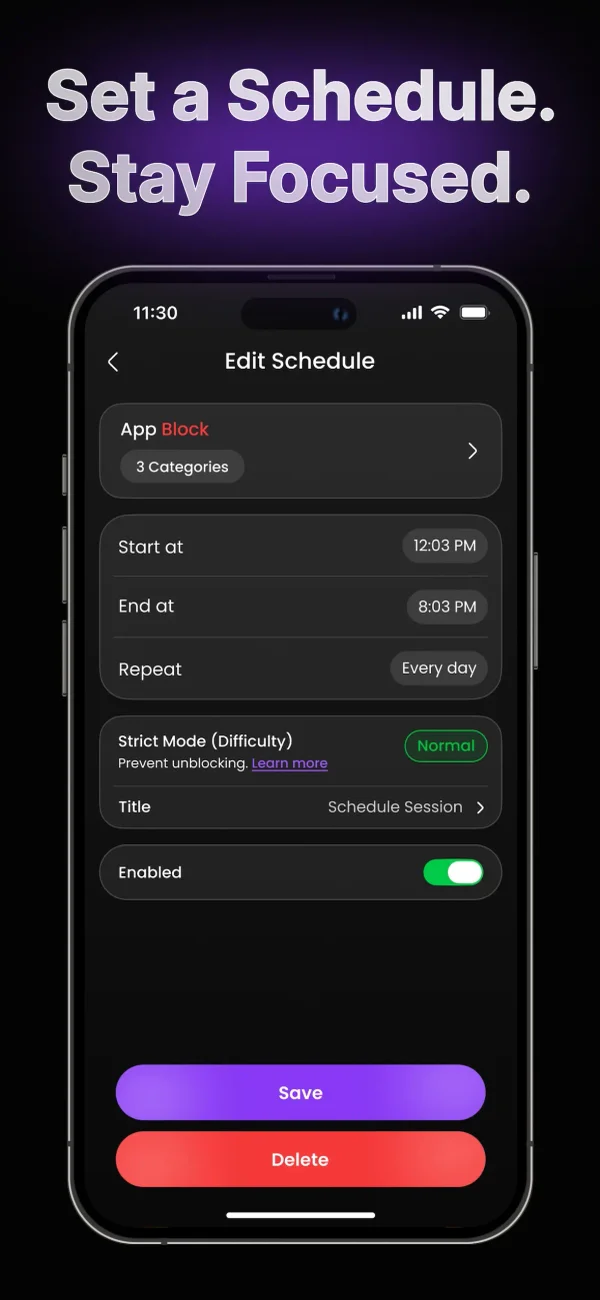
▶ Create Time-Based Schedules
Automatically block distractions during the times that matter most. For example, create a weekday schedule from 9:00 AM to 5:00 PM for work or study.
▶ Set App Usage Limits
Choose how long you can use selected apps each day. Once your limit is reached, Limora can restrict access to help you stay within your goal.
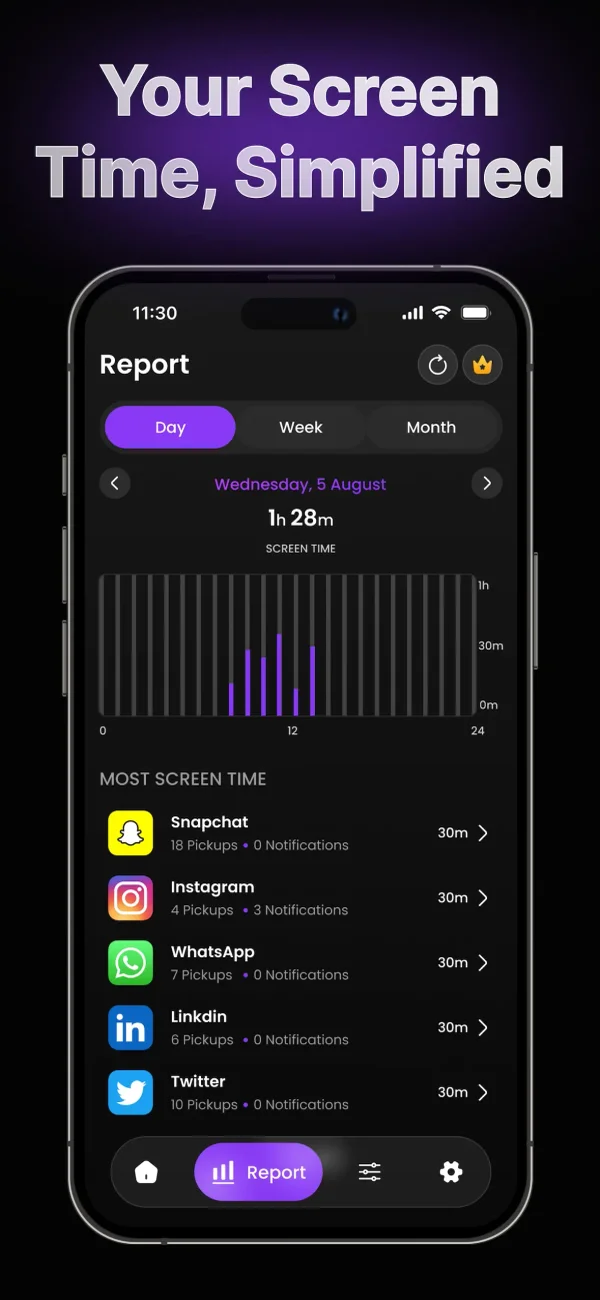
▶ Track Your Screen Time
Understand your digital habits with daily, weekly, and monthly screen time insights. See how your usage changes over time and stay accountable to your goals.
Build Better Digital Habits
Limora is designed to give you control without making screen time management complicated. Create your own rules, choose what to block, set your schedule, and focus on what matters.
Use Limora to:
• Reduce social media distractions
• Stay focused while studying or working
• Limit gaming and entertainment
• Create distraction-free routines
• Set healthier app usage limits
• Track your screen time habits
• Build consistent focus sessions
Take back control of your screen time with Limora: Screen Time Control.
Terms of Use:
https://www.apple.com/legal/internet-services/itunes/dev/stdeula/
Privacy Policy:
https://pinjalmaniya.blogspot.com/2026/10/subscription-policy-limora.html
What’s new
Version 1.0.4 · Oct 22, 2026
- improved app stability
App privacy
What Pinjal Maniya declares on the App Store about how this app handles data.
-
Data used to track you
May be used to track you across apps and websites owned by other companies.
- Usage data
-
Data not linked to you
May be collected but is not linked to your identity.
- Usage data
- Diagnostics
Privacy practices may vary, for example with the features you use or your age.
Information
- Seller
- Pinjal Maniya
- Category
- Productivity
- Version
- 1.0.4
- Updated
- Oct 22, 2026
- Released
- Jul 16, 2026
- Size
- 73.6 MB
- Requires
- iOS 16.0 or later
- Age rating
- 4+
- Price
- Free
- In-app purchases
- Yes
- Languages
- English
- Copyright
- © Limora
You might also like
-
 WebX: AI Website BuilderSite Maker, Landing Page, Blog
-
 Chat Manager: Backup & RestoreChat Backup & Secure Notes
-
 TrueU.ai: AI Thinking Partner™Private Reflection and Clarity
-
 Milo Cleaner: Photo CleanupFree Up Storage & Clean Photos
-
 TidyPopPhoto & Video Cleaner
-
 PDF View-Picture CreateScan, Merge & Split Documents
-
 Handy CleanSmart Storage Manager
-
 Avec - Clear your inbox in 60sFor people who hate email
-
 Gallery Slim:Photo CleanerRemove Duplicates, Save Space
-
 Fotli CleanerPhoto & Video Cleanup