Mach Write
Text Editor Swiss Army Knife
Entwickelt für iPhone, iPad, iPod touch
Kostenlos · In-App-Käufe
- Altersfreigabe4+
- KategorieProduktivität
- EntwicklerMach Software Design
- SprachenEnglisch
- Größe18,7 MB
Verlinkt auf die offizielle App Store-Seite
Download.org hostet keine Datei von Mach Write. Die Schaltfläche öffnet die App-Seite bei App Store, wo Mach Software Design die App veröffentlicht. Eintrag zuletzt geprüft am 16.11.2026.
Screenshots


Info
Der Entwickler hat diesen Text nicht in Ihrer Sprache bereitgestellt.
**Please visit our website or search for "Mach Write" in the Mac App Store to download the macOS version, only $3.99!**
Mach Write is a powerful new RTF, TXT, PDF (Rich Text Format, Plain Text, PDF) Editor and Viewer for iOS and macOS! Featuring full iCloud document synchronization, RTF in multiple styles, sizes, and colors; as well as PDF Viewing/Creating/Annotation; and TXT files in addition to supporting nearly 15 plain text code formats; Mach Write makes it super easy to create in many different formats while still being incredibly powerful! And the best part is Mach Write is free for iOS and only $3.99 (U.S.) on macOS!
- iCloud document synchronization; Mach Write keeps all your documents up to date on all your iOS and OS X devices (iPhone, iPad, and Mac)
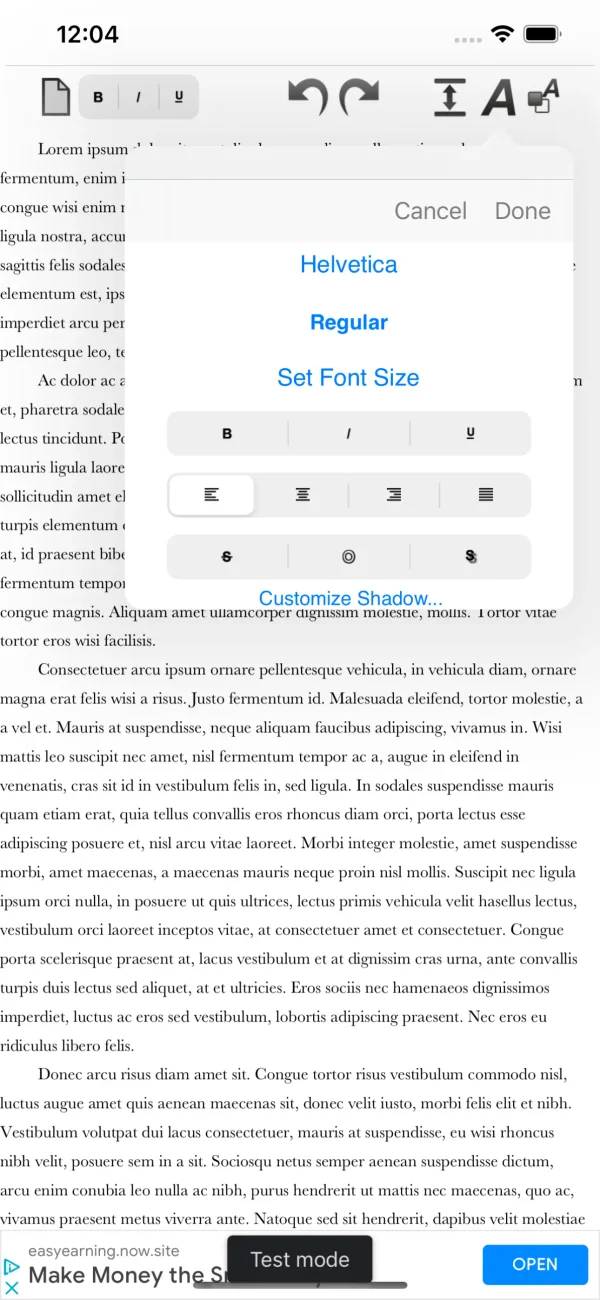
- RTF Read/Write support; easily Create and Edit Rich Text with multiple styles, alignment, font sizes, color, shadows, line spacing, and more -- one of the most popular word processor formats widely compatible across OS X, Windows, and Linux
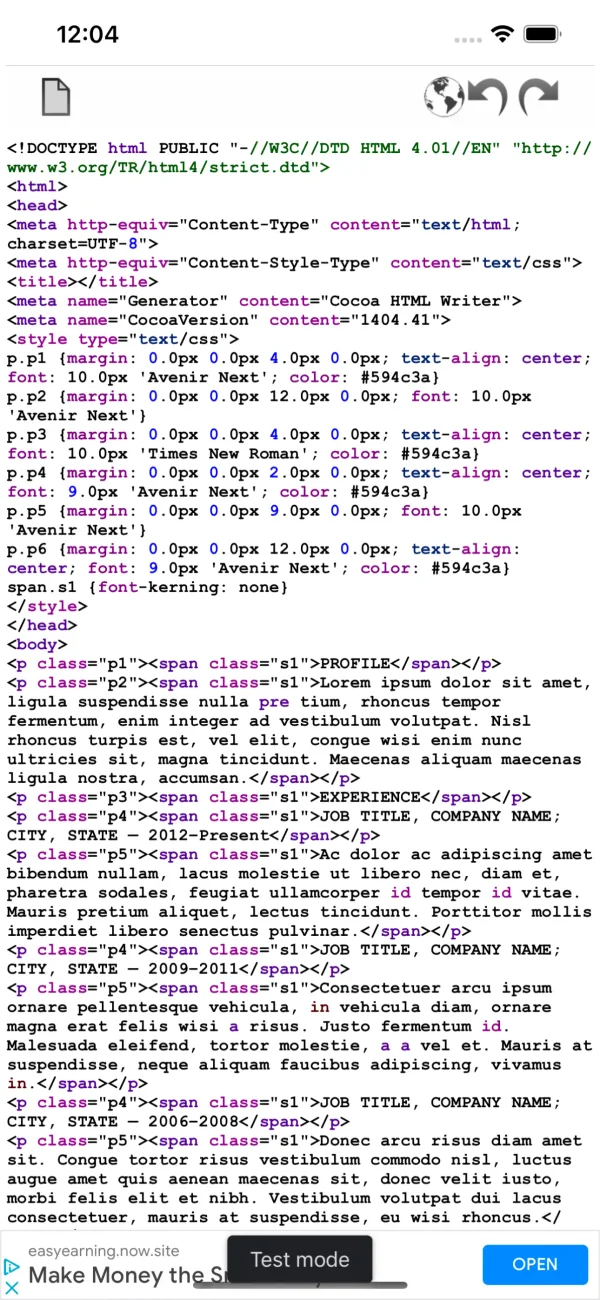
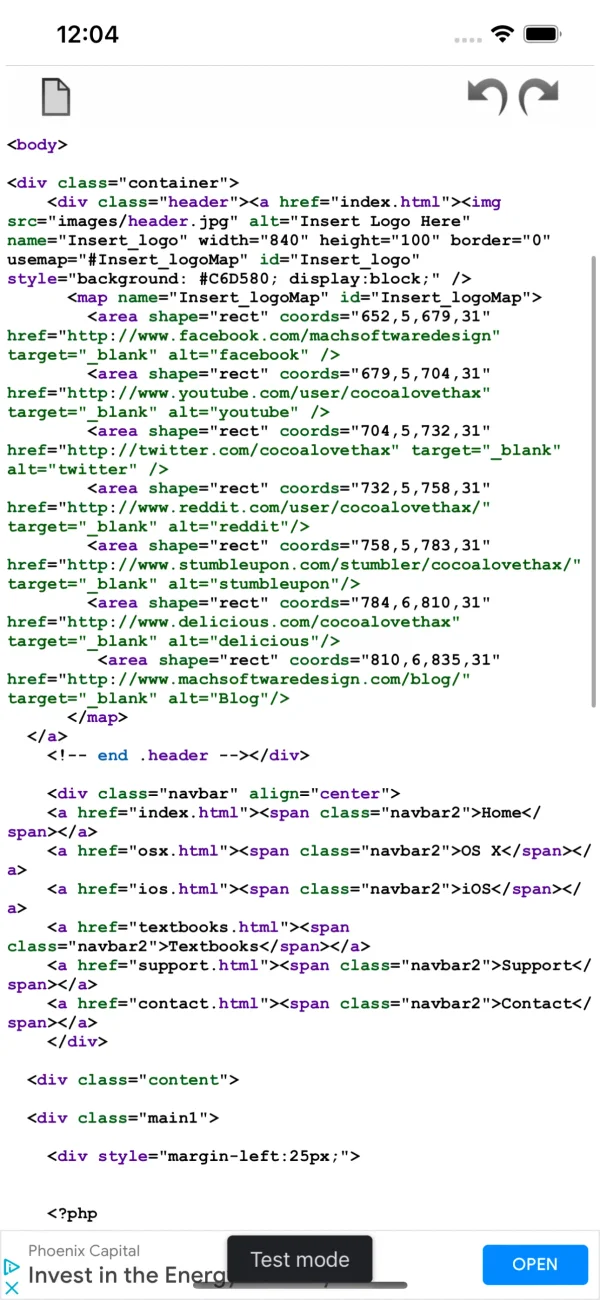
- TXT Read/Write support; as well as HTML/JS/PHP/RB/PL/JAVA/C/H/M/CP/MM Read/Write with Syntax Highlighting support for HTML, Javascript, PHP, Ruby, Perl, Java, C, C++, Objective-C++ and more
- PDF Creation, Viewing, Editing; PDF Free-hand writing on iOS -- Create Blank PDFs super easy and draw diagrams, take notes, etc. (Large PDF documents in iCloud, such as large eBooks, are not recommended)
- DOC and DOCX Viewing on iOS (DOC/DOCX Read/Write support on OS X)
- Export as PDF makes it easy to annotate PDF's for grading papers, making corrections, or signing documents (iOS only)
- Revolutionary PDF Magnifer feature makes it super easy to take Notes and automatically save as PDF (iOS only)
- Incredibly advanced, yet super easy to use!
Neue Funktionen
Version 1.9.5 · 16.09.2025
- Updated for iOS 26/iPadOS 26
- New Liquid Glass Icon
- Fixed various bugs throughout the application
App-Datenschutz
Was Mach Software Design im App Store zum Umgang dieser App mit Daten angibt.
-
Daten, die zum Tracking Ihrer Person verwendet werden
Können verwendet werden, um Sie über Apps und Websites anderer Unternehmen hinweg zu verfolgen.
- Kennungen
- Nutzungsdaten
- Diagnose
-
Nicht mit Ihnen verknüpfte Daten
Können erfasst werden, sind aber nicht mit Ihrer Identität verknüpft.
- Kennungen
- Nutzungsdaten
- Diagnose
Die Datenschutzpraktiken können variieren, zum Beispiel je nach den von Ihnen verwendeten Funktionen oder Ihrem Alter.
Informationen
- Anbieter
- Mach Software Design
- Kategorie
- Produktivität
- Version
- 1.9.5
- Aktualisiert
- 16.09.2025
- Veröffentlicht
- 13.01.2014
- Größe
- 18,7 MB
- Erfordert
- iOS 15.6 oder neuer
- Altersfreigabe
- 4+
- Preis
- Kostenlos
- In-App-Käufe
- Ja
- Sprachen
- Englisch
- Copyright
- © 2014 Mach Software Design
Das könnte Ihnen auch gefallen
-
 KonspektorRTF und TXT Dateien Editor
-
 EZText - Text EditorProduktivität
-
 Word Processor - Textilus ProStark und einfach
-
 Lightweight Text EditorProduktivität
-
 TextMakerKomplette Textverarbeitung
-
 Dokumenten-Manager: DOC,SheetDOCX Reader, XLSX, PPT-Editor
-
 Zoho Writer - Document EditorEasy to use word processing
-
 TextEdit - TexteditorTexte schreiben und bearbeiten
-
 Just Write - App For WriterProduktivität
-
 Document Editor—Docs,SheetsBearbeiten Sie Word, Excel