- 対象年齢4+
- カテゴリ仕事効率化
- 開発元Mach Software Design
- 言語英語
- サイズ18.7 MB
App Storeの公式ページにリンクしています
Download.orgはMach Writeのファイルを一切ホストしていません。ボタンを押すと、Mach Software Designが公開しているApp Storeのアプリページが開きます。ページの最終確認:2026/11/16。
スクリーンショット


概要
開発元はこのテキストをお使いの言語で提供していません。
**Please visit our website or search for "Mach Write" in the Mac App Store to download the macOS version, only $3.99!**
Mach Write is a powerful new RTF, TXT, PDF (Rich Text Format, Plain Text, PDF) Editor and Viewer for iOS and macOS! Featuring full iCloud document synchronization, RTF in multiple styles, sizes, and colors; as well as PDF Viewing/Creating/Annotation; and TXT files in addition to supporting nearly 15 plain text code formats; Mach Write makes it super easy to create in many different formats while still being incredibly powerful! And the best part is Mach Write is free for iOS and only $3.99 (U.S.) on macOS!
- iCloud document synchronization; Mach Write keeps all your documents up to date on all your iOS and OS X devices (iPhone, iPad, and Mac)
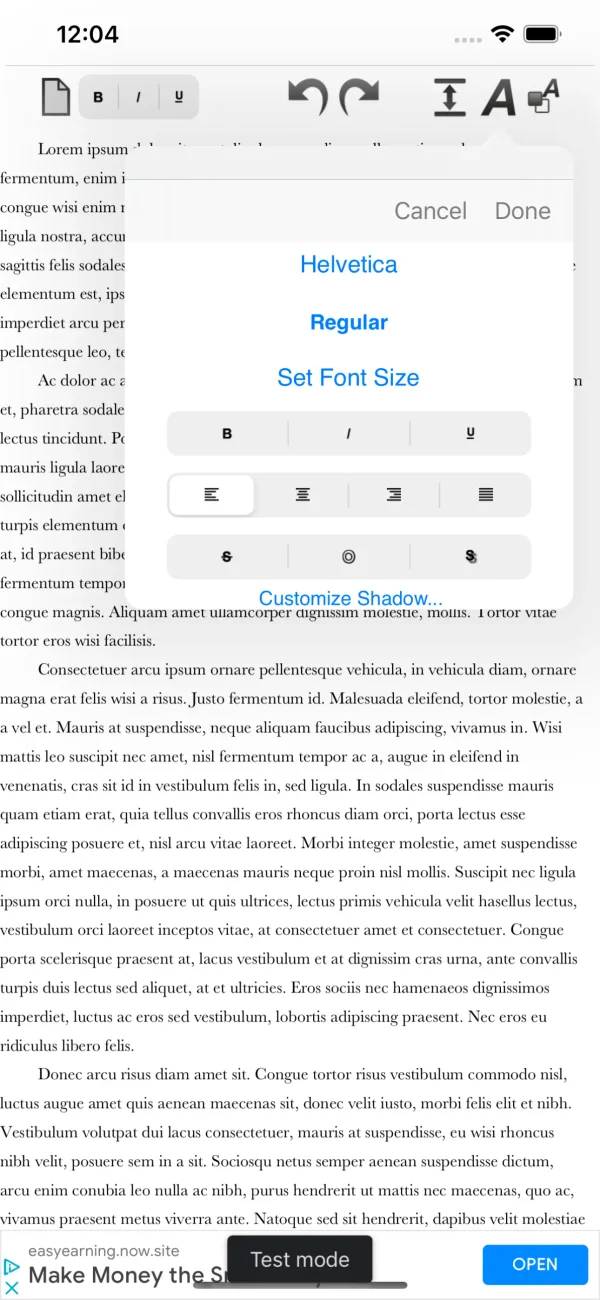
- RTF Read/Write support; easily Create and Edit Rich Text with multiple styles, alignment, font sizes, color, shadows, line spacing, and more -- one of the most popular word processor formats widely compatible across OS X, Windows, and Linux
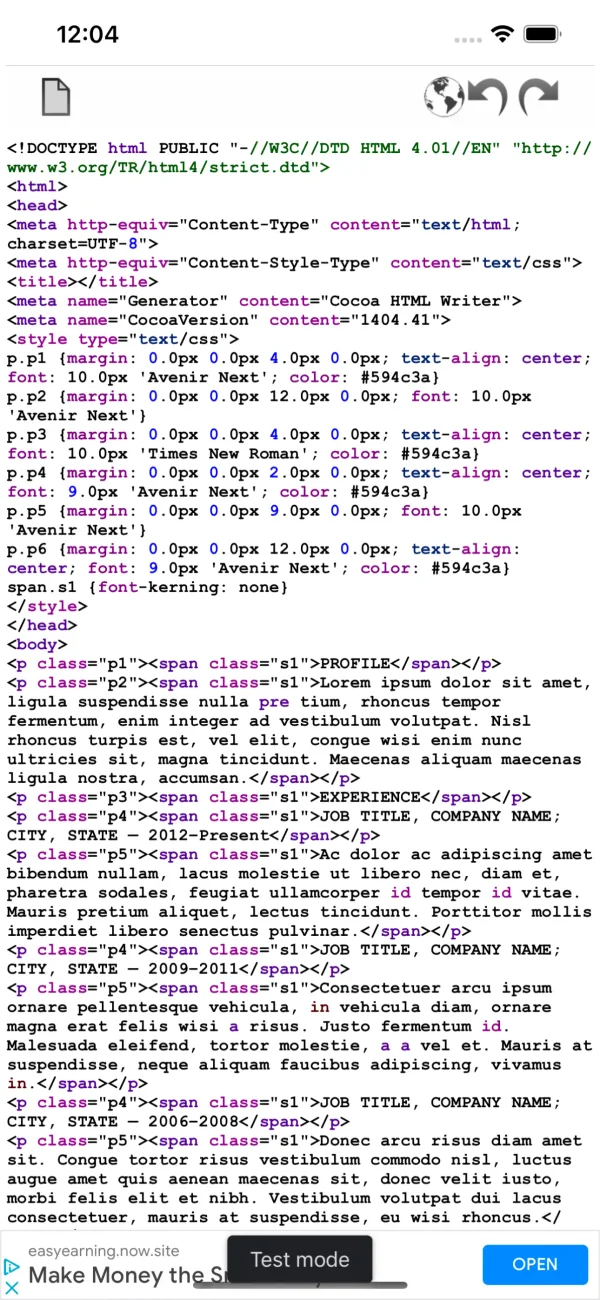
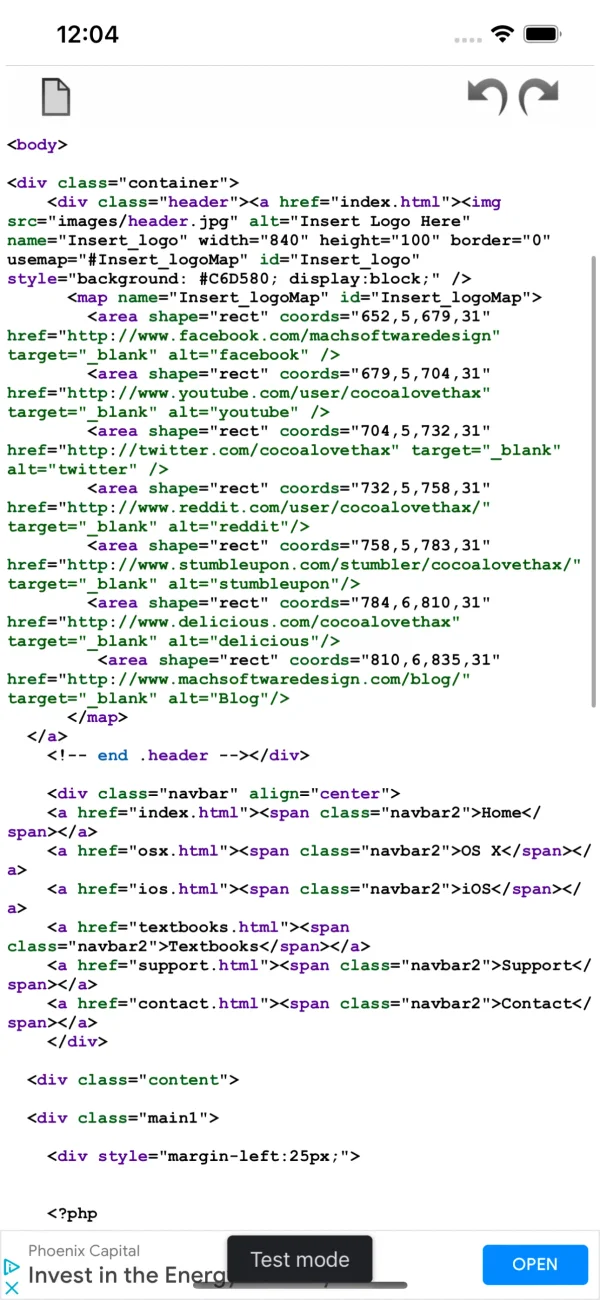
- TXT Read/Write support; as well as HTML/JS/PHP/RB/PL/JAVA/C/H/M/CP/MM Read/Write with Syntax Highlighting support for HTML, Javascript, PHP, Ruby, Perl, Java, C, C++, Objective-C++ and more
- PDF Creation, Viewing, Editing; PDF Free-hand writing on iOS -- Create Blank PDFs super easy and draw diagrams, take notes, etc. (Large PDF documents in iCloud, such as large eBooks, are not recommended)
- DOC and DOCX Viewing on iOS (DOC/DOCX Read/Write support on OS X)
- Export as PDF makes it easy to annotate PDF's for grading papers, making corrections, or signing documents (iOS only)
- Revolutionary PDF Magnifer feature makes it super easy to take Notes and automatically save as PDF (iOS only)
- Incredibly advanced, yet super easy to use!
新機能
バージョン 1.9.5 · 2025/9/16
- Updated for iOS 26/iPadOS 26
- New Liquid Glass Icon
- Fixed various bugs throughout the application
アプリのプライバシー
このアプリのデータの取り扱いについて、Mach Software DesignがApp Storeで申告している内容です。
-
ユーザーのトラッキングに使用されるデータ
他社のアプリやウェブサイトを横断してユーザーをトラッキングする目的で使用される場合があります。
- ID
- 使用状況データ
- 診断
-
ユーザーに関連付けられないデータ
収集される場合がありますが、ユーザーの識別情報には関連付けられません。
- ID
- 使用状況データ
- 診断
プライバシーの取り扱いは、ご利用の機能やお客様の年齢などに応じて異なる場合があります。
情報
- 販売元
- Mach Software Design
- カテゴリ
- 仕事効率化
- バージョン
- 1.9.5
- 更新日
- 2025/9/16
- リリース
- 2014/1/13
- サイズ
- 18.7 MB
- 必要条件
- iOS 15.6以降
- 対象年齢
- 4+
- 価格
- 無料
- アプリ内課金
- あり
- 言語
- 英語
- 著作権
- © 2014 Mach Software Design
こちらもおすすめ
-
 Konspektor仕事効率化
-
 EZText - Text Editor仕事効率化
-
 Word Processor - Textilus Pro強力でありながら使いやすい
-
 Lightweight Text Editor仕事効率化
-
 TextMaker充実したワープロアプリ
-
 ドキュメント管理:DOC, SheetDOCX 閲覧、XLSX、PPT 編集
-
 Zoho Writer - Document Editor仕事効率化
-
 TextEdit - テキストエディタ文章作成・ドキュメント編集・マークダウン・AI
-
 Just Write - App For Writer仕事効率化
-
 Document Editor: PDF 変換ドキュメント、スプレッドシート、スライドショーを簡単に編集