Mach Write
Text Editor Swiss Army Knife
Designed for iPhone, iPad, iPod touch
Free · In-app purchases
- Age rating4+
- CategoryProductivity
- DeveloperMach Software Design
- LanguagesEnglish
- Size18.7 MB
Links to the official App Store page
Download.org hosts no file of Mach Write. The button opens its official App Store page, published by Mach Software Design. Listing last checked on Nov 16, 2026.
Screenshots


About
**Please visit our website or search for "Mach Write" in the Mac App Store to download the macOS version, only $3.99!**
Mach Write is a powerful new RTF, TXT, PDF (Rich Text Format, Plain Text, PDF) Editor and Viewer for iOS and macOS! Featuring full iCloud document synchronization, RTF in multiple styles, sizes, and colors; as well as PDF Viewing/Creating/Annotation; and TXT files in addition to supporting nearly 15 plain text code formats; Mach Write makes it super easy to create in many different formats while still being incredibly powerful! And the best part is Mach Write is free for iOS and only $3.99 (U.S.) on macOS!
- iCloud document synchronization; Mach Write keeps all your documents up to date on all your iOS and OS X devices (iPhone, iPad, and Mac)
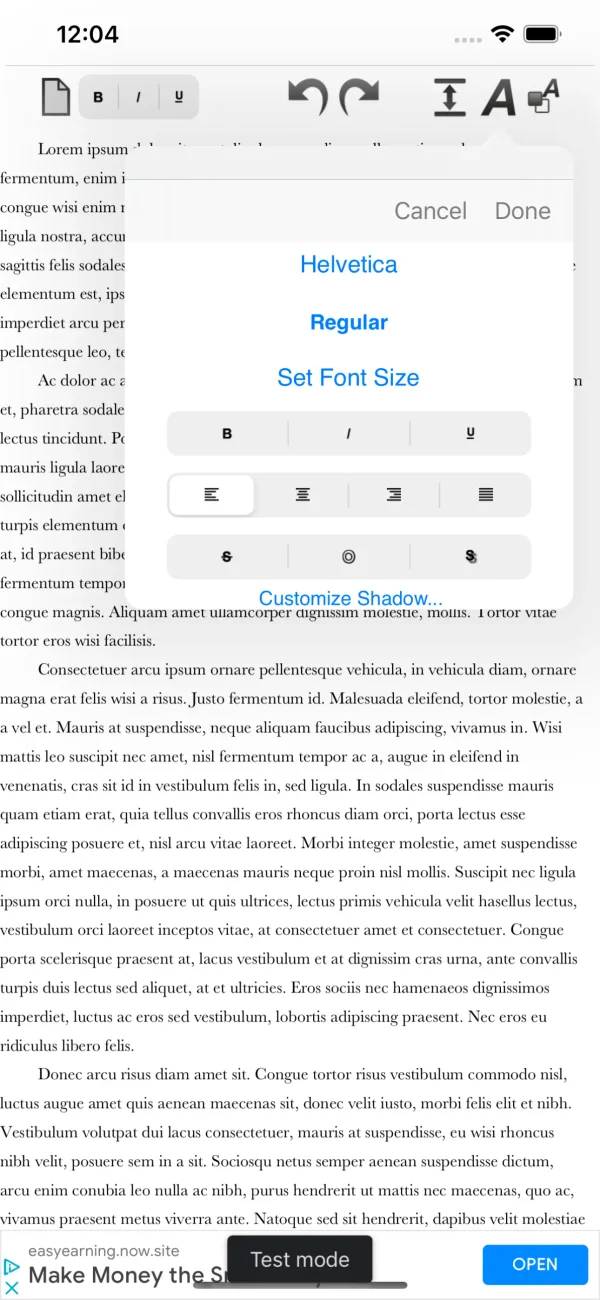
- RTF Read/Write support; easily Create and Edit Rich Text with multiple styles, alignment, font sizes, color, shadows, line spacing, and more -- one of the most popular word processor formats widely compatible across OS X, Windows, and Linux
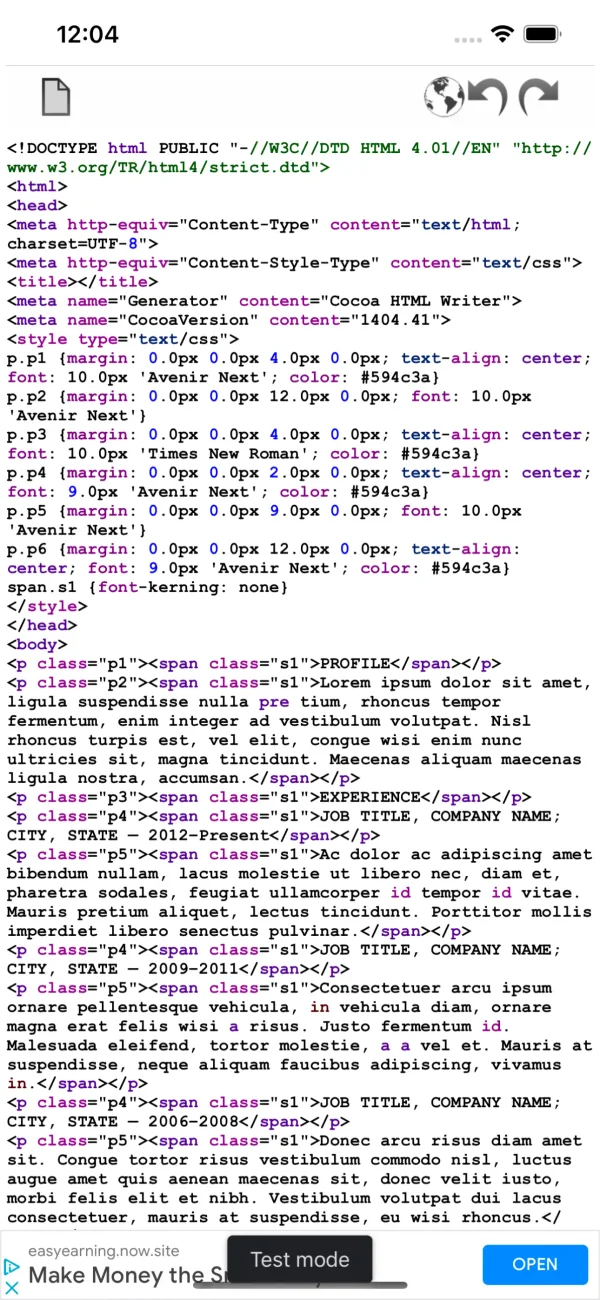
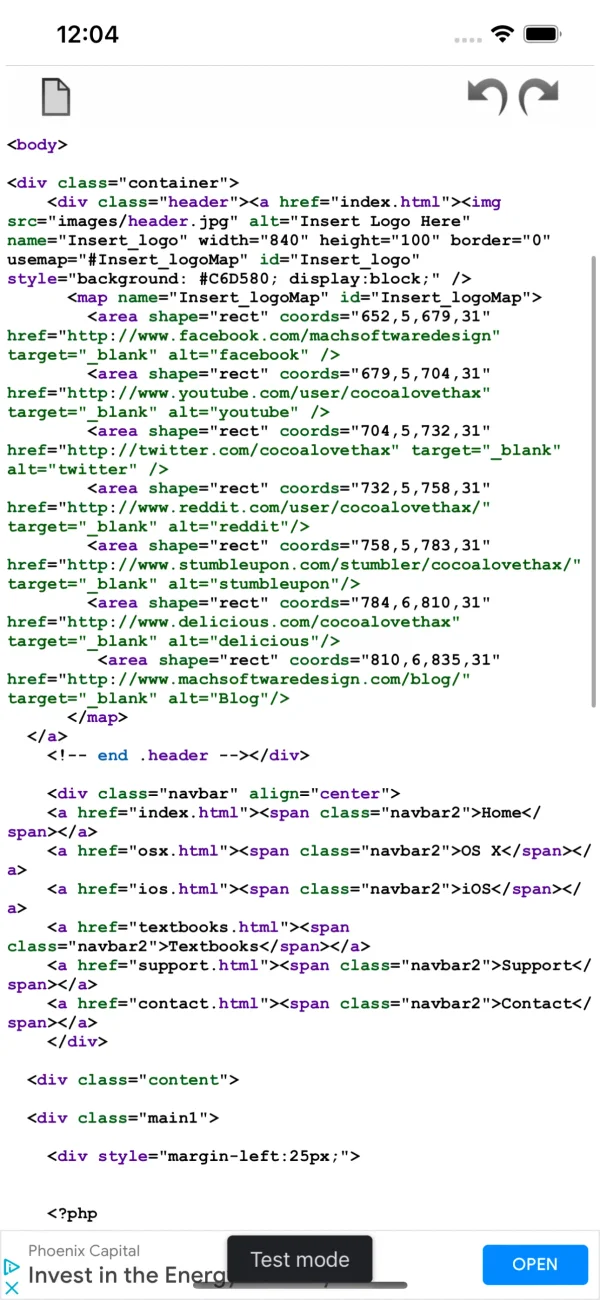
- TXT Read/Write support; as well as HTML/JS/PHP/RB/PL/JAVA/C/H/M/CP/MM Read/Write with Syntax Highlighting support for HTML, Javascript, PHP, Ruby, Perl, Java, C, C++, Objective-C++ and more
- PDF Creation, Viewing, Editing; PDF Free-hand writing on iOS -- Create Blank PDFs super easy and draw diagrams, take notes, etc. (Large PDF documents in iCloud, such as large eBooks, are not recommended)
- DOC and DOCX Viewing on iOS (DOC/DOCX Read/Write support on OS X)
- Export as PDF makes it easy to annotate PDF's for grading papers, making corrections, or signing documents (iOS only)
- Revolutionary PDF Magnifer feature makes it super easy to take Notes and automatically save as PDF (iOS only)
- Incredibly advanced, yet super easy to use!
What’s new
Version 1.9.5 · Sep 16, 2025
- Updated for iOS 26/iPadOS 26
- New Liquid Glass Icon
- Fixed various bugs throughout the application
App privacy
What Mach Software Design declares on the App Store about how this app handles data.
-
Data used to track you
May be used to track you across apps and websites owned by other companies.
- Identifiers
- Usage data
- Diagnostics
-
Data not linked to you
May be collected but is not linked to your identity.
- Identifiers
- Usage data
- Diagnostics
Privacy practices may vary, for example with the features you use or your age.
Information
- Seller
- Mach Software Design
- Category
- Productivity
- Version
- 1.9.5
- Updated
- Sep 16, 2025
- Released
- Jan 13, 2014
- Size
- 18.7 MB
- Requires
- iOS 15.6 or later
- Age rating
- 4+
- Price
- Free
- In-app purchases
- Yes
- Languages
- English
- Copyright
- © 2014 Mach Software Design
You might also like
-
 KonspektorRTF and TXT files editor
-
 EZText - Text EditorProductivity
-
 Word Processor - Textilus ProPowerful word yet easy to use
-
 Lightweight Text EditorProductivity
-
 TextMakerComplete word processor
-
 Document Manager:Docs,SheetsEdit documents,spreadsheets
-
 Zoho Writer - Document EditorEasy to use word processing
-
 TextEdit - Text EditorTXT, RTF, Markdown, LaTeX & AI
-
 Just Write - App For WriterMinimal TXT and RTF Editor
-
 Document Editor—Docs,SheetsEdit word,excel,pdf,slides