
- Altersfreigabe4+
- KategorieProduktivität
- EntwicklerMarco Tomasello
- SprachenEnglisch
- Größe37,8 MB
Verlinkt auf die offizielle App Store-Seite
Download.org hostet keine Datei von MailPoppy. Die Schaltfläche öffnet die App-Seite bei App Store, wo Marco Tomasello die App veröffentlicht. Eintrag zuletzt geprüft am 20.11.2026.
Screenshots

Info
Der Entwickler hat diesen Text nicht in Ihrer Sprache bereitgestellt.
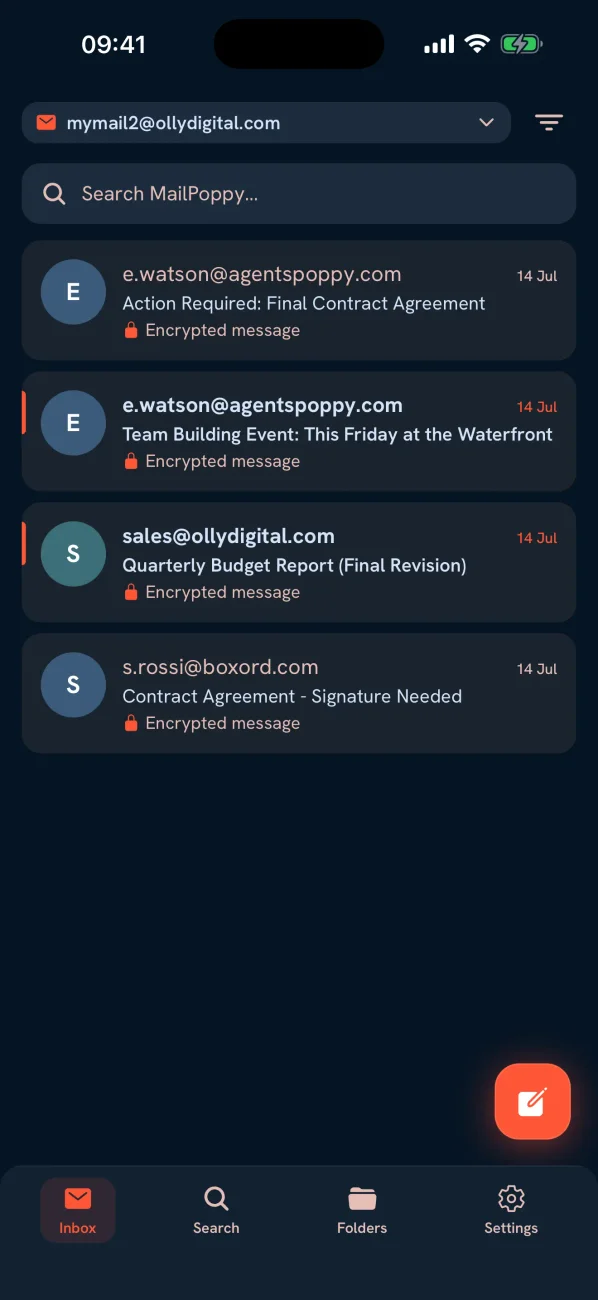
MailPoppy is the mobile app for your MailPoppy mailbox — professional email on your own domain, with your messages kept private in your organisation's own cloud.
Sign in with the mailbox your organisation set up for you and get a fast, modern inbox wherever you are.
WHAT YOU CAN DO
• Read, reply, forward and compose email on your own domains
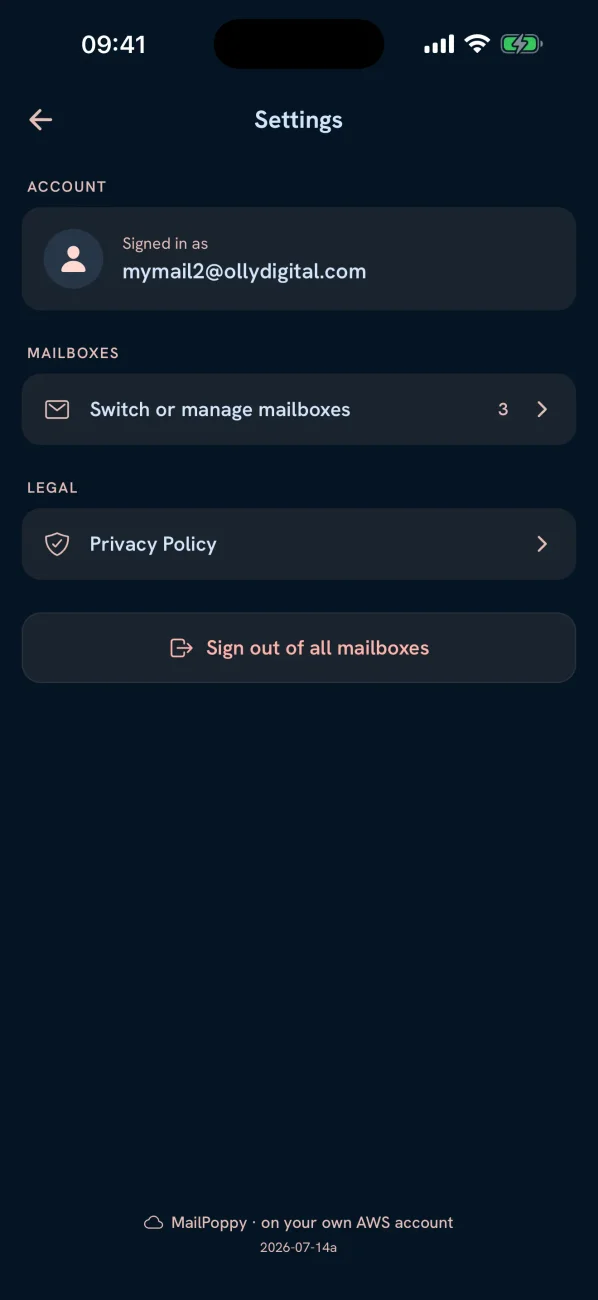
• Login to multiple emails and own domains all in the same client
• Attach photos and files, and open attachments you receive
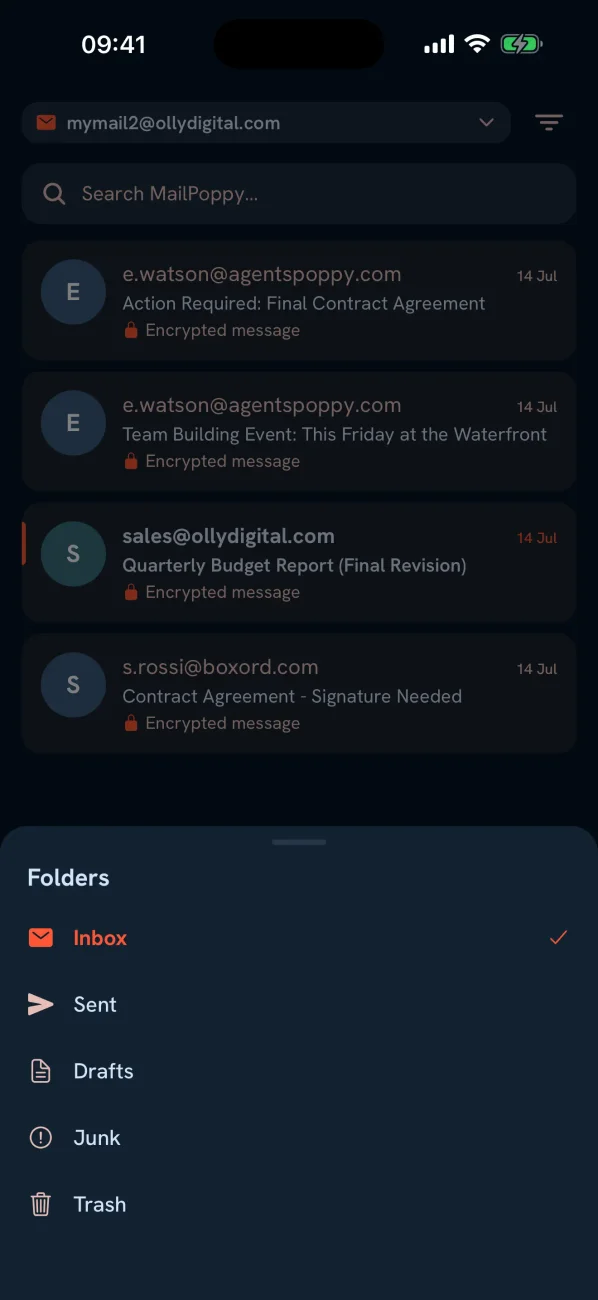
• Organise mail across folders, and search your inbox
• Swipe to delete; manage your inbox with a clean, modern interface
• Get notified the moment new mail arrives
• Dark by design — easy on the eyes, day or night
PRIVATE BY ARCHITECTURE
MailPoppy doesn't run a mail service that sits between you and your email. Your mailbox lives in your organisation's own cloud account, and your messages and password never pass through MailPoppy's own systems. The app simply connects you to your mailbox.
WHO IT'S FOR
This app is for people whose email is hosted with MailPoppy. Your mailbox is created by your organisation's administrator — open the app, sign in, and you're ready. (Setting up email on a domain is done in the MailPoppy desktop app.)
Learn more at https://mailpoppy.com
Neue Funktionen
Version 1.0.5 (39) · 14.08.2026
Unlock with Face ID:
You can now save a mailbox's password securely on your device and sign back
in with Face ID or Touch ID instead of typing it. It's optional — just tick
"Unlock with Face ID next time" when you sign in. The password is kept in
your device's secure storage, never leaves your phone, and is removed if you
remove the mailbox or sign out.
Fewer sign-in prompts:
Fixed a problem where the app could ask for your password far more often
than it should, and could drop your other mailboxes from the switcher after
signing in again. If you use several mailboxes on one phone, this is a
noticeable improvement.
Notifications:
Tapping a new-mail notification now takes you straight to the message. If
your sign-in has expired, you're asked to unlock — instead of seeing an
error page.
App-Datenschutz
Was Marco Tomasello im App Store zum Umgang dieser App mit Daten angibt.
-
Keine Daten erfasst
Der Entwickler erfasst keine Daten von dieser App.
Die Datenschutzpraktiken können variieren, zum Beispiel je nach den von Ihnen verwendeten Funktionen oder Ihrem Alter.
Informationen
- Anbieter
- Marco Tomasello
- Kategorie
- Produktivität
- Version
- 1.0.5 (39)
- Aktualisiert
- 14.08.2026
- Veröffentlicht
- 24.07.2026
- Größe
- 37,8 MB
- Erfordert
- iOS 16.4 oder neuer
- Altersfreigabe
- 4+
- Preis
- Kostenlos
- Sprachen
- Englisch
- Copyright
- © 2026 Marco Tomasello