- 対象年齢4+
- カテゴリ仕事効率化
- 開発元Marco Tomasello
- 言語英語
- サイズ37.8 MB
App Storeの公式ページにリンクしています
Download.orgはMailPoppyのファイルを一切ホストしていません。ボタンを押すと、Marco Tomaselloが公開しているApp Storeのアプリページが開きます。ページの最終確認:2026/11/20。
スクリーンショット

概要
開発元はこのテキストをお使いの言語で提供していません。
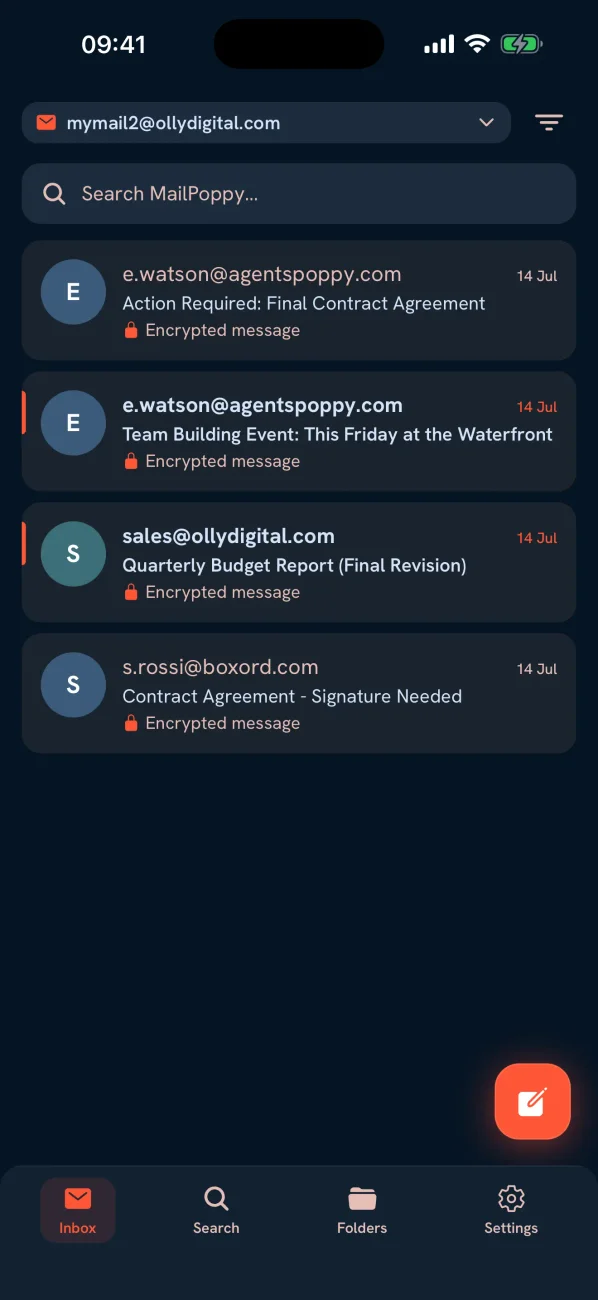
MailPoppy is the mobile app for your MailPoppy mailbox — professional email on your own domain, with your messages kept private in your organisation's own cloud.
Sign in with the mailbox your organisation set up for you and get a fast, modern inbox wherever you are.
WHAT YOU CAN DO
• Read, reply, forward and compose email on your own domains
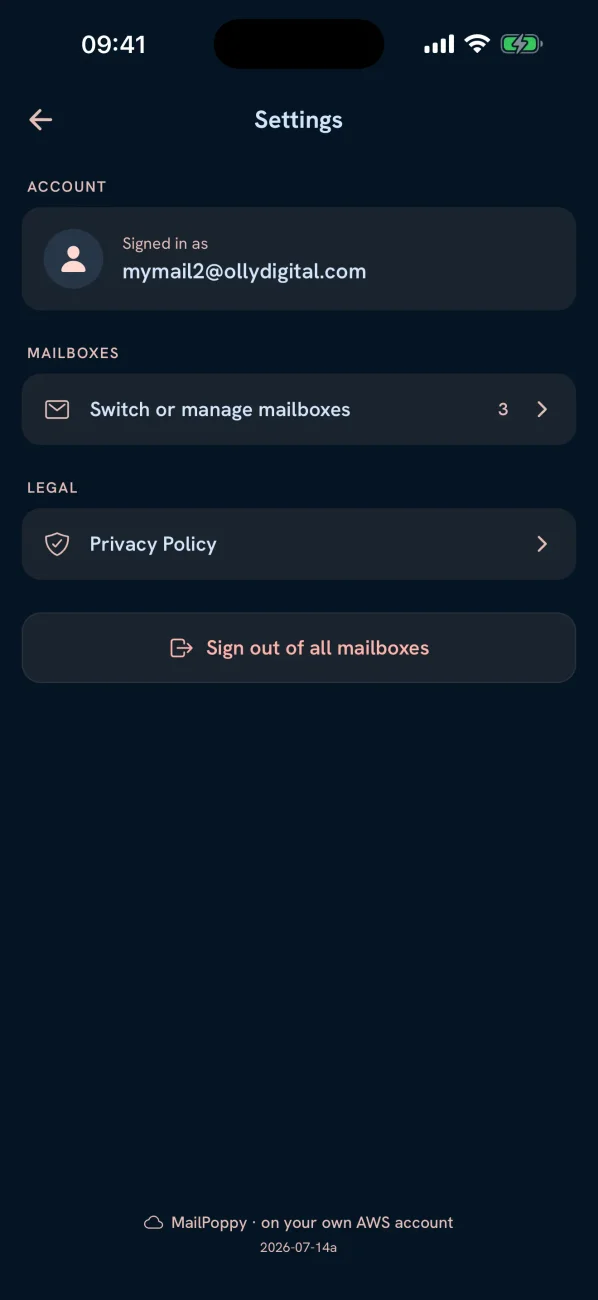
• Login to multiple emails and own domains all in the same client
• Attach photos and files, and open attachments you receive
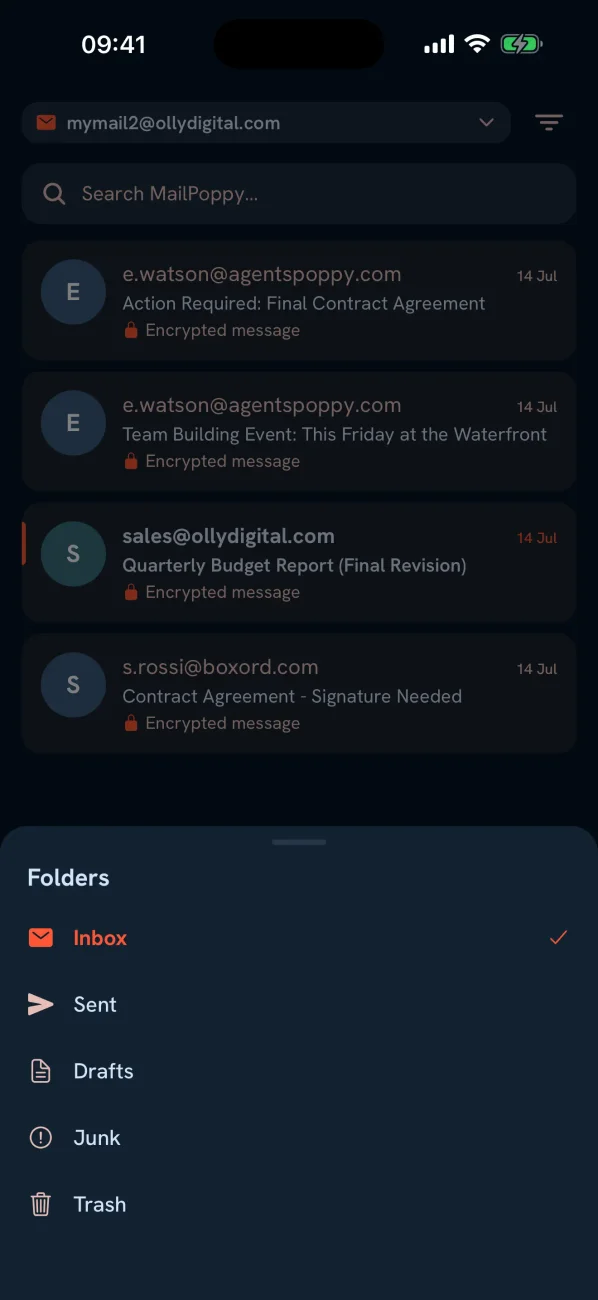
• Organise mail across folders, and search your inbox
• Swipe to delete; manage your inbox with a clean, modern interface
• Get notified the moment new mail arrives
• Dark by design — easy on the eyes, day or night
PRIVATE BY ARCHITECTURE
MailPoppy doesn't run a mail service that sits between you and your email. Your mailbox lives in your organisation's own cloud account, and your messages and password never pass through MailPoppy's own systems. The app simply connects you to your mailbox.
WHO IT'S FOR
This app is for people whose email is hosted with MailPoppy. Your mailbox is created by your organisation's administrator — open the app, sign in, and you're ready. (Setting up email on a domain is done in the MailPoppy desktop app.)
Learn more at https://mailpoppy.com
新機能
バージョン 1.0.5 (39) · 2026/8/14
Unlock with Face ID:
You can now save a mailbox's password securely on your device and sign back
in with Face ID or Touch ID instead of typing it. It's optional — just tick
"Unlock with Face ID next time" when you sign in. The password is kept in
your device's secure storage, never leaves your phone, and is removed if you
remove the mailbox or sign out.
Fewer sign-in prompts:
Fixed a problem where the app could ask for your password far more often
than it should, and could drop your other mailboxes from the switcher after
signing in again. If you use several mailboxes on one phone, this is a
noticeable improvement.
Notifications:
Tapping a new-mail notification now takes you straight to the message. If
your sign-in has expired, you're asked to unlock — instead of seeing an
error page.
アプリのプライバシー
このアプリのデータの取り扱いについて、Marco TomaselloがApp Storeで申告している内容です。
-
データの収集なし
開発元はこのアプリからデータを収集しません。
プライバシーの取り扱いは、ご利用の機能やお客様の年齢などに応じて異なる場合があります。
情報
- 販売元
- Marco Tomasello
- カテゴリ
- 仕事効率化
- バージョン
- 1.0.5 (39)
- 更新日
- 2026/8/14
- リリース
- 2026/7/24
- サイズ
- 37.8 MB
- 必要条件
- iOS 16.4以降
- 対象年齢
- 4+
- 価格
- 無料
- 言語
- 英語
- 著作権
- © 2026 Marco Tomasello