
- Age rating4+
- CategoryProductivity
- DeveloperMarco Tomasello
- LanguagesEnglish
- Size37.8 MB
Links to the official App Store page
Download.org hosts no file of MailPoppy. The button opens its official App Store page, published by Marco Tomasello. Listing last checked on Nov 20, 2026.
Screenshots

About
MailPoppy is the mobile app for your MailPoppy mailbox — professional email on your own domain, with your messages kept private in your organisation's own cloud.
Sign in with the mailbox your organisation set up for you and get a fast, modern inbox wherever you are.
WHAT YOU CAN DO
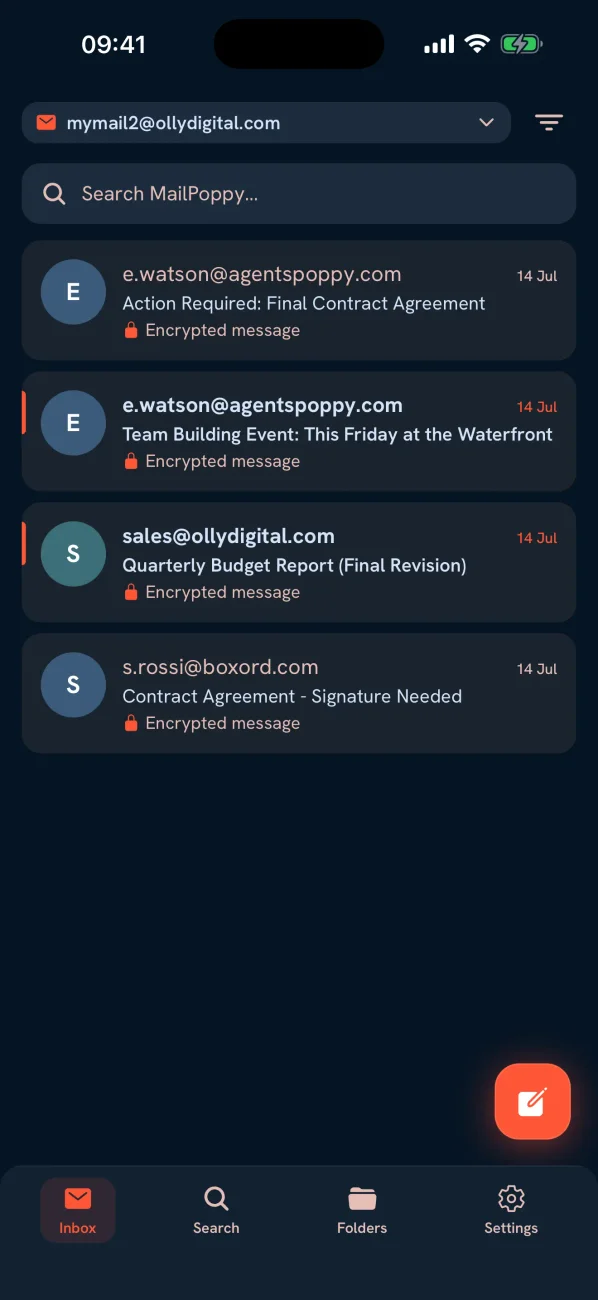
• Read, reply, forward and compose email on your own domains
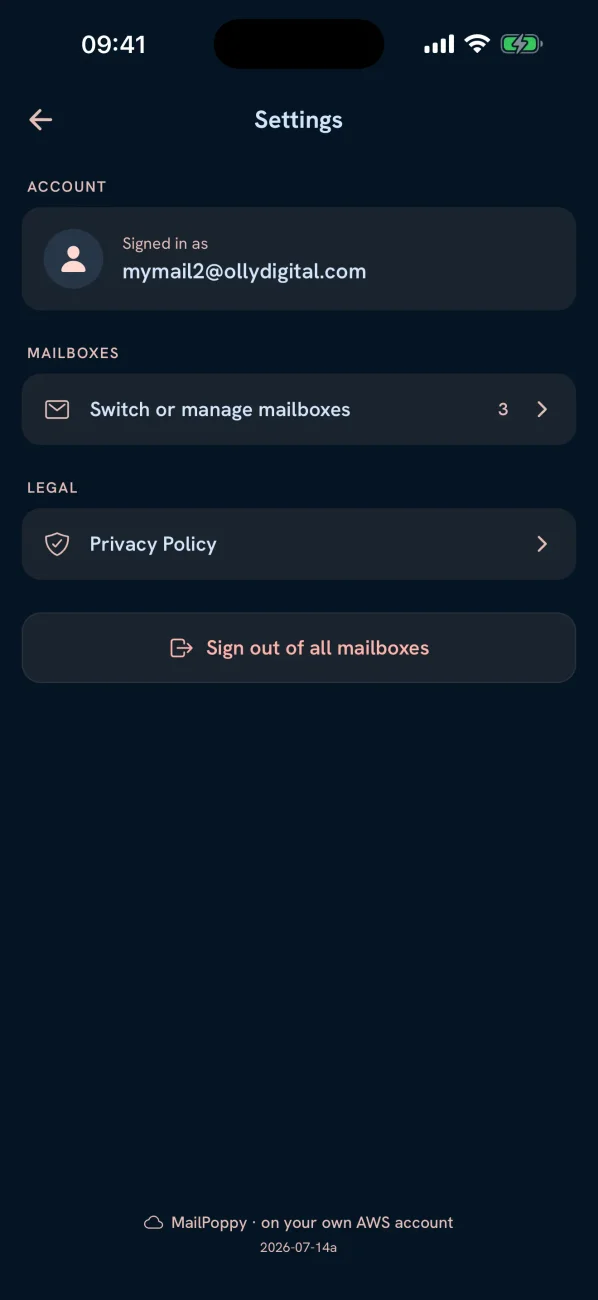
• Login to multiple emails and own domains all in the same client
• Attach photos and files, and open attachments you receive
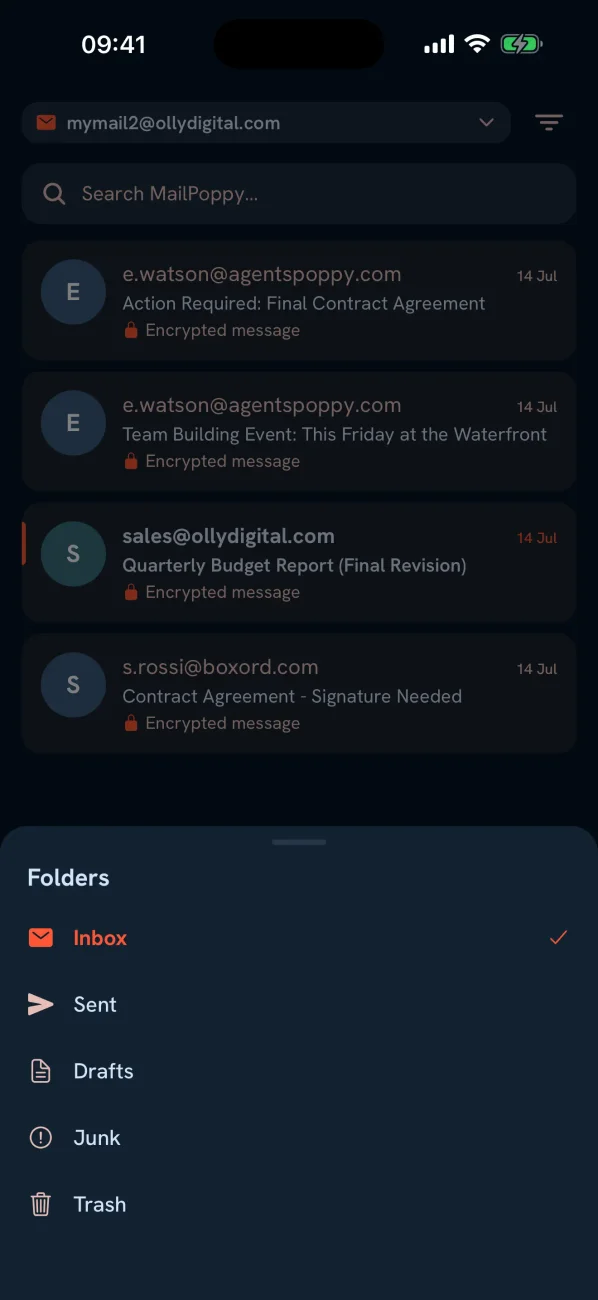
• Organise mail across folders, and search your inbox
• Swipe to delete; manage your inbox with a clean, modern interface
• Get notified the moment new mail arrives
• Dark by design — easy on the eyes, day or night
PRIVATE BY ARCHITECTURE
MailPoppy doesn't run a mail service that sits between you and your email. Your mailbox lives in your organisation's own cloud account, and your messages and password never pass through MailPoppy's own systems. The app simply connects you to your mailbox.
WHO IT'S FOR
This app is for people whose email is hosted with MailPoppy. Your mailbox is created by your organisation's administrator — open the app, sign in, and you're ready. (Setting up email on a domain is done in the MailPoppy desktop app.)
Learn more at https://mailpoppy.com
What’s new
Version 1.0.5 (39) · Aug 14, 2026
Unlock with Face ID:
You can now save a mailbox's password securely on your device and sign back
in with Face ID or Touch ID instead of typing it. It's optional — just tick
"Unlock with Face ID next time" when you sign in. The password is kept in
your device's secure storage, never leaves your phone, and is removed if you
remove the mailbox or sign out.
Fewer sign-in prompts:
Fixed a problem where the app could ask for your password far more often
than it should, and could drop your other mailboxes from the switcher after
signing in again. If you use several mailboxes on one phone, this is a
noticeable improvement.
Notifications:
Tapping a new-mail notification now takes you straight to the message. If
your sign-in has expired, you're asked to unlock — instead of seeing an
error page.
App privacy
What Marco Tomasello declares on the App Store about how this app handles data.
-
Data not collected
The developer does not collect any data from this app.
Privacy practices may vary, for example with the features you use or your age.
Information
- Seller
- Marco Tomasello
- Category
- Productivity
- Version
- 1.0.5 (39)
- Updated
- Aug 14, 2026
- Released
- Jul 24, 2026
- Size
- 37.8 MB
- Requires
- iOS 16.4 or later
- Age rating
- 4+
- Price
- Free
- Languages
- English
- Copyright
- © 2026 Marco Tomasello
You might also like
-
 AgresWhy email looks suspicious
-
 Aires SealEncrypt your own email
-
 KimpaSecure Email & Workspace
-
 KreativeBirds EmailSecure business email
-
 Maeil MailPOP/SMTP Mail Client
-
 ThelemailPrivate encrypted email
-
 Certifient Secure EmailCertifient Secure Messaging
-
 Tacitus MailEnd to end encrypted mails
-
 CubMailIMAP & SMTP, made simple
-
 Jade EmailPower over email