MarkDown Reader - MD Viewer
Fast, clean Markdown viewing
Entwickelt für iPhone, iPad, Mac
Kostenlos · In-App-Käufe
- Altersfreigabe4+
- KategorieProduktivität
- EntwicklerEdward Juden
- SprachenEnglisch
- Größe3,9 MB
Verlinkt auf die offizielle App Store-Seite
Download.org hostet keine Datei von MarkDown Reader - MD Viewer. Die Schaltfläche öffnet die App-Seite bei App Store, wo Edward Juden die App veröffentlicht. Eintrag zuletzt geprüft am 16.11.2026.
Screenshots

Info
Der Entwickler hat diesen Text nicht in Ihrer Sprache bereitgestellt.
MarkDown Reader is a free, lightweight viewer for Markdown files. Double-click any .md file and read it beautifully rendered — no editor chrome, no distractions, just your document.
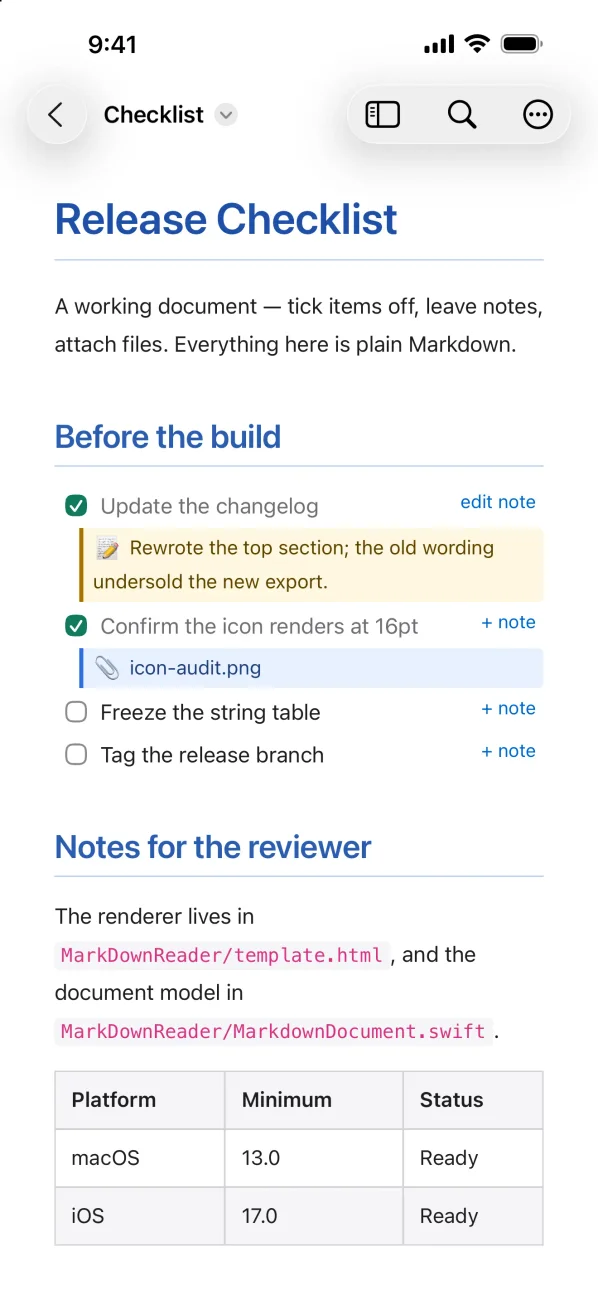
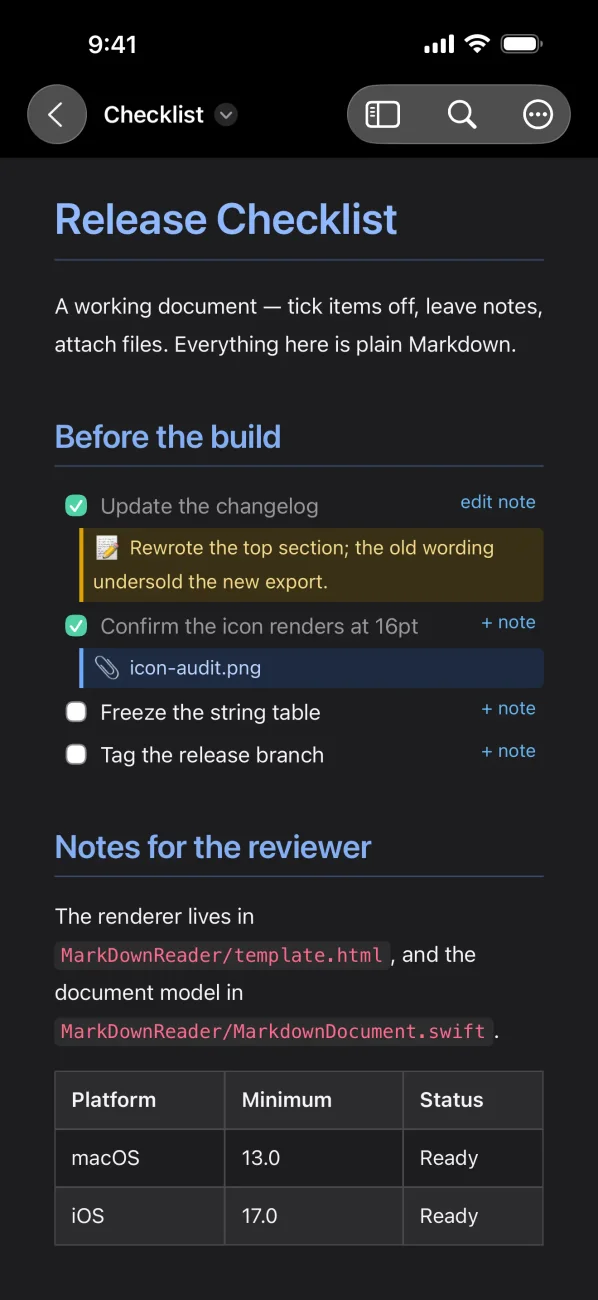
It also turns a checklist into somewhere to work. Tick a task and the change is written straight back to the file, one character, instantly. Add a note to any item and it is saved as an ordinary indented bullet, so every other Markdown tool still reads it. On the Mac, drag a file onto an item to attach it, and click the chip to open it again later.
Nothing is locked in a database. Everything this app writes is plain Markdown you can read in any editor.
- Clean rendering of headings, tables, code blocks, and images, in colour, light or dark
- Several documents in one window as tabs; drag Markdown files in from the Finder, and drag tabs between windows (macOS)
- Your windows and tabs come back when you reopen the app (macOS)
- Collapsible answers, superscripts, highlights and other HTML formatting tags
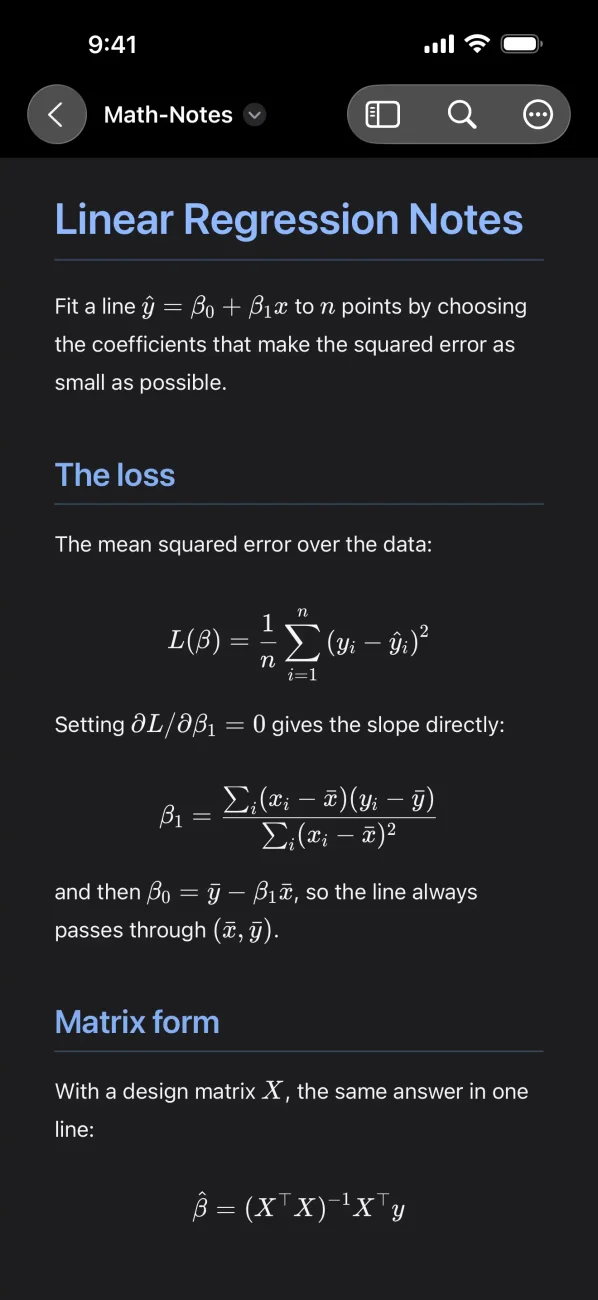
- LaTeX math, typeset offline: $…$ inline and $$…$$ display
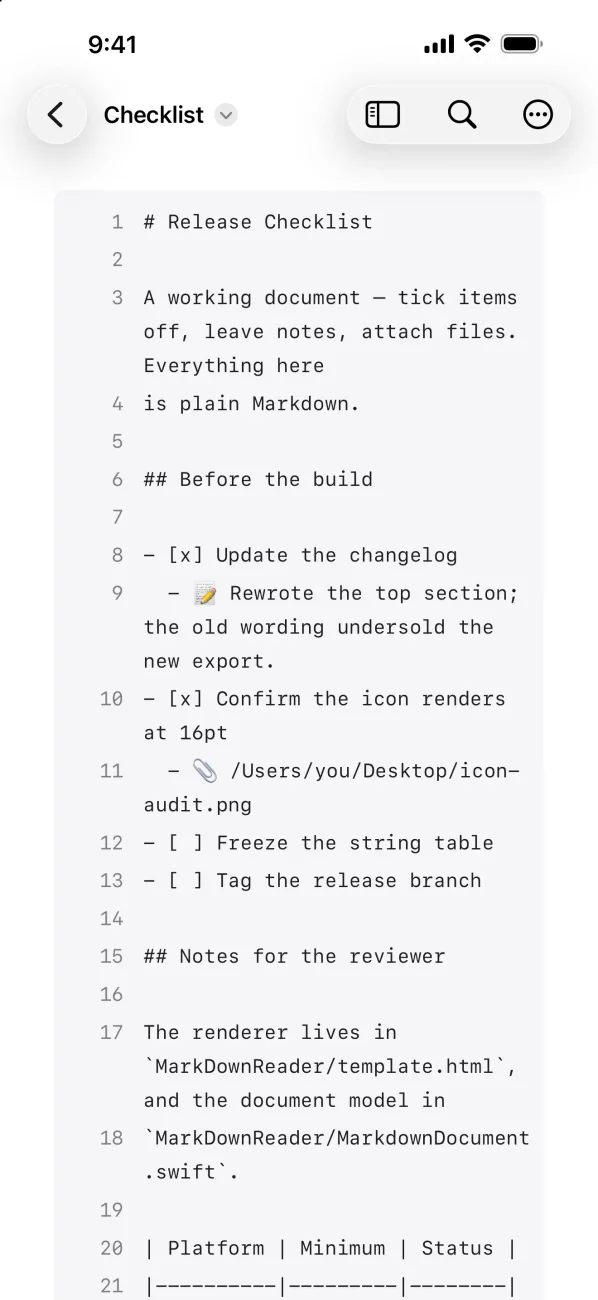
- Interactive task lists: click a checkbox and the .md file updates instantly
- Notes on any checklist item, saved as plain Markdown
- Attach files to checklist items by dragging them in (macOS)
- Clickable file references: a path in a code span opens in your editor (macOS)
- Show Source: the file's raw text with line numbers, one keystroke away; on the Mac, edit it in place with a live preview beside the text
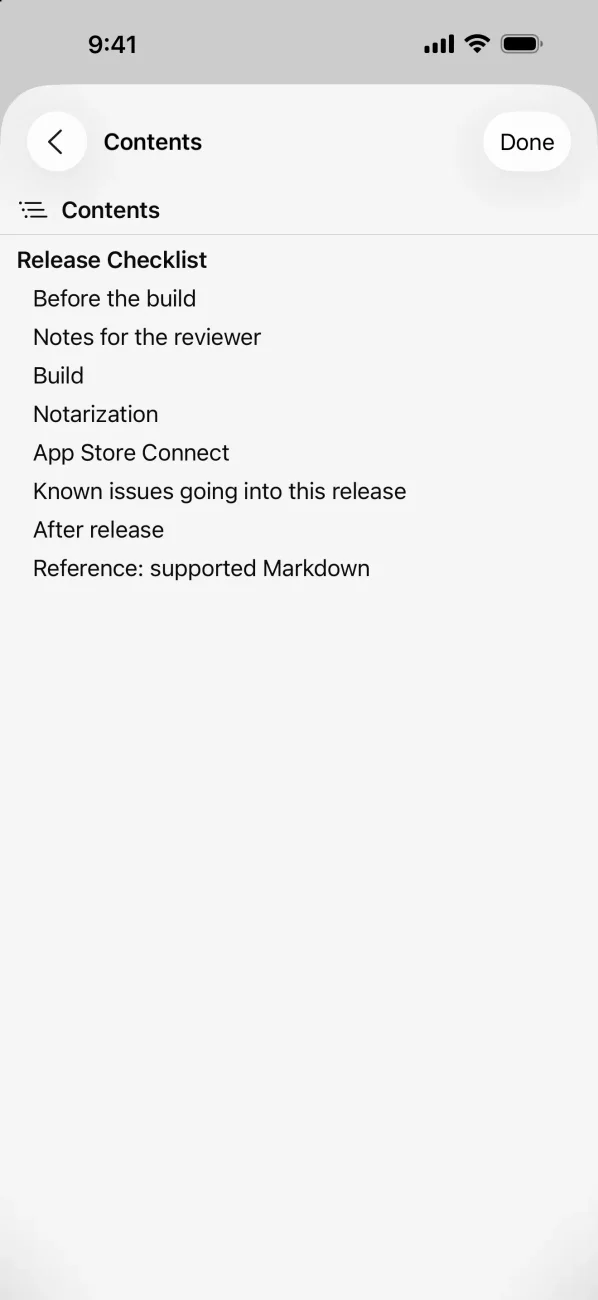
- Table of contents sidebar for long documents, highlighting the section you are reading; hide it, or the tabs, per window (macOS)
- Full-text search with match navigation
- Live reload — edit the file elsewhere and the view keeps up
- Safe saving: a tick or note never overwrites changes made in another app
- Use the full window width for wide documents (macOS)
- Zoom, print, and export to PDF; exported PDFs are always light
- Light or Dark on your terms: follow the system, or pin the reader to either
- Copy the document's path or reveal it in the Finder (macOS)
- Opens .md, .markdown, .mdown, .mkd, and .mkdn files
- Sandboxed and private: no accounts, no analytics, no data collection
- Free, with an optional tip jar that unlocks nothing
Neue Funktionen
Version 1.9 · 26.10.2026
Light or Dark, your call.
• Appearance, in the document menu: follow the device, or keep the reader Light or Dark. The document browser follows too, and the choice is remembered.
• Exported PDFs are always light, like the Mac's, so they read the same for whoever you send them to.
• The Contents list highlights the section you are reading as you scroll.
• The document menu now sits in the toolbar's overflow on iPhone and behind the More button on iPad.
• Send Feedback opens our feedback page, and Support MarkDown Reader offers an optional tip. Tips unlock nothing; everything stays free.
App-Datenschutz
Was Edward Juden im App Store zum Umgang dieser App mit Daten angibt.
-
Keine Daten erfasst
Der Entwickler erfasst keine Daten von dieser App.
Die Datenschutzpraktiken können variieren, zum Beispiel je nach den von Ihnen verwendeten Funktionen oder Ihrem Alter.
Informationen
- Anbieter
- SnickityBit Solutions, LLC
- Kategorie
- Produktivität
- Version
- 1.9
- Aktualisiert
- 26.10.2026
- Veröffentlicht
- 22.07.2026
- Größe
- 3,9 MB
- Erfordert
- iOS 17.0 oder neuer
- Altersfreigabe
- 4+
- Preis
- Kostenlos
- In-App-Käufe
- Ja
- Sprachen
- Englisch
- Copyright
- © 2026 SnickityBit Solutions, LLC
Das könnte Ihnen auch gefallen
-
 Marklens: Markdown ReaderProduktivität
-
 Markflow — Markdown ReaderProduktivität
-
 Markdown Viewer MobileProduktivität
-
 Dawn - MarkdownProduktivität
-
 Markdot: Markdown MD ViewerMD Editor für AI-Dokumente
-
 Marked — Markdown EditorProduktivität
-
 .md ViewerProduktivität
-
 Markdown Editor & ReaderNotizen schreiben mit Vorschau
-
 One MarkdownProduktivität
-
 Buzz - chat with your hiveProduktivität