Memokeys
Smart way to memorise words
Entwickelt für iPhone, iPad
Kostenlos · In-App-Käufe
- Altersfreigabe4+
- KategorieBildung
- EntwicklerSerge Kotov
- SprachenEnglisch+ 7 weitere
- Größe4,8 MB
Verlinkt auf die offizielle App Store-Seite
Download.org hostet keine Datei von Memokeys. Die Schaltfläche öffnet die App-Seite bei App Store, wo Serge Kotov die App veröffentlicht. Eintrag zuletzt geprüft am 20.11.2026.
Screenshots


Info
Der Entwickler hat diesen Text nicht in Ihrer Sprache bereitgestellt.
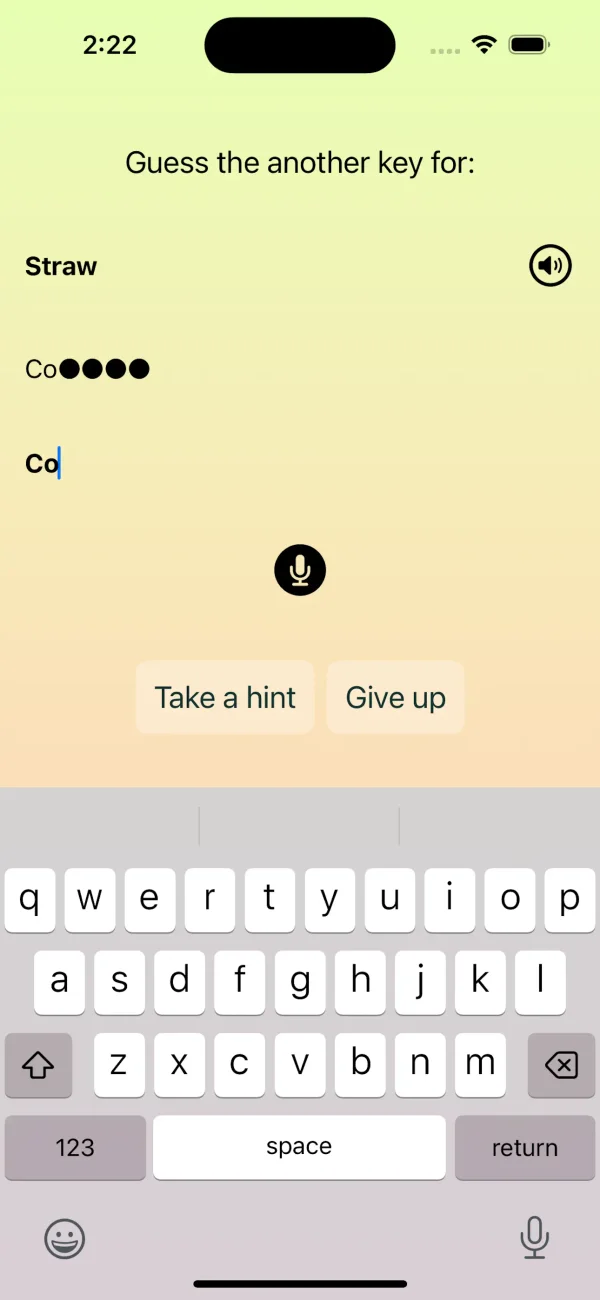
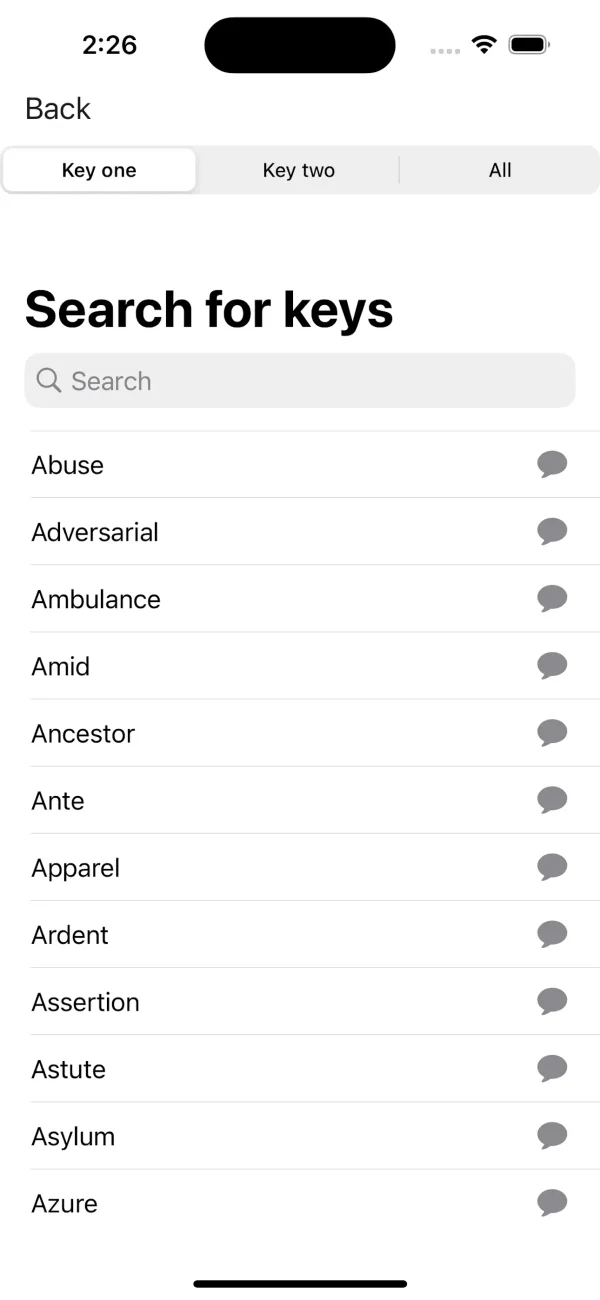
The Memokeys app provides an easy and fun way to memorise connections between words: a great help in learning foreign languages and unfamiliar terms!
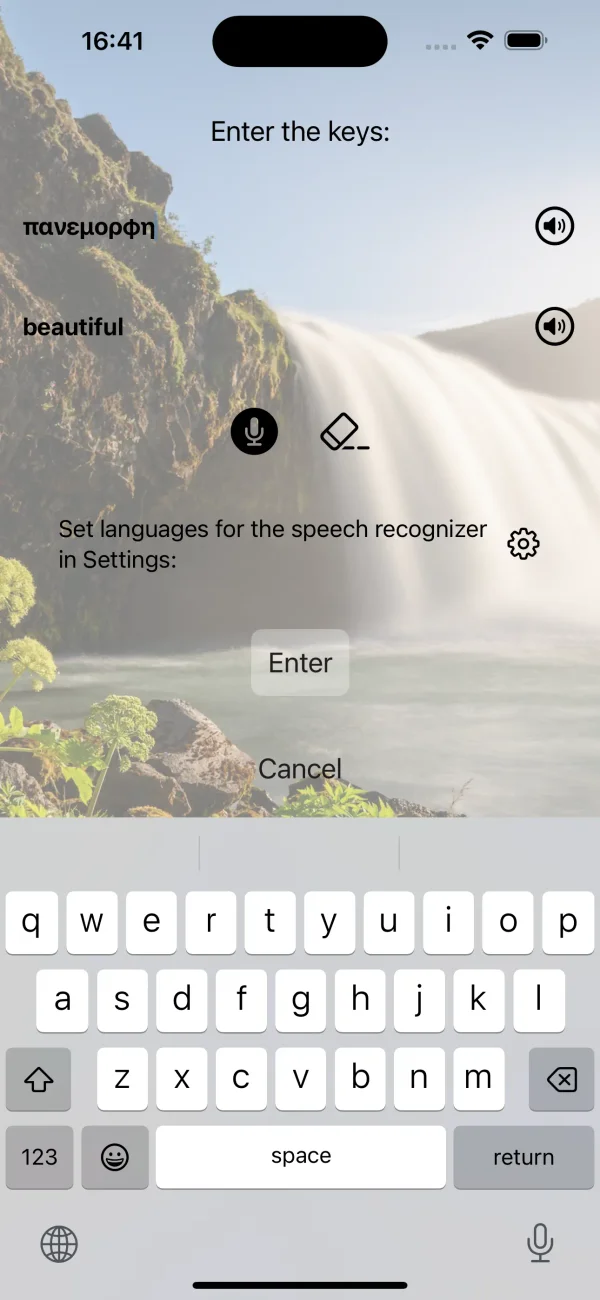
You enter a couple of words or expressions - keys. A smart algorithm that uses a human memory model will quiz you to remember the connections between words from the first to the second or vice versa. The successes and mistakes of your actions are analyzed and remembered. The algorithm adapts to select the most essential pair of words for you at any time.
For the best performance of the algorithm, it is desirable to enter a couple of dozen pairs of words over several days.
Each key pair has a unique background color scheme associated with the text code. You can add an image from your photo collection to the key pair, or take an instant camera photo.
FAQ
How to adjust the probability balance of the quiz from the first word to the second?
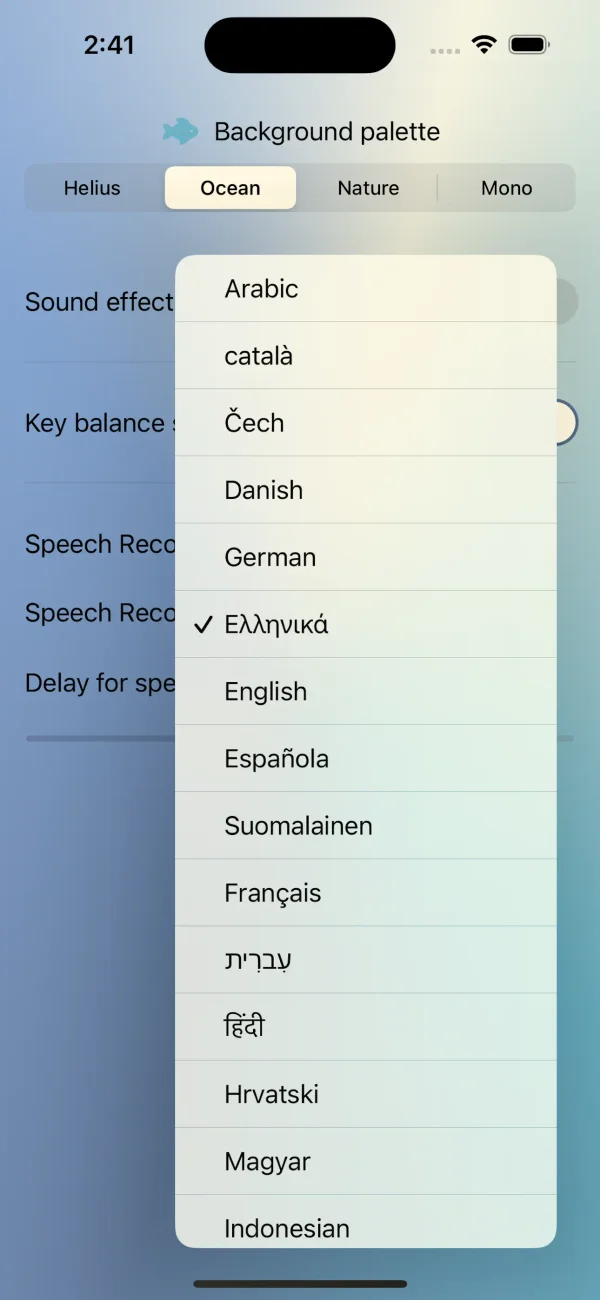
- The smart algorithm manages the direction on its own, but you can manually adjust the desired probability in the Settings page. The new settings take effect gradually.
Is it case-sensitive, as well as spaces?
- No, you don't have to worry about letter case, leading and trailing spaces.
How to edit or delete a pair of memo word keys?
- After passing the quiz, you can click on the Edit button. There will also be the Delete option.
Did you know?
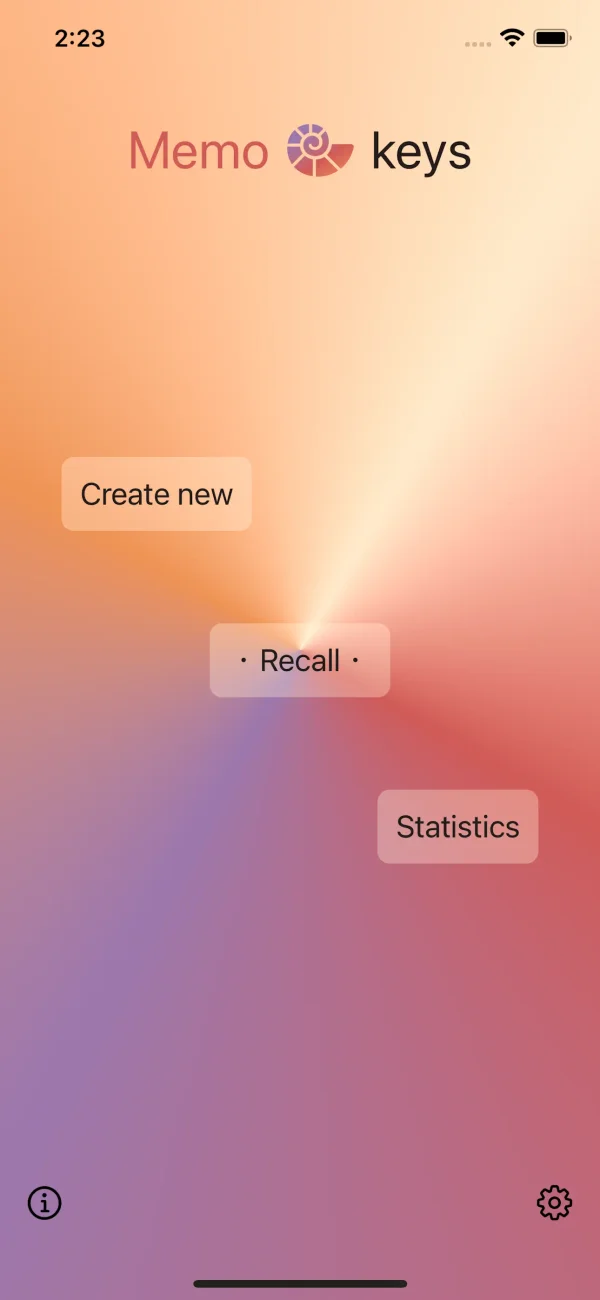
The app's background gradient is a clock in 24 hour time format.
Neue Funktionen
Version 1.6 · 14.07.2026
+ a button in the Settings section to delete all saved keys on the app
+ minor visual interface improvements
App-Datenschutz
Was Serge Kotov im App Store zum Umgang dieser App mit Daten angibt.
-
Keine Daten erfasst
Der Entwickler erfasst keine Daten von dieser App.
Die Datenschutzpraktiken können variieren, zum Beispiel je nach den von Ihnen verwendeten Funktionen oder Ihrem Alter.
Informationen
- Anbieter
- Serge Kotov
- Kategorie
- Bildung
- Version
- 1.6
- Aktualisiert
- 14.07.2026
- Veröffentlicht
- 07.04.2023
- Größe
- 4,8 MB
- Erfordert
- iOS 16.0 oder neuer
- Altersfreigabe
- 4+
- Preis
- Kostenlos
- In-App-Käufe
- Ja
- Sprachen
- Englisch, Französisch, Deutsch, Italienisch, Polnisch, Russisch, Spanisch, Ukrainisch
- Copyright
- © 2023 Serge Kotov
Das könnte Ihnen auch gefallen
-
 Memory TheatreBildung
-
 Cardiology Pharmacology ReviewBildung
-
 Engram: Memory TrainingBildung
-
 French memory castleBildung
-
 Kifuku: Japanese Pitch AccentBildung
-
 Pith: Study FlashcardsBildung
-
 Memorly Flashcard & Study TipsBildung
-
 Memorize-Brain seriesBildung
-
 Quranic LanguageBildung
-
 NumMnemonic: Zahlen merkenPINs & Nummern einprägen