Memokeys
Smart way to memorise words
Được thiết kế cho iPhone, iPad
Miễn phí · Mua hàng trong ứng dụng
- Độ tuổi4+
- Danh mụcGiáo Dục
- Nhà phát triểnSerge Kotov
- Ngôn ngữTiếng Anh+ 7 ngôn ngữ khác
- Kích thước4,8 MB
Liên kết đến trang App Store chính thức
Download.org không lưu trữ tệp nào của Memokeys. Nút này mở trang ứng dụng trên App Store, nơi Serge Kotov phát hành ứng dụng. Trang được kiểm tra lần cuối: 20/11/2026.
Ảnh chụp màn hình


Giới thiệu
Nhà phát triển chưa cung cấp nội dung này bằng ngôn ngữ của bạn.
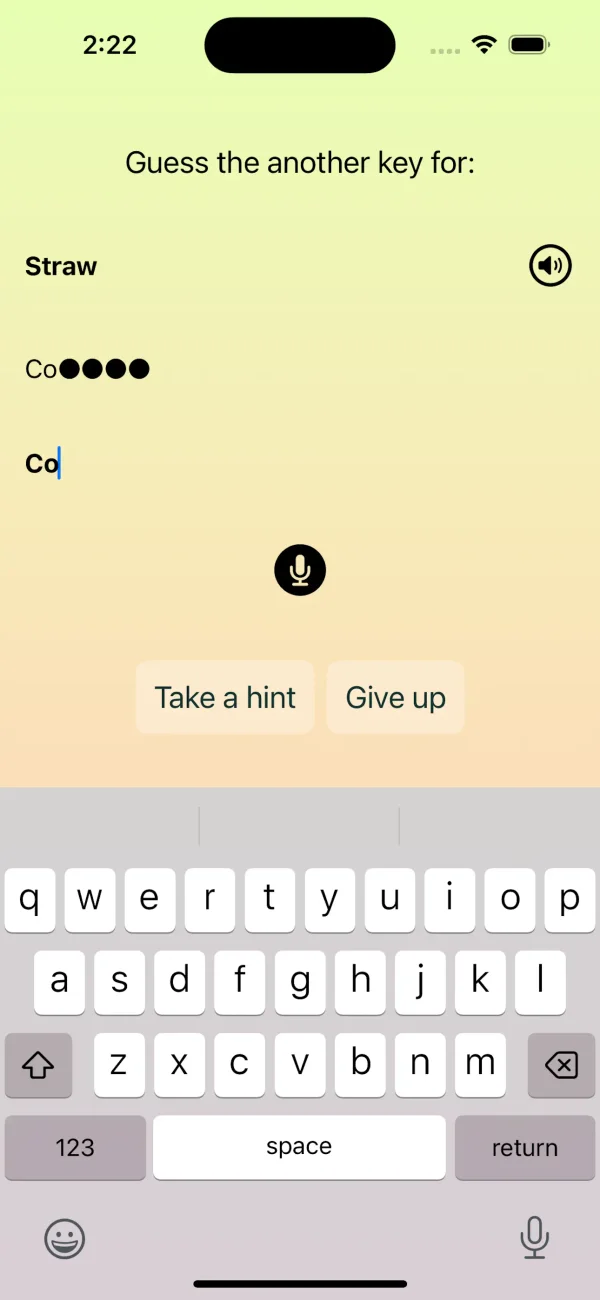
The Memokeys app provides an easy and fun way to memorise connections between words: a great help in learning foreign languages and unfamiliar terms!
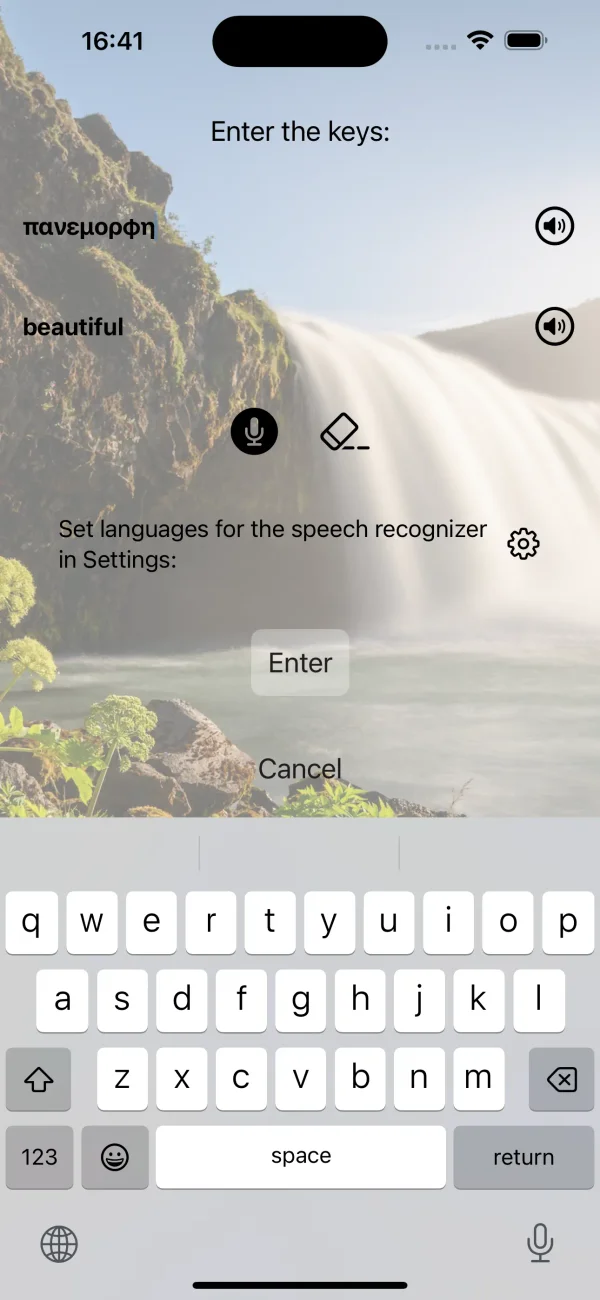
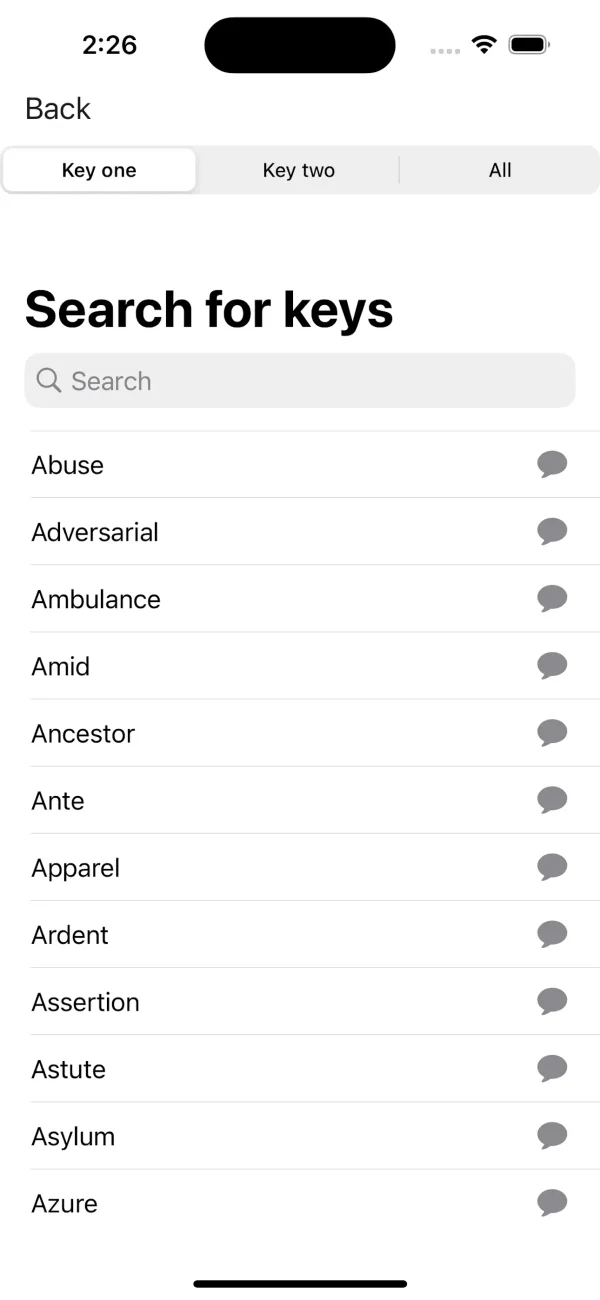
You enter a couple of words or expressions - keys. A smart algorithm that uses a human memory model will quiz you to remember the connections between words from the first to the second or vice versa. The successes and mistakes of your actions are analyzed and remembered. The algorithm adapts to select the most essential pair of words for you at any time.
For the best performance of the algorithm, it is desirable to enter a couple of dozen pairs of words over several days.
Each key pair has a unique background color scheme associated with the text code. You can add an image from your photo collection to the key pair, or take an instant camera photo.
FAQ
How to adjust the probability balance of the quiz from the first word to the second?
- The smart algorithm manages the direction on its own, but you can manually adjust the desired probability in the Settings page. The new settings take effect gradually.
Is it case-sensitive, as well as spaces?
- No, you don't have to worry about letter case, leading and trailing spaces.
How to edit or delete a pair of memo word keys?
- After passing the quiz, you can click on the Edit button. There will also be the Delete option.
Did you know?
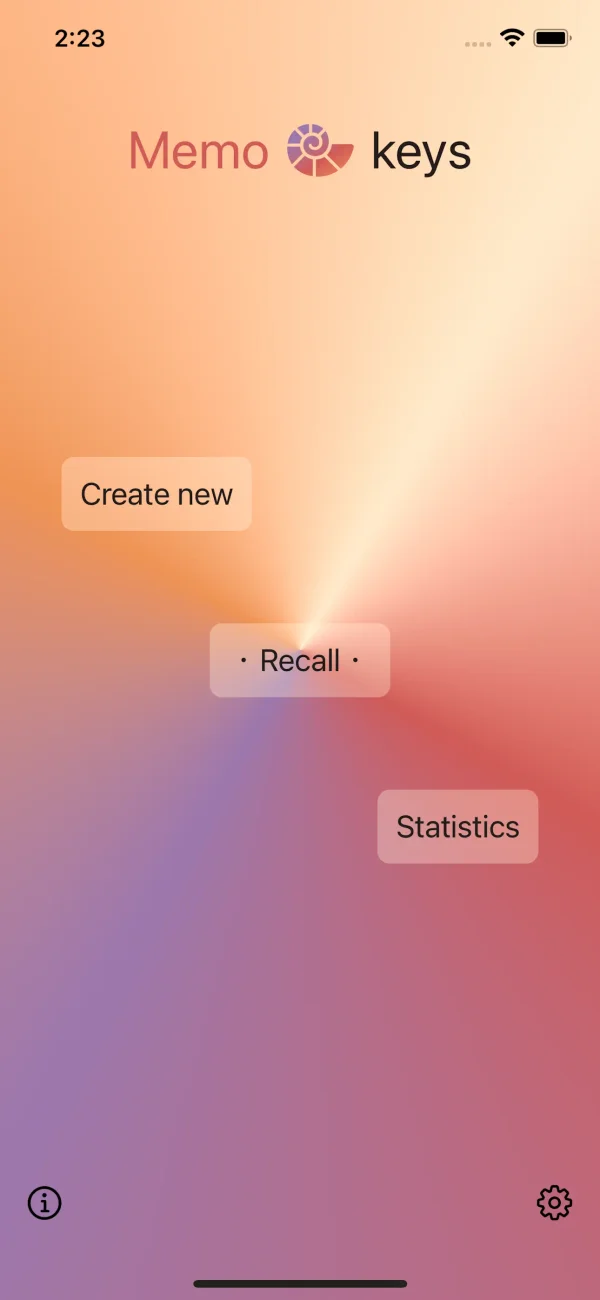
The app's background gradient is a clock in 24 hour time format.
Có gì mới
Phiên bản 1.6 · 14/07/2026
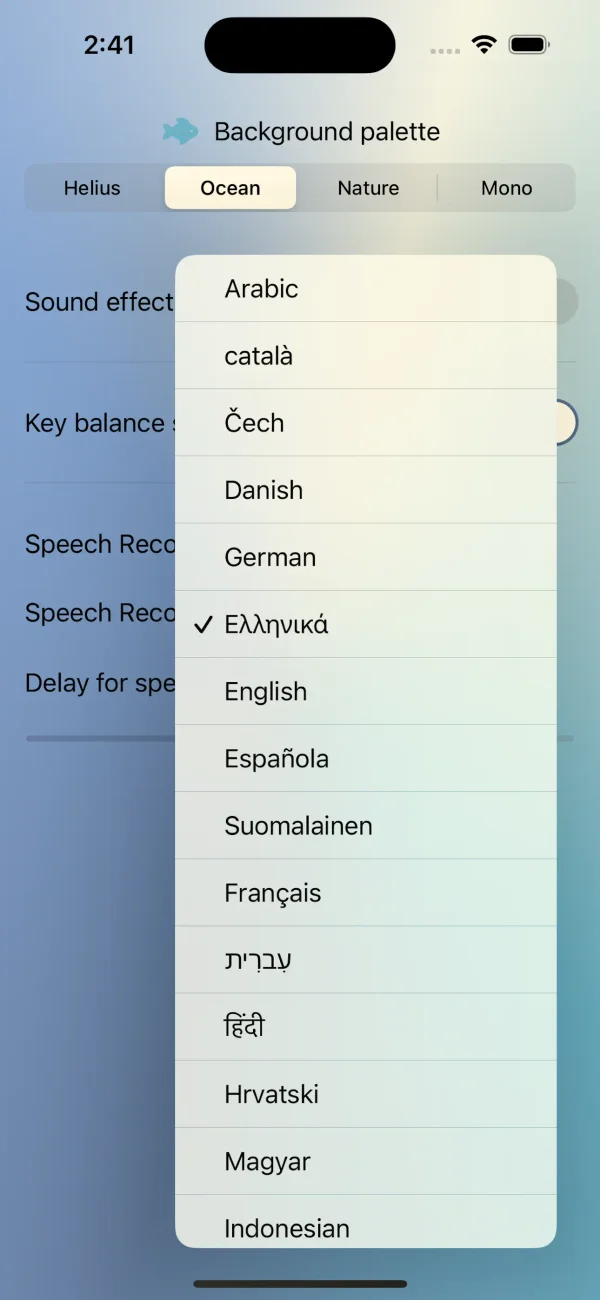
+ a button in the Settings section to delete all saved keys on the app
+ minor visual interface improvements
Quyền riêng tư của ứng dụng
Những gì Serge Kotov khai báo trên App Store về cách ứng dụng này xử lý dữ liệu.
-
Dữ liệu không được thu thập
Nhà phát triển không thu thập bất kỳ dữ liệu nào từ ứng dụng này.
Phương thức đảm bảo quyền riêng tư có thể khác nhau, chẳng hạn như tuỳ theo các tính năng bạn sử dụng hoặc độ tuổi của bạn.
Thông tin
- Người bán
- Serge Kotov
- Danh mục
- Giáo Dục
- Phiên bản
- 1.6
- Cập nhật
- 14/07/2026
- Phát hành
- 07/04/2023
- Kích thước
- 4,8 MB
- Yêu cầu
- iOS 16.0 trở lên
- Độ tuổi
- 4+
- Giá
- Miễn phí
- Mua hàng trong ứng dụng
- Có
- Ngôn ngữ
- Tiếng Anh, Tiếng Pháp, Tiếng Đức, Tiếng Ý, Tiếng Ba Lan, Tiếng Nga, Tiếng Tây Ban Nha, Tiếng Ukraina
- Bản quyền
- © 2023 Serge Kotov
Có thể bạn cũng thích
-
 Memory TheatreGiáo Dục
-
 Cardiology Pharmacology ReviewGiáo Dục
-
 Engram: Memory TrainingGiáo Dục
-
 French memory castleGiáo Dục
-
 Kifuku: Japanese Pitch AccentGiáo Dục
-
 Pith: Study FlashcardsGiáo Dục
-
 Memorly Flashcard & Study TipsGiáo Dục
-
 Memorize-Brain seriesGiáo Dục
-
 Quranic LanguageGiáo Dục
-
 Memorize Fast - NumMnemonicGiáo Dục