Memokeys
Smart way to memorise words
Dirancang untuk iPhone, iPad
Gratis · Pembelian dalam aplikasi
- Batasan usia4+
- KategoriPendidikan
- PengembangSerge Kotov
- BahasaInggris+ 7 lainnya
- Ukuran4,8 MB
Tertaut ke halaman resmi App Store
Download.org tidak menyimpan file Memokeys apa pun. Tombol ini membuka halaman aplikasi di App Store, tempat Serge Kotov menerbitkannya. Halaman terakhir diperiksa pada 20/11/2026.
Tangkapan layar


Tentang
Pengembang belum menyediakan teks ini dalam bahasa Anda.
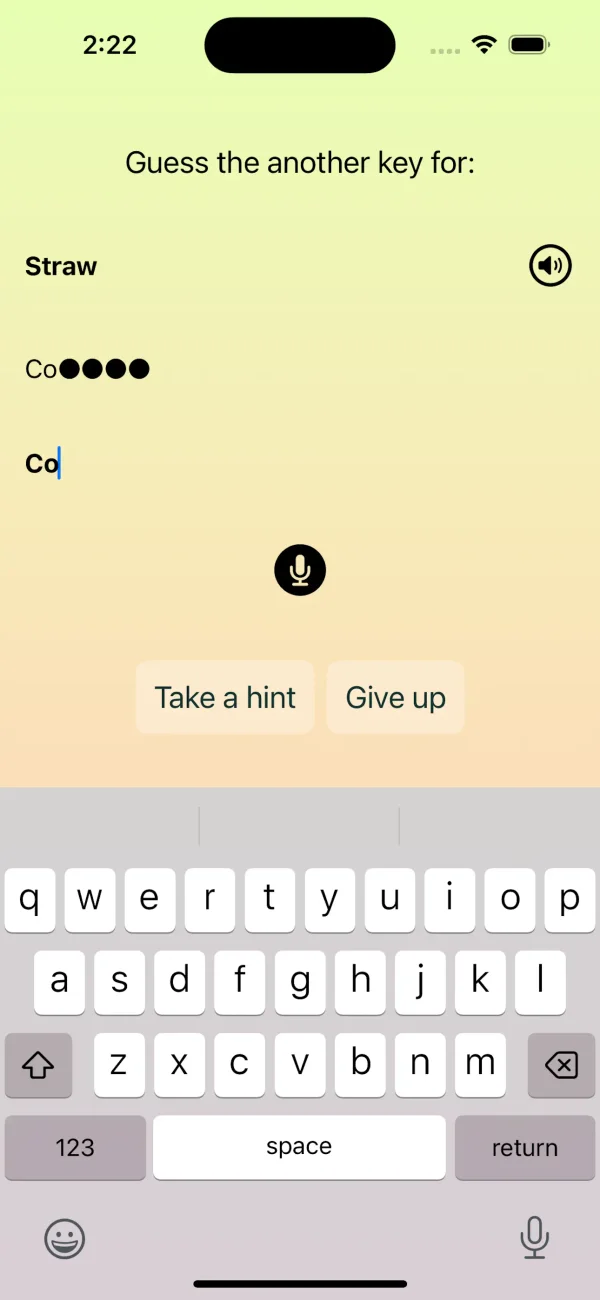
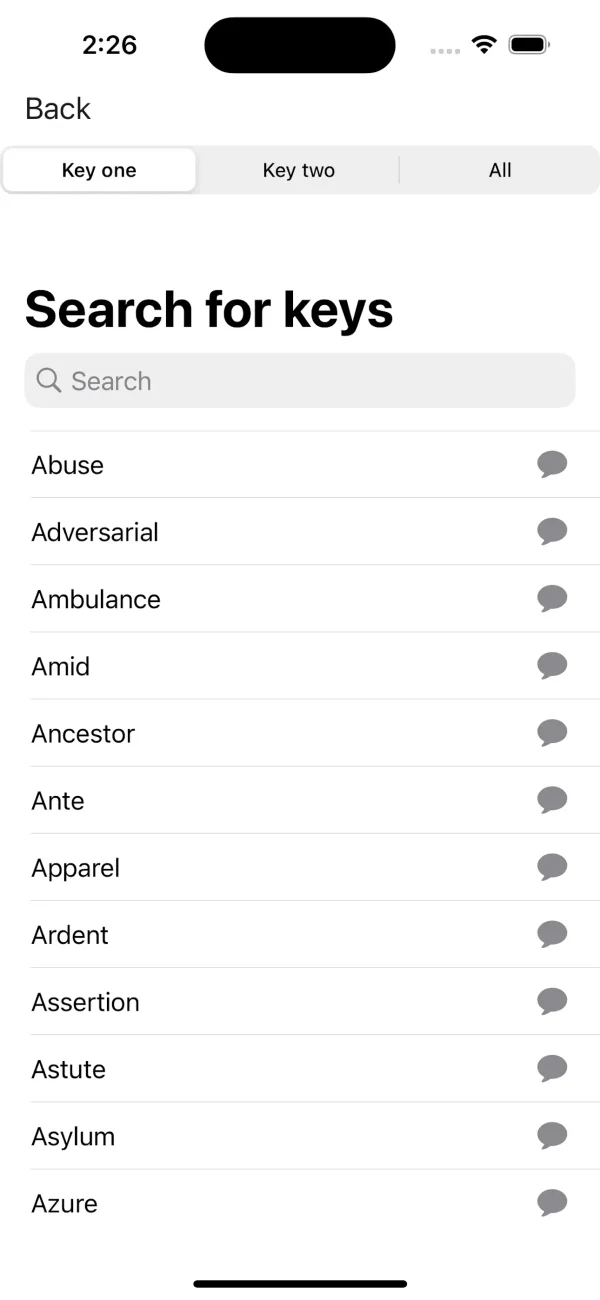
The Memokeys app provides an easy and fun way to memorise connections between words: a great help in learning foreign languages and unfamiliar terms!
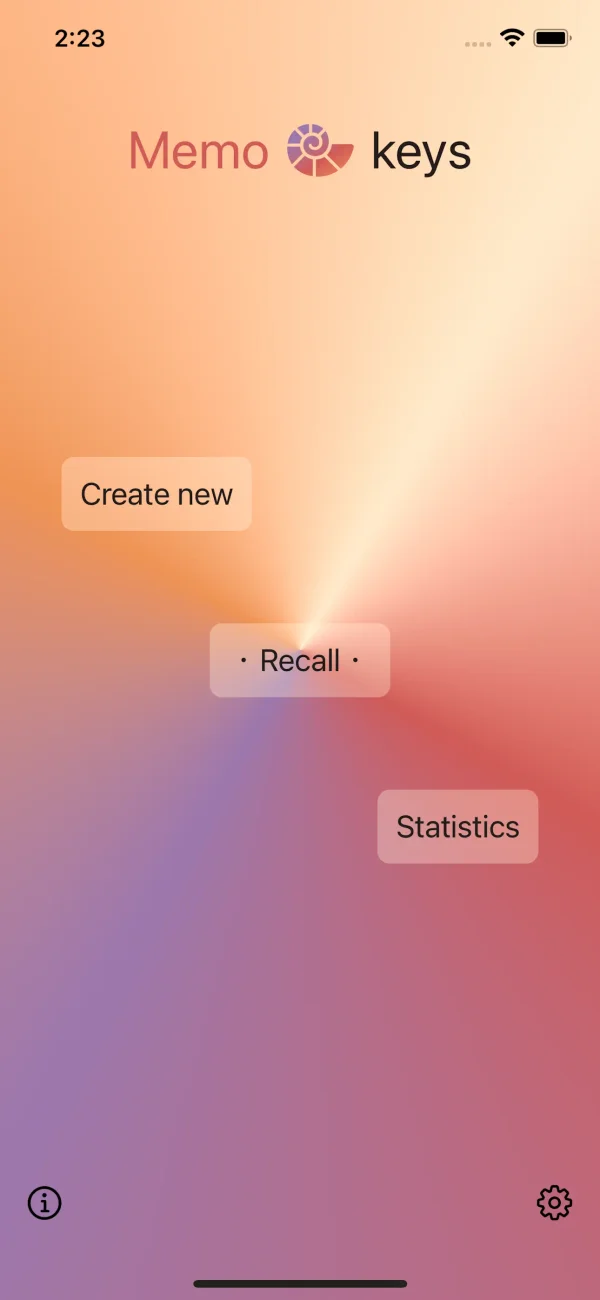
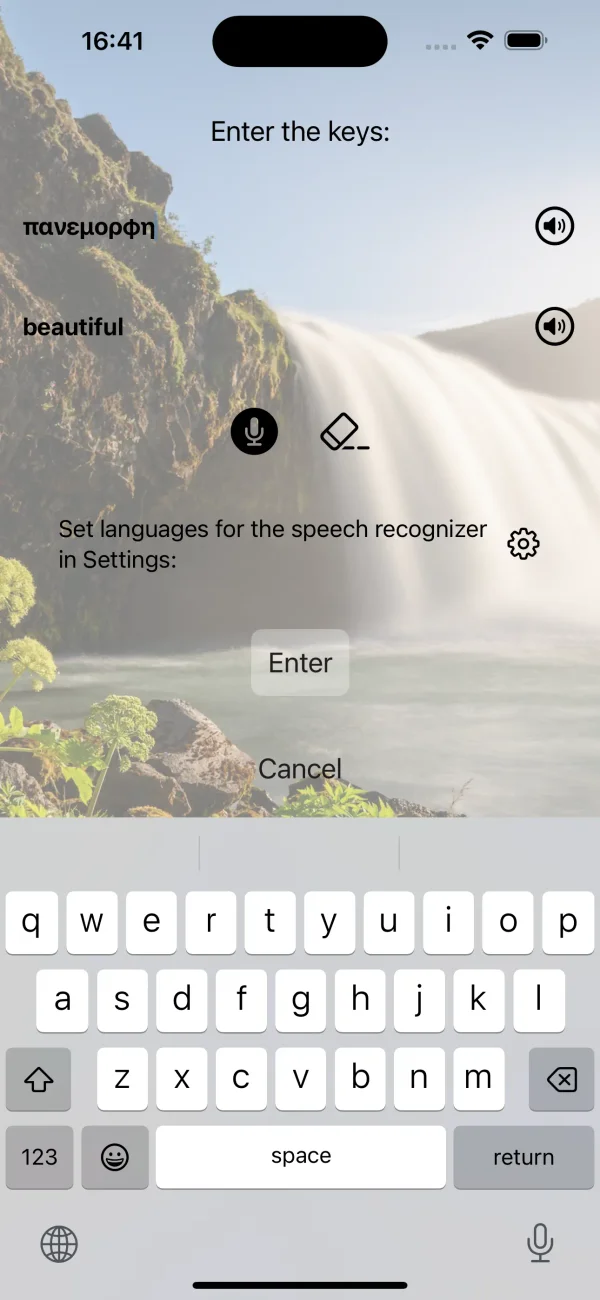
You enter a couple of words or expressions - keys. A smart algorithm that uses a human memory model will quiz you to remember the connections between words from the first to the second or vice versa. The successes and mistakes of your actions are analyzed and remembered. The algorithm adapts to select the most essential pair of words for you at any time.
For the best performance of the algorithm, it is desirable to enter a couple of dozen pairs of words over several days.
Each key pair has a unique background color scheme associated with the text code. You can add an image from your photo collection to the key pair, or take an instant camera photo.
FAQ
How to adjust the probability balance of the quiz from the first word to the second?
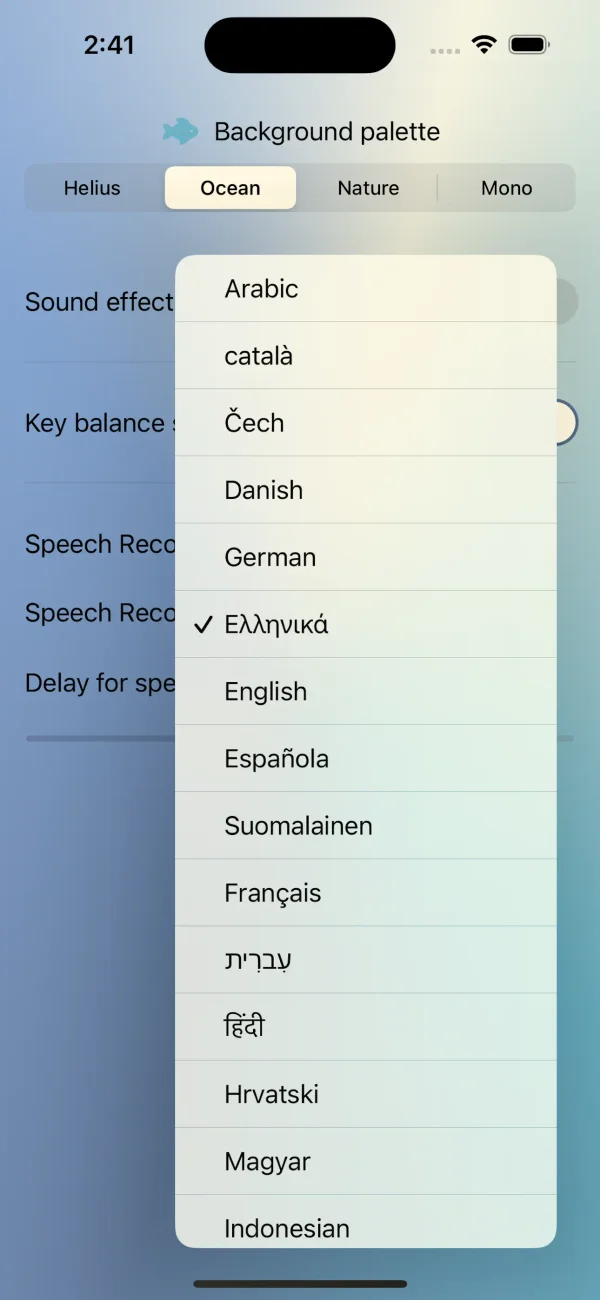
- The smart algorithm manages the direction on its own, but you can manually adjust the desired probability in the Settings page. The new settings take effect gradually.
Is it case-sensitive, as well as spaces?
- No, you don't have to worry about letter case, leading and trailing spaces.
How to edit or delete a pair of memo word keys?
- After passing the quiz, you can click on the Edit button. There will also be the Delete option.
Did you know?
The app's background gradient is a clock in 24 hour time format.
Yang baru
Versi 1.6 · 14/7/2026
+ a button in the Settings section to delete all saved keys on the app
+ minor visual interface improvements
Privasi aplikasi
Yang dinyatakan Serge Kotov di App Store tentang cara aplikasi ini menangani data.
-
Data tidak dikumpulkan
Pengembang tidak mengumpulkan data apa pun dari aplikasi ini.
Praktik privasi dapat bervariasi, misalnya berdasarkan fitur yang Anda gunakan atau usia Anda.
Informasi
- Penjual
- Serge Kotov
- Kategori
- Pendidikan
- Versi
- 1.6
- Diperbarui
- 14/7/2026
- Dirilis
- 7/4/2023
- Ukuran
- 4,8 MB
- Memerlukan
- iOS 16.0 atau yang lebih baru
- Batasan usia
- 4+
- Harga
- Gratis
- Pembelian dalam aplikasi
- Ya
- Bahasa
- Inggris, Prancis, Jerman, Italia, Polski (Polandia), Rusia, Spanyol, Ukraina
- Hak cipta
- © 2023 Serge Kotov
Mungkin Anda juga suka
-
 Memory TheatrePendidikan
-
 Cardiology Pharmacology ReviewPendidikan
-
 Engram: Memory TrainingPendidikan
-
 French memory castlePendidikan
-
 Kifuku: Japanese Pitch AccentPendidikan
-
 Pith: Study FlashcardsPendidikan
-
 Memorly Flashcard & Study TipsPendidikan
-
 Memorize-Brain seriesPendidikan
-
 Quranic LanguagePendidikan
-
 Memorize Fast - NumMnemonicPendidikan