
- Altersfreigabe4+
- KategorieProduktivität
- EntwicklerMasashi Sasaoka
- SprachenEnglisch+ 10 weitere
- Größe34,1 MB
Verlinkt auf die offizielle App Store-Seite
Download.org hostet keine Datei von MemoP. Die Schaltfläche öffnet die App-Seite bei App Store, wo Masashi Sasaoka die App veröffentlicht. Eintrag zuletzt geprüft am 16.11.2026.
Screenshots



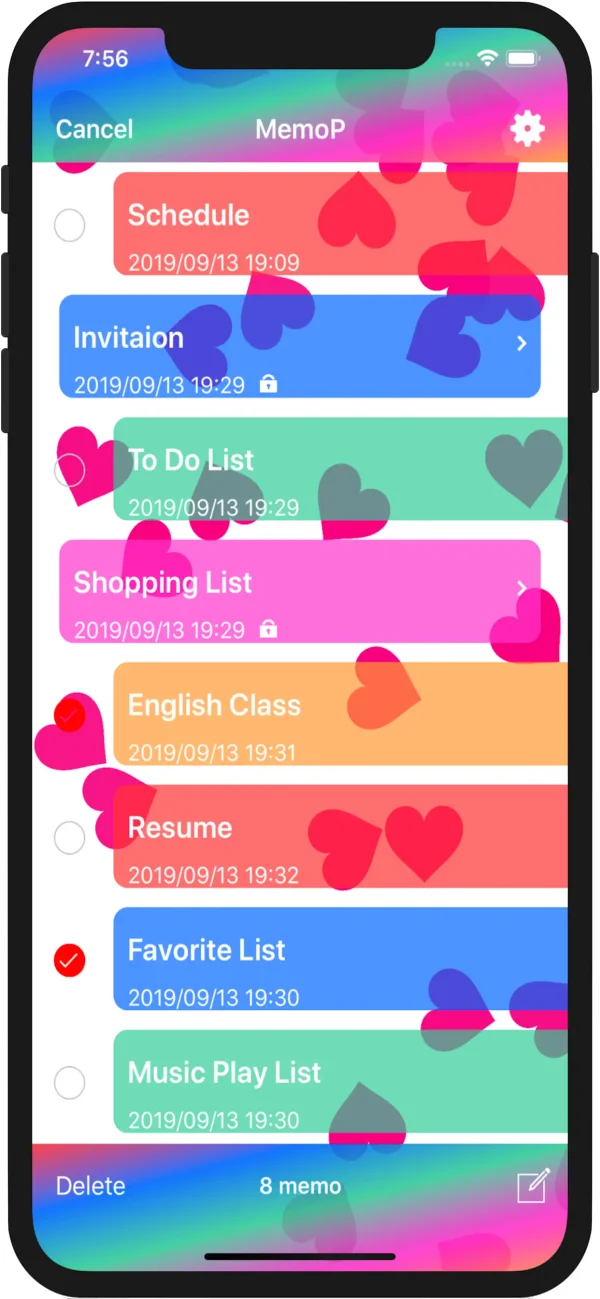
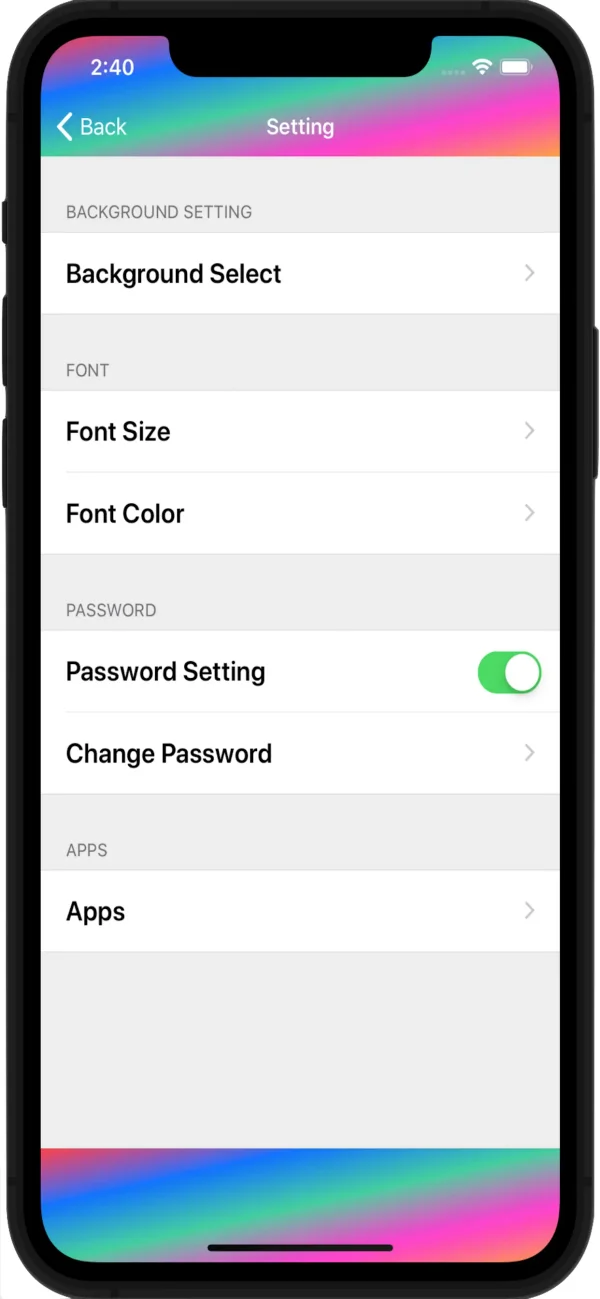
Info
Der Entwickler hat diesen Text nicht in Ihrer Sprache bereitgestellt.
MemoP is a memo app with ease of operation, utility, password lock function.
Compatible with Touch ID / Face ID.
◆ Password Lock function:
- Password Lock can be selected.
- When Password Lock setting is done, it will be locked when in the background etc, so it is safe. You can also set the Touch ID / Face ID.
◆ Edit function:
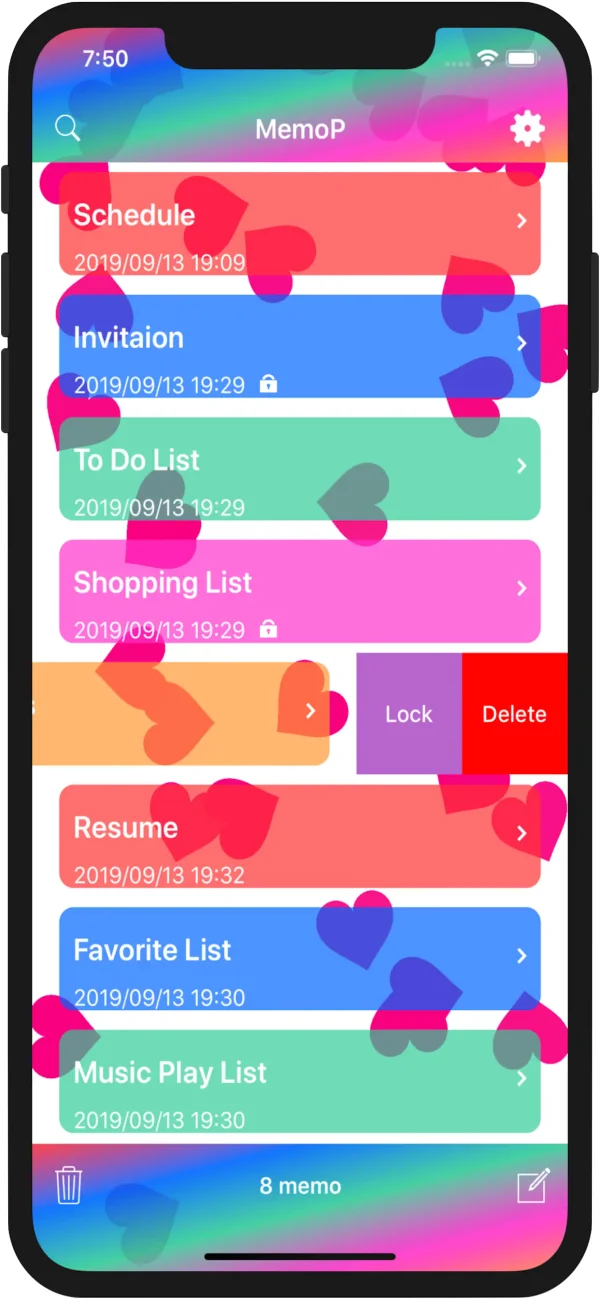
- You can move memos by dragging and dropping. Deleting notes can also be done with swipe, and operability is simplified.
- Because you can lock the edits, if you keep the important memo locked, you can prevent mistakes that you accidentally erase.
- Selective deletion, all delete functions are also included
◆ Activity function:
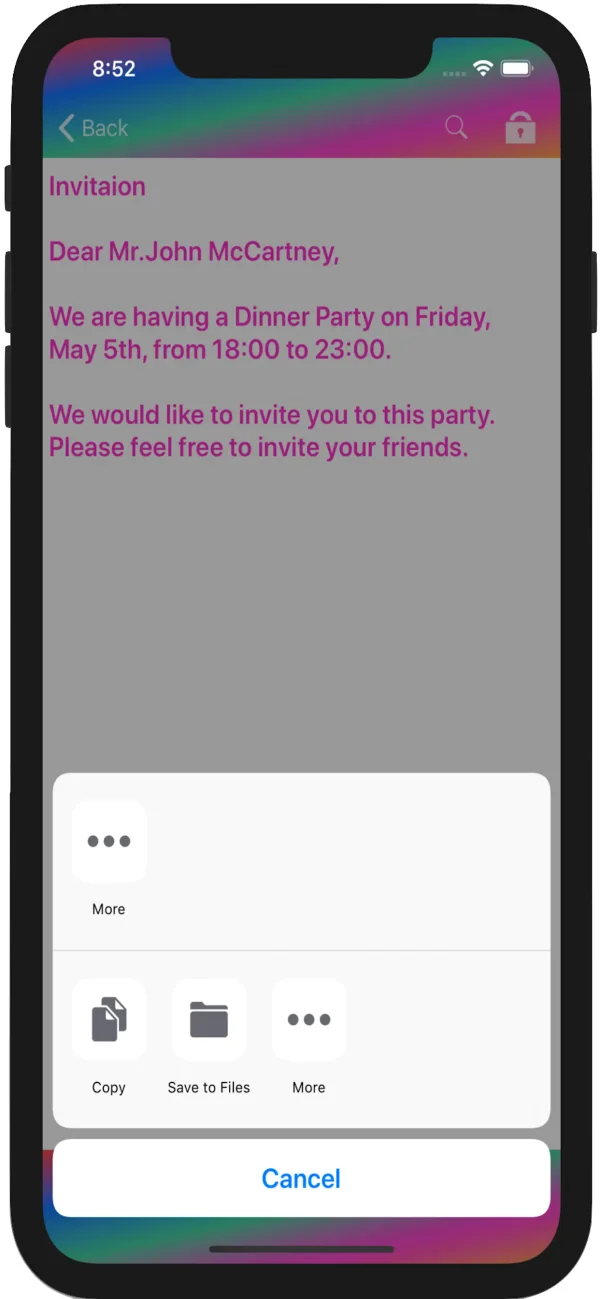
- Functions that can post directly to messages, mail, LINE, Twitter etc.
◆ Background selection function:
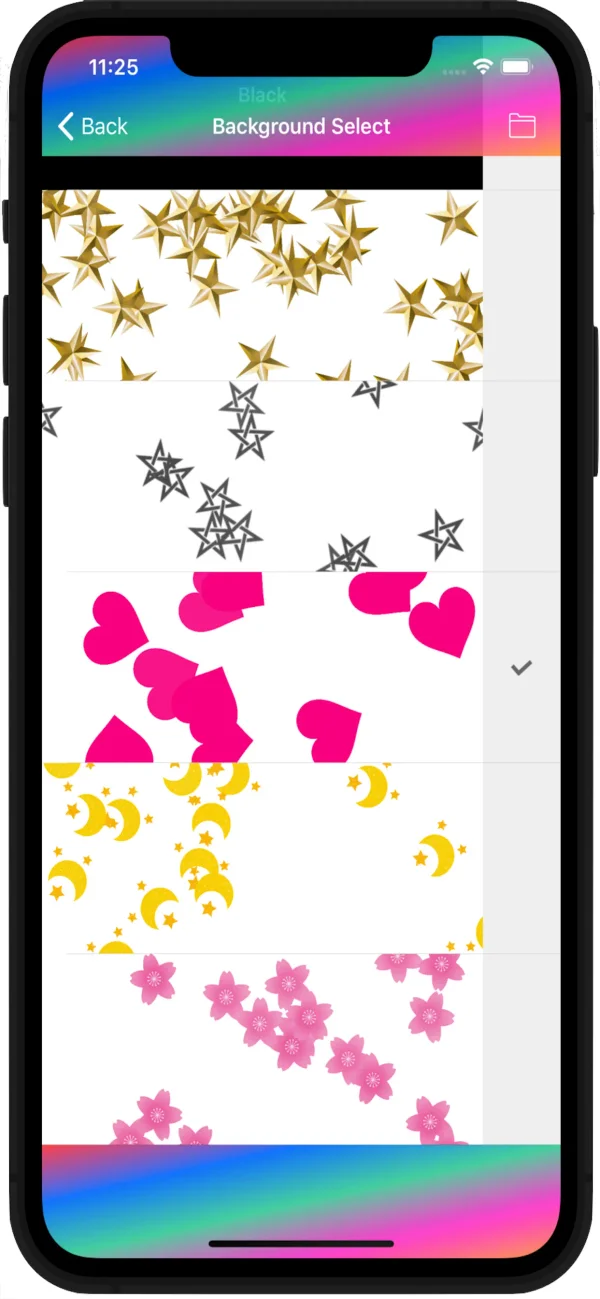
- You can select the background of the main screen.
In addition to existing patterns, you can also select and set images from photo albums.
◆ Search refinement function:
- It is also possible to narrow down the target memo and display it by entering a search word.
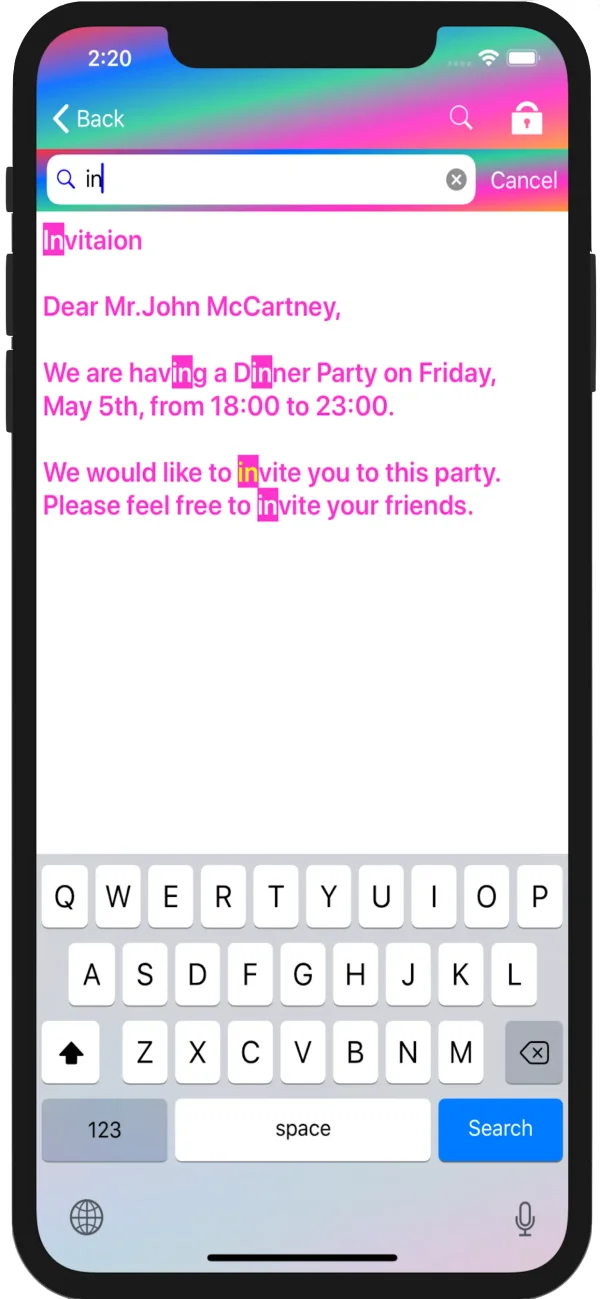
◆ Character search function on the edit screen:
- Even if you write a lot of notes, it is easy to find where you wrote it.
◆ Font setting:
- Font size can be changed (list screen, memo editing screen)
- Select font color on the memo edit screen (select from default, black, and gray)
※ The maximum number of characters that can be entered in one memo is 100,000 (6.0 or later).
※ Deleting an application will delete the saved memo data.
※ If the password is unknown, third parties can not invalidate the lock, so please be careful when managing the setting.
◆ Note:
Ads will be hidden if you pay.
Neue Funktionen
Version 14.5 · 03.10.2026
Minor bug fixes
App-Datenschutz
Was Masashi Sasaoka im App Store zum Umgang dieser App mit Daten angibt.
-
Daten, die zum Tracking Ihrer Person verwendet werden
Können verwendet werden, um Sie über Apps und Websites anderer Unternehmen hinweg zu verfolgen.
- Standort
-
Nicht mit Ihnen verknüpfte Daten
Können erfasst werden, sind aber nicht mit Ihrer Identität verknüpft.
- Standort
- Diagnose
Die Datenschutzpraktiken können variieren, zum Beispiel je nach den von Ihnen verwendeten Funktionen oder Ihrem Alter.
Informationen
- Anbieter
- Masashi Sasaoka
- Kategorie
- Produktivität
- Version
- 14.5
- Aktualisiert
- 03.10.2026
- Veröffentlicht
- 30.12.2017
- Größe
- 34,1 MB
- Erfordert
- iOS 17.0 oder neuer
- Altersfreigabe
- 4+
- Preis
- Kostenlos
- In-App-Käufe
- Ja
- Sprachen
- Englisch, Filipino, Hindi, Italienisch, Japanisch, Koreanisch, Malaiisch, Portugiesisch, Vereinf. Chinesisch, Spanisch, Tradit. Chinesisch
- Copyright
- © 2016-2026 ms-associe
Das könnte Ihnen auch gefallen
-
 MeineNotizen - Geheime NotizenNotizen mit Schloss
-
 Privater Notizblock+Schreiben Sie private Notizen
-
 Notizen & Tagebuch: Lock NotesPrivat: Notizbuch mit Passwort
-
 Notes and Folders - NotepadProduktivität
-
 Kalender Notizen Mit PasswortAufgabenliste & Erinnerungen
-
 dMemoProduktivität
-
 Mein Super Geheimes TagebuchPrivate Notizen Schreiben
-
 BestNote Notizen OrdnerNotas con contraseña y fotos
-
 Diamond Diary Notes With LockProduktivität
-
 Password Manager - Safe LockProduktivität