MetalGraph
Build Metal shaders visually
Entwickelt für iPad, Mac
Kostenlos · In-App-Käufe
- Altersfreigabe4+
- KategorieEntwickler-Tools
- EntwicklerDigital Toys LLC
- SprachenEnglisch
- Größe7,2 MB
Verlinkt auf die offizielle App Store-Seite
Download.org hostet keine Datei von MetalGraph. Die Schaltfläche öffnet die App-Seite bei App Store, wo Digital Toys LLC die App veröffentlicht. Eintrag zuletzt geprüft am 17.11.2026.
Screenshots

Info
Der Entwickler hat diesen Text nicht in Ihrer Sprache bereitgestellt.
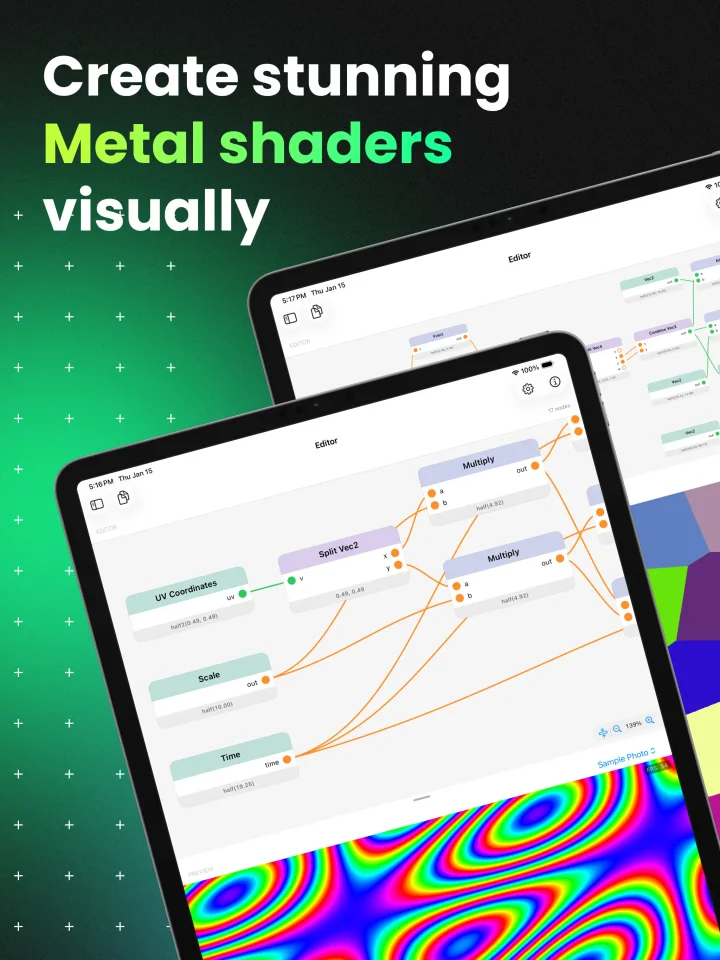
MetalGraph is a visual node-based editor for creating Metal shaders on iPad and Mac. Design stunning visual effects, learn GPU programming concepts, and export production-ready code—all without writing a single line of shader code.
VISUAL SHADER CREATION
• Drag-and-drop node editor with 50+ nodes
• Real-time preview shows your shader instantly
• Connect nodes to build complex effects
• Animated preview with time-based effects
LEARN BY DOING
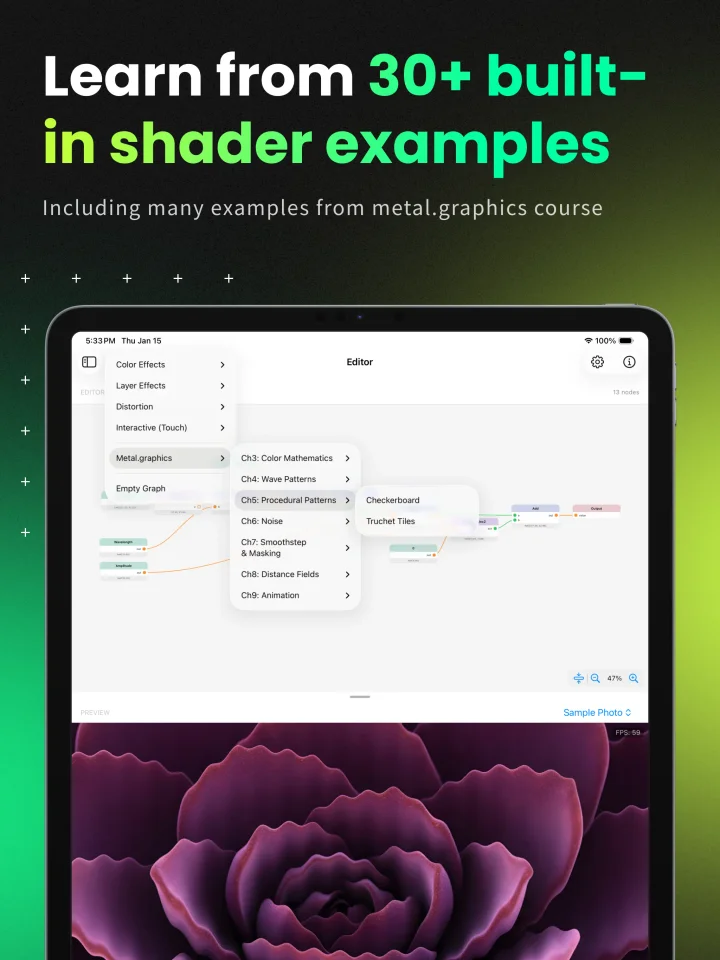
• 30+ built-in examples covering:
- Color effects (gradients, plasma, voronoi)
- Layer effects (glass, chromatic aberration)
- Distortion (waves, ripples)
- Interactive touch effects
• Perfect companion for metal.graphics course
PRODUCTION-READY EXPORT
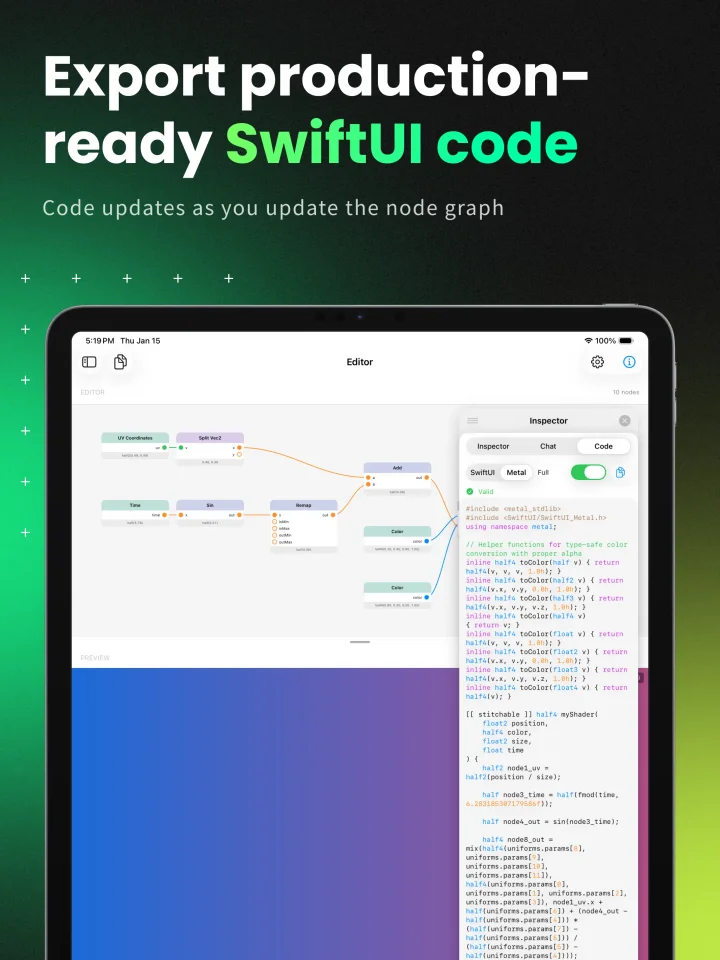
• Generate complete Metal Shading Language code
• SwiftUI-ready .colorEffect and .layerEffect variants
• Copy code directly into your Xcode project
• Syntax-highlighted code display
AI ASSISTANT
• Ask questions about shader techniques
• Get help building complex effects
• Claude and OpenAI integration
ADVANCED FEATURES
• Create reusable custom nodes
• For loops for iterative computations
• Touch-responsive interactive effects
• Multi-window support on iPad
Whether you're learning Metal shaders, prototyping visual effects, or building production graphics—MetalGraph makes GPU programming accessible and fun.
---
From the creator of metal.graphics.
Terms of Use: https://metal.graphics/terms
Neue Funktionen
Version 1.10.0 · 25.04.2026
- Drop a wire end in empty space to open a searchable picker that creates and connects a new node in one motion.
- Drag a node from the sidebar onto the canvas to place it where you drop.
- Drag a wire from any input port (not just outputs) to start a connection.
- Fix tap target on "Get MetalGraph Pro" and "Redeem Code" buttons in License settings — the full row is now clickable.
App-Datenschutz
Was Digital Toys LLC im App Store zum Umgang dieser App mit Daten angibt.
-
Nicht mit Ihnen verknüpfte Daten
Können erfasst werden, sind aber nicht mit Ihrer Identität verknüpft.
- Kennungen
- Nutzungsdaten
- Diagnose
Die Datenschutzpraktiken können variieren, zum Beispiel je nach den von Ihnen verwendeten Funktionen oder Ihrem Alter.
Informationen
- Anbieter
- Digital Toys LLC
- Kategorie
- Entwickler-Tools
- Version
- 1.10.0
- Aktualisiert
- 25.04.2026
- Veröffentlicht
- 22.01.2026
- Größe
- 7,2 MB
- Erfordert
- iOS 18.0 oder neuer
- Altersfreigabe
- 4+
- Preis
- Kostenlos
- In-App-Käufe
- Ja
- Sprachen
- Englisch
- Copyright
- © Digital Toys LLC
Das könnte Ihnen auch gefallen
-
 ShaderManiaEntwickler-Tools
-
 Flutter editorEntwickler-Tools
-
 FeedbackKit - Nutzer-InsightsSchneller Product-Market-Fit
-
 Shader PlaygroundEchtzeit Metal Shader Editor
-
 Noesis A.I.Entwickler-Tools
-
 Core Image LaboEntwickler-Tools
-
 CodeShowcaseEntwickler-Tools
-
 Buildio - Bitrise clientEntwickler-Tools
-
 Protato: 3D Mockup GeneratorEntwickler-Tools
-
 Shaderly - GLSL Shader EditorEntwickler-Tools