- Altersfreigabe4+
- KategorieDienstprogramme
- EntwicklerArtem Tverdohleb
- SprachenEnglisch
- Größe123,4 MB
Verlinkt auf die offizielle App Store-Seite
Download.org hostet keine Datei von MillClock. Die Schaltfläche öffnet die App-Seite bei App Store, wo Artem Tverdohleb die App veröffentlicht. Eintrag zuletzt geprüft am 15.11.2026.
Screenshots


Info
Der Entwickler hat diesen Text nicht in Ihrer Sprache bereitgestellt.
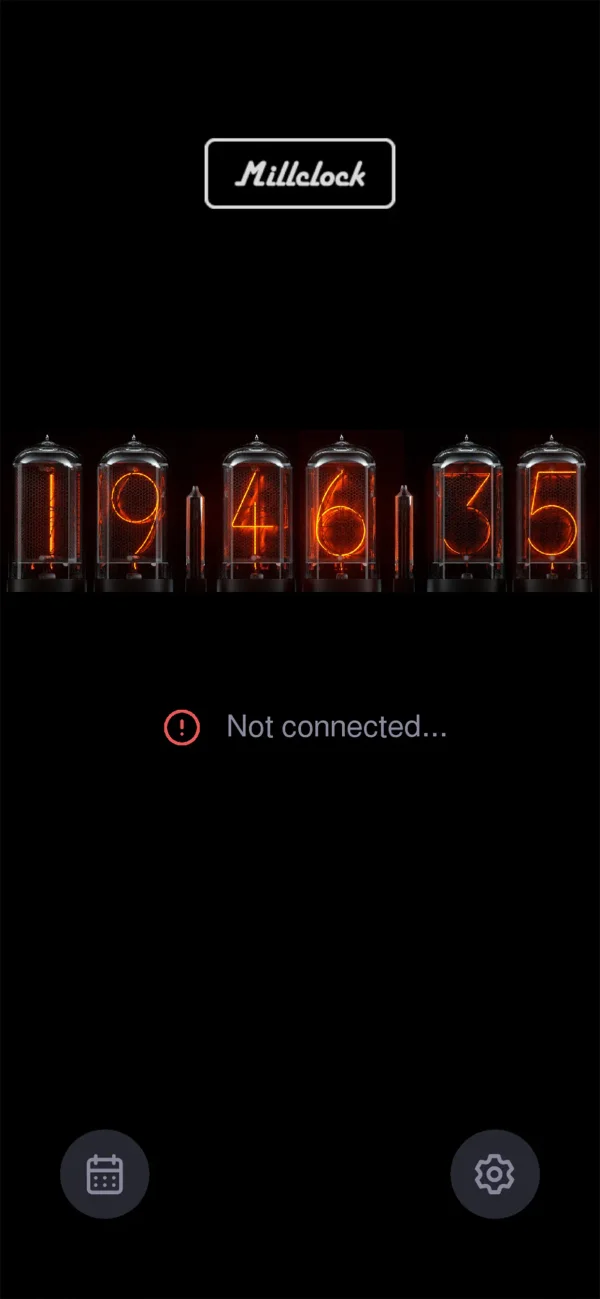
Set the vast array of your clock’s functions via phone
Set these functions and make the owner of a historical clock and a cutting edge functional decor for home and office.
Synchronize time of your Nixie clock with the 4 time reference websites or
Synchronize time of your Nixie clock with the time on your phone
Correct time accuracy manually
Alarm clock
Date auto display
Signal every hour. You can hear the strikes of every hour, shut them down at night, and set their duration.
Smooth/Abrupt transition of digits – beautiful effects of time and date display.
Blinks of Separation colons
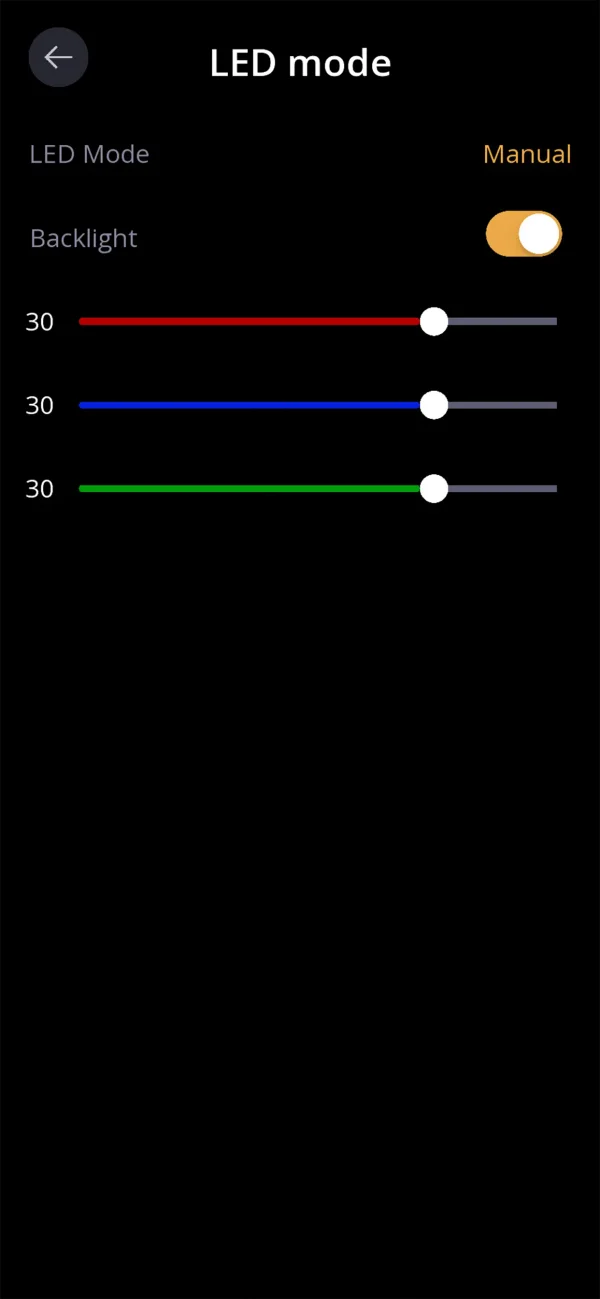
Turn on/off Backlight
Slider for Backlight LED colours
Auto switch to summer/winter time
12/24 hour format
How to set the exact time on your Nixie clock via phone
The main reason why Nixie clock owners connect their clocks to the Internet is to synchronize with the time reference websites. Or they synchronize the clock’s time with their phone’s time. The procedure is quite standard and simple.
1. Enter Wi-Fi mode on the clock.
Push the right button (underlighting) on your Nixie clock and hold it for at least 4 seconds. Or you can push the grid key (#) on your Nixie clock Remote control.
2. Connect to Wi-Fi.
When the LEDs go off download this application, enter the Wi-Fi point of access SSID and password in the application window.
3. Connect your phone to your Nixie clock.
Enter the clock’s SSID and password. By default, the device name is "Millclock_V6" the password is "ML123456". Then, press the “Connect” button. If the connection is successful, the testing LED on the PCB will light steadily. Your Nixie clock receives exact time signals from the 4 websites that are filled in by default. The exact time will appear on your clock.
4. Or synchronize your Nixie clock with your phone’s time.
After the Wi-Fi connection is established, press the “Sync time with phone” button in the application window. Your phone’s time will appear on your clock.
What’s new?
Setting your nixie clock via this version of application is very transparent and simple. It covers all main and superfluous tray of advanced settings. In case, you need help you are welcome to refer to our professional on-line support service.
Neue Funktionen
Version 1.1.16 · 24.05.2025
Fix small bugs
App-Datenschutz
Was Artem Tverdohleb im App Store zum Umgang dieser App mit Daten angibt.
-
Keine Daten erfasst
Der Entwickler erfasst keine Daten von dieser App.
Die Datenschutzpraktiken können variieren, zum Beispiel je nach den von Ihnen verwendeten Funktionen oder Ihrem Alter.
Informationen
- Anbieter
- Artem Tverdohleb
- Kategorie
- Dienstprogramme
- Version
- 1.1.16
- Aktualisiert
- 24.05.2025
- Veröffentlicht
- 31.01.2019
- Größe
- 123,4 MB
- Erfordert
- iOS 14.0 oder neuer
- Altersfreigabe
- 4+
- Preis
- Kostenlos
- Sprachen
- Englisch
- Copyright
- © Artem Tverdohleb
Das könnte Ihnen auch gefallen
-
 NixiTubeClockDienstprogramme
-
 Custom Digital ClockDienstprogramme
-
 Flip Clock 3D : LernzeitLernhilfe
-
 Hacker Clock - Green MatrixDienstprogramme
-
 Atomic Clock: Exact TimeDienstprogramme
-
 IPSTubeDienstprogramme
-
 Desktop Flip ClockAlarm Clock,Timer, World Clock
-
 Alarm Clock - Wecker!Dienstprogramme
-
 Clock SecondsDienstprogramme
-
 Big Red ClockDienstprogramme