
mLite Mockup Creator
Mockups the mLite way!
Designed for iPhone, iPad, Mac
Free · In-app purchases
- Age rating4+
- CategoryGraphics & Design
- DeveloperSean Kelly
- LanguagesEnglish
- Size56.1 MB
Links to the official App Store page
Download.org hosts no file of mLite Mockup Creator. The button opens its official App Store page, published by Sean Kelly. Listing last checked on Nov 22, 2026.
Screenshots

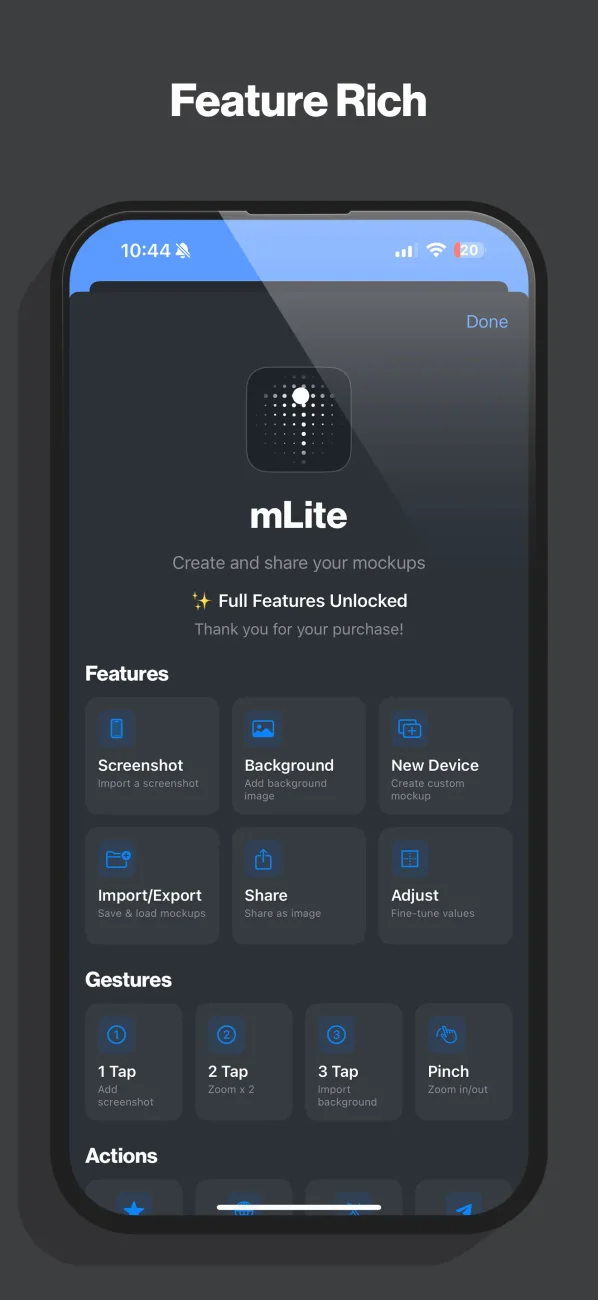
About
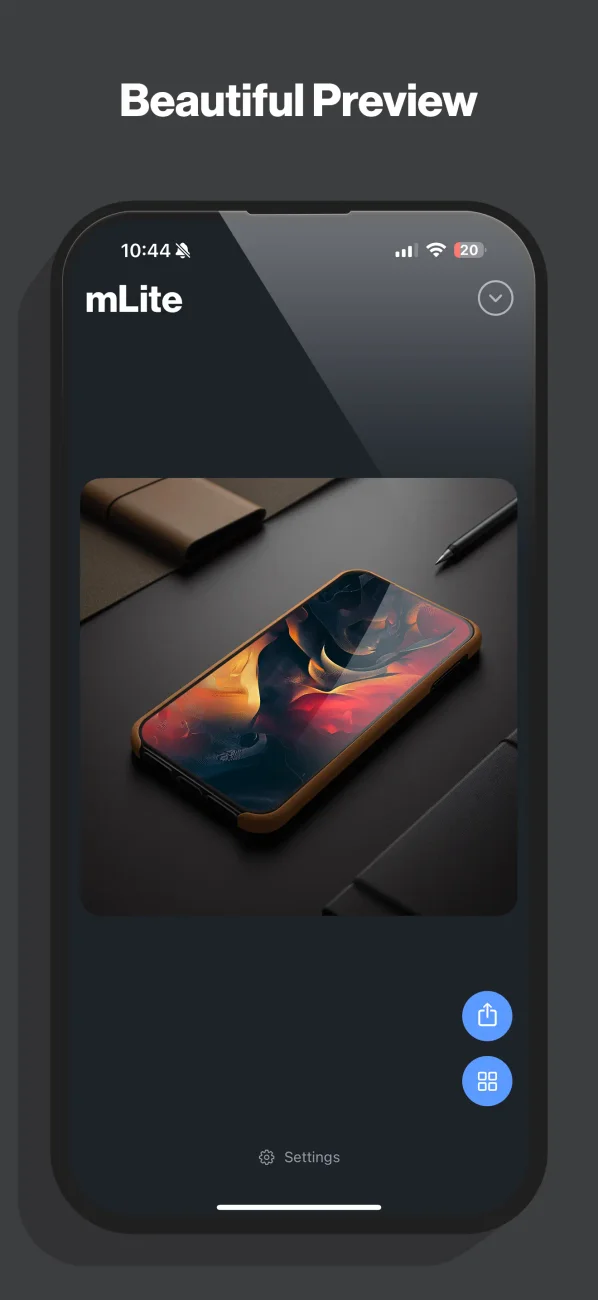
Transform Your Screenshots into Beautiful Device Frames
mLite is your go-to tool for creating stunning device mockups in seconds. Perfect for developers, designers, and marketers who want to showcase their work professionally.
FEATURES:
• Instant Mockups - Drop screenshots into elegant device frames
• Multi-Screenshot Support - Showcase up to 4 screenshots simultaneously
• Video Mockups - Transform your screen recordings into professional device presentations
• Image to Video - Animate your static mockups with smooth transitions
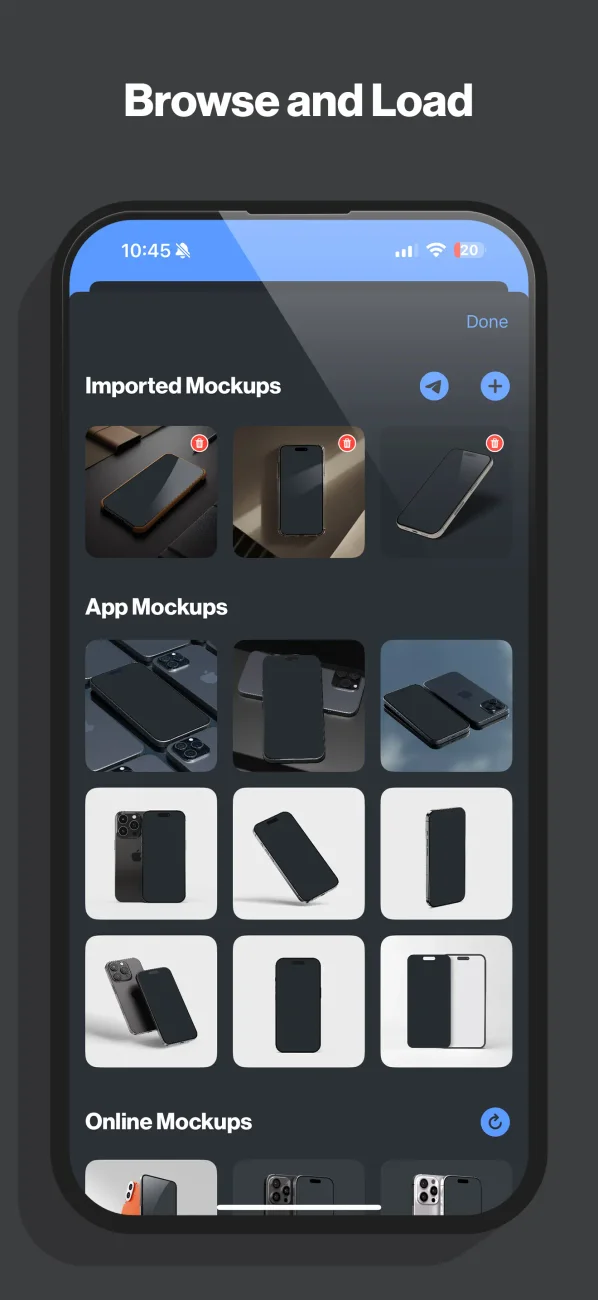
• Custom Frames - Import your own or use our premium collection
• Background Effects - Add images with adjustable blur
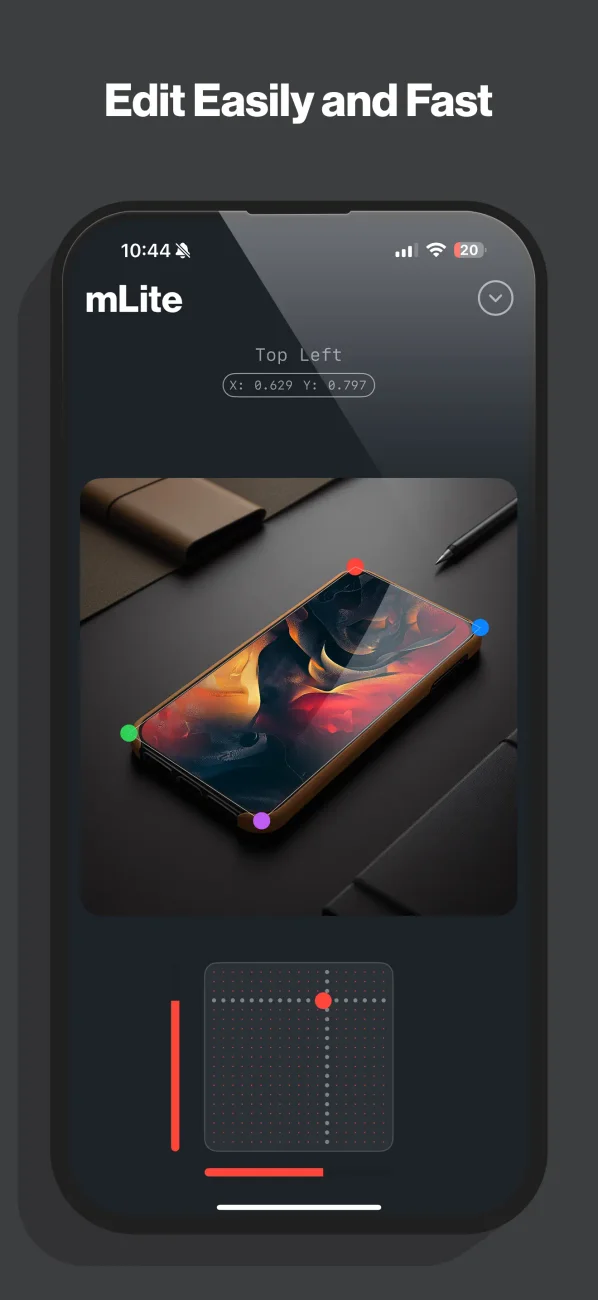
• Precision Controls - Fine-tune screenshot and logo placement
• Flexible Export - Choose from 3 quality settings optimized for web, social, or print
• High-Resolution Output - Share directly to social media
• Multi-Device Support - Create mockups for various devices
PRO FEATURES
• Import custom device frames
• Advanced position editing for screenshots and logos
• Background customization
• Video mockup creation and export
• Share custom frames via .mLite files
• App Icon alternatives
• Export qaulity settings
No design experience needed - just add your screenshots or videos and let mLite create the perfect presentation.
What’s new
Version 1.1.11 · Oct 23, 2026
In this update I've spent a lot of time optimising further for the iPhone Duo
App privacy
What Sean Kelly declares on the App Store about how this app handles data.
-
Data not collected
The developer does not collect any data from this app.
Privacy practices may vary, for example with the features you use or your age.
Information
- Seller
- Sean Kelly
- Category
- Graphics & Design
- Version
- 1.1.11
- Updated
- Oct 23, 2026
- Released
- Feb 11, 2025
- Size
- 56.1 MB
- Requires
- iOS 18.6 or later
- Age rating
- 4+
- Price
- Free
- In-app purchases
- Yes
- Languages
- English
- Copyright
- © Sean Kelly
You might also like
-
 Framify Device - Mockup BezelGenerate 400+ Device Frames
-
 Mockuper: Phone Frame MockupPut screenshoot in phone frame
-
 Wallbyte: 4K HD Wallpapers#1 Home Screen Backgrounds
-
 Palette Dark 8K WallpaperCurated Wallpapers For You
-
 Mockup GeneratorCreator, 3D, Product, Art, AI
-
 Frame Screenshots: ShareshotAdd backgrounds & shadows
-
 Thematica: AI 4K WallpapersHD Backgrounds & Photo Editor
-
 Appmost Design: AI PrototypingPrototype & Mockup Native Apps
-
 Lilacpane: Screenshot DesignPhoto Frames & Promo Graphics
-
 Transparent App IconsCustomize home screen icons