Mobile Printer: Print Files
Print Photos, Docs & PDF
Entwickelt für iPhone, iPad, iPod touch
Kostenlos · In-App-Käufe
- Altersfreigabe17+
- KategorieWirtschaft
- EntwicklerHai Vo
- SprachenEnglisch
- Größe187,6 MB
Verlinkt auf die offizielle App Store-Seite
Download.org hostet keine Datei von Mobile Printer: Print Files. Die Schaltfläche öffnet die App-Seite bei App Store, wo Hai Vo die App veröffentlicht. Eintrag zuletzt geprüft am 07.11.2026.
Screenshots
Info
Der Entwickler hat diesen Text nicht in Ihrer Sprache bereitgestellt.
Print, scan, and manage your documents from one simple app.
Smart Printer Pro & Scan helps you get more done from your iPhone or iPad. Print photos, documents, PDFs, labels, and more. Scan paper documents into clean digital files, create and edit PDFs, and keep your important files organized in one place.
No complicated setup. No confusing workflows. Just choose what you need to print, scan, or manage and get it done quickly.
SMART PRINTING
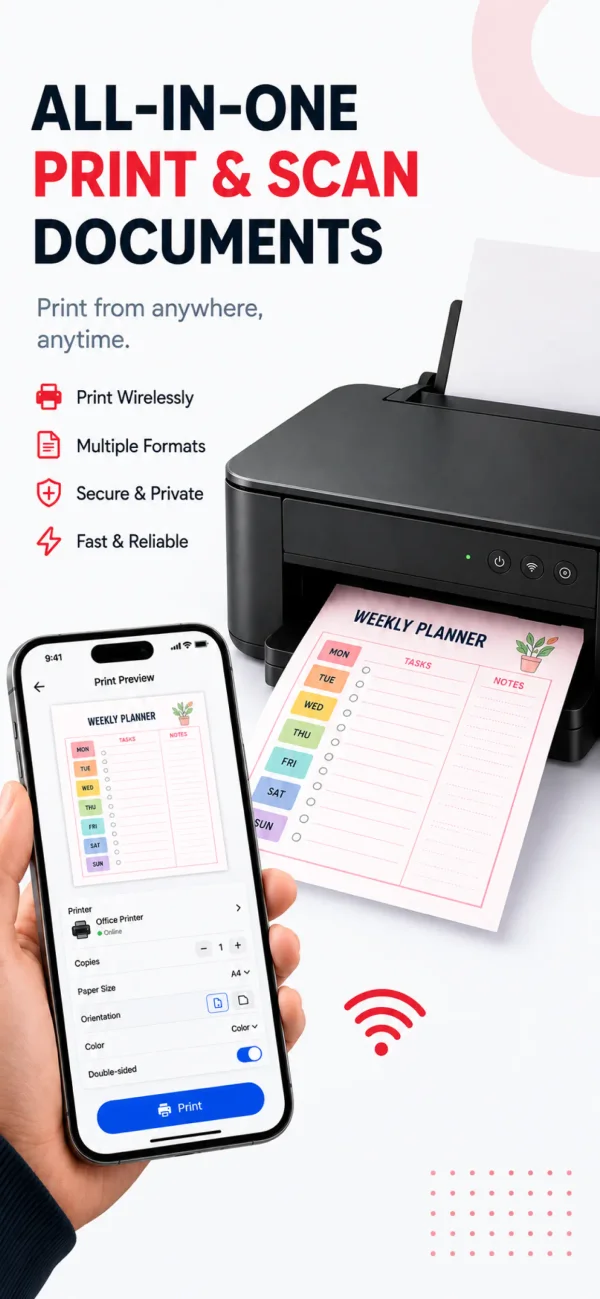
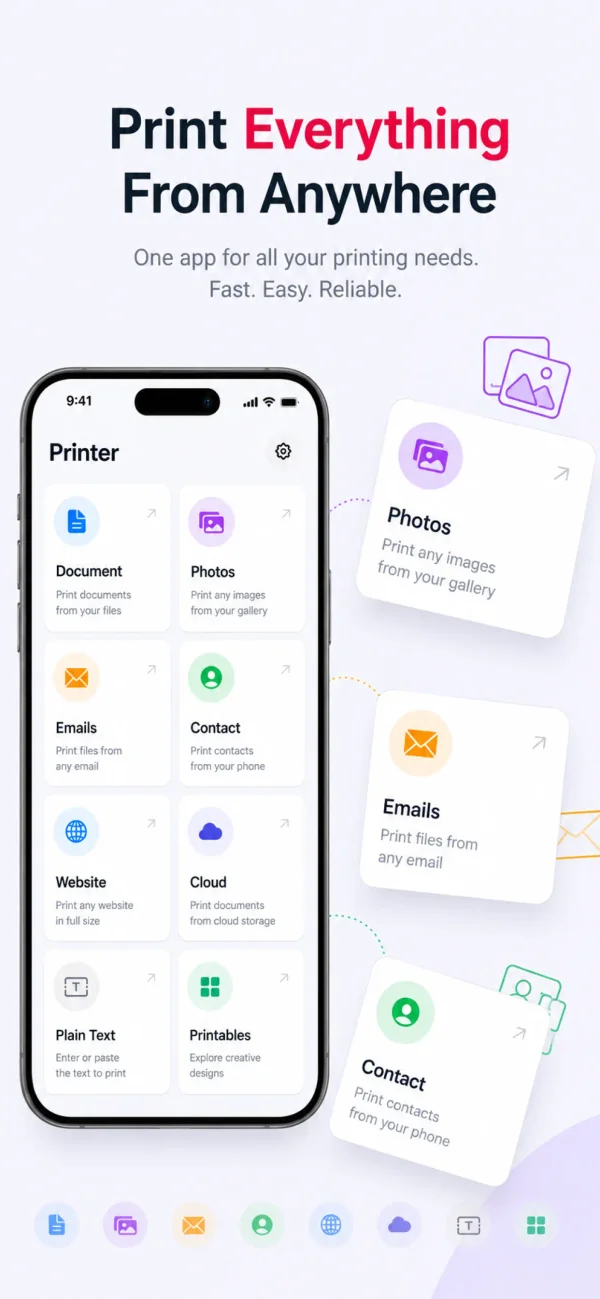
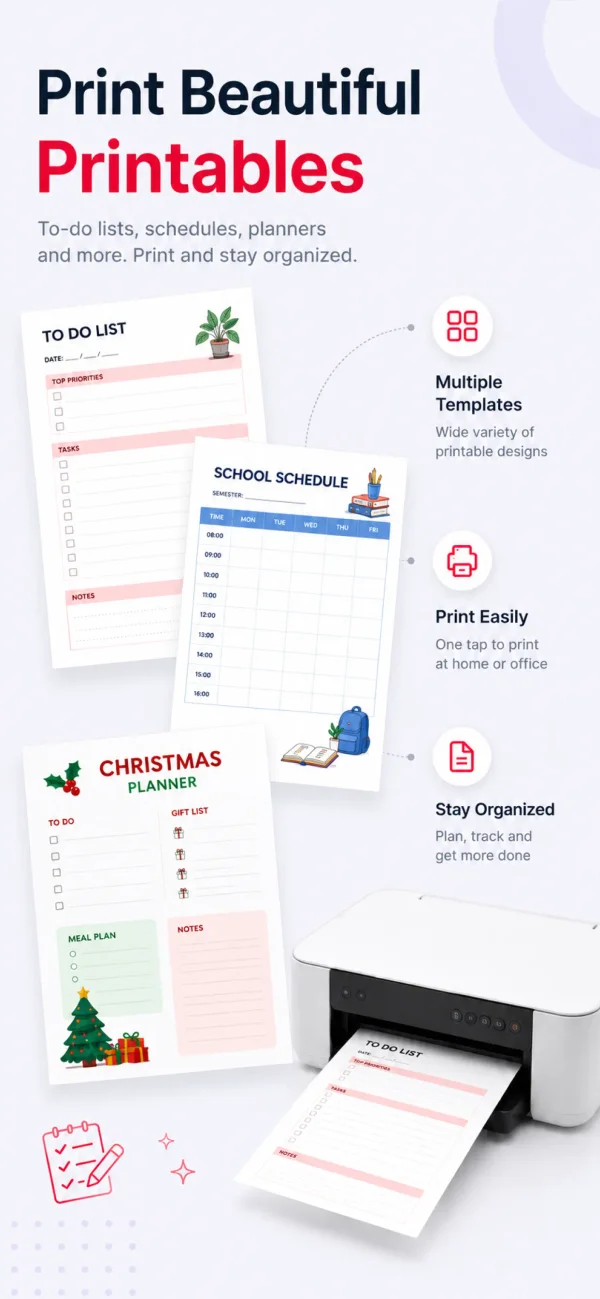
• Print photos, documents, and PDF files
• Print webpages, emails, notes, and saved files
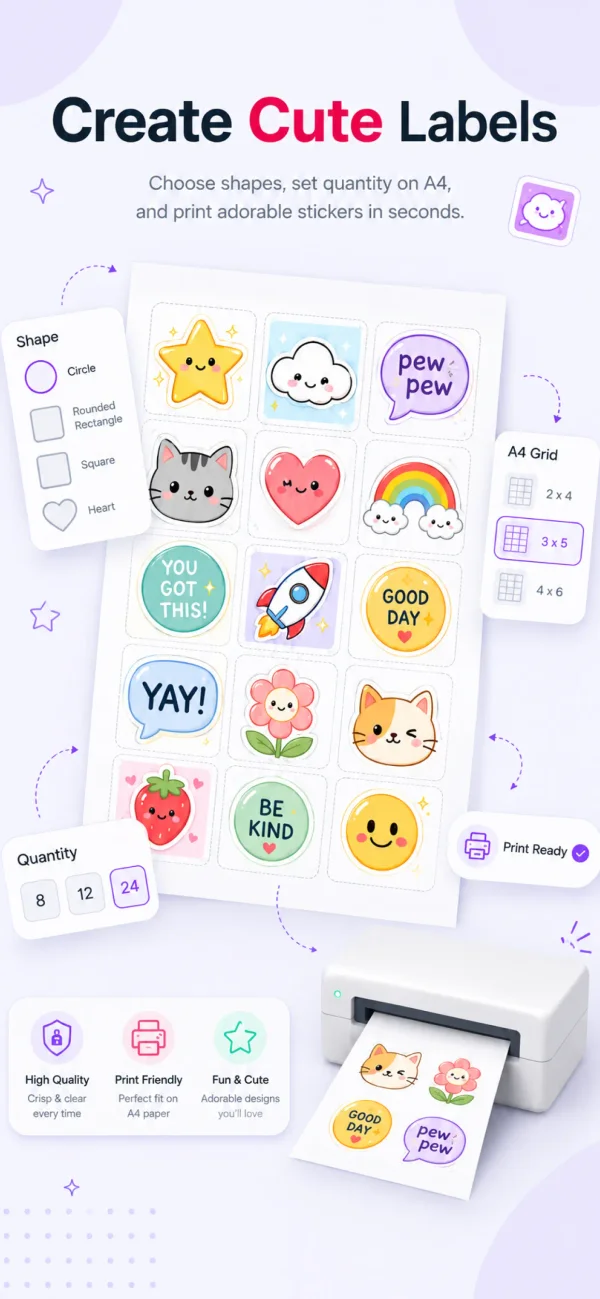
• Print labels, stickers, cards, worksheets, and more
• Adjust paper size, orientation, copies, and layout
• Print multiple photos on a single page
DOCUMENT SCANNER
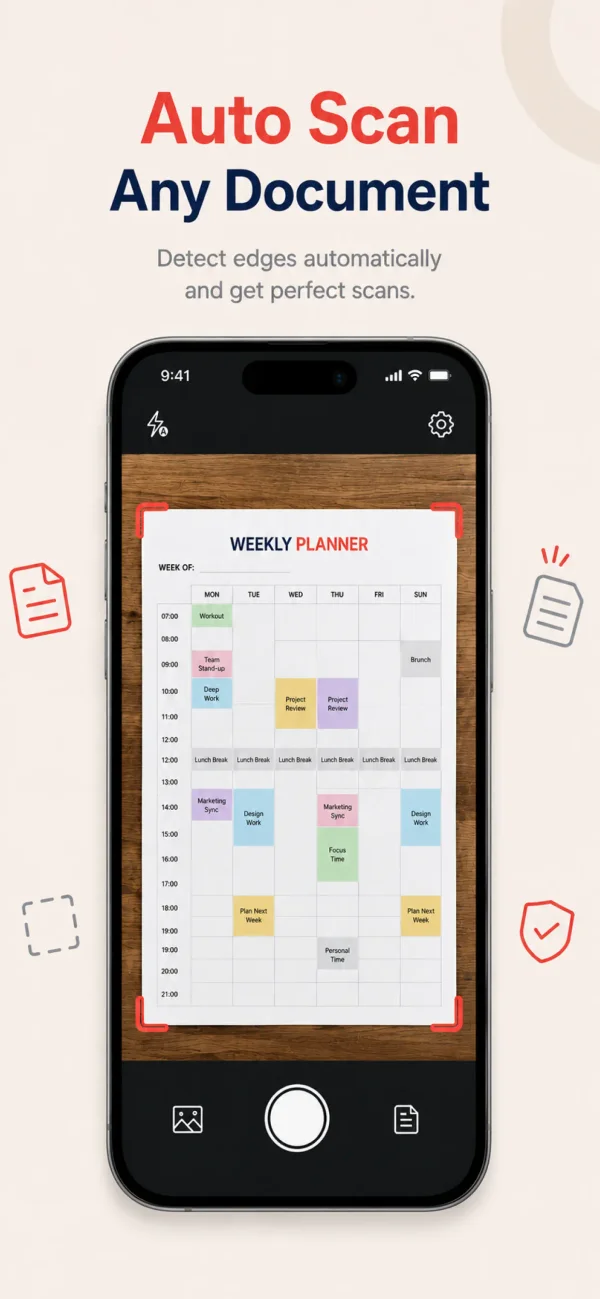
• Scan documents with your iPhone or iPad camera
• Automatically detect document edges
• Crop, rotate, and enhance scanned pages
• Create clean digital scans
• Save scans as PDF or image files
• Share scanned documents easily
PDF TOOLS
• Convert photos and documents to PDF
• Edit and manage PDF pages
• Delete and reorder pages
• Compress PDF files
• Organize and share your PDF documents
FILE MANAGER
• Import documents, photos, scans, and PDFs
• Preview and organize your files
• Rename and manage documents
• Quickly prepare files for printing or sharing
CREATIVE PRINTING
• Create and print stickers
• Print labels, cards, notes, and templates
• Prepare printable content for home, school, office, and everyday projects
WHY SMART PRINTER™?
Printing, scanning, PDF tools, and file management in one convenient workspace. Whether you need to print an important document, digitize paperwork, create a PDF, or prepare something to print, Smart Printer™ helps you get it done from your iPhone or iPad.
Compatibility may vary depending on printer model, network connection, and supported printing features.
DISCLAIMER
Product names, logos, printer brands, and trademarks are used for identification purposes only. This app is an independent third-party application and is not affiliated with, endorsed by, or sponsored by any printer manufacturer or brand.
Neue Funktionen
Version 1.0.4 · 25.09.2026
- update ux/ui
App-Datenschutz
Was Hai Vo im App Store zum Umgang dieser App mit Daten angibt.
-
Nicht mit Ihnen verknüpfte Daten
Können erfasst werden, sind aber nicht mit Ihrer Identität verknüpft.
- Kontakte
- Benutzerinhalte
- Kennungen
- Nutzungsdaten
- Diagnose
Die Datenschutzpraktiken können variieren, zum Beispiel je nach den von Ihnen verwendeten Funktionen oder Ihrem Alter.
Informationen
- Anbieter
- Hai Vo
- Kategorie
- Wirtschaft
- Version
- 1.0.4
- Aktualisiert
- 25.09.2026
- Veröffentlicht
- 09.07.2026
- Größe
- 187,6 MB
- Erfordert
- iOS 15.0 oder neuer
- Altersfreigabe
- 17+
- Preis
- Kostenlos
- In-App-Käufe
- Ja
- Sprachen
- Englisch
- Copyright
- © 2026 VO DUC HAI
Das könnte Ihnen auch gefallen
-
 Printer App: Smart & Scan PDFWirtschaft
-
 Printer App ⁃ Smart PrinterPrint Photos, Doc, Files & PDF
-
 PrintRight: Printer & ScannerWirtschaft
-
 Smart Printer App - Print PDFWirtschaft
-
 Printless PrinterFinanzen
-
 Printer: Drucken & ScannenWLAN-Druck für Fotos & PDFs
-
 EpicDraftDrehbuch zur Animatic, lokal
-
 Voxa TranslateProduktivität
-
 Smart Printer : Phone PrintProduktivität
-
 Scanify: PDF Document ScannerProduktivität