Mobile Printer: Print Files
Print Photos, Docs & PDF
iPhone, iPad, iPod touch向けに設計
無料 · アプリ内課金
- 対象年齢17+
- カテゴリビジネス
- 開発元Hai Vo
- 言語英語
- サイズ187.6 MB
App Storeの公式ページにリンクしています
Download.orgはMobile Printer: Print Filesのファイルを一切ホストしていません。ボタンを押すと、Hai Voが公開しているApp Storeのアプリページが開きます。ページの最終確認:2026/11/7。
スクリーンショット
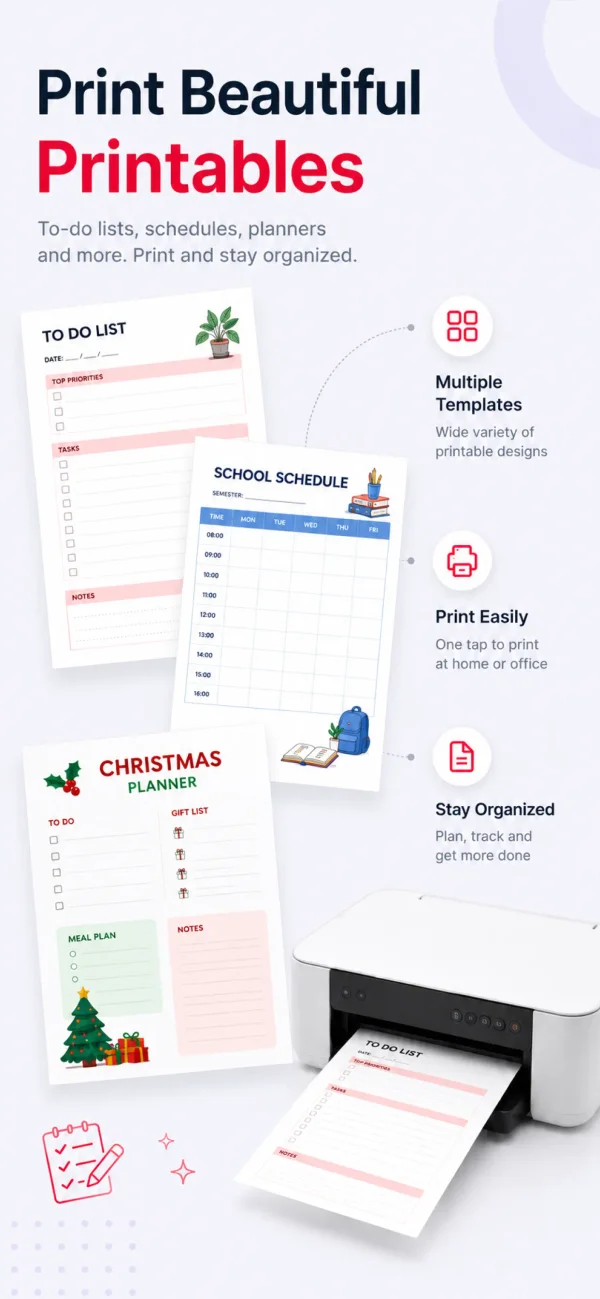
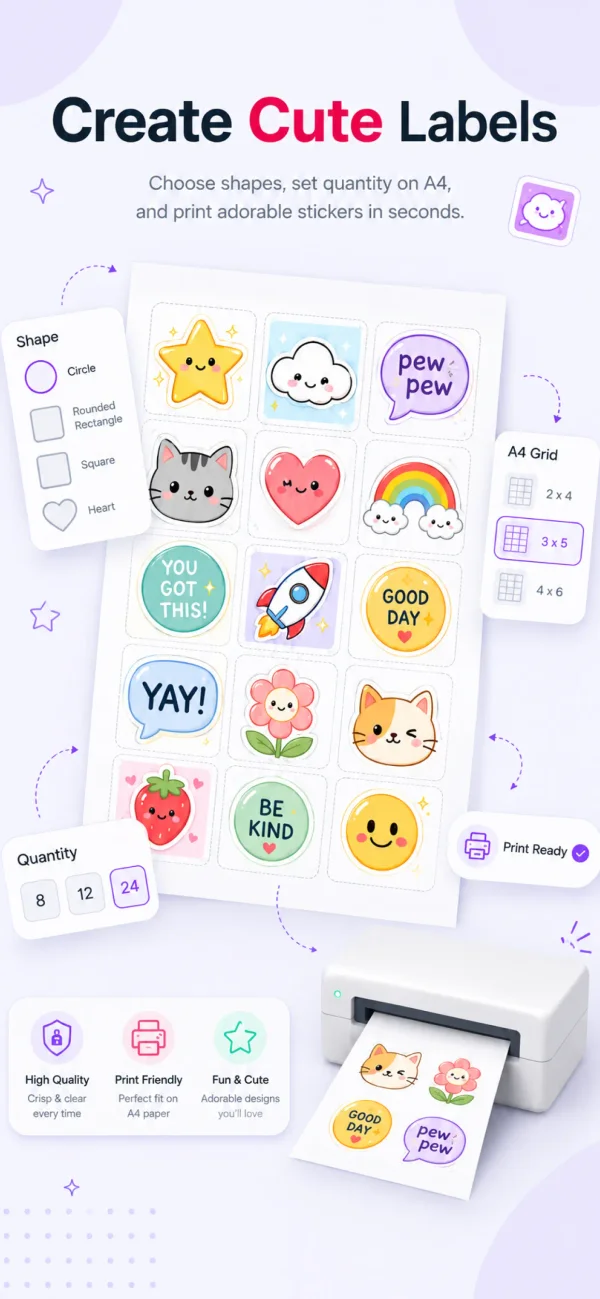
概要
開発元はこのテキストをお使いの言語で提供していません。
Print, scan, and manage your documents from one simple app.
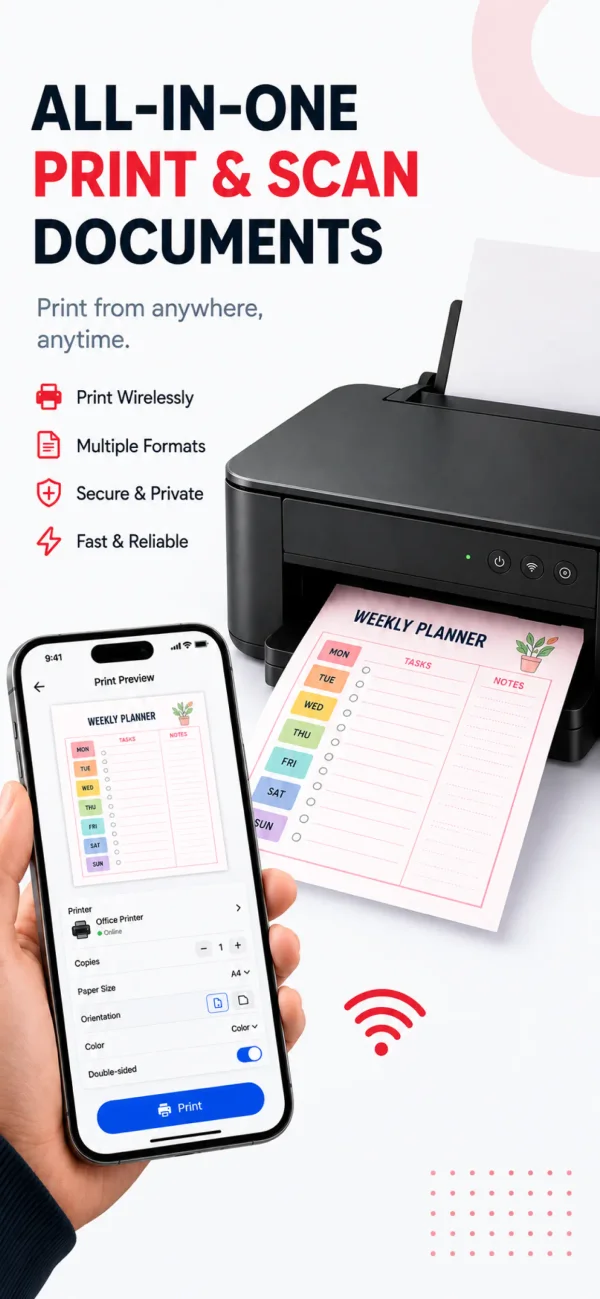
Smart Printer Pro & Scan helps you get more done from your iPhone or iPad. Print photos, documents, PDFs, labels, and more. Scan paper documents into clean digital files, create and edit PDFs, and keep your important files organized in one place.
No complicated setup. No confusing workflows. Just choose what you need to print, scan, or manage and get it done quickly.
SMART PRINTING
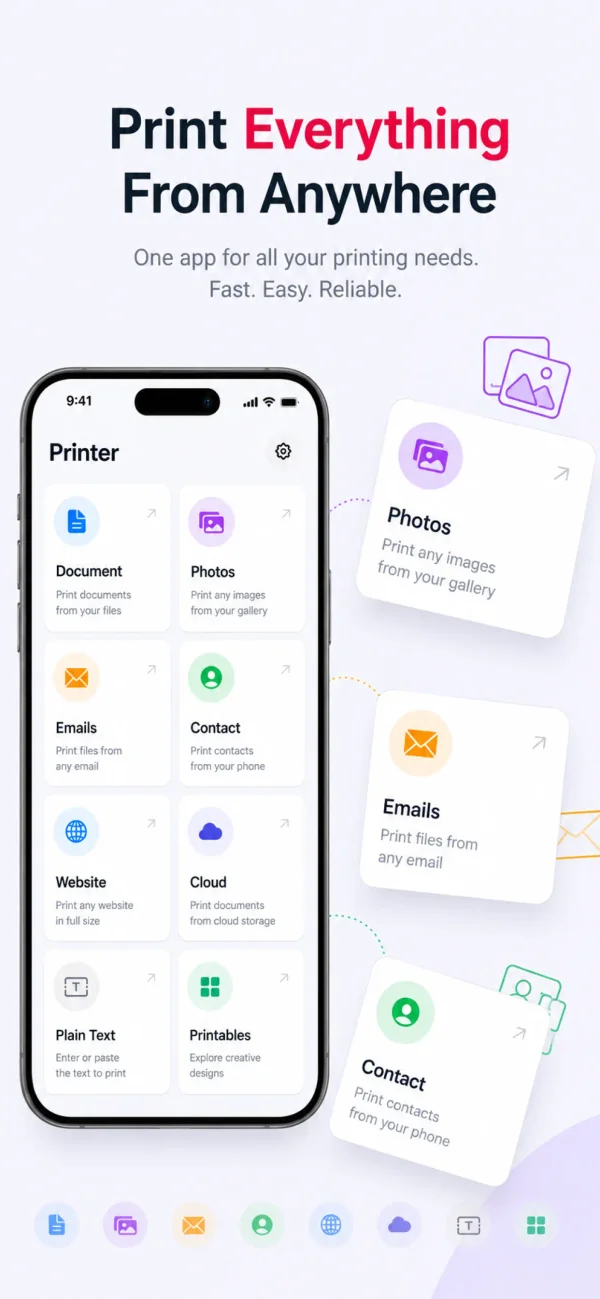
• Print photos, documents, and PDF files
• Print webpages, emails, notes, and saved files
• Print labels, stickers, cards, worksheets, and more
• Adjust paper size, orientation, copies, and layout
• Print multiple photos on a single page
DOCUMENT SCANNER
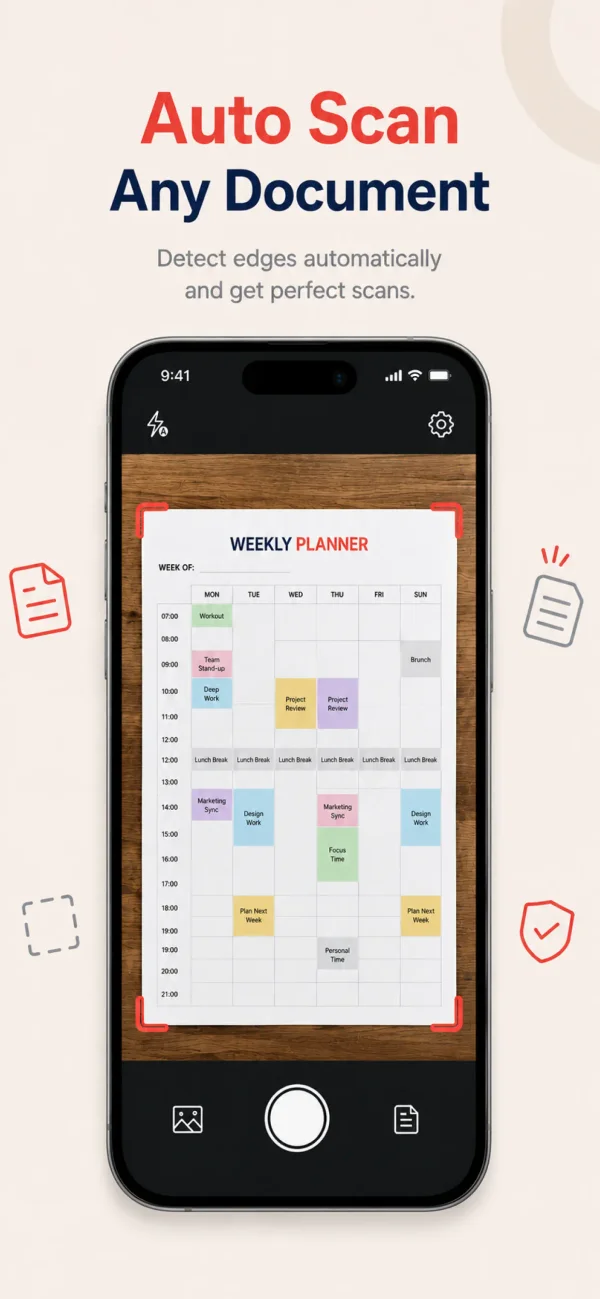
• Scan documents with your iPhone or iPad camera
• Automatically detect document edges
• Crop, rotate, and enhance scanned pages
• Create clean digital scans
• Save scans as PDF or image files
• Share scanned documents easily
PDF TOOLS
• Convert photos and documents to PDF
• Edit and manage PDF pages
• Delete and reorder pages
• Compress PDF files
• Organize and share your PDF documents
FILE MANAGER
• Import documents, photos, scans, and PDFs
• Preview and organize your files
• Rename and manage documents
• Quickly prepare files for printing or sharing
CREATIVE PRINTING
• Create and print stickers
• Print labels, cards, notes, and templates
• Prepare printable content for home, school, office, and everyday projects
WHY SMART PRINTER™?
Printing, scanning, PDF tools, and file management in one convenient workspace. Whether you need to print an important document, digitize paperwork, create a PDF, or prepare something to print, Smart Printer™ helps you get it done from your iPhone or iPad.
Compatibility may vary depending on printer model, network connection, and supported printing features.
DISCLAIMER
Product names, logos, printer brands, and trademarks are used for identification purposes only. This app is an independent third-party application and is not affiliated with, endorsed by, or sponsored by any printer manufacturer or brand.
新機能
バージョン 1.0.4 · 2026/9/25
- update ux/ui
アプリのプライバシー
このアプリのデータの取り扱いについて、Hai VoがApp Storeで申告している内容です。
-
ユーザーに関連付けられないデータ
収集される場合がありますが、ユーザーの識別情報には関連付けられません。
- 連絡先
- ユーザーコンテンツ
- ID
- 使用状況データ
- 診断
プライバシーの取り扱いは、ご利用の機能やお客様の年齢などに応じて異なる場合があります。
情報
- 販売元
- Hai Vo
- カテゴリ
- ビジネス
- バージョン
- 1.0.4
- 更新日
- 2026/9/25
- リリース
- 2026/7/9
- サイズ
- 187.6 MB
- 必要条件
- iOS 15.0以降
- 対象年齢
- 17+
- 価格
- 無料
- アプリ内課金
- あり
- 言語
- 英語
- 著作権
- © 2026 VO DUC HAI
こちらもおすすめ
-
 Printer App: Smart & Scan PDFビジネス
-
 Printer App ⁃ Smart PrinterPrint Photos, Doc, Files & PDF
-
 PrintRight: Printer & Scannerビジネス
-
 Smart Printer App - Print PDFビジネス
-
 Printless Printerファイナンス
-
 Printer: 写真印刷・スキャンWi-FiプリンターでPDFや書類をプリント
-
 EpicDraft脚本からアニマティックまで、自分の端末で
-
 Voxa Translate仕事効率化
-
 Smart Printer : Phone Print仕事効率化
-
 Scanify: PDF Document Scanner仕事効率化