Mobile Printer: Print Files
Print Photos, Docs & PDF
Designed for iPhone, iPad, iPod touch
In-app purchases
- Age rating17+
- CategoryBusiness
- DeveloperHai Vo
- LanguagesEnglish
- Size187.6 MB
Links to the official App Store page
Download.org hosts no file of Mobile Printer: Print Files. The button opens its official App Store page, published by Hai Vo. Listing last checked on Nov 7, 2026.
Screenshots
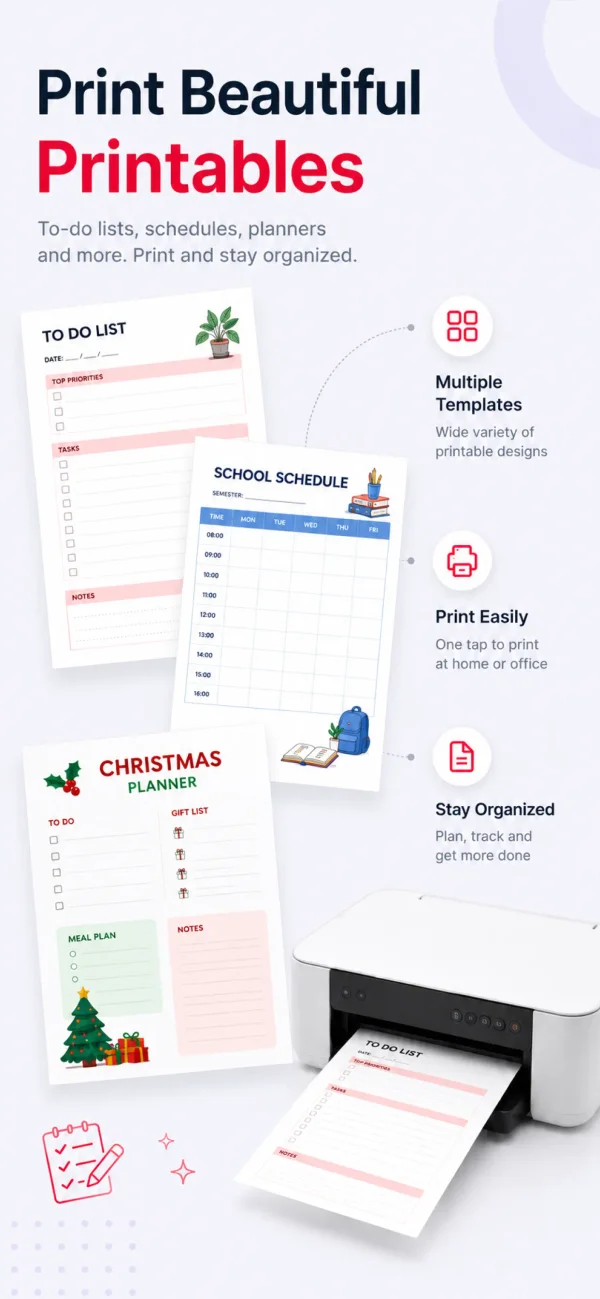
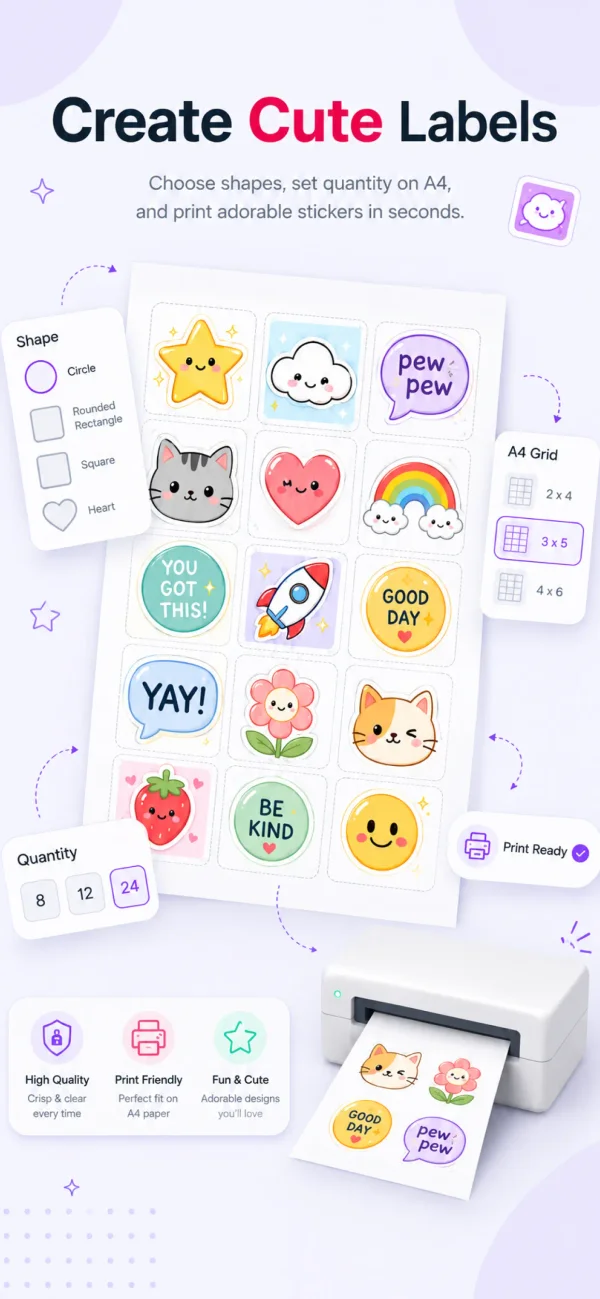
About
Print, scan, and manage your documents from one simple app.
Smart Printer Pro & Scan helps you get more done from your iPhone or iPad. Print photos, documents, PDFs, labels, and more. Scan paper documents into clean digital files, create and edit PDFs, and keep your important files organized in one place.
No complicated setup. No confusing workflows. Just choose what you need to print, scan, or manage and get it done quickly.
SMART PRINTING
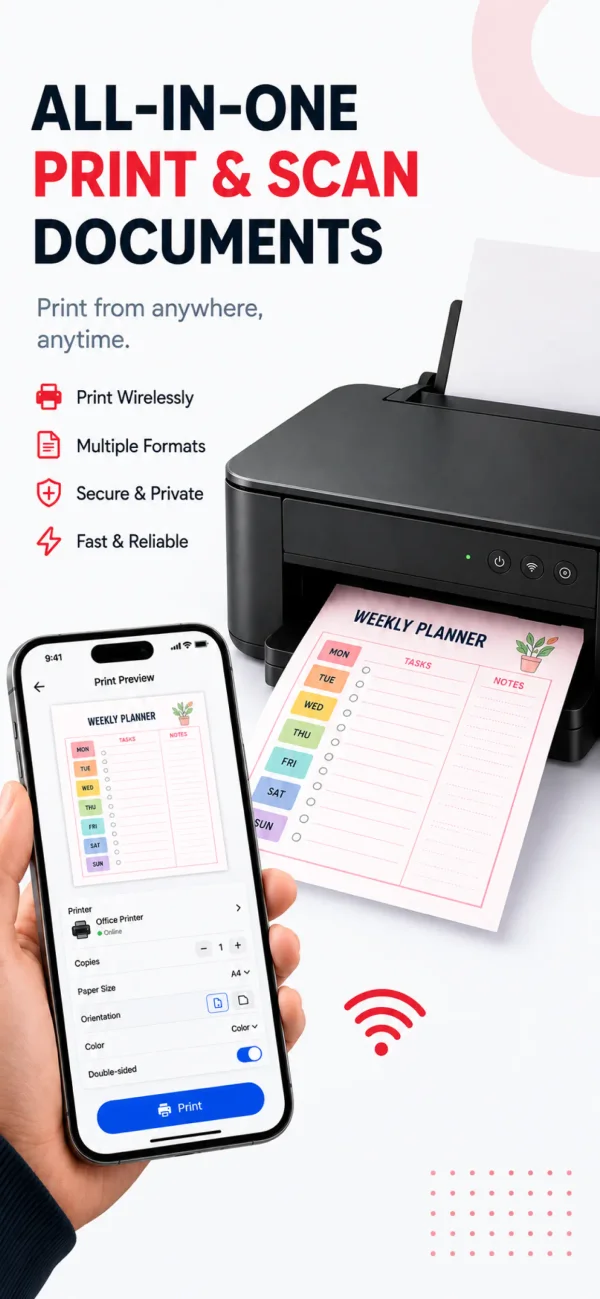
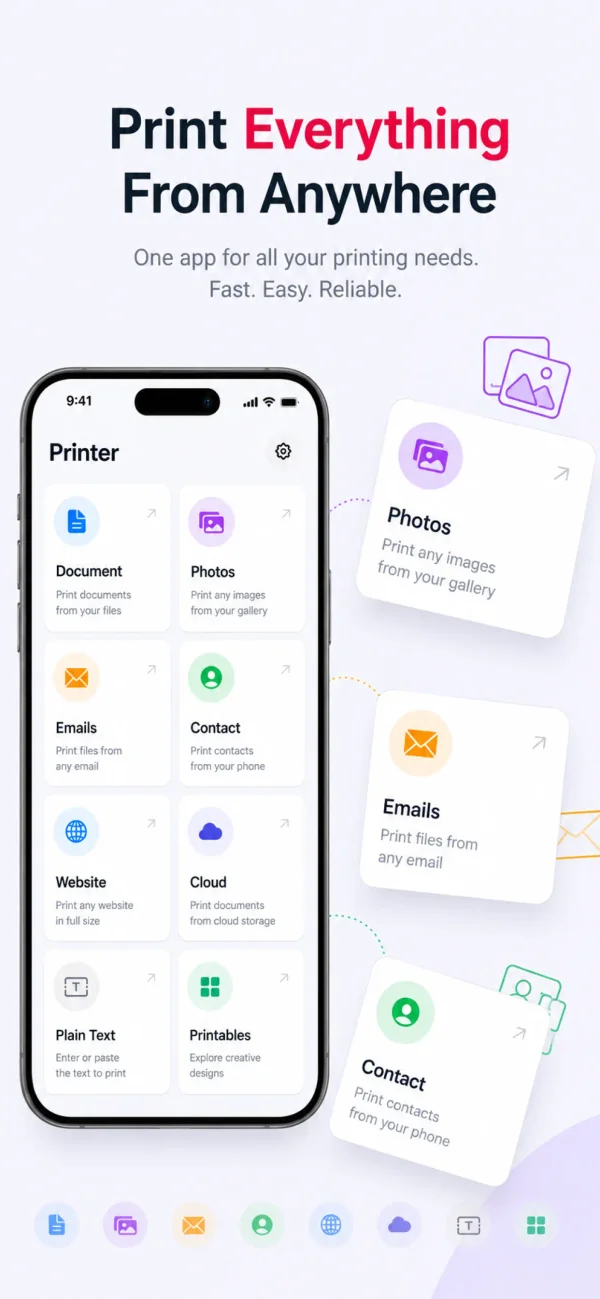
• Print photos, documents, and PDF files
• Print webpages, emails, notes, and saved files
• Print labels, stickers, cards, worksheets, and more
• Adjust paper size, orientation, copies, and layout
• Print multiple photos on a single page
DOCUMENT SCANNER
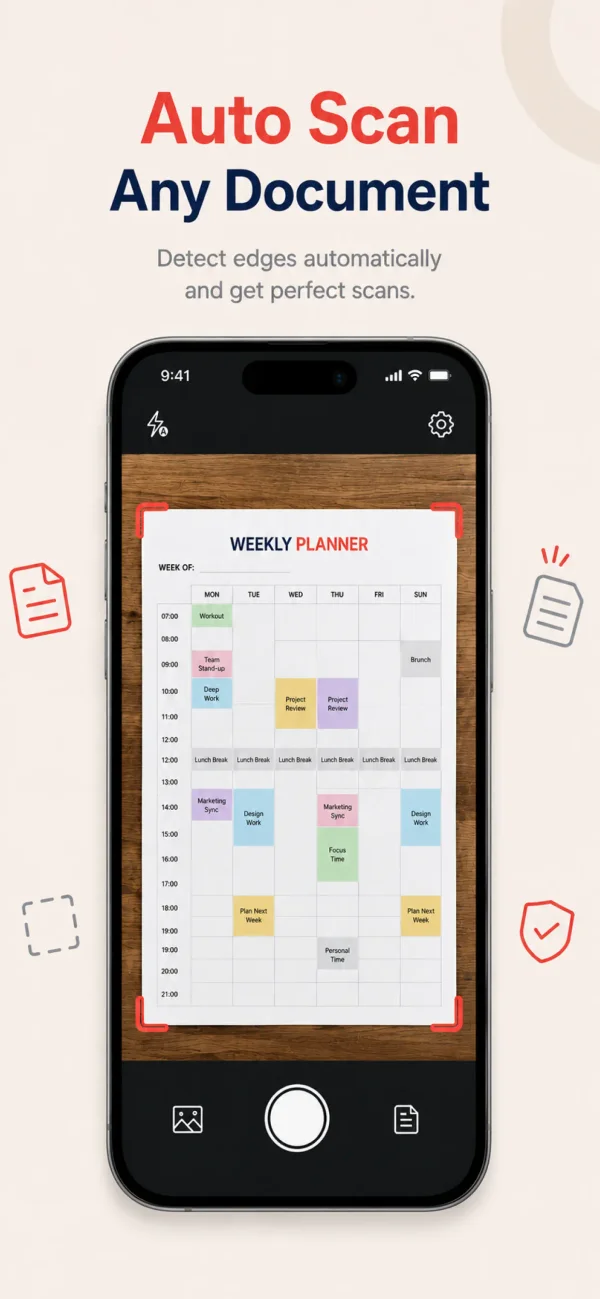
• Scan documents with your iPhone or iPad camera
• Automatically detect document edges
• Crop, rotate, and enhance scanned pages
• Create clean digital scans
• Save scans as PDF or image files
• Share scanned documents easily
PDF TOOLS
• Convert photos and documents to PDF
• Edit and manage PDF pages
• Delete and reorder pages
• Compress PDF files
• Organize and share your PDF documents
FILE MANAGER
• Import documents, photos, scans, and PDFs
• Preview and organize your files
• Rename and manage documents
• Quickly prepare files for printing or sharing
CREATIVE PRINTING
• Create and print stickers
• Print labels, cards, notes, and templates
• Prepare printable content for home, school, office, and everyday projects
WHY SMART PRINTER™?
Printing, scanning, PDF tools, and file management in one convenient workspace. Whether you need to print an important document, digitize paperwork, create a PDF, or prepare something to print, Smart Printer™ helps you get it done from your iPhone or iPad.
Compatibility may vary depending on printer model, network connection, and supported printing features.
DISCLAIMER
Product names, logos, printer brands, and trademarks are used for identification purposes only. This app is an independent third-party application and is not affiliated with, endorsed by, or sponsored by any printer manufacturer or brand.
What’s new
Version 1.0.4 · Sep 25, 2026
- update ux/ui
App privacy
What Hai Vo declares on the App Store about how this app handles data.
-
Data not linked to you
May be collected but is not linked to your identity.
- Contacts
- User content
- Identifiers
- Usage data
- Diagnostics
Privacy practices may vary, for example with the features you use or your age.
Information
- Seller
- Hai Vo
- Category
- Business
- Version
- 1.0.4
- Updated
- Sep 25, 2026
- Released
- Jul 9, 2026
- Size
- 187.6 MB
- Requires
- iOS 15.0 or later
- Age rating
- 17+
- In-app purchases
- Yes
- Languages
- English
- Copyright
- © 2026 VO DUC HAI
You might also like
-
 Printer App: Smart & Scan PDFWireless Printing,PDF & Photos
-
 Printer App – Smart PrinterPrint Photos, Doc, Files & PDF
-
 PrintRight: Printer & ScannerWi-Fi Printing & PDF Tools
-
 Smart Printer App - Print PDFPrint Document & Photos Easily
-
 Printless PrinterFinance
-
 Printer: Print & Scan PhotosWireless Printing for PDFs
-
 EpicDraftScript to animatic, on device
-
 Voxa TranslateAI Voice & Camera Translator
-
 Smart Printer : Phone PrintPrint Documents and Photos
-
 Scanify: PDF Document ScannerScan, Edit & Convert PDFs