
MotionCap-Lite
Sports Video Sequence Photos
Entwickelt für iPhone, iPad
Kostenlos
- Altersfreigabe4+
- KategorieFoto und Video
- EntwicklerMittsu Totsu LLC
- SprachenEnglisch+ 9 weitere
- Größe69,4 MB
Verlinkt auf die offizielle App Store-Seite
Download.org hostet keine Datei von MotionCap-Lite. Die Schaltfläche öffnet die App-Seite bei App Store, wo Mittsu Totsu LLC die App veröffentlicht. Eintrag zuletzt geprüft am 23.11.2026.
Screenshots

Info
Der Entwickler hat diesen Text nicht in Ihrer Sprache bereitgestellt.
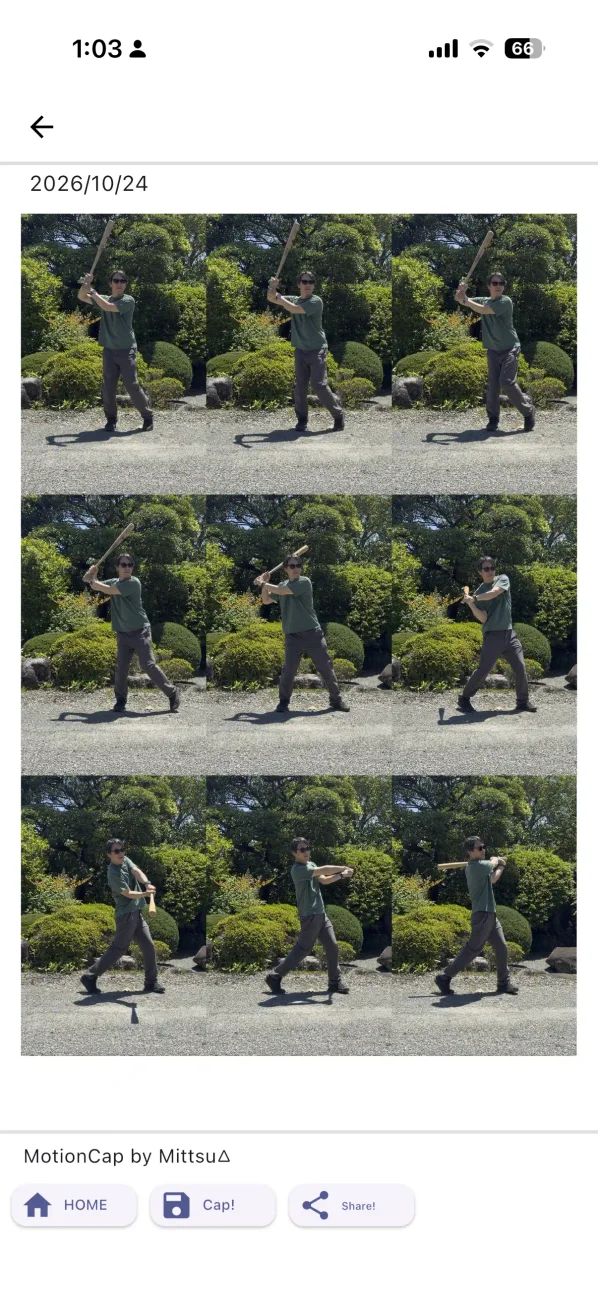
Turn your video into a sequence photo (stop-motion style image) for checking and comparing form. Free to use (watch one ad to create one image).
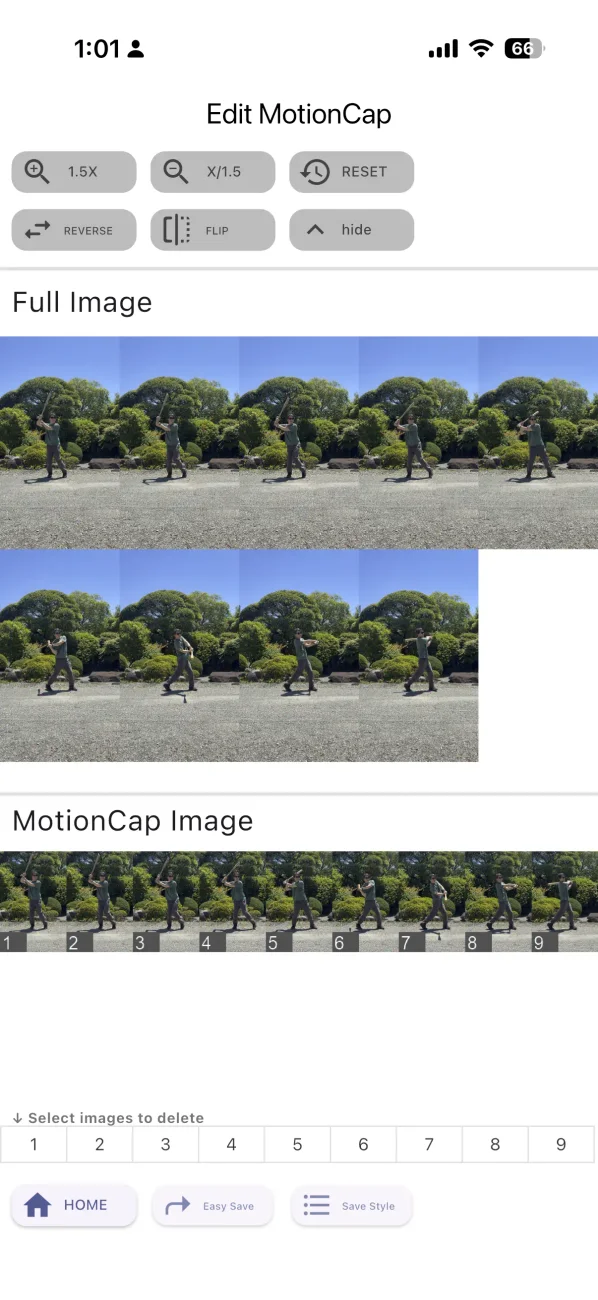
Choose a video shot on your smartphone, and the app detects the person automatically. It splits the time range you select into 9 parts, extracts a frame from each, and arranges them into a single image. Great for golf, baseball, tennis, track and field, and more.
[How it works]
1. Watch an ad
2. Choose a video
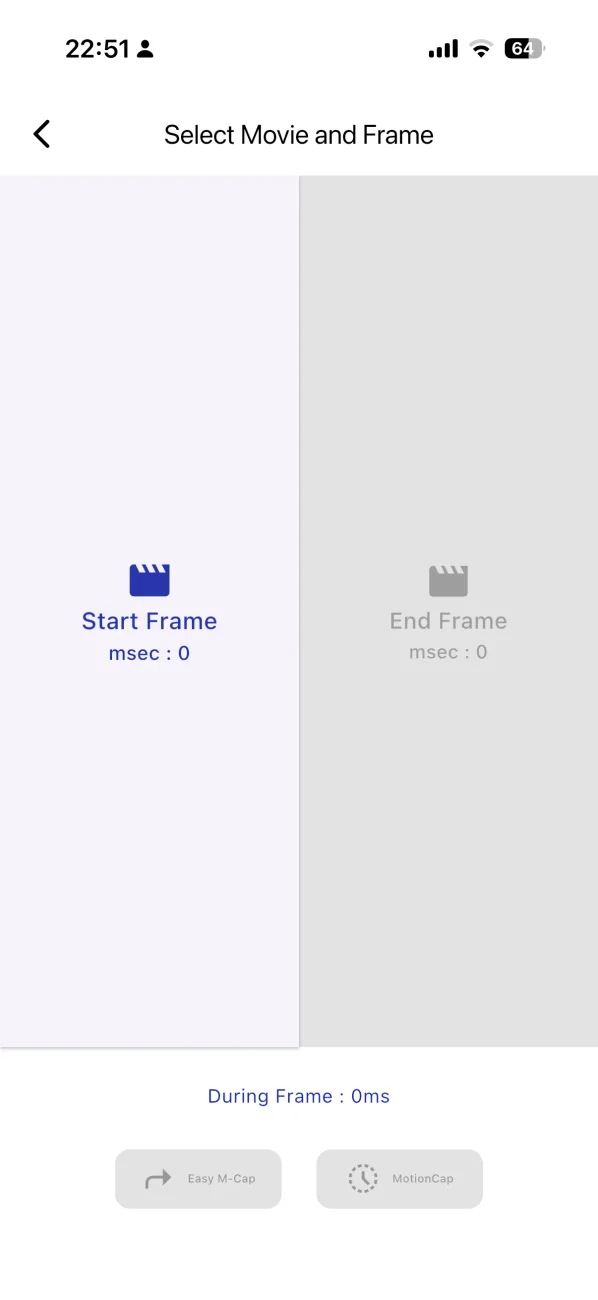
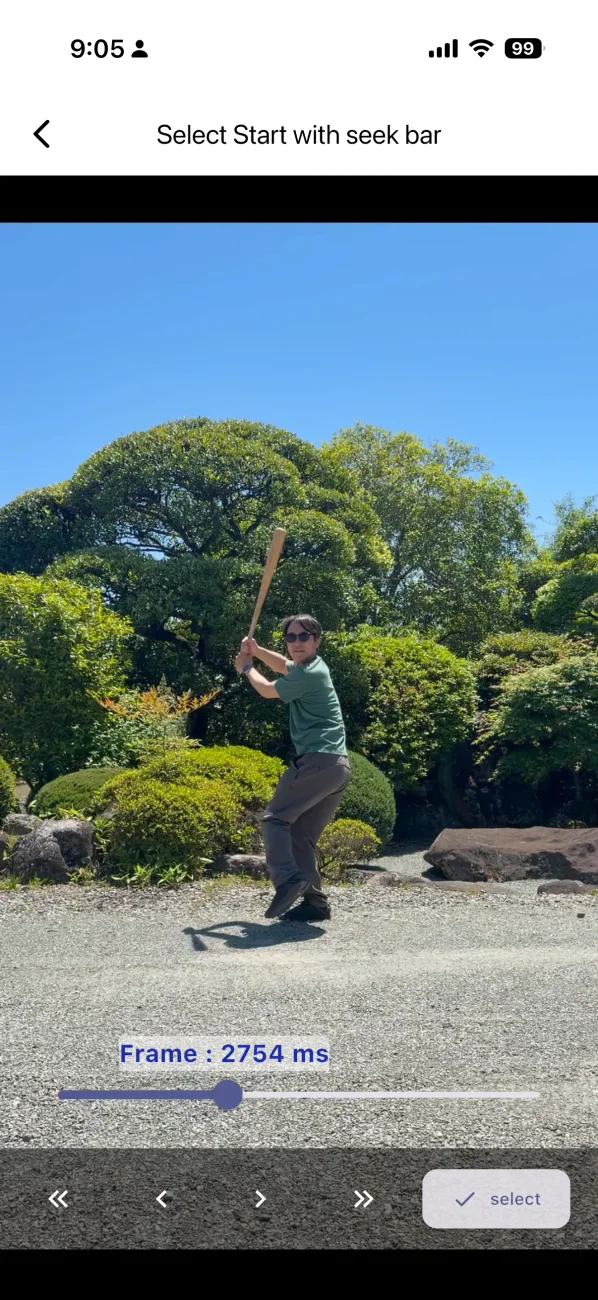
3. Select the time range you want
4. A 9-frame sequence image is created
[Features]
• Automatic person detection
• 9 frames split evenly by time within your selected range
• Saved as a single image
• Processed on your device
Your videos and sequence images are not sent to any external server.
[About Ads]
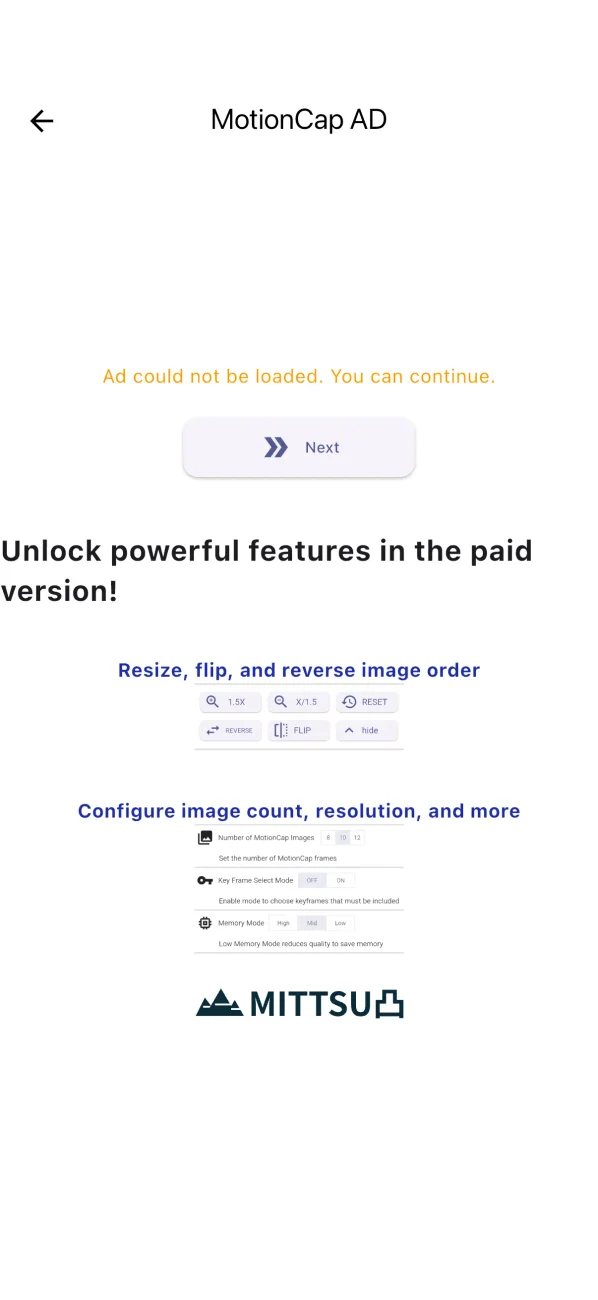
Watching one ad lets you create one sequence image. To create images without ads, try the MotionCap-Premium subscription.
[Who It's For]
Coaches, school club staff, parents, athletes, and sports enthusiasts. No video editing skills required.
[About MotionCap-Premium]
Need more control? The paid version, MotionCap-Premium, adds:
• Keyframe Mode: pick the moment that matters most
• Motion-based splitting: frames split by the amount of movement, not by time
• Selectable frame counts
• Layouts: vertical, horizontal or grid
• Editing: resize and flip images
• Ad-free creation with a subscription
*These features are not included in MotionCap-Lite (this app).
*A MotionCap-Premium subscription (paid) is required. There is no free trial.
Privacy Policy: https://www.mittsu-totsu.com/motioncap-lite/lite-ver-security-policy
Terms of Use (EULA): https://www.apple.com/legal/internet-services/itunes/dev/stdeula/
Neue Funktionen
Version 1.0.5^19 · 20.11.2026
Updated the App Store description.
App-Datenschutz
Was Mittsu Totsu LLC im App Store zum Umgang dieser App mit Daten angibt.
-
Mit Ihnen verknüpfte Daten
Können erfasst und mit Ihrer Identität verknüpft werden.
- Kennungen
- Nutzungsdaten
- Diagnose
-
Nicht mit Ihnen verknüpfte Daten
Können erfasst werden, sind aber nicht mit Ihrer Identität verknüpft.
- Standort
- Nutzungsdaten
- Diagnose
Die Datenschutzpraktiken können variieren, zum Beispiel je nach den von Ihnen verwendeten Funktionen oder Ihrem Alter.
Informationen
- Anbieter
- MITTSU TOTSU LLC
- Kategorie
- Foto und Video
- Version
- 1.0.5^19
- Aktualisiert
- 20.11.2026
- Veröffentlicht
- 14.10.2026
- Größe
- 69,4 MB
- Erfordert
- iOS 17.0 oder neuer
- Altersfreigabe
- 4+
- Preis
- Kostenlos
- Sprachen
- Englisch, Arabisch, Französisch, Hindi, Japanisch, Koreanisch, Portugiesisch, Russisch, Spanisch, Tradit. Chinesisch
- Copyright
- © 2026 Mittsu凸 LLC
Das könnte Ihnen auch gefallen
-
 Player: Frame & LoopZeitlupe & Wiederholung
-
 MoviPic - Movie to PhotoFoto und Video
-
 Video Speed Editor - VBoosterFoto und Video
-
 Video zu Foto / BildDie einfachste App
-
 MyPics - Foto- und VideoalbenVerwalten von Fotos in Ordnern
-
 The Simple CameraFoto und Video
-
 Disney PhotoPassFoto und Video
-
 LINE Camera: Foto-EditorSticker, Filter, Pinsel & KI
-
 TravelBoast: Meine Routen 3D3D-Reisekarten-Video-Animator