MotionCap-Lite
Sports Video Sequence Photos
Được thiết kế cho iPhone, iPad
Miễn phí
- Độ tuổi4+
- Danh mụcẢnh & Video
- Nhà phát triểnMittsu Totsu LLC
- Ngôn ngữTiếng Anh+ 9 ngôn ngữ khác
- Kích thước69,4 MB
Liên kết đến trang App Store chính thức
Download.org không lưu trữ tệp nào của MotionCap-Lite. Nút này mở trang ứng dụng trên App Store, nơi Mittsu Totsu LLC phát hành ứng dụng. Trang được kiểm tra lần cuối: 23/11/2026.
Ảnh chụp màn hình

Giới thiệu
Nhà phát triển chưa cung cấp nội dung này bằng ngôn ngữ của bạn.
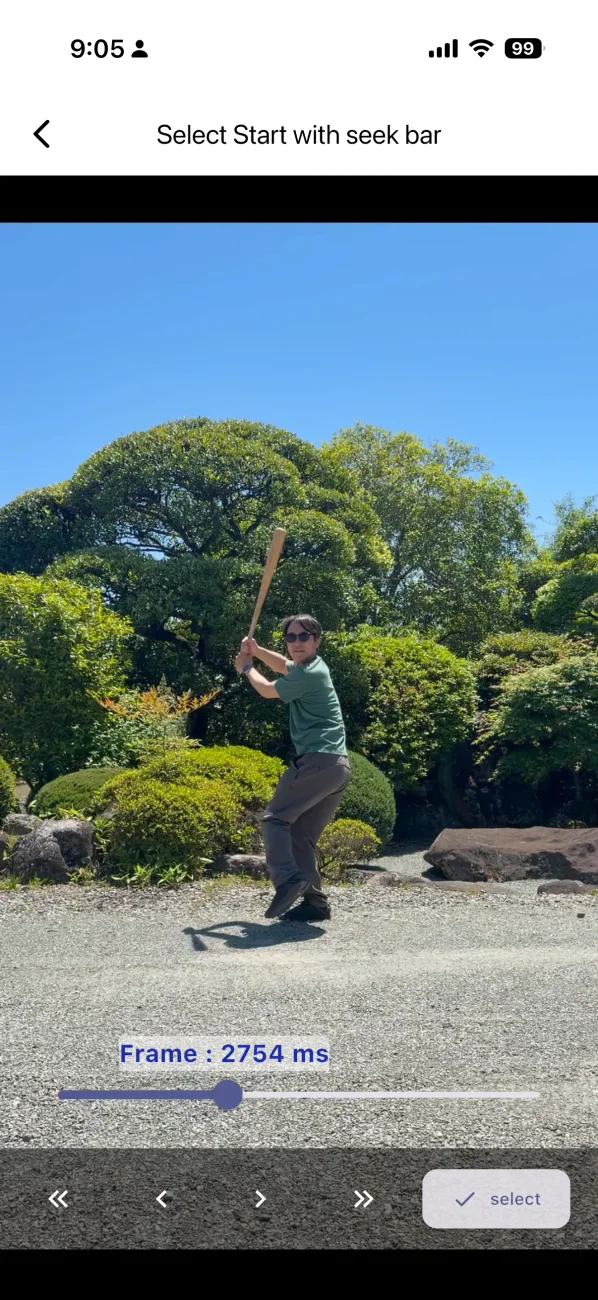
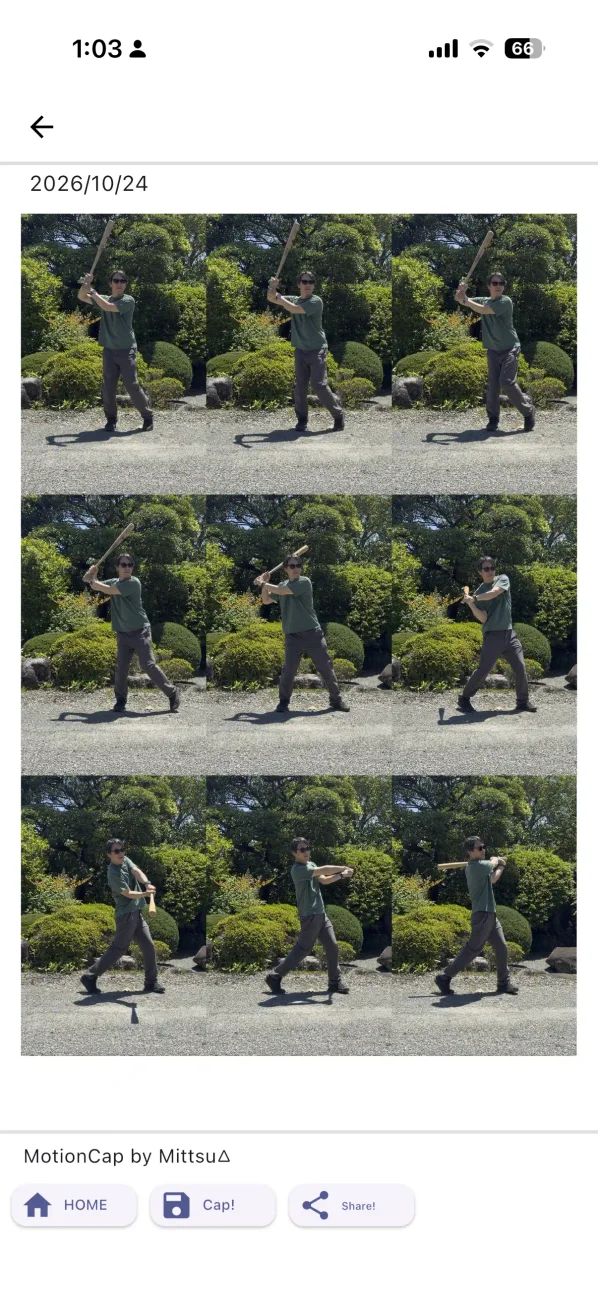
Turn your video into a sequence photo (stop-motion style image) for checking and comparing form. Free to use (watch one ad to create one image).
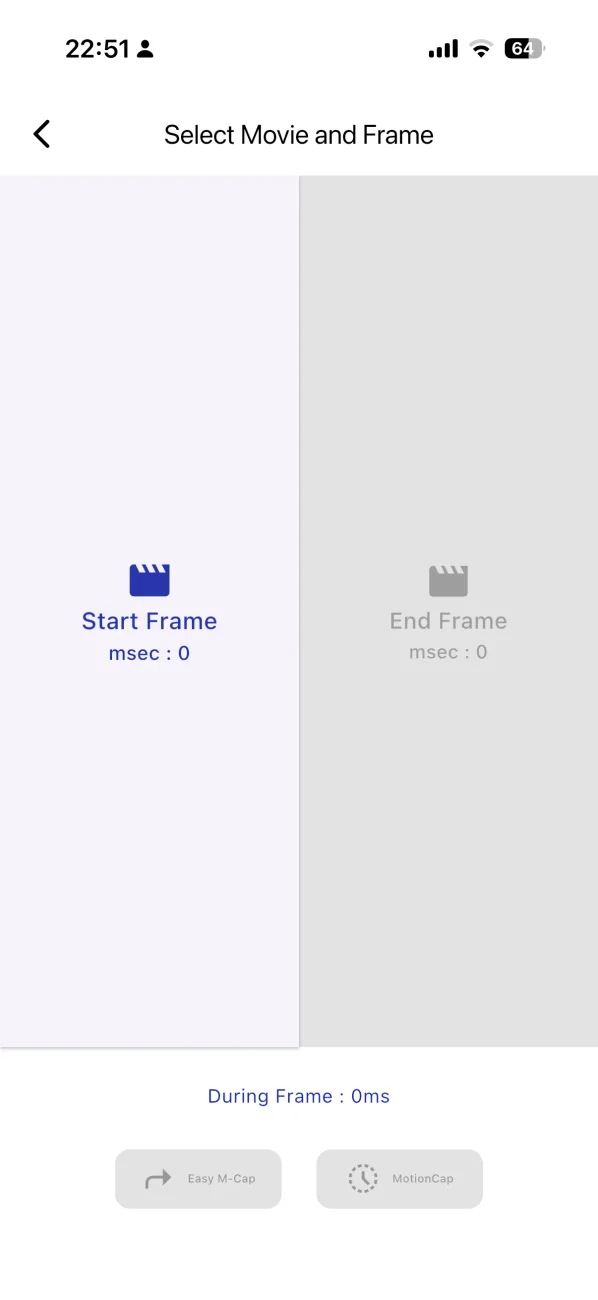
Choose a video shot on your smartphone, and the app detects the person automatically. It splits the time range you select into 9 parts, extracts a frame from each, and arranges them into a single image. Great for golf, baseball, tennis, track and field, and more.
[How it works]
1. Watch an ad
2. Choose a video
3. Select the time range you want
4. A 9-frame sequence image is created
[Features]
• Automatic person detection
• 9 frames split evenly by time within your selected range
• Saved as a single image
• Processed on your device
Your videos and sequence images are not sent to any external server.
[About Ads]
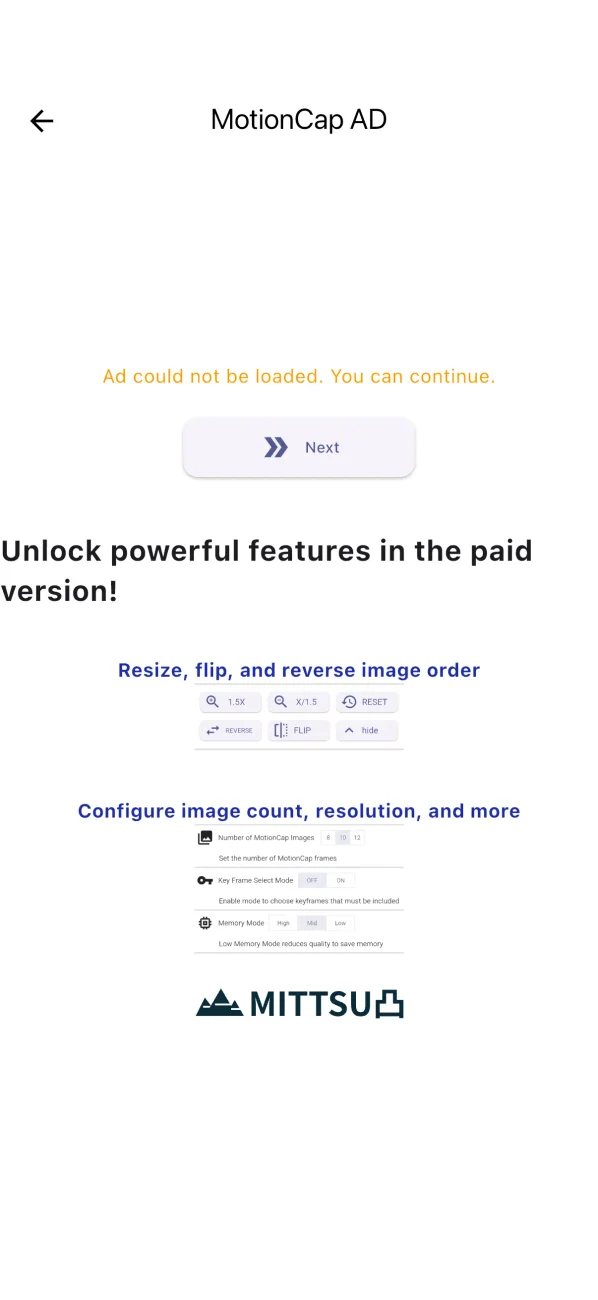
Watching one ad lets you create one sequence image. To create images without ads, try the MotionCap-Premium subscription.
[Who It's For]
Coaches, school club staff, parents, athletes, and sports enthusiasts. No video editing skills required.
[About MotionCap-Premium]
Need more control? The paid version, MotionCap-Premium, adds:
• Keyframe Mode: pick the moment that matters most
• Motion-based splitting: frames split by the amount of movement, not by time
• Selectable frame counts
• Layouts: vertical, horizontal or grid
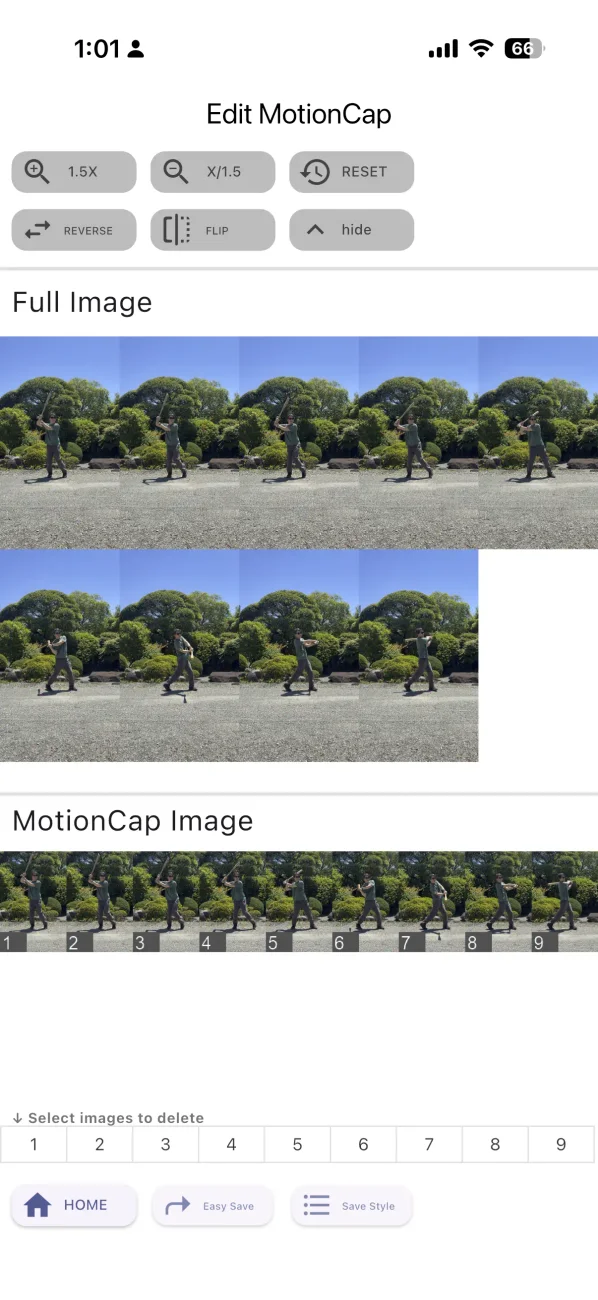
• Editing: resize and flip images
• Ad-free creation with a subscription
*These features are not included in MotionCap-Lite (this app).
*A MotionCap-Premium subscription (paid) is required. There is no free trial.
Privacy Policy: https://www.mittsu-totsu.com/motioncap-lite/lite-ver-security-policy
Terms of Use (EULA): https://www.apple.com/legal/internet-services/itunes/dev/stdeula/
Có gì mới
Phiên bản 1.0.5^19 · 20/11/2026
Updated the App Store description.
Quyền riêng tư của ứng dụng
Những gì Mittsu Totsu LLC khai báo trên App Store về cách ứng dụng này xử lý dữ liệu.
-
Dữ liệu liên kết với bạn
Có thể được thu thập và liên kết với danh tính của bạn.
- Mã định danh
- Dữ liệu sử dụng
- Chẩn đoán
-
Dữ liệu không liên kết với bạn
Có thể được thu thập nhưng không liên kết với danh tính của bạn.
- Vị trí
- Dữ liệu sử dụng
- Chẩn đoán
Phương thức đảm bảo quyền riêng tư có thể khác nhau, chẳng hạn như tuỳ theo các tính năng bạn sử dụng hoặc độ tuổi của bạn.
Thông tin
- Người bán
- MITTSU TOTSU LLC
- Danh mục
- Ảnh & Video
- Phiên bản
- 1.0.5^19
- Cập nhật
- 20/11/2026
- Phát hành
- 14/10/2026
- Kích thước
- 69,4 MB
- Yêu cầu
- iOS 17.0 trở lên
- Độ tuổi
- 4+
- Giá
- Miễn phí
- Ngôn ngữ
- Tiếng Anh, Tiếng Ả Rập, Tiếng Pháp, Hindi, Tiếng Nhật, Tiếng Hàn, Tiếng Bồ Đào Nha, Tiếng Nga, Tiếng Tây Ban Nha, Tiếng Trung Phồn thể
- Bản quyền
- © 2026 Mittsu凸 LLC
Có thể bạn cũng thích
-
 Trình phát: Bước & LặpChuyển động chậm & Lặp lại
-
 MoviPic - Movie to PhotoẢnh & Video
-
 Video Speed Editor - VBoosterẢnh & Video
-
 Video sang Ảnh / Hình ảnhỨng dụng đơn giản nhất
-
 MyPics - A Powerful PhotoAlbumẢnh & Video
-
 The Simple CameraẢnh & Video
-
 Disney PhotoPassẢnh & Video
-
 LINE Camera - Trình sửa ảnhSticker, Filter, Chỉnh ảnh AI
-
 TravelBoast: My Journey RoutesẢnh & Video