
- Age rating4+
- CategoryPhoto & Video
- DeveloperMittsu Totsu LLC
- LanguagesEnglish+ 9 more
- Size69.4 MB
Links to the official App Store page
Download.org hosts no file of MotionCap-Lite. The button opens its official App Store page, published by Mittsu Totsu LLC. Listing last checked on Nov 23, 2026.
Screenshots

About
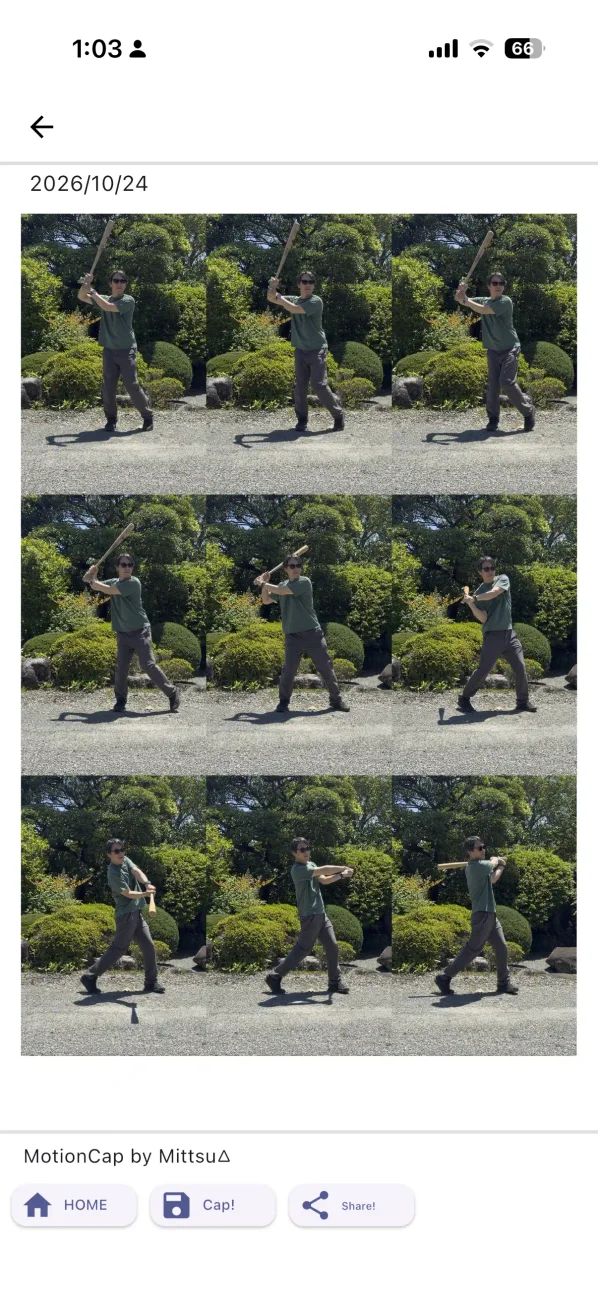
Turn your video into a sequence photo (stop-motion style image) for checking and comparing form. Free to use (watch one ad to create one image).
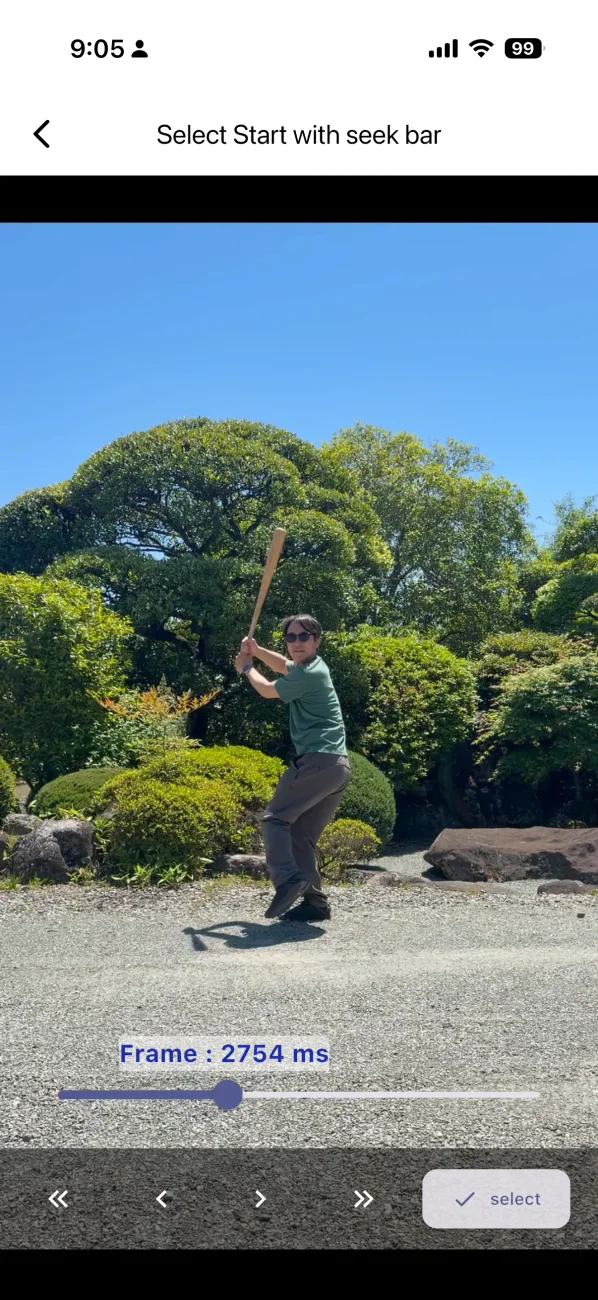
Choose a video shot on your smartphone, and the app detects the person automatically. It splits the time range you select into 9 parts, extracts a frame from each, and arranges them into a single image. Great for golf, baseball, tennis, track and field, and more.
[How it works]
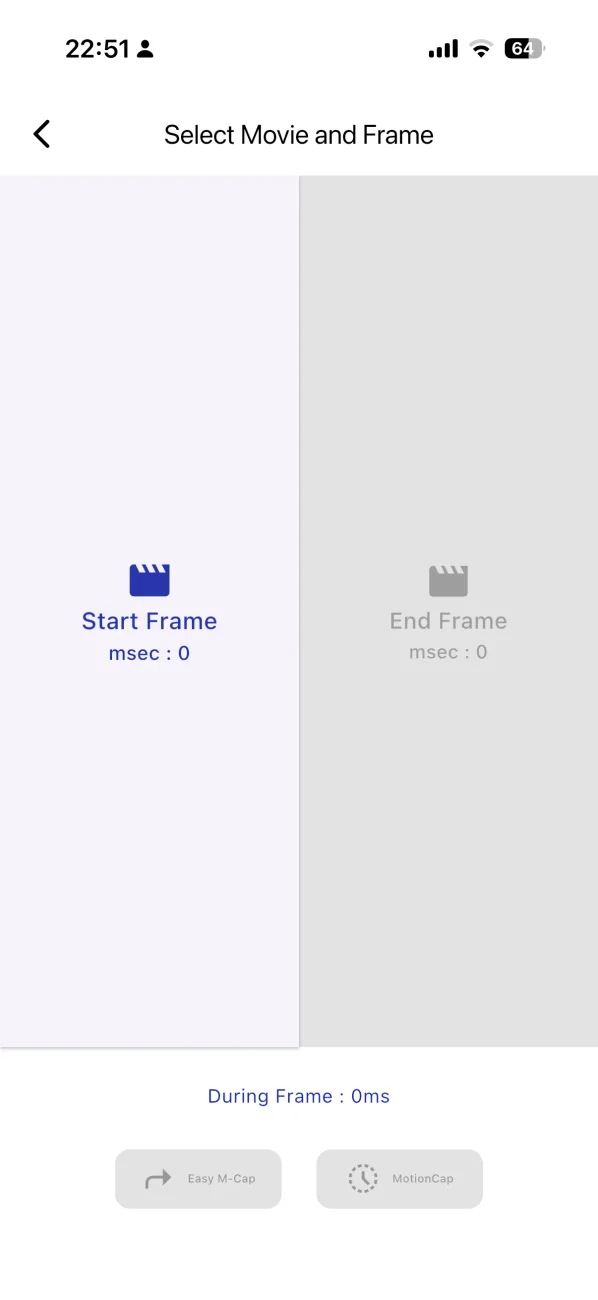
1. Watch an ad
2. Choose a video
3. Select the time range you want
4. A 9-frame sequence image is created
[Features]
• Automatic person detection
• 9 frames split evenly by time within your selected range
• Saved as a single image
• Processed on your device
Your videos and sequence images are not sent to any external server.
[About Ads]
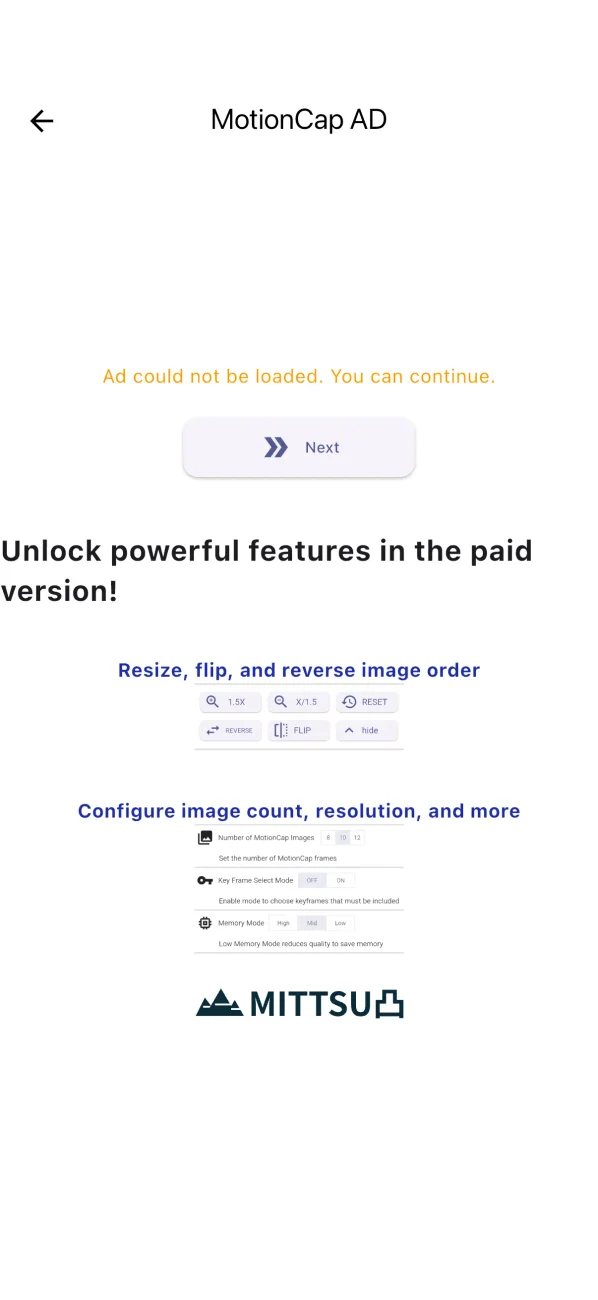
Watching one ad lets you create one sequence image. To create images without ads, try the MotionCap-Premium subscription.
[Who It's For]
Coaches, school club staff, parents, athletes, and sports enthusiasts. No video editing skills required.
[About MotionCap-Premium]
Need more control? The paid version, MotionCap-Premium, adds:
• Keyframe Mode: pick the moment that matters most
• Motion-based splitting: frames split by the amount of movement, not by time
• Selectable frame counts
• Layouts: vertical, horizontal or grid
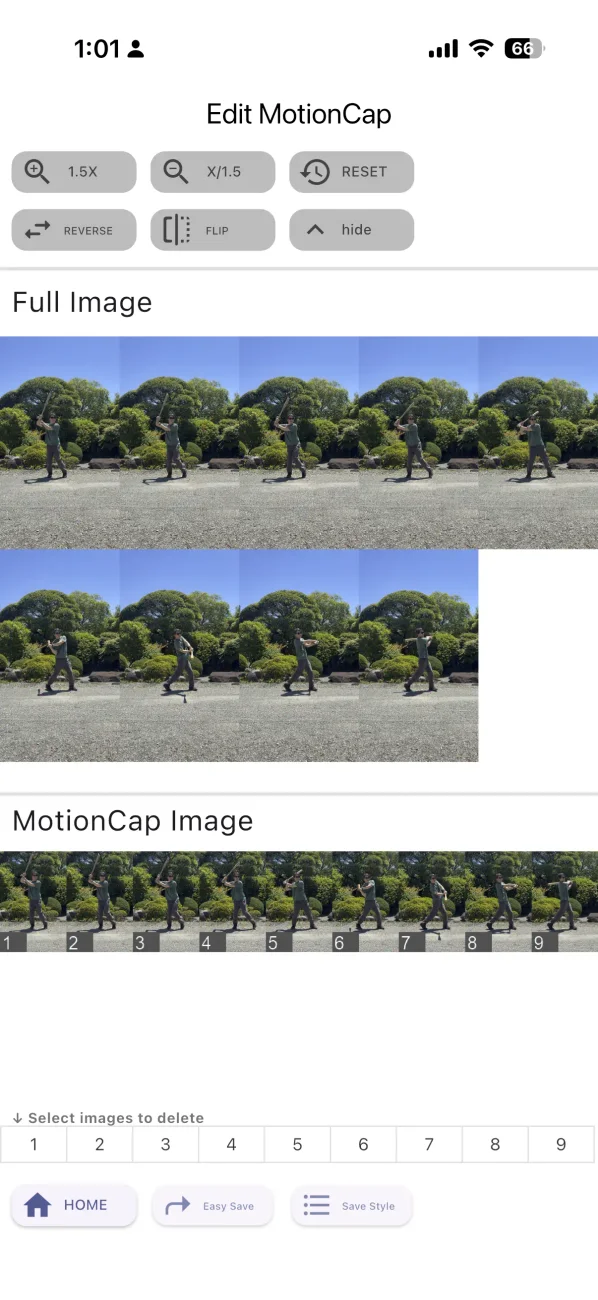
• Editing: resize and flip images
• Ad-free creation with a subscription
*These features are not included in MotionCap-Lite (this app).
*A MotionCap-Premium subscription (paid) is required. There is no free trial.
Privacy Policy: https://www.mittsu-totsu.com/motioncap-lite/lite-ver-security-policy
Terms of Use (EULA): https://www.apple.com/legal/internet-services/itunes/dev/stdeula/
What’s new
Version 1.0.5^19 · Nov 20, 2026
Updated the App Store description.
App privacy
What Mittsu Totsu LLC declares on the App Store about how this app handles data.
-
Data linked to you
May be collected and linked to your identity.
- Identifiers
- Usage data
- Diagnostics
-
Data not linked to you
May be collected but is not linked to your identity.
- Location
- Usage data
- Diagnostics
Privacy practices may vary, for example with the features you use or your age.
Information
- Seller
- MITTSU TOTSU LLC
- Category
- Photo & Video
- Version
- 1.0.5^19
- Updated
- Nov 20, 2026
- Released
- Oct 14, 2026
- Size
- 69.4 MB
- Requires
- iOS 17.0 or later
- Age rating
- 4+
- Price
- Free
- Languages
- English, Arabic, French, Hindi, Japanese, Korean, Portuguese, Russian, Spanish, Traditional Chinese
- Copyright
- © 2026 Mittsu凸 LLC
You might also like
-
 Video Player-Frame Step & LoopEasy & Slow Motion & Repeat
-
 MoviPic - Movie to PhotoThe best shot from your video.
-
 Video Speed Editor - VBoosterVideo speed changer
-
 Video To Photo / ImageThe simplest app.
-
 MyPics - A Powerful PhotoAlbumAn album for photos and videos
-
 The Simple CameraFast minimal designed camera
-
 Disney PhotoPassPhoto & Video
-
 LINE Camera - Photo editorStickers, Filters, Brush & AI
-
 TravelBoast: My Journey Routes3D Travel Video Map Animator