- Altersfreigabe4+
- KategoriePuzzle
- EntwicklerRomiick LLC
- SprachenJapanisch+ 1 weitere
- Größe21,0 MB
Verlinkt auf die offizielle App Store-Seite
Download.org hostet keine Datei von NUMBERS | Brain training. Die Schaltfläche öffnet die App-Seite bei App Store, wo Romiick LLC die App veröffentlicht. Eintrag zuletzt geprüft am 12.11.2026.
Screenshots
Info
Der Entwickler hat diesen Text nicht in Ihrer Sprache bereitgestellt.
■Overview
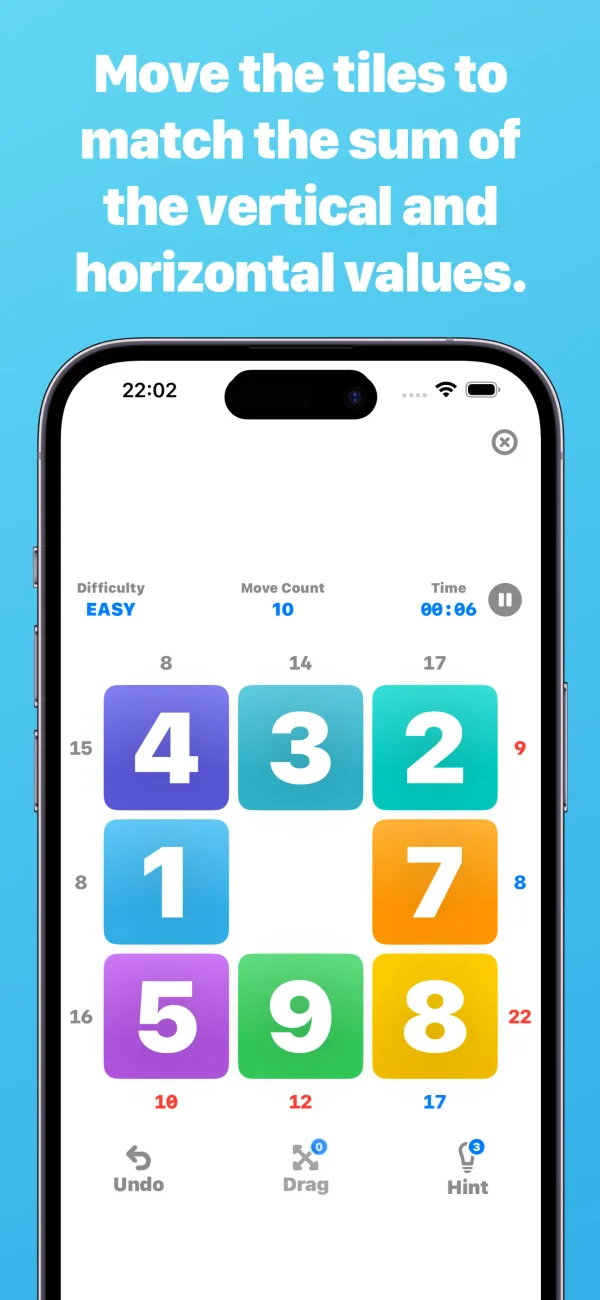
Numbers is an engaging and brain-stimulating puzzle game designed to test your logic and strategic thinking skills.
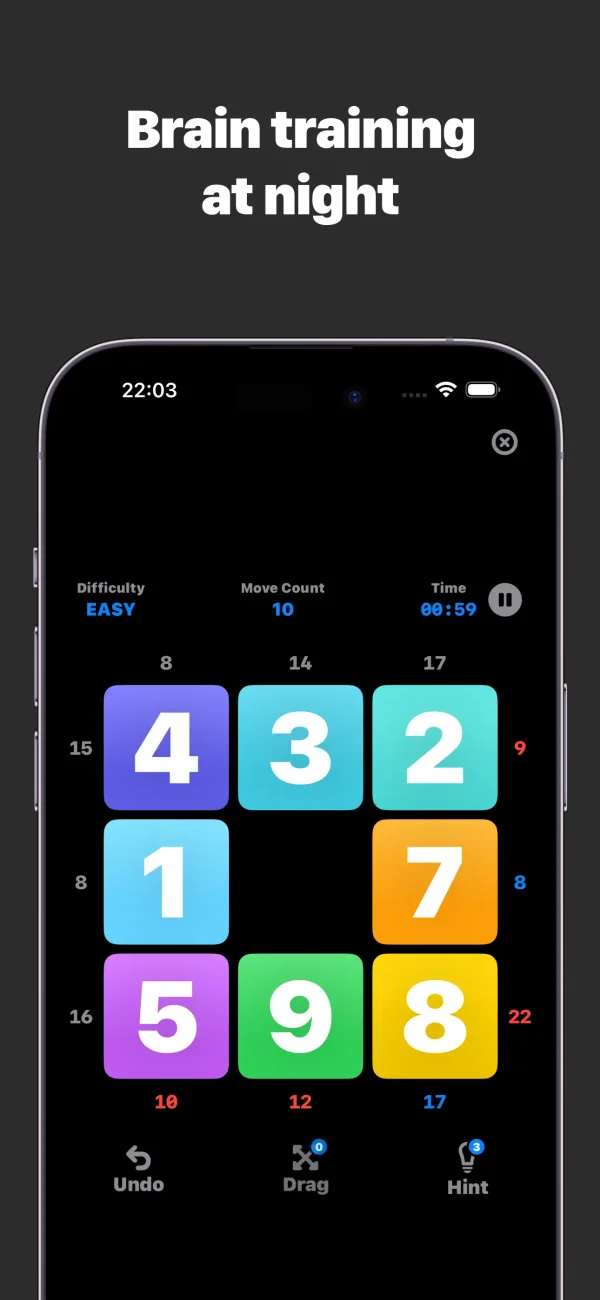
In this game, the numbers must be arranged so that the sums of the given rows and columns match.
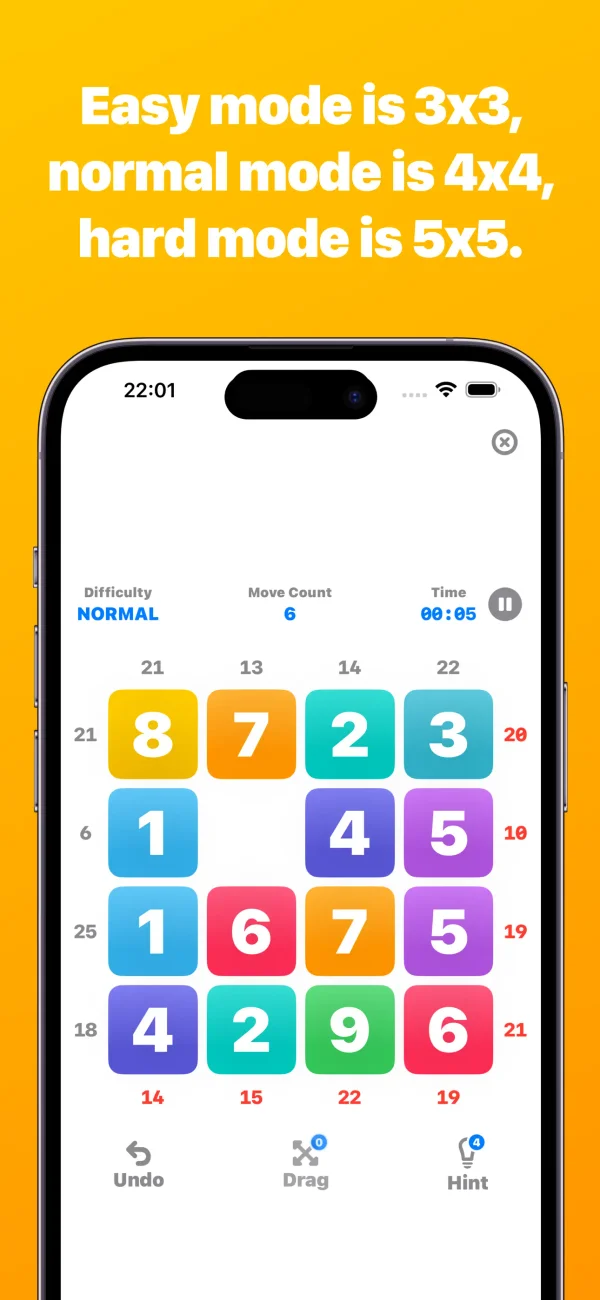
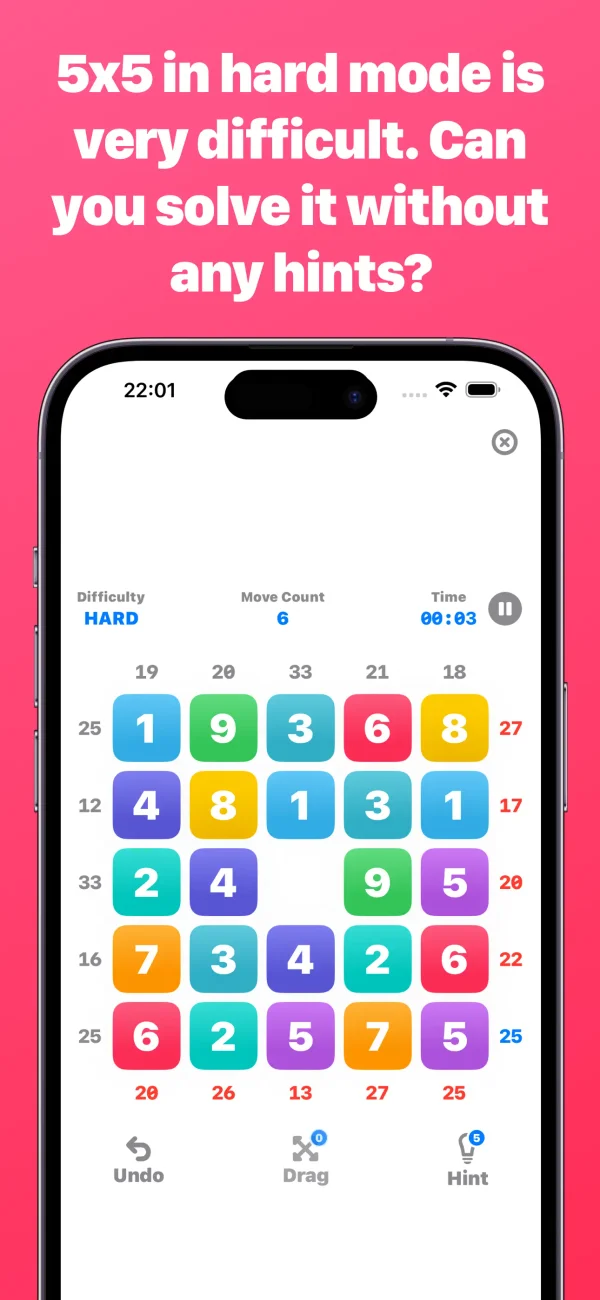
With difficulty levels ranging from a simple 3x3 to a more complex 5x5, the game offers fun and mental exercise for puzzle fans of all ages.
■How to play
Select a difficulty level:
Choose a difficulty level from the home screen
- Easy (3x3)
- Normal (4x4)
- Difficult (5x5)
If you clear the easy mode, you can try the normal mode, and if you clear the normal mode, you can try the hard mode.
Game Winning Conditions:.
At the start of the game, the target total of vertical and horizontal values is calculated.
The game is cleared when all the vertical and horizontal totals are matched by moving the numbered squares.
Moving a tile:
Tap a tile adjacent to an empty square to move it to an empty space.
Continue moving tiles until the numbers in each row and column match the specified total.
Hint Function:.
If you get stuck, you can use the hint button to find the correct position of a single tile. Hints are temporarily displayed by changing the color of the tiles.
The number of times you can use the hint is limited depending on the difficulty level of the game.
Drag function:.
If you want to swap this tile with another tile, you can use the drag function.
You can swap tiles by pressing and holding a tile and dragging it.
Undo function: Use the Undo button to undo a previous move.
The Undo button allows you to undo a previous move. You can restore the game to its initial state.
■Checking game play statistics
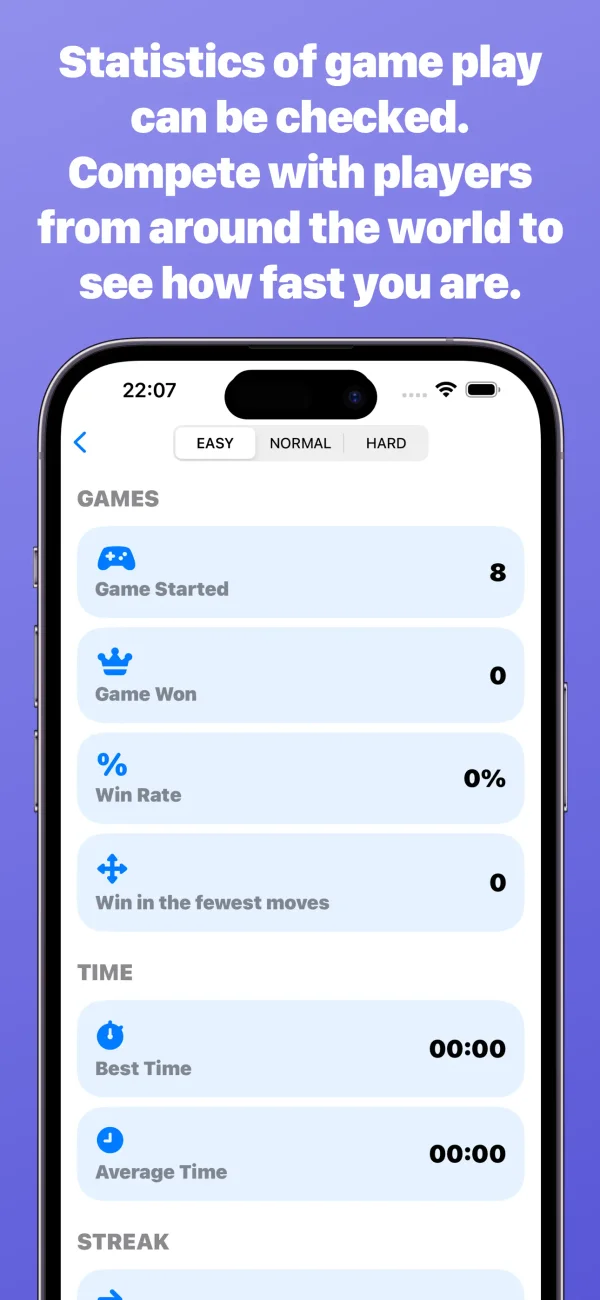
Displays game play statistics such as number of games, number of wins, win percentage, shortest moves to win, best time, average time, current win streak, best win streak, etc.
Neue Funktionen
Version 1.1.3 · 01.02.2026
* small bug fixes
App-Datenschutz
Was Romiick LLC im App Store zum Umgang dieser App mit Daten angibt.
-
Daten, die zum Tracking Ihrer Person verwendet werden
Können verwendet werden, um Sie über Apps und Websites anderer Unternehmen hinweg zu verfolgen.
- Kennungen
-
Nicht mit Ihnen verknüpfte Daten
Können erfasst werden, sind aber nicht mit Ihrer Identität verknüpft.
- Kennungen
- Nutzungsdaten
- Diagnose
Die Datenschutzpraktiken können variieren, zum Beispiel je nach den von Ihnen verwendeten Funktionen oder Ihrem Alter.
Informationen
- Anbieter
- Romiick LLC
- Kategorie
- Puzzle
- Version
- 1.1.3
- Aktualisiert
- 01.02.2026
- Veröffentlicht
- 02.07.2024
- Größe
- 21,0 MB
- Erfordert
- iOS 17.0 oder neuer
- Altersfreigabe
- 4+
- Preis
- Kostenlos
- Sprachen
- Japanisch, Englisch
- Copyright
- © 2024 Romiick LLC.
Das könnte Ihnen auch gefallen
-
 Number MovesPuzzle
-
 Operators Puzzle Number GamesBrain Puzzle Math Game
-
 Line SweeperPuzzle
-
 Number Match: Make 10Puzzle
-
 Mochi Pop! Süßes Match-PuzzleTiere verbinden & entspannen
-
 Number Match Games - TenFoldGelegenheitsspiele
-
 Hexa Blast - Sechseck PuzzleBlock Rätsel & Denksport
-
 Block Seven!Strategie
-
 Hexa Sort: StackoHexa-Stapel sortieren & poppen
-
 Number Pair : Match Ten PuzzlePuzzle