- Classification d’âge4+
- CatégorieCasse-tête
- DéveloppeurRomiick LLC
- LanguesJaponais+ 1 de plus
- Taille21,0 Mo
Renvoie vers la page App Store officielle
Download.org n’héberge aucun fichier de NUMBERS | Brain training. Le bouton ouvre la page de l’application sur App Store, où Romiick LLC la publie. Fiche vérifiée pour la dernière fois le 12/11/2026.
Captures d’écran
À propos
Le développeur n’a pas fourni ce texte dans votre langue.
■Overview
Numbers is an engaging and brain-stimulating puzzle game designed to test your logic and strategic thinking skills.
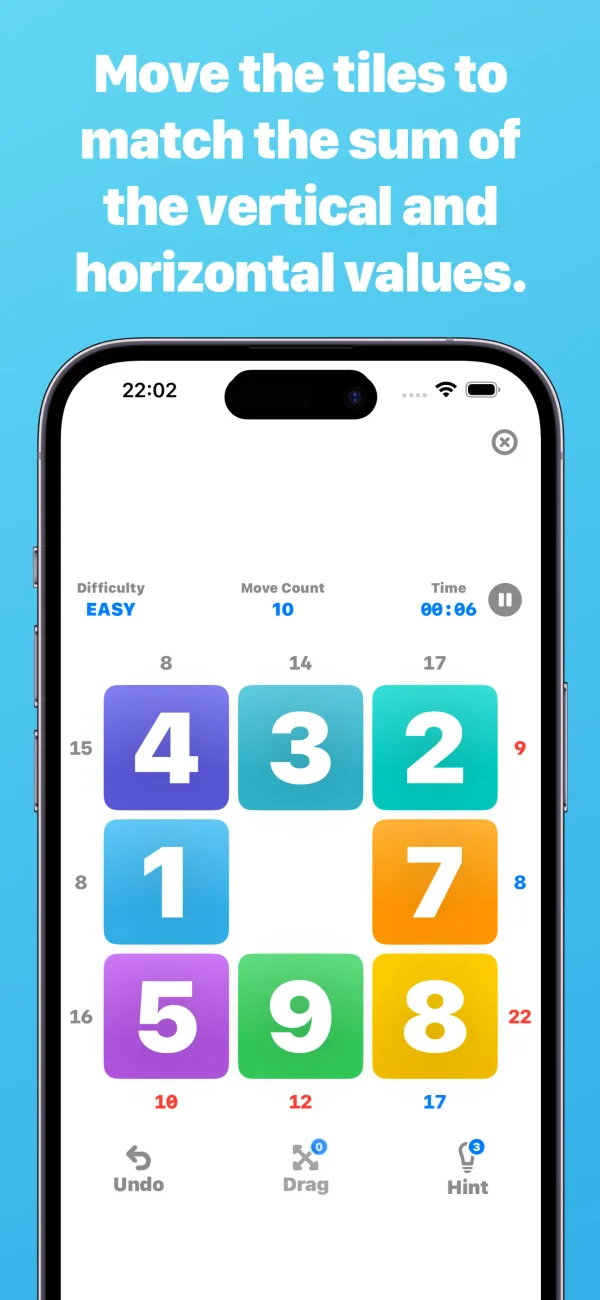
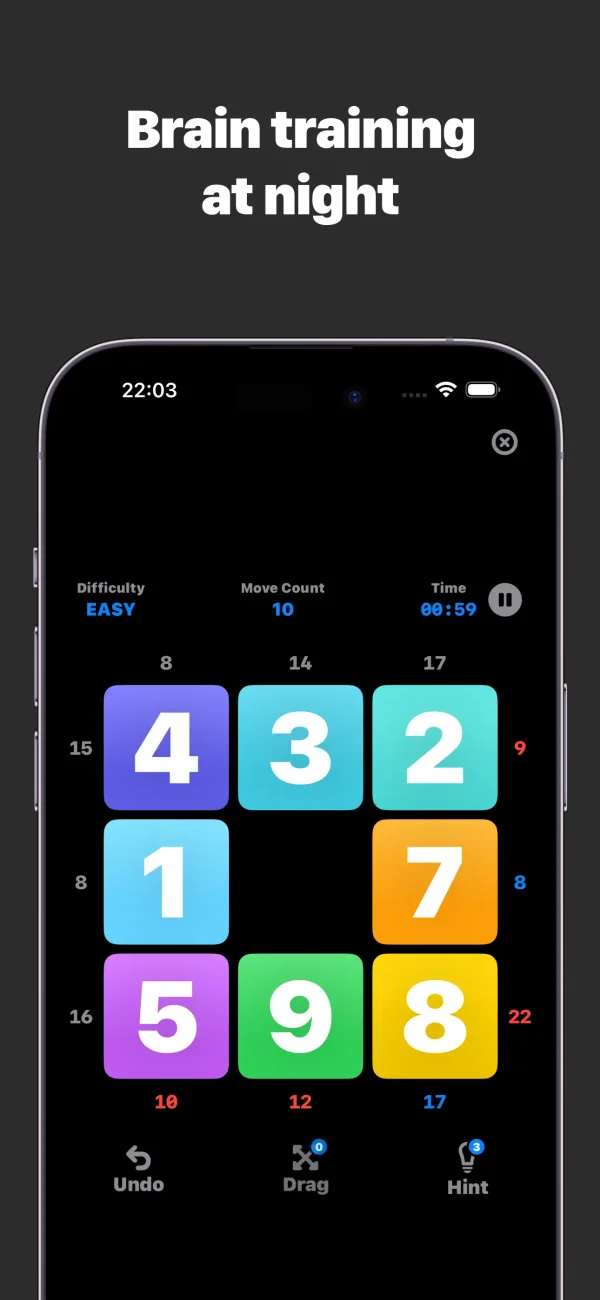
In this game, the numbers must be arranged so that the sums of the given rows and columns match.
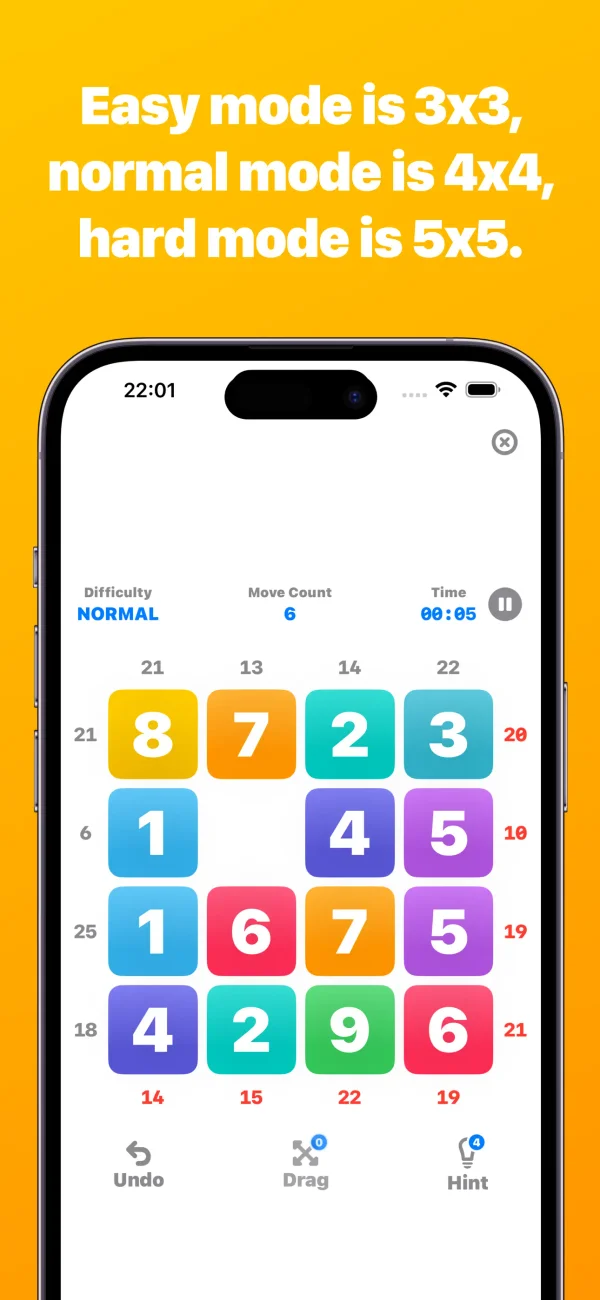
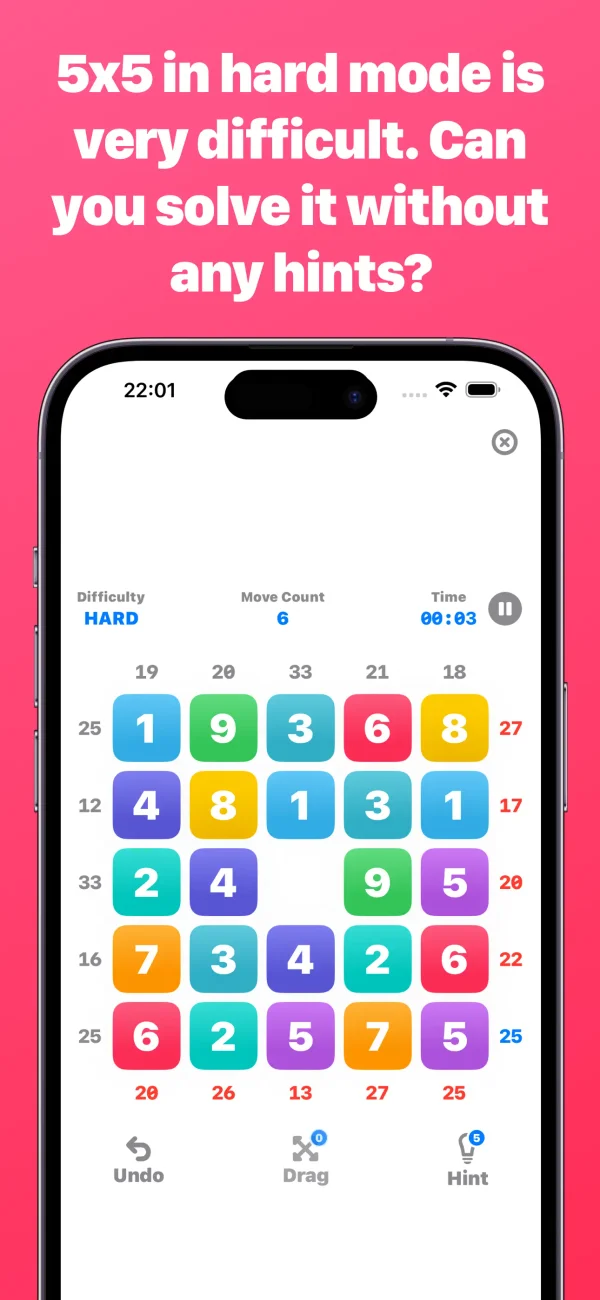
With difficulty levels ranging from a simple 3x3 to a more complex 5x5, the game offers fun and mental exercise for puzzle fans of all ages.
■How to play
Select a difficulty level:
Choose a difficulty level from the home screen
- Easy (3x3)
- Normal (4x4)
- Difficult (5x5)
If you clear the easy mode, you can try the normal mode, and if you clear the normal mode, you can try the hard mode.
Game Winning Conditions:.
At the start of the game, the target total of vertical and horizontal values is calculated.
The game is cleared when all the vertical and horizontal totals are matched by moving the numbered squares.
Moving a tile:
Tap a tile adjacent to an empty square to move it to an empty space.
Continue moving tiles until the numbers in each row and column match the specified total.
Hint Function:.
If you get stuck, you can use the hint button to find the correct position of a single tile. Hints are temporarily displayed by changing the color of the tiles.
The number of times you can use the hint is limited depending on the difficulty level of the game.
Drag function:.
If you want to swap this tile with another tile, you can use the drag function.
You can swap tiles by pressing and holding a tile and dragging it.
Undo function: Use the Undo button to undo a previous move.
The Undo button allows you to undo a previous move. You can restore the game to its initial state.
■Checking game play statistics
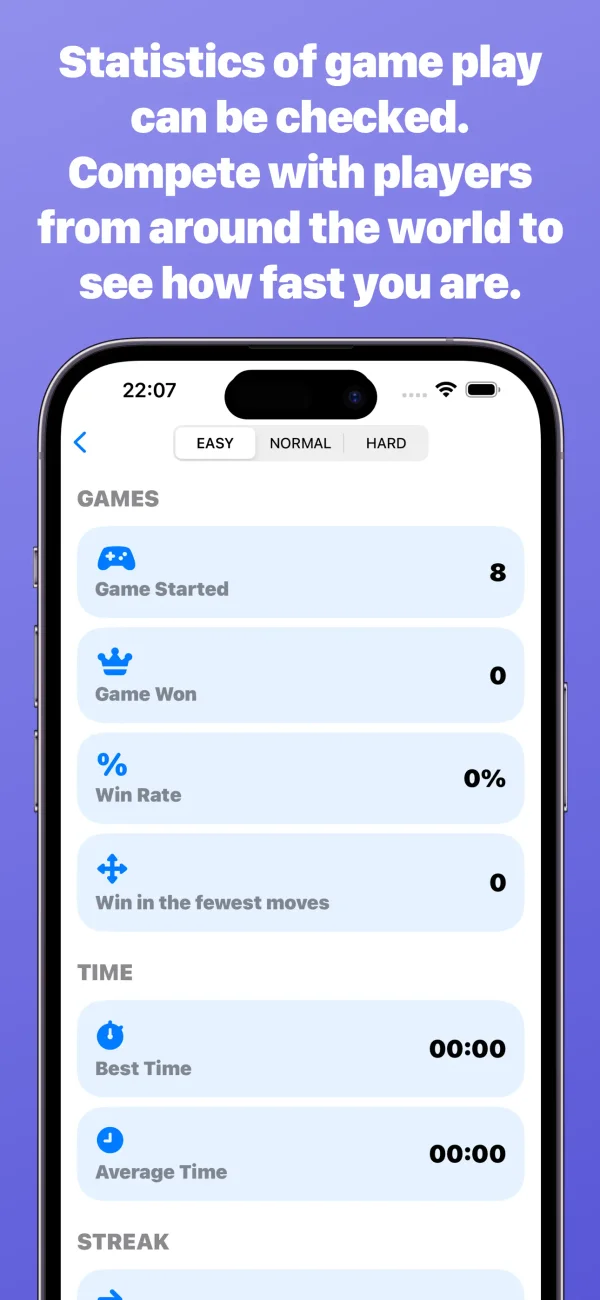
Displays game play statistics such as number of games, number of wins, win percentage, shortest moves to win, best time, average time, current win streak, best win streak, etc.
Nouveautés
Version 1.1.3 · 01/02/2026
* small bug fixes
Confidentialité de l’application
Ce que Romiick LLC déclare sur l’App Store au sujet du traitement des données par cette application.
-
Données utilisées pour vous suivre
Peuvent être utilisées pour vous suivre sur des applications et des sites web appartenant à d’autres sociétés.
- Identifiants
-
Données n’établissant aucun lien avec vous
Peuvent être collectées, mais ne sont pas liées à votre identité.
- Identifiants
- Données d’utilisation
- Diagnostic
Les pratiques en matière de confidentialité peuvent varier, notamment en fonction des fonctionnalités que vous utilisez ou de votre âge.
Informations
- Vendeur
- Romiick LLC
- Catégorie
- Casse-tête
- Version
- 1.1.3
- Mis à jour
- 01/02/2026
- Publié
- 02/07/2024
- Taille
- 21,0 Mo
- Nécessite
- iOS 17.0 ou version ultérieure
- Classification d’âge
- 4+
- Prix
- Gratuit
- Langues
- Japonais, Anglais
- Copyright
- © 2024 Romiick LLC.
Vous aimerez peut-être aussi
-
 Number MovesCasse-tête
-
 Operators Puzzle Number GamesBrain Puzzle Math Game
-
 Line SweeperCasse-tête
-
 Number Match: Make 10Casse-tête
-
 Mochi Pop! Puzzle kawaiiRelie des animaux trop mignons
-
 Number Match Games - TenFoldParties rapides
-
 Hexa Blast - Puzzle HexagonalBlocs, Lignes & Casse-tête
-
 Block Seven!Stratégie
-
 Hexa Sort: StackoTrie et éclate les piles hexa
-
 Number Pair : Match Ten PuzzleCasse-tête