- Age rating4+
- CategoryPuzzle
- DeveloperRomiick LLC
- LanguagesJapanese+ 1 more
- Size21.0 MB
Links to the official App Store page
Download.org hosts no file of NUMBERS | Brain training. The button opens its official App Store page, published by Romiick LLC. Listing last checked on Nov 12, 2026.
Screenshots


About
■Overview
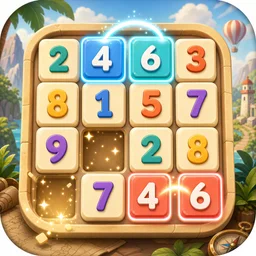
Numbers is an engaging and brain-stimulating puzzle game designed to test your logic and strategic thinking skills.
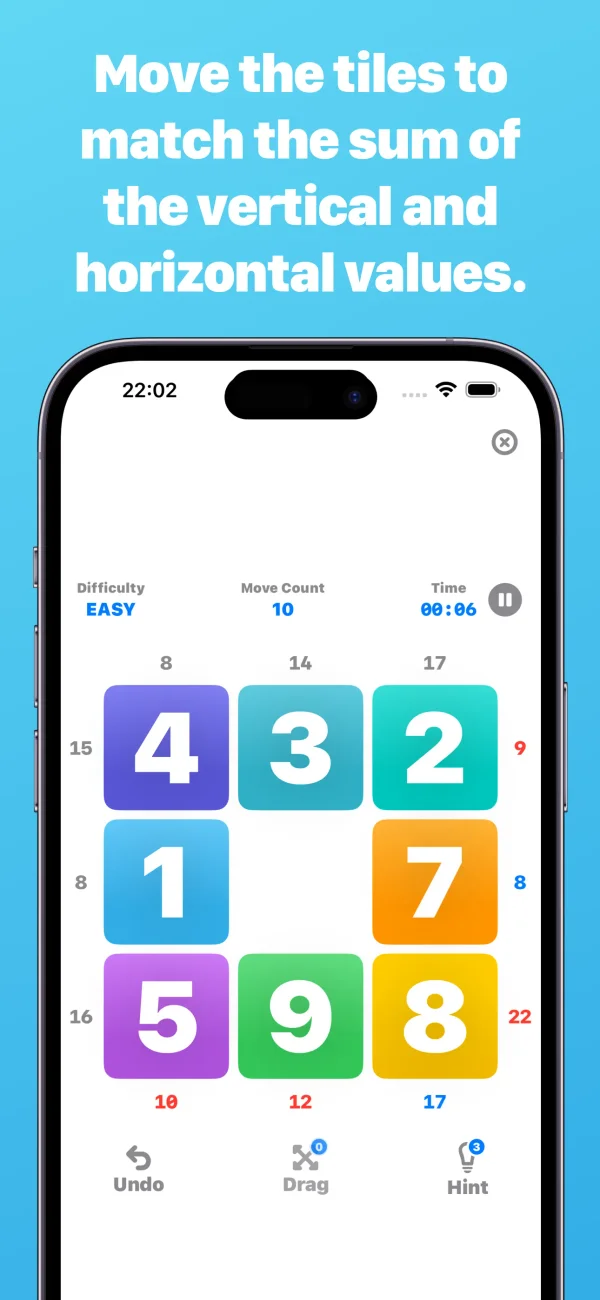
In this game, the numbers must be arranged so that the sums of the given rows and columns match.
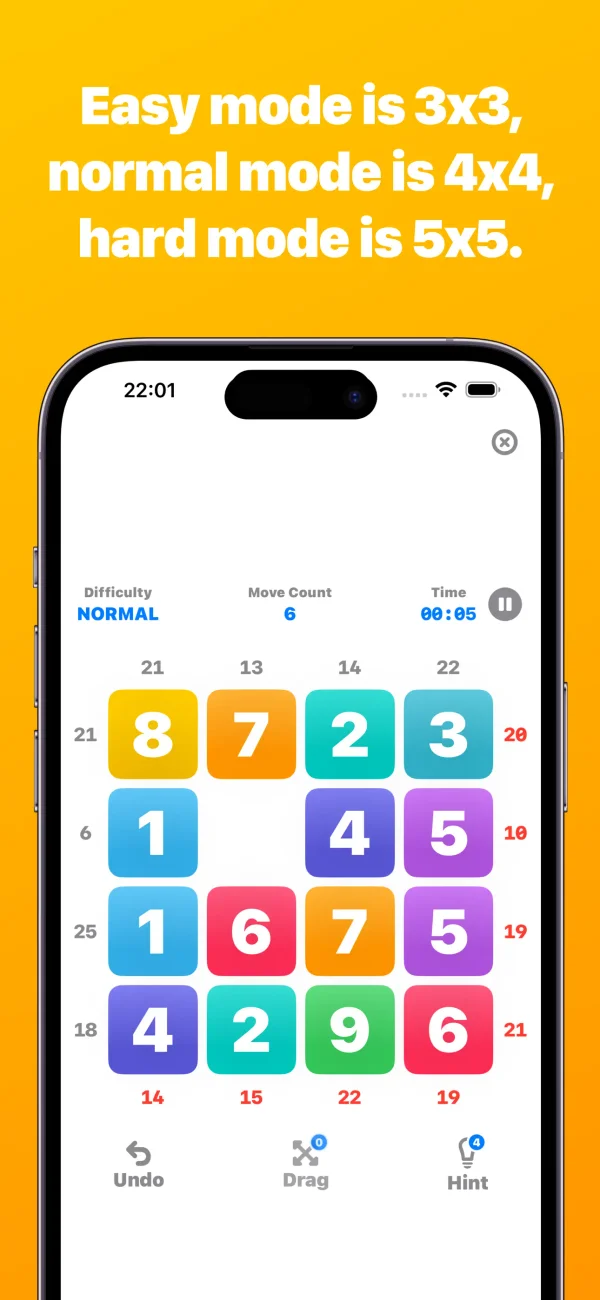
With difficulty levels ranging from a simple 3x3 to a more complex 5x5, the game offers fun and mental exercise for puzzle fans of all ages.
■How to play
Select a difficulty level:
Choose a difficulty level from the home screen
- Easy (3x3)
- Normal (4x4)
- Difficult (5x5)
If you clear the easy mode, you can try the normal mode, and if you clear the normal mode, you can try the hard mode.
Game Winning Conditions:.
At the start of the game, the target total of vertical and horizontal values is calculated.
The game is cleared when all the vertical and horizontal totals are matched by moving the numbered squares.
Moving a tile:
Tap a tile adjacent to an empty square to move it to an empty space.
Continue moving tiles until the numbers in each row and column match the specified total.
Hint Function:.
If you get stuck, you can use the hint button to find the correct position of a single tile. Hints are temporarily displayed by changing the color of the tiles.
The number of times you can use the hint is limited depending on the difficulty level of the game.
Drag function:.
If you want to swap this tile with another tile, you can use the drag function.
You can swap tiles by pressing and holding a tile and dragging it.
Undo function: Use the Undo button to undo a previous move.
The Undo button allows you to undo a previous move. You can restore the game to its initial state.
■Checking game play statistics
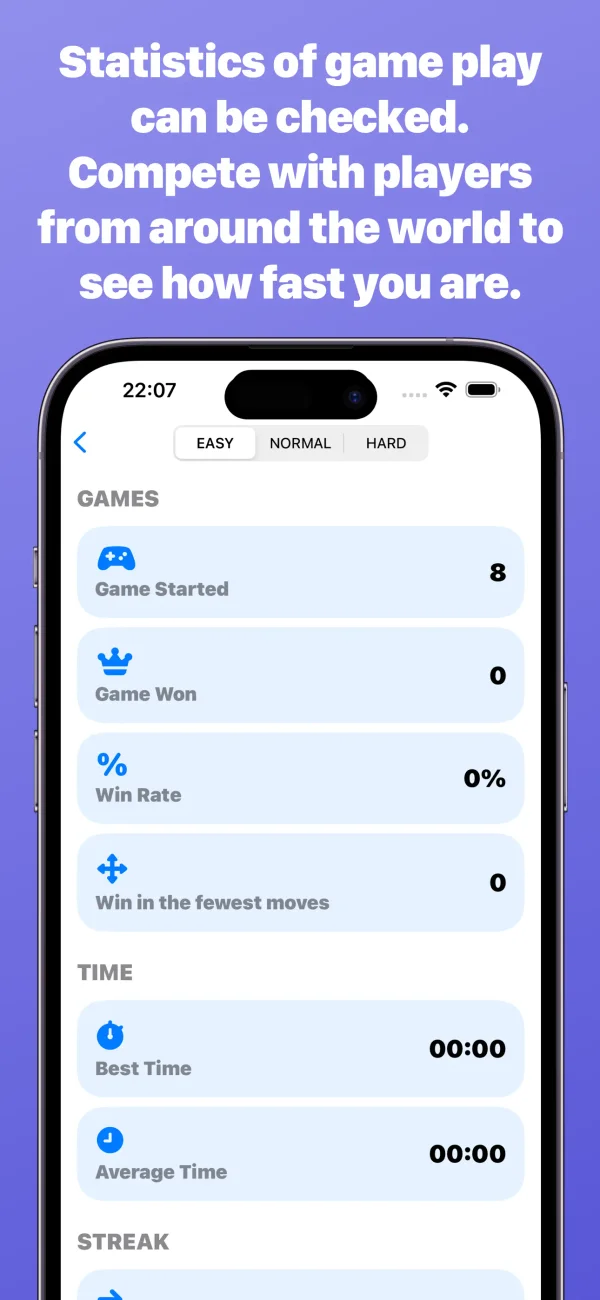
Displays game play statistics such as number of games, number of wins, win percentage, shortest moves to win, best time, average time, current win streak, best win streak, etc.
What’s new
Version 1.1.3 · Feb 1, 2026
* small bug fixes
App privacy
What Romiick LLC declares on the App Store about how this app handles data.
-
Data used to track you
May be used to track you across apps and websites owned by other companies.
- Identifiers
-
Data not linked to you
May be collected but is not linked to your identity.
- Identifiers
- Usage data
- Diagnostics
Privacy practices may vary, for example with the features you use or your age.
Information
- Seller
- Romiick LLC
- Category
- Puzzle
- Version
- 1.1.3
- Updated
- Feb 1, 2026
- Released
- Jul 2, 2024
- Size
- 21.0 MB
- Requires
- iOS 17.0 or later
- Age rating
- 4+
- Languages
- Japanese, English
- Copyright
- © 2024 Romiick LLC.
You might also like
-
 Number MovesSlide and sort numbers
-
 Operators Puzzle Number GamesBrain Puzzle Math Game
-
 Line SweeperMinesweeper Variant
-
 Number Match: Make 10Match Numbers, Train Your Mind
-
 Mochi Pop! Cute Match PuzzleSatisfying cozy ASMR cat game
-
 Number Match Games - TenFoldNumber Games & Math Puzzles
-
 Hexa Blast - Hexagon PuzzleBlock Fit & Brain Teaser Game
-
 Block Seven!Brain Teaser Game
-
 Hexa Sort: StackoMerge & pop hexa stacks
-
 Number Pair : Match Ten PuzzleClear Pairs, Make Ten