OpenNow - Markdown HTML
Open now. Continue anytime.
Entwickelt für iPhone, iPad
Kostenlos · In-App-Käufe
- Altersfreigabe4+
- KategorieProduktivität
- Entwickler甸甸 陈
- SprachenEnglisch+ 4 weitere
- Größe9,2 MB
Verlinkt auf die offizielle App Store-Seite
Download.org hostet keine Datei von OpenNow - Markdown HTML. Die Schaltfläche öffnet die App-Seite bei App Store, wo 甸甸 陈 die App veröffentlicht. Eintrag zuletzt geprüft am 12.11.2026.
Screenshots

Info
Der Entwickler hat diesen Text nicht in Ihrer Sprache bereitgestellt.
Can’t open a received file?
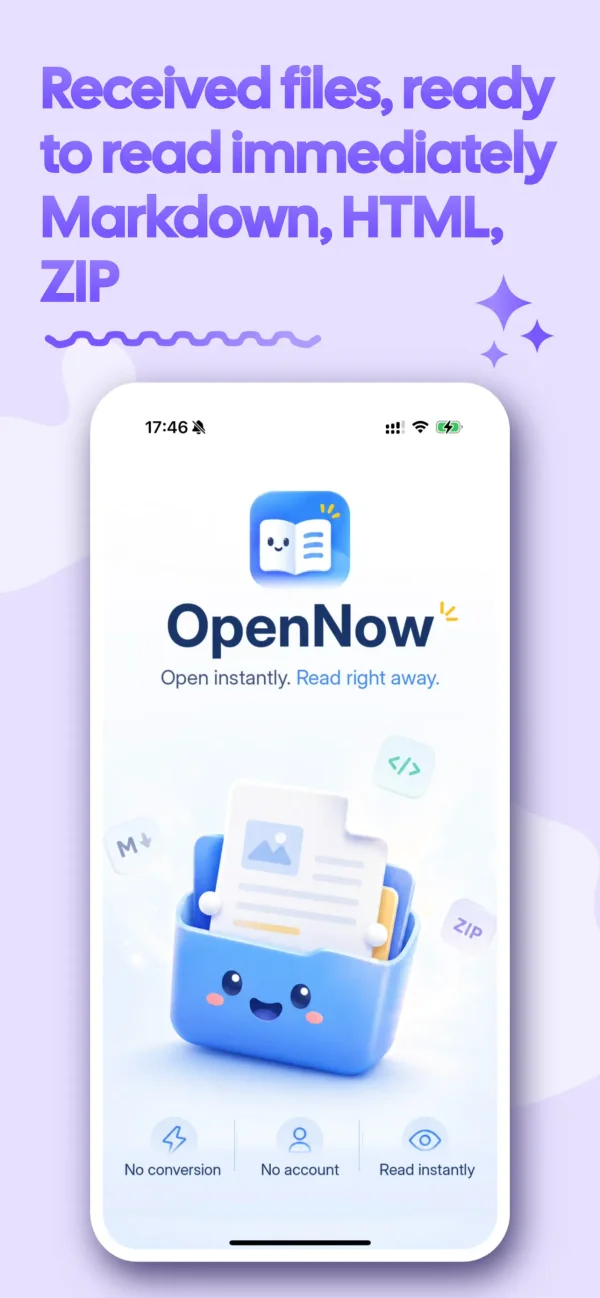
OpenNow helps you open it instantly and read it right away.
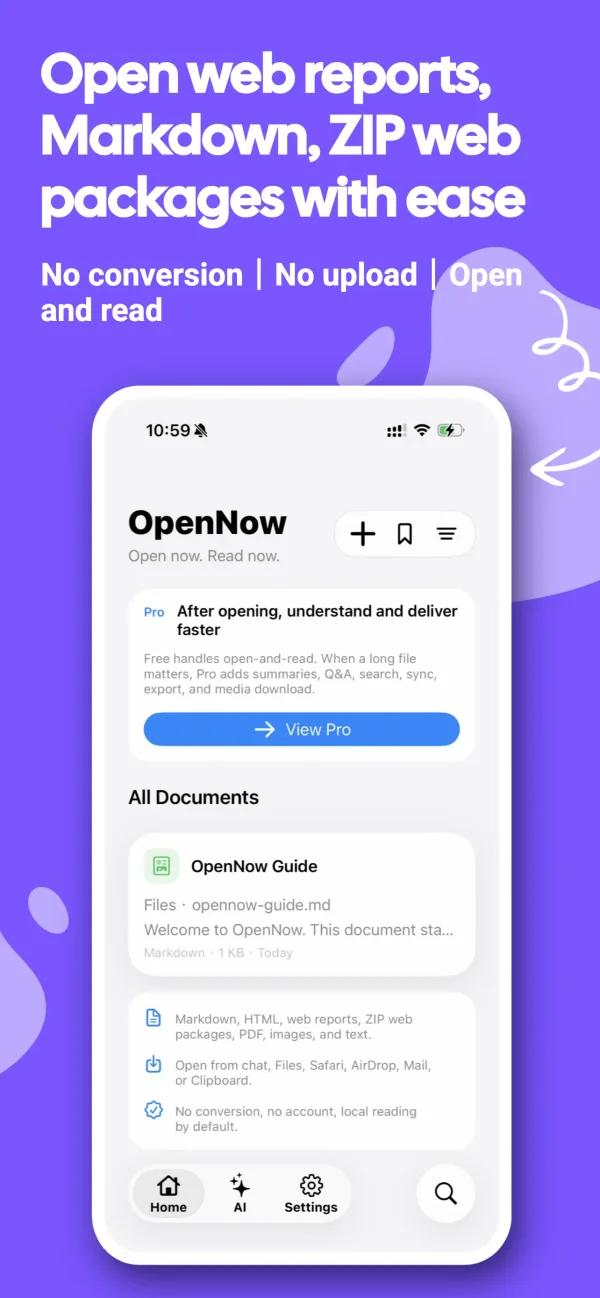
Supports Markdown, HTML, web reports, ZIP web packages, and more.
No conversion. No account required.
OpenNow makes received files immediately readable on your device.
【Membership】
Membership options include Monthly, Yearly, and Lifetime access. Access periods differ by purchase type, but member benefits are the same.
Member features include:
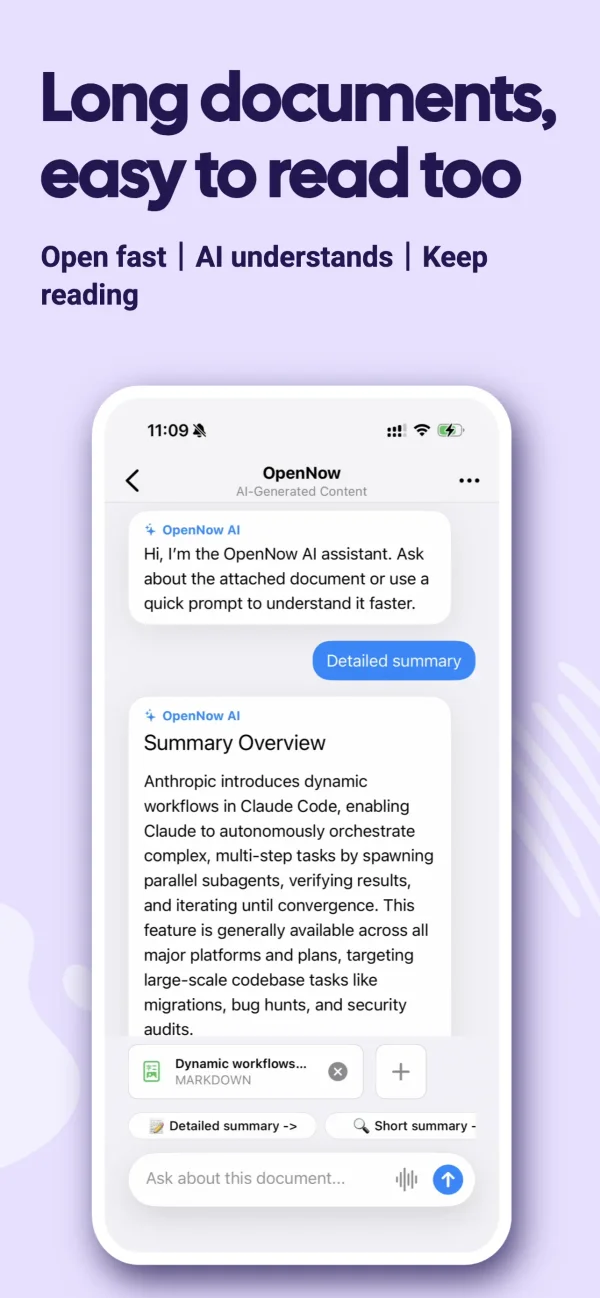
• AI summaries
• Document Q&A
• Custom AI Key
• Cross-file content search
• iCloud sync
• Action item extraction
• PDF and long-image export
• Original media file download
Monthly and Yearly plans are auto-renewable subscriptions. Payment will be charged to your Apple ID account after purchase. You can manage or cancel subscriptions in Settings - Apple Account - Media & Purchases - Subscriptions.
Lifetime access is a one-time purchase that unlocks member features long term.
【Terms】
• Privacy Policy: https://chen465tai.github.io/ReadNOW/privacy-policy
• Terms of Use: https://chen465tai.github.io/ReadNOW/index
Neue Funktionen
Version 1.1.0 · 10.07.2026
OpenNow 1.1.0 turns a one-time file viewer into a lightweight, local reading inbox.
• Open incoming files right away and keep them in your library
• Continue Reading and Read Later return to the right document and position
• Organize files as unread, reading, completed, favorite, or archived
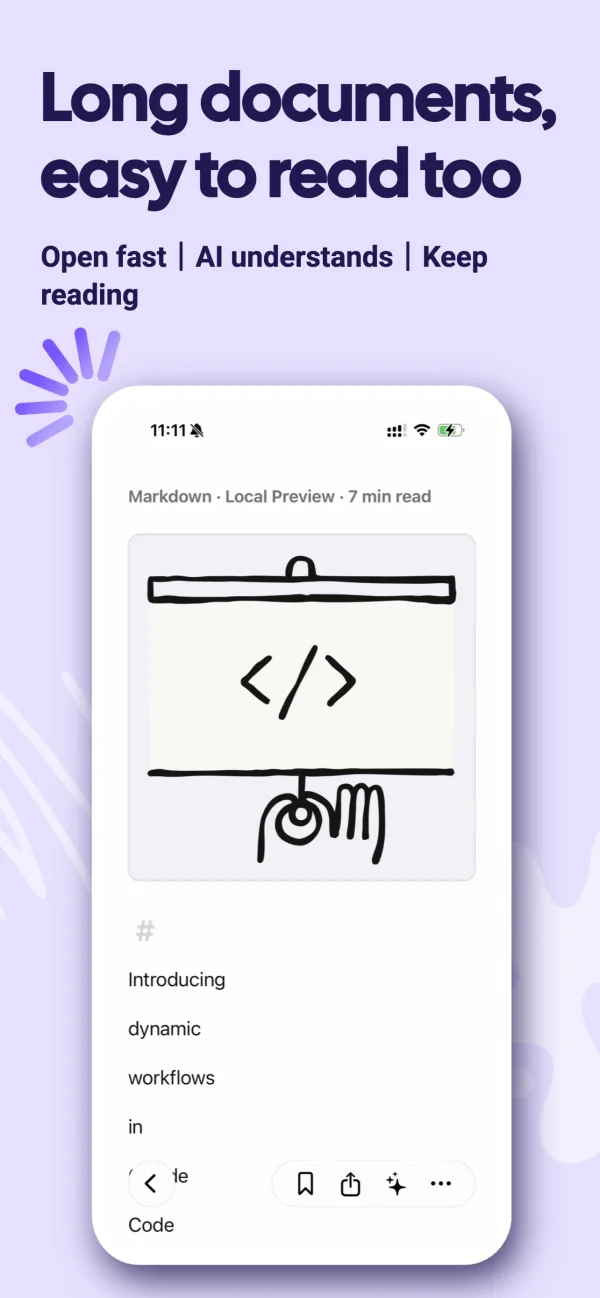
• Search your library, find text, browse sections, and track progress
• Get a local File Brief; Pro adds summaries, key points, action items, and document Q&A
• Improved PDF, HTML, Markdown, ZIP web package, and external import compatibility
• Polished short-document progress, reading restoration, and interface details
No account required. Files stay on your device by default, ready whenever you return.
App-Datenschutz
Was 甸甸 陈 im App Store zum Umgang dieser App mit Daten angibt.
-
Keine Daten erfasst
Der Entwickler erfasst keine Daten von dieser App.
Die Datenschutzpraktiken können variieren, zum Beispiel je nach den von Ihnen verwendeten Funktionen oder Ihrem Alter.
Informationen
- Anbieter
- 甸甸 陈
- Kategorie
- Produktivität
- Version
- 1.1.0
- Aktualisiert
- 10.07.2026
- Veröffentlicht
- 15.06.2026
- Größe
- 9,2 MB
- Erfordert
- iOS 16.0 oder neuer
- Altersfreigabe
- 4+
- Preis
- Kostenlos
- In-App-Käufe
- Ja
- Sprachen
- Englisch, Japanisch, Koreanisch, Vereinf. Chinesisch, Tradit. Chinesisch
- Copyright
- ©2026 即刻阅览.
Das könnte Ihnen auch gefallen
-
 Markdown A.I.Produktivität
-
 Abox Note · Markdown NotesProduktivität
-
 MarkRead - Markdown-ReaderSeitenweise, auf jedem Gerät
-
 AI Markdown Notes - WASHINOTEProduktivität
-
 OpenPage: Markdown ReaderHTML-Vorschau & Vorlesen
-
 Marten: Markdown Code NotesProduktivität
-
 MdChecker: Markdown EditorMD-Dateien lesen & bearbeiten
-
 RC MarkdownMarkdown lesen & exportieren
-
 MDViewer - Markdown ReaderProduktivität
-
 Markdown My WordsProduktivität