OpenNow - Markdown HTML
Open now. Continue anytime.
Designed for iPhone, iPad
In-app purchases
- Age rating4+
- CategoryProductivity
- Developer甸甸 陈
- LanguagesEnglish+ 4 more
- Size9.2 MB
Links to the official App Store page
Download.org hosts no file of OpenNow - Markdown HTML. The button opens its official App Store page, published by 甸甸 陈. Listing last checked on Nov 12, 2026.
Screenshots


About
Can’t open a received file?
OpenNow helps you open it instantly and read it right away.
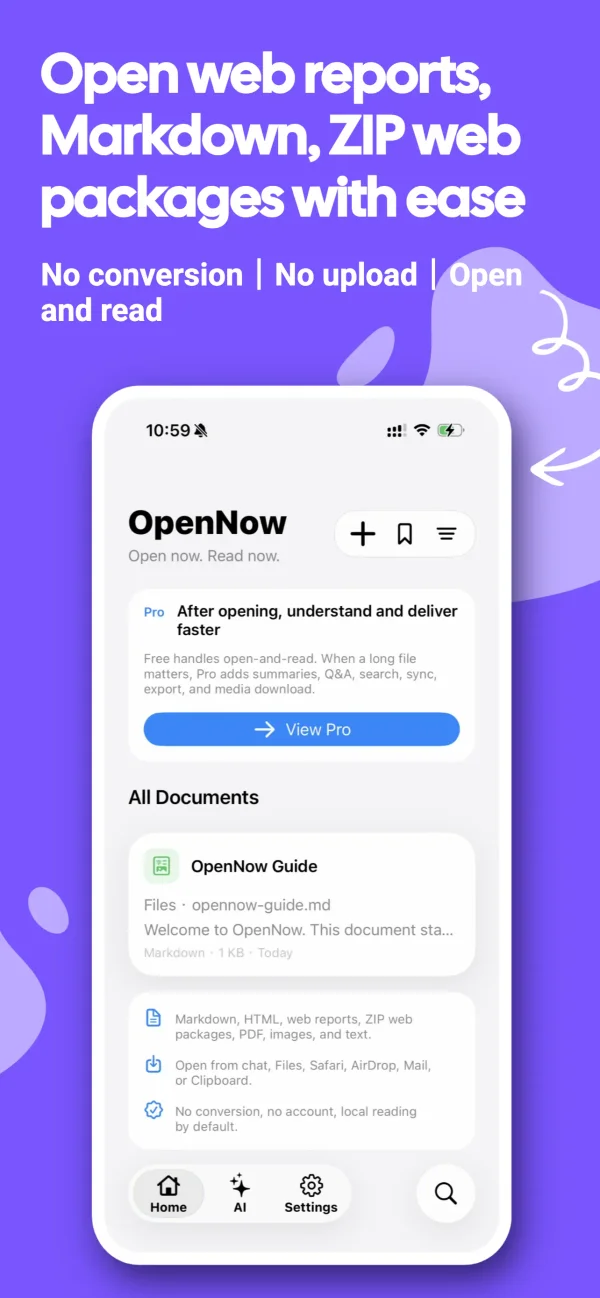
Supports Markdown, HTML, web reports, ZIP web packages, and more.
No conversion. No account required.
OpenNow makes received files immediately readable on your device.
【Membership】
Membership options include Monthly, Yearly, and Lifetime access. Access periods differ by purchase type, but member benefits are the same.
Member features include:
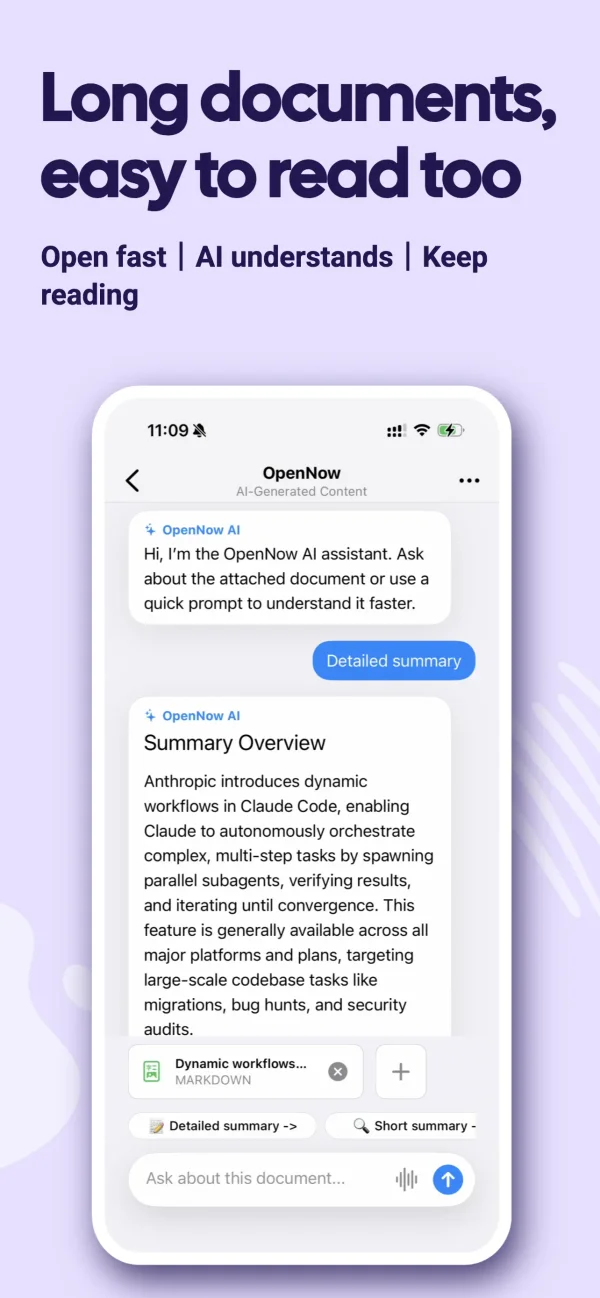
• AI summaries
• Document Q&A
• Custom AI Key
• Cross-file content search
• iCloud sync
• Action item extraction
• PDF and long-image export
• Original media file download
Monthly and Yearly plans are auto-renewable subscriptions. Payment will be charged to your Apple ID account after purchase. You can manage or cancel subscriptions in Settings - Apple Account - Media & Purchases - Subscriptions.
Lifetime access is a one-time purchase that unlocks member features long term.
【Terms】
• Privacy Policy: https://chen465tai.github.io/ReadNOW/privacy-policy
• Terms of Use: https://chen465tai.github.io/ReadNOW/index
What’s new
Version 1.1.0 · Jul 10, 2026
OpenNow 1.1.0 turns a one-time file viewer into a lightweight, local reading inbox.
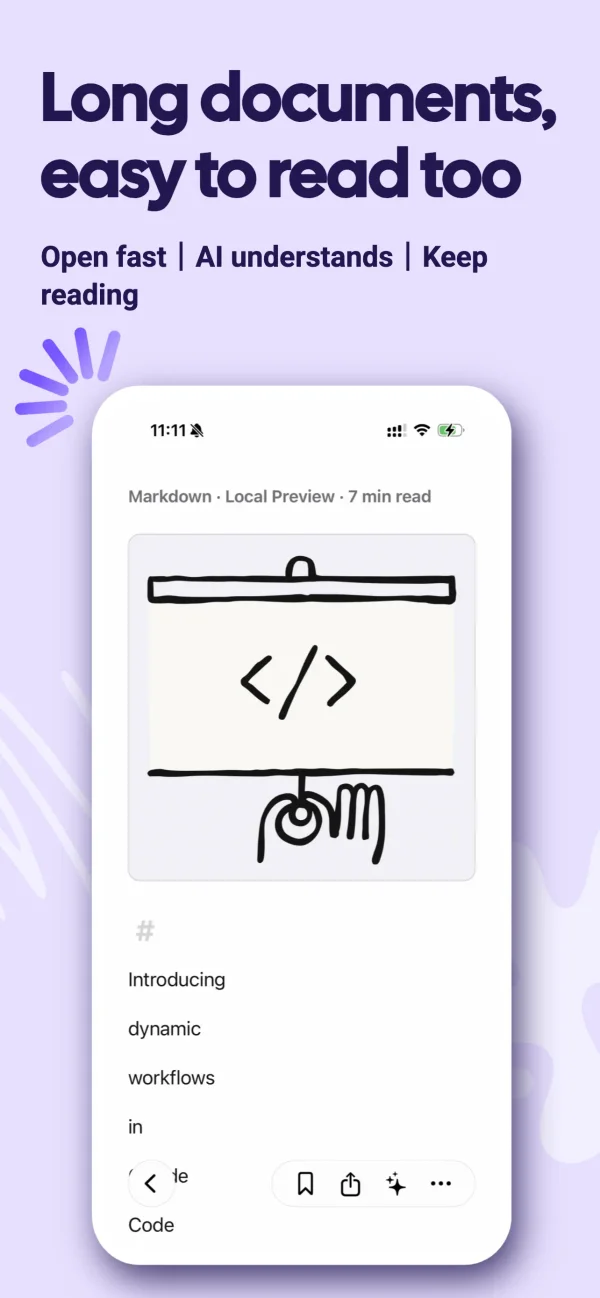
• Open incoming files right away and keep them in your library
• Continue Reading and Read Later return to the right document and position
• Organize files as unread, reading, completed, favorite, or archived
• Search your library, find text, browse sections, and track progress
• Get a local File Brief; Pro adds summaries, key points, action items, and document Q&A
• Improved PDF, HTML, Markdown, ZIP web package, and external import compatibility
• Polished short-document progress, reading restoration, and interface details
No account required. Files stay on your device by default, ready whenever you return.
App privacy
What 甸甸 陈 declares on the App Store about how this app handles data.
-
Data not collected
The developer does not collect any data from this app.
Privacy practices may vary, for example with the features you use or your age.
Information
- Seller
- 甸甸 陈
- Category
- Productivity
- Version
- 1.1.0
- Updated
- Jul 10, 2026
- Released
- Jun 15, 2026
- Size
- 9.2 MB
- Requires
- iOS 16.0 or later
- Age rating
- 4+
- In-app purchases
- Yes
- Languages
- English, Japanese, Korean, Simplified Chinese, Traditional Chinese
- Copyright
- ©2026 即刻阅览.
You might also like
-
 Markdown A.I.Markdown Previewer & Editor
-
 Abox Note · Markdown NotesCapture, organize, and publish
-
 MarkRead - Markdown ReaderRead in pages, across devices
-
 AI Markdown Notes - WASHINOTEElegant Markdown notes with AI
-
 OpenPage: Markdown ReaderHTML Preview & Read Aloud
-
 Marten: Markdown Code NotesDev notebook, snippets & sync
-
 MdChecker: Markdown ReaderMD Viewer & Editor for Files
-
 RC MarkdownRead, Export & Share Markdown
-
 MDViewer - Markdown ReaderProductivity
-
 Markdown My WordsRead Markdown thoughtfully