
Outpost: SSH Client
Glyph-perfect SSH terminal
Entwickelt für iPhone, iPad
Kostenlos
- Altersfreigabe4+
- KategorieEntwickler-Tools
- EntwicklerMathew Taylor
- SprachenEnglisch
- Größe40,3 MB
Verlinkt auf die offizielle App Store-Seite
Download.org hostet keine Datei von Outpost: SSH Client. Die Schaltfläche öffnet die App-Seite bei App Store, wo Mathew Taylor die App veröffentlicht. Eintrag zuletzt geprüft am 16.11.2026.
Screenshots

Info
Der Entwickler hat diesen Text nicht in Ihrer Sprache bereitgestellt.
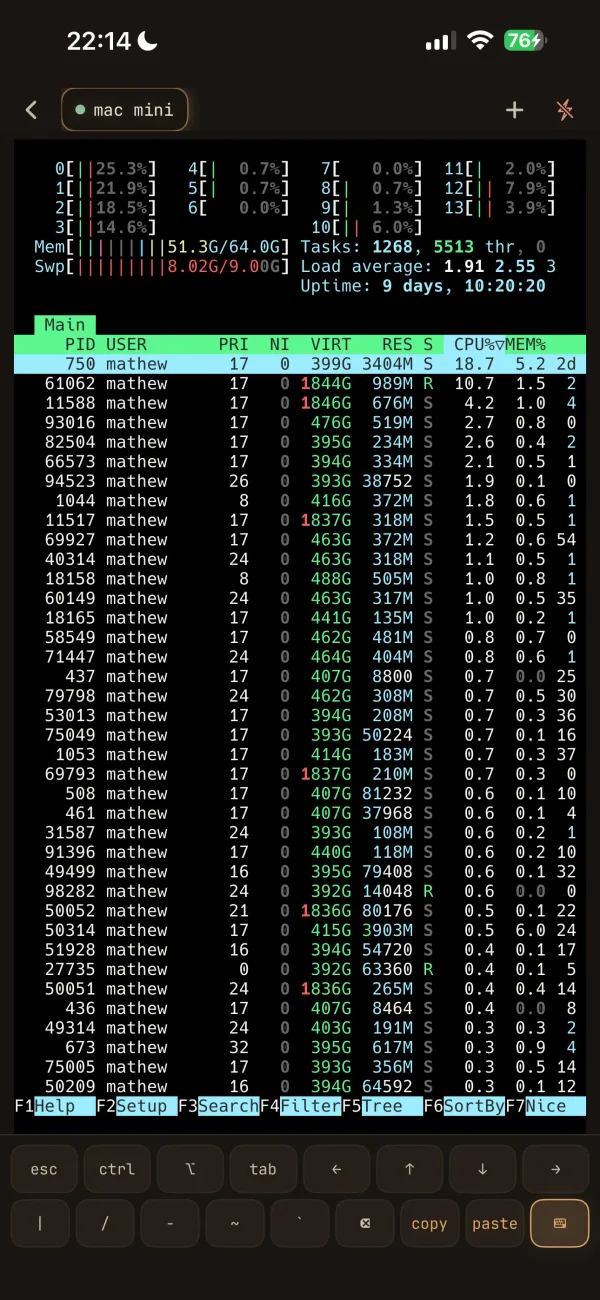
Outpost is an SSH client built for one thing above all: rendering your terminal exactly right.
If you've connected to a server from your phone and watched your setup fall apart - broken Powerline segments, missing Nerd Font icons, boxes where emoji should be, mangled box-drawing - Outpost is the fix. It's engineered around glyph correctness, so your shell looks the way it does on your desktop.
Glyph-perfect rendering. Nerd Font icons, Powerline prompts, box-drawing, wide and ambiguous-width characters, combining marks, and emoji - all correct.
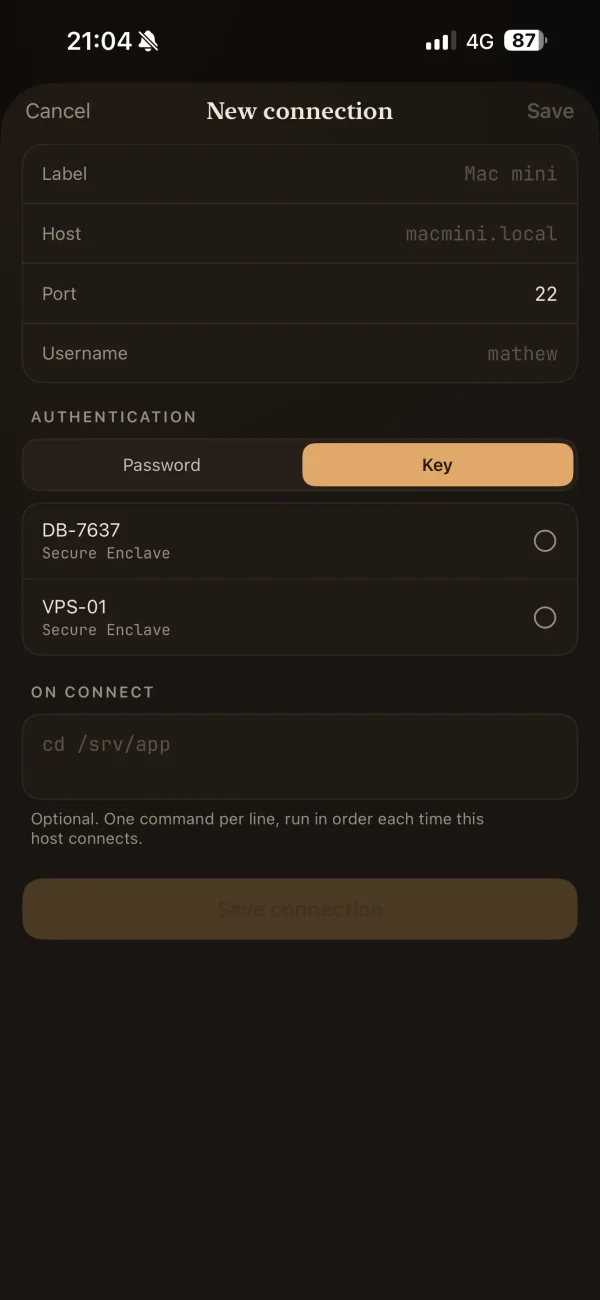
Secure by design. Passwords and imported keys are stored in the iOS Keychain behind Face ID. Or generate a key that never leaves the device's Secure Enclave. Host keys are pinned on first connect, with a hard warning if one ever changes.
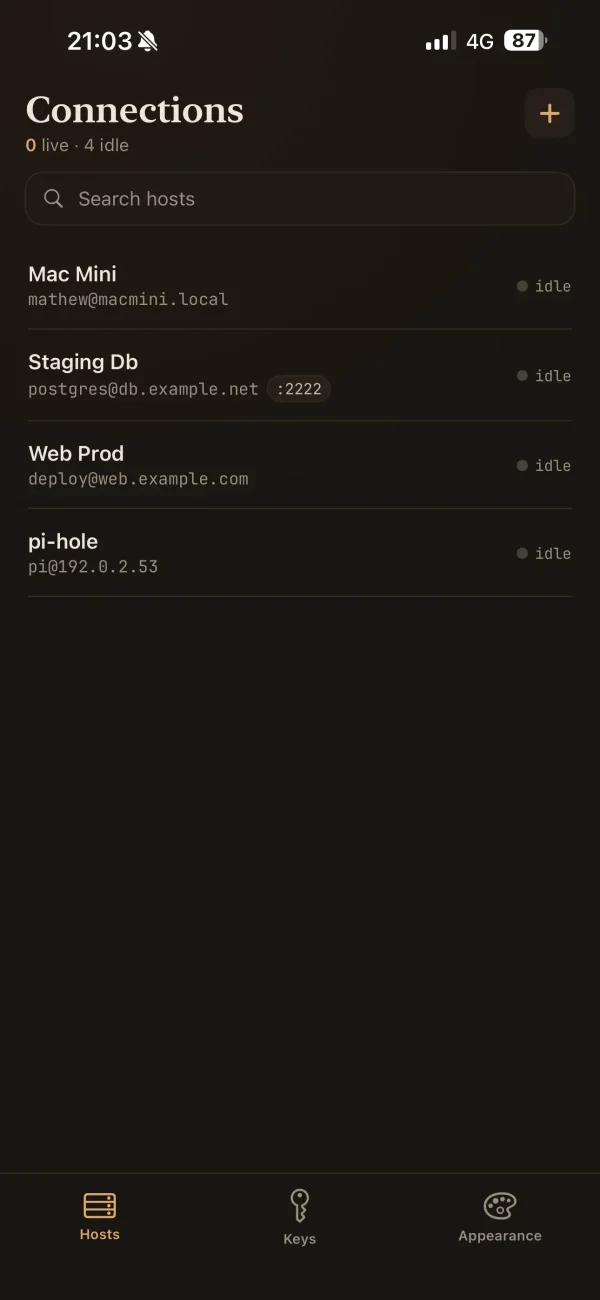
Built for real work. Keep several servers open at once and switch with a tap - scrollback survives. A keyboard bar with the keys a terminal actually needs. Copy and paste, drag to scroll, and tap-to-click in mouse-aware TUIs. Run your own setup commands automatically on connect.
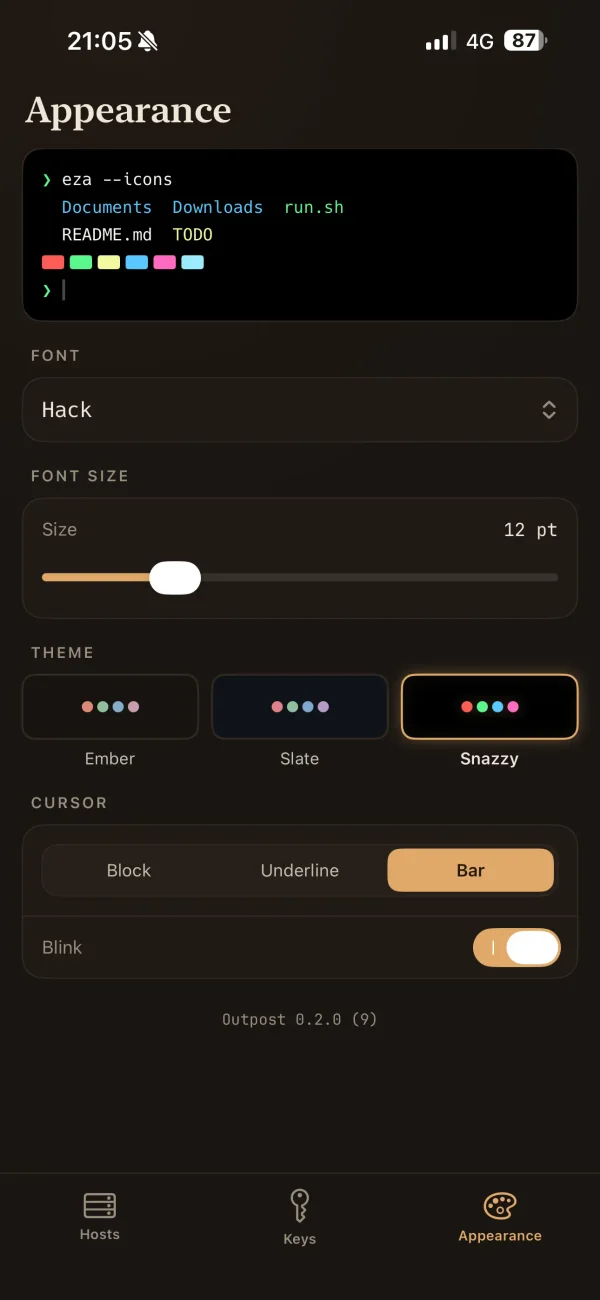
Make it yours. Font size, colour themes, and cursor style.
No account, no tracking, nothing to sign up for. Your credentials stay on your device.
Neue Funktionen
Version 1.1 · 15.07.2026
iCloud sync — your saved connections sync across your iPhone and iPad through your private iCloud. No account, nothing to set up. Optionally sync saved passwords too (off by default).
Settings — the Appearance tab is now Settings, bringing your terminal look and iCloud options together.
Return key on the keyboard bar, next to the arrows.
Smoother scrolling — swipe to scroll inside full-screen apps like tmux and htop.
Better text selection, including a Select mode for grabbing text in those apps.
Reliability fixes for reconnecting and ending sessions.
App-Datenschutz
Was Mathew Taylor im App Store zum Umgang dieser App mit Daten angibt.
-
Keine Daten erfasst
Der Entwickler erfasst keine Daten von dieser App.
Die Datenschutzpraktiken können variieren, zum Beispiel je nach den von Ihnen verwendeten Funktionen oder Ihrem Alter.
Informationen
- Anbieter
- Mathew Taylor
- Kategorie
- Entwickler-Tools
- Version
- 1.1
- Aktualisiert
- 15.07.2026
- Veröffentlicht
- 14.07.2026
- Größe
- 40,3 MB
- Erfordert
- iOS 17.0 oder neuer
- Altersfreigabe
- 4+
- Preis
- Kostenlos
- Sprachen
- Englisch
- Copyright
- © 2026 Mathew Taylor
Das könnte Ihnen auch gefallen
-
 NativeX — On-Device AI LabEntwickler-Tools
-
 SchemelyEntwickler-Tools
-
 Pocket VHDLEntwickler-Tools
-
 DiffSSH: Remote Git ClientEntwickler-Tools
-
 Nice SSHEntwickler-Tools
-
 HeaderXEntwickler-Tools
-
 SSH Einfaches TerminalSSH-Terminal mit KI-Copilot
-
 kube-coderEntwickler-Tools
-
 Conduit: SSH, Mosh & SFTPEntwickler-Tools
-
 Zeti EditorEntwickler-Tools