
- Classification d’âge4+
- CatégorieOutils de développement
- DéveloppeurMathew Taylor
- LanguesAnglais
- Taille40,3 Mo
Outpost: SSH Client n’est peut-être pas disponible sur App Store pour le moment
La fiche de la boutique était inaccessible lors de notre dernière vérification. Le lien mène toujours à la page App Store officielle.
Captures d’écran

À propos
Le développeur n’a pas fourni ce texte dans votre langue.
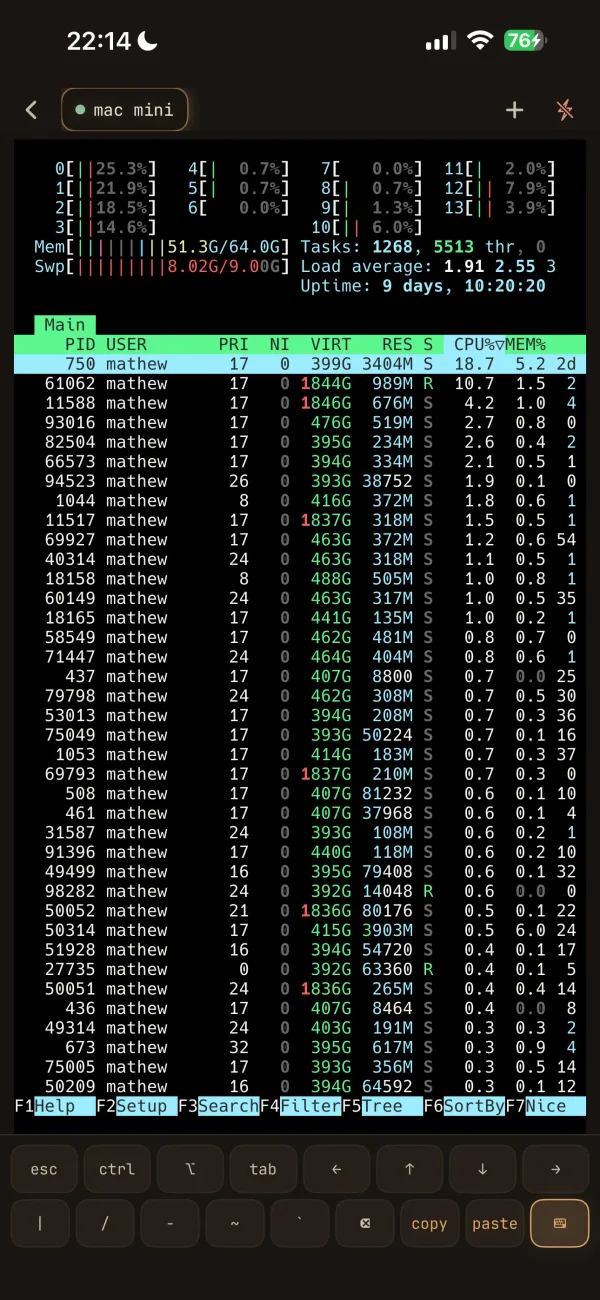
Outpost is an SSH client built for one thing above all: rendering your terminal exactly right.
If you've connected to a server from your phone and watched your setup fall apart - broken Powerline segments, missing Nerd Font icons, boxes where emoji should be, mangled box-drawing - Outpost is the fix. It's engineered around glyph correctness, so your shell looks the way it does on your desktop.
Glyph-perfect rendering. Nerd Font icons, Powerline prompts, box-drawing, wide and ambiguous-width characters, combining marks, and emoji - all correct.
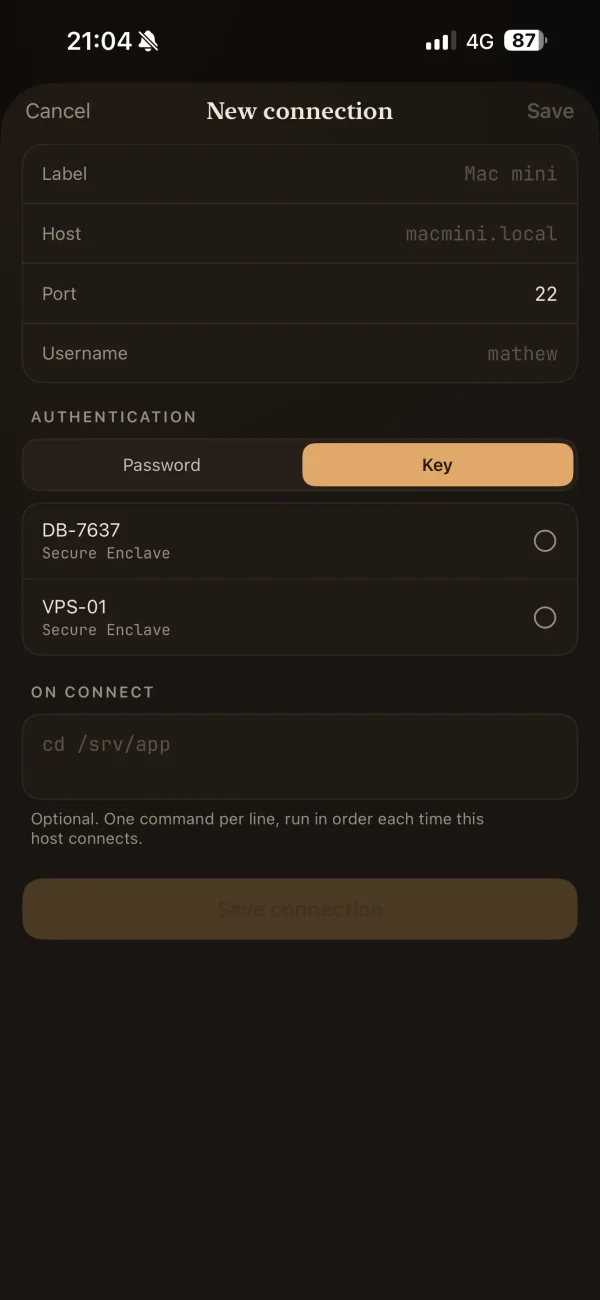
Secure by design. Passwords and imported keys are stored in the iOS Keychain behind Face ID. Or generate a key that never leaves the device's Secure Enclave. Host keys are pinned on first connect, with a hard warning if one ever changes.
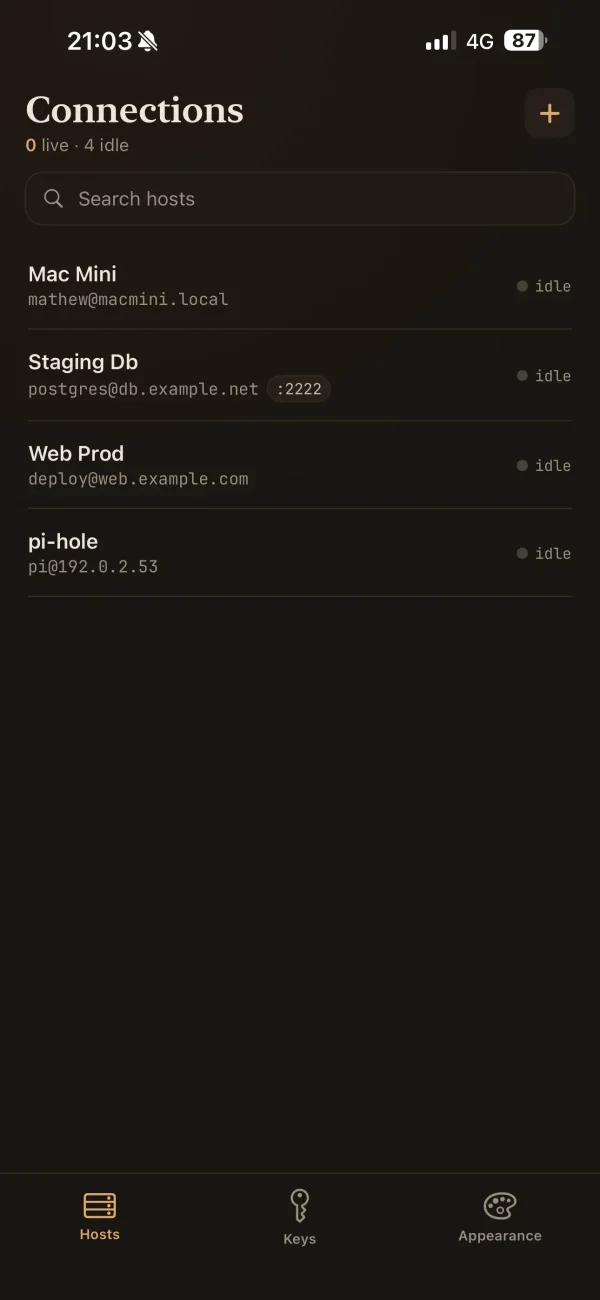
Built for real work. Keep several servers open at once and switch with a tap - scrollback survives. A keyboard bar with the keys a terminal actually needs. Copy and paste, drag to scroll, and tap-to-click in mouse-aware TUIs. Run your own setup commands automatically on connect.
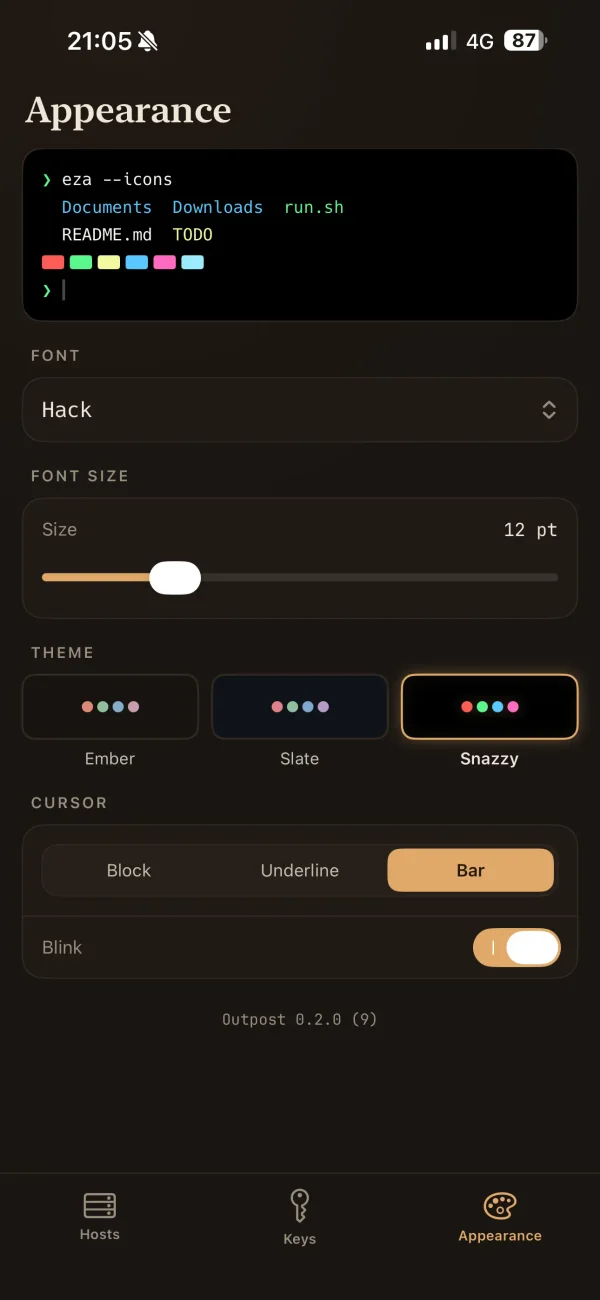
Make it yours. Font size, colour themes, and cursor style.
No account, no tracking, nothing to sign up for. Your credentials stay on your device.
Nouveautés
Version 1.1 · 15/07/2026
iCloud sync — your saved connections sync across your iPhone and iPad through your private iCloud. No account, nothing to set up. Optionally sync saved passwords too (off by default).
Settings — the Appearance tab is now Settings, bringing your terminal look and iCloud options together.
Return key on the keyboard bar, next to the arrows.
Smoother scrolling — swipe to scroll inside full-screen apps like tmux and htop.
Better text selection, including a Select mode for grabbing text in those apps.
Reliability fixes for reconnecting and ending sessions.
Confidentialité de l’application
Ce que Mathew Taylor déclare sur l’App Store au sujet du traitement des données par cette application.
-
Données non collectées
Le développeur ne collecte aucune donnée à partir de cette application.
Les pratiques en matière de confidentialité peuvent varier, notamment en fonction des fonctionnalités que vous utilisez ou de votre âge.
Informations
- Vendeur
- Mathew Taylor
- Catégorie
- Outils de développement
- Version
- 1.1
- Mis à jour
- 15/07/2026
- Publié
- 14/07/2026
- Taille
- 40,3 Mo
- Nécessite
- iOS 17.0 ou version ultérieure
- Classification d’âge
- 4+
- Langues
- Anglais
- Copyright
- © 2026 Mathew Taylor
Vous aimerez peut-être aussi
-
 NativeX — On-Device AI LabOutils de développement
-
 SchemelyOutils de développement
-
 Pocket VHDLOutils de développement
-
 DiffSSH: Remote Git ClientOutils de développement
-
 Nice SSHOutils de développement
-
 HeaderXOutils de développement
-
 SSH Terminal FacileTerminal SSH + copilote IA
-
 kube-coderOutils de développement
-
 Conduit: SSH, Mosh & SFTPOutils de développement
-
 Zeti EditorOutils de développement