
Outpost: SSH Client
Glyph-perfect SSH terminal
Projetado para iPhone, iPad
Grátis
- Classificação etária4+
- CategoriaPara desenvolvedores
- DesenvolvedorMathew Taylor
- IdiomasInglês
- Tamanho40,3 MB
Leva à página oficial na App Store
O Download.org não hospeda nenhum arquivo de Outpost: SSH Client. O botão abre a página do app na App Store, onde Mathew Taylor o publica. Página verificada pela última vez em 16/11/2026.
Capturas de tela

Sobre
O desenvolvedor não forneceu este texto no seu idioma.
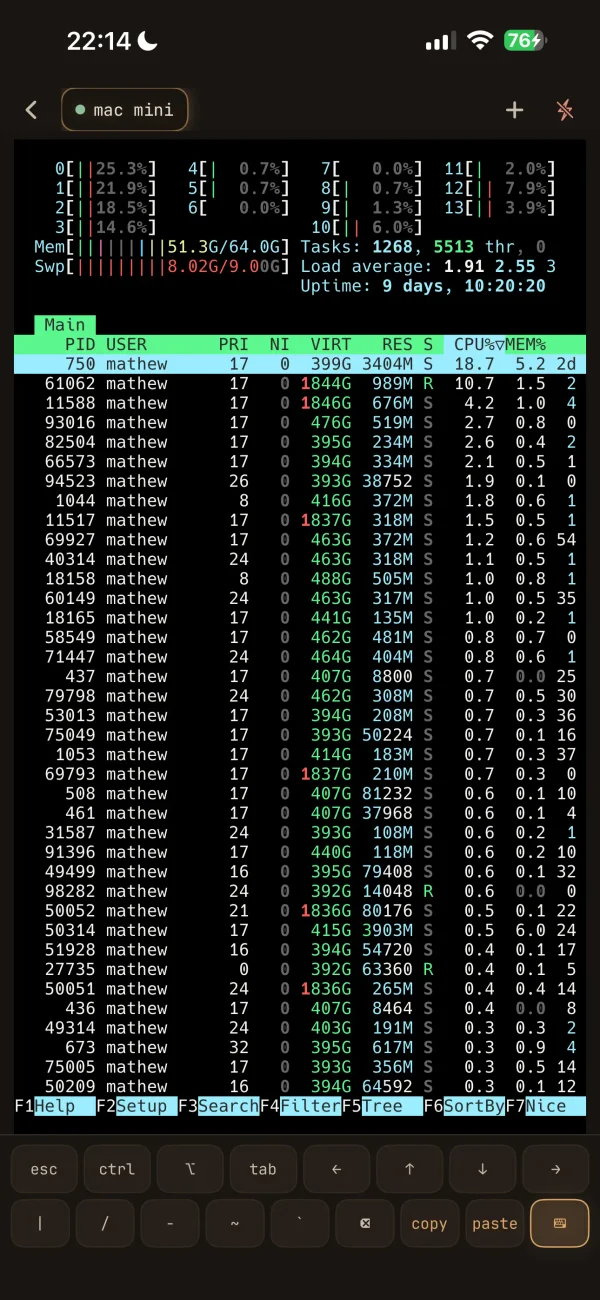
Outpost is an SSH client built for one thing above all: rendering your terminal exactly right.
If you've connected to a server from your phone and watched your setup fall apart - broken Powerline segments, missing Nerd Font icons, boxes where emoji should be, mangled box-drawing - Outpost is the fix. It's engineered around glyph correctness, so your shell looks the way it does on your desktop.
Glyph-perfect rendering. Nerd Font icons, Powerline prompts, box-drawing, wide and ambiguous-width characters, combining marks, and emoji - all correct.
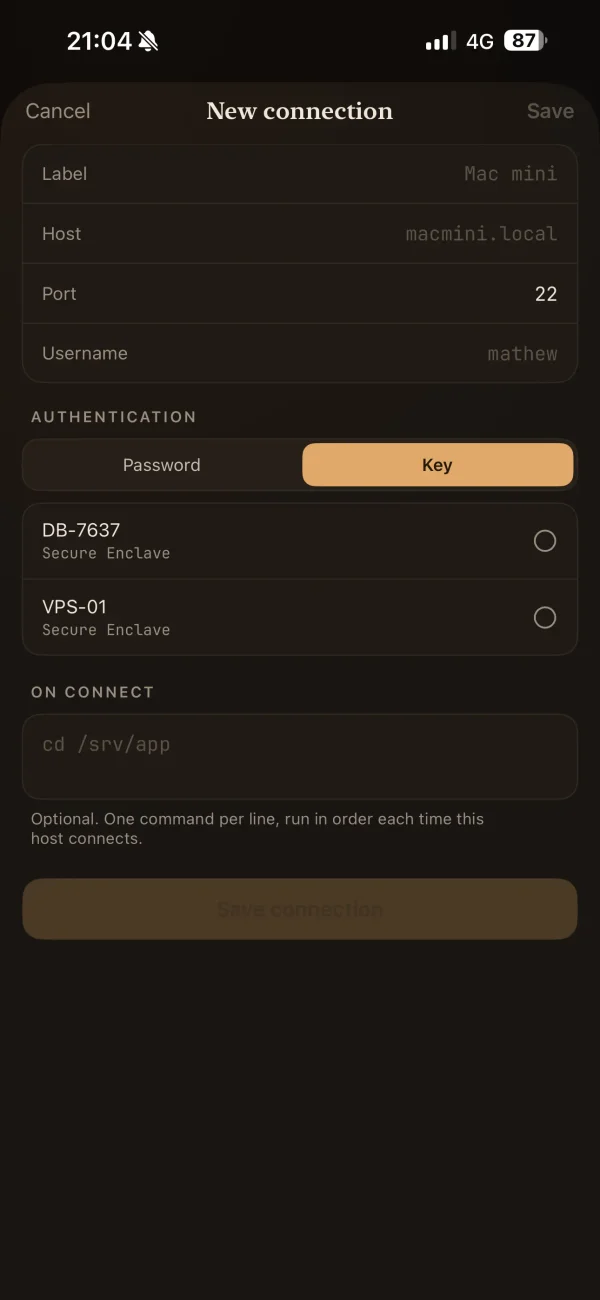
Secure by design. Passwords and imported keys are stored in the iOS Keychain behind Face ID. Or generate a key that never leaves the device's Secure Enclave. Host keys are pinned on first connect, with a hard warning if one ever changes.
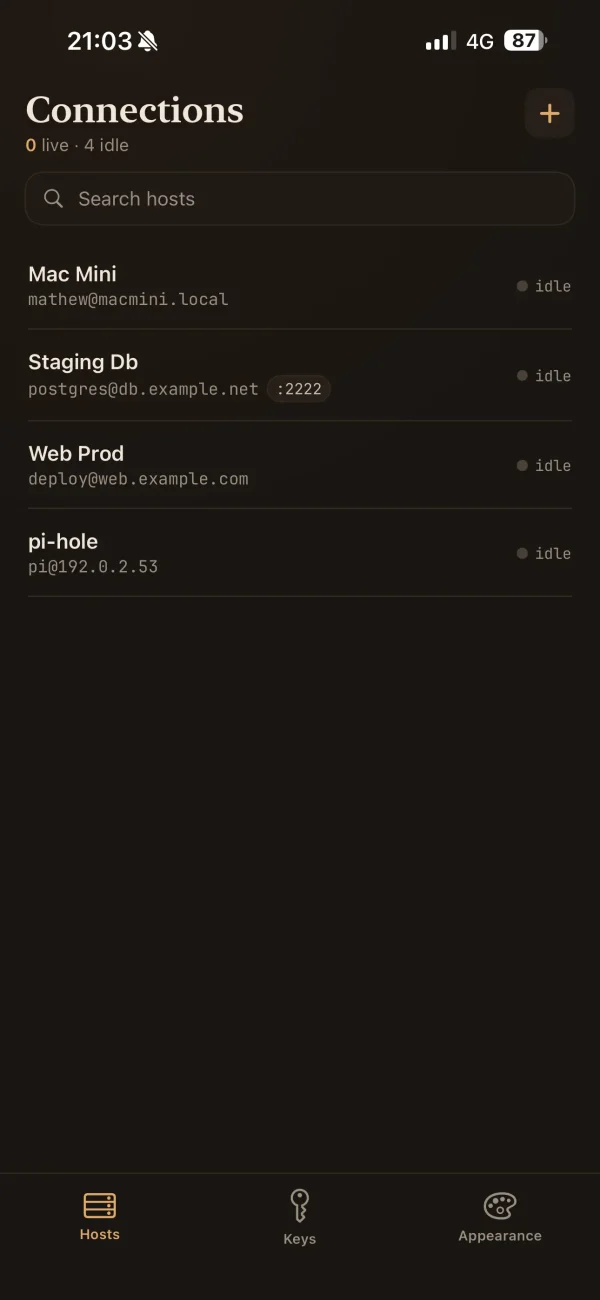
Built for real work. Keep several servers open at once and switch with a tap - scrollback survives. A keyboard bar with the keys a terminal actually needs. Copy and paste, drag to scroll, and tap-to-click in mouse-aware TUIs. Run your own setup commands automatically on connect.
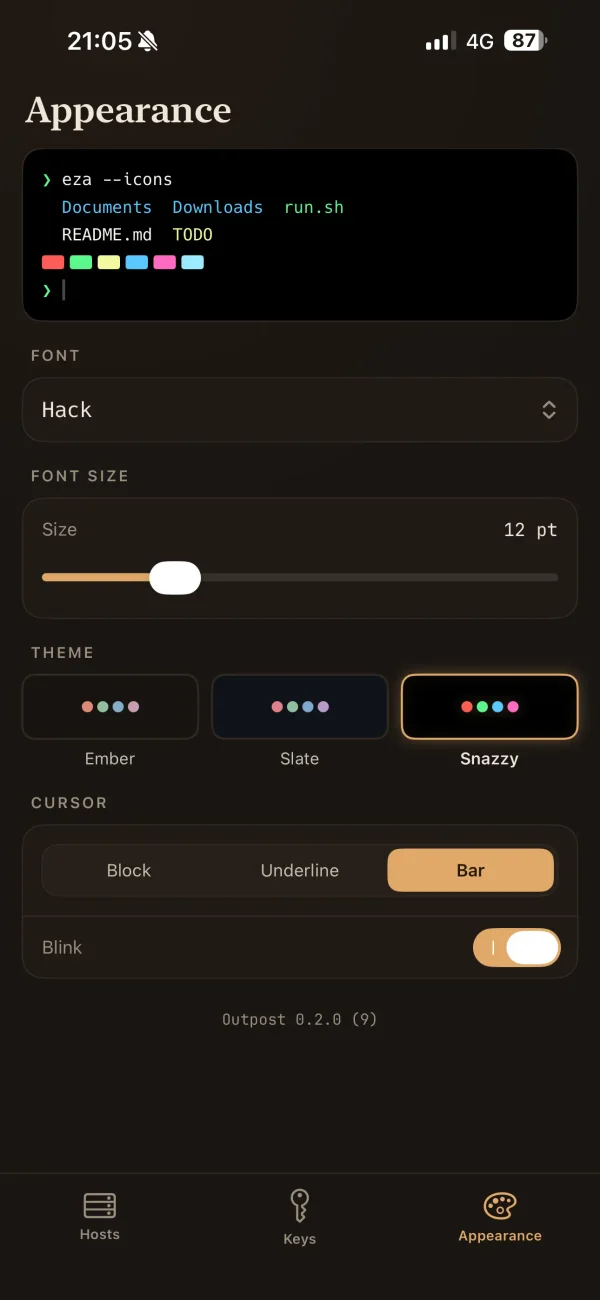
Make it yours. Font size, colour themes, and cursor style.
No account, no tracking, nothing to sign up for. Your credentials stay on your device.
Novidades
Versão 1.1 · 15/07/2026
iCloud sync — your saved connections sync across your iPhone and iPad through your private iCloud. No account, nothing to set up. Optionally sync saved passwords too (off by default).
Settings — the Appearance tab is now Settings, bringing your terminal look and iCloud options together.
Return key on the keyboard bar, next to the arrows.
Smoother scrolling — swipe to scroll inside full-screen apps like tmux and htop.
Better text selection, including a Select mode for grabbing text in those apps.
Reliability fixes for reconnecting and ending sessions.
Privacidade do app
O que Mathew Taylor declara na App Store sobre como este app lida com os dados.
-
Dados não coletados
O desenvolvedor não coleta nenhum dado deste app.
As práticas de privacidade podem variar, por exemplo, com base nos recursos que você usa ou na sua idade.
Informações
- Vendedor
- Mathew Taylor
- Categoria
- Para desenvolvedores
- Versão
- 1.1
- Atualizado
- 15/07/2026
- Lançamento
- 14/07/2026
- Tamanho
- 40,3 MB
- Requer
- iOS 17.0 ou posterior
- Classificação etária
- 4+
- Preço
- Grátis
- Idiomas
- Inglês
- Copyright
- © 2026 Mathew Taylor
Você também pode gostar
-
 NativeX — On-Device AI LabPara desenvolvedores
-
 SchemelyPara desenvolvedores
-
 Pocket VHDLPara desenvolvedores
-
 DiffSSH: Remote Git ClientPara desenvolvedores
-
 Nice SSHPara desenvolvedores
-
 HeaderXPara desenvolvedores
-
 SSH Terminal FácilTerminal SSH com IA
-
 kube-coderPara desenvolvedores
-
 Conduit: SSH, Mosh & SFTPPara desenvolvedores
-
 Zeti EditorPara desenvolvedores