
PCB Studio Maker
Best PCB Studio Maker
Entwickelt für iPhone, iPad, Mac
Kostenlos · In-App-Käufe
- Altersfreigabe4+
- KategorieDienstprogramme
- EntwicklerMirza Pasic
- SprachenEnglisch
- Größe11,6 MB
Verlinkt auf die offizielle App Store-Seite
Download.org hostet keine Datei von PCB Studio Maker. Die Schaltfläche öffnet die App-Seite bei App Store, wo Mirza Pasic die App veröffentlicht. Eintrag zuletzt geprüft am 23.11.2026.
Screenshots

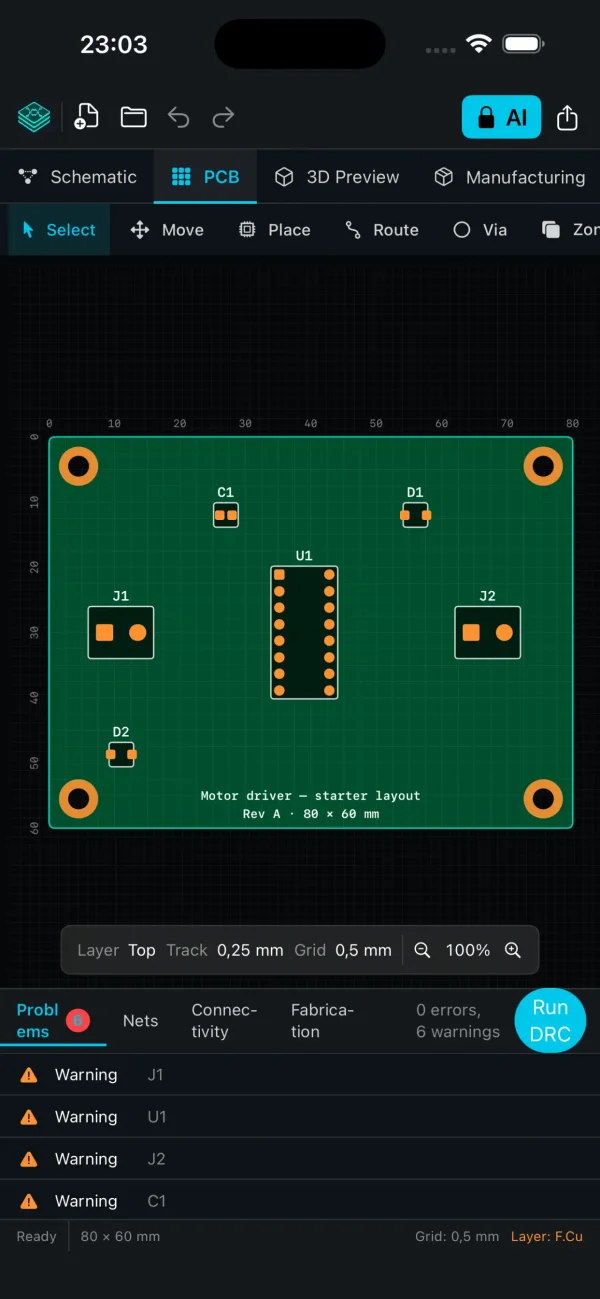
Info
Der Entwickler hat diesen Text nicht in Ihrer Sprache bereitgestellt.
PCB Studio Maker is a modern PCB design workspace built for Mac, iPhone and iPad.
Create electronic projects from schematic to finished board using a clean, focused interface designed for fast prototyping, learning and real-world hardware development.
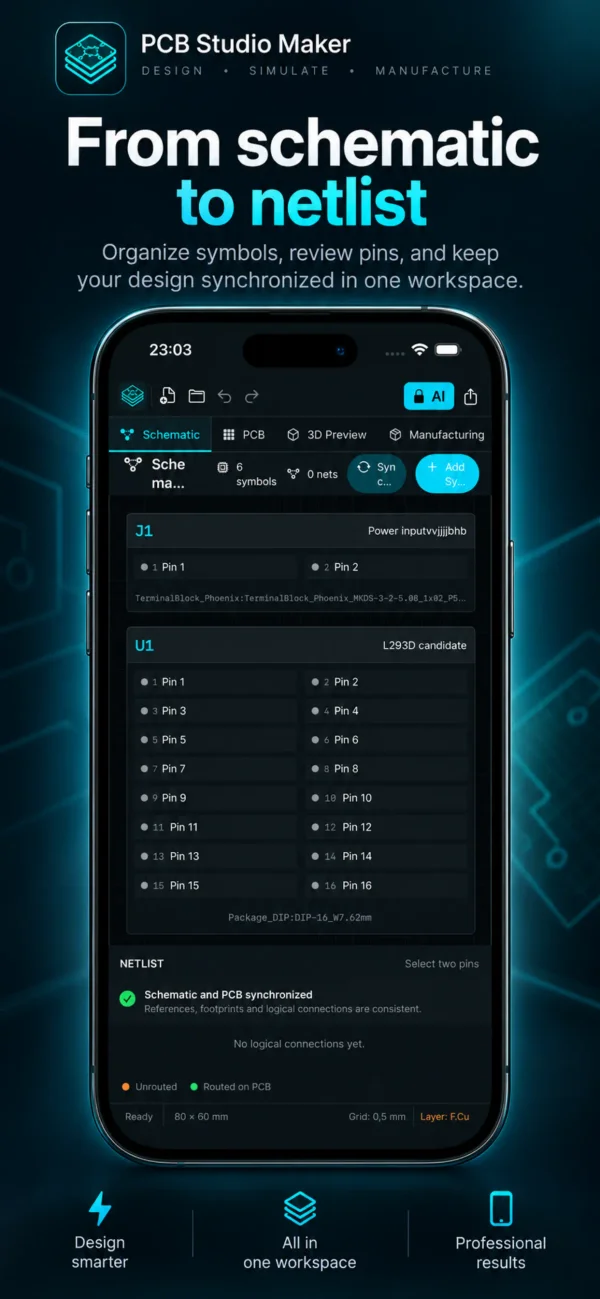
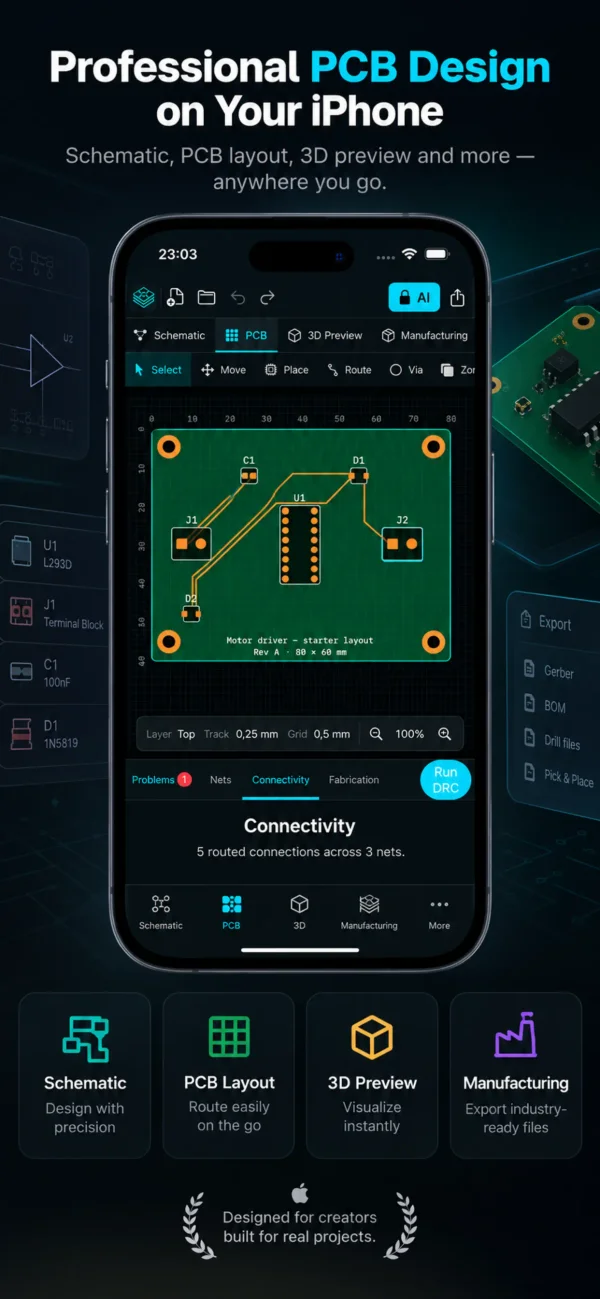
Start with your schematic, organize components and nets, sync your design with the PCB layout, route tracks, inspect connections and preview your board in 3D before preparing it for manufacturing.
KEY FEATURES
• Schematic Design
Create and organize electronic circuits with components, pins, nets and footprints.
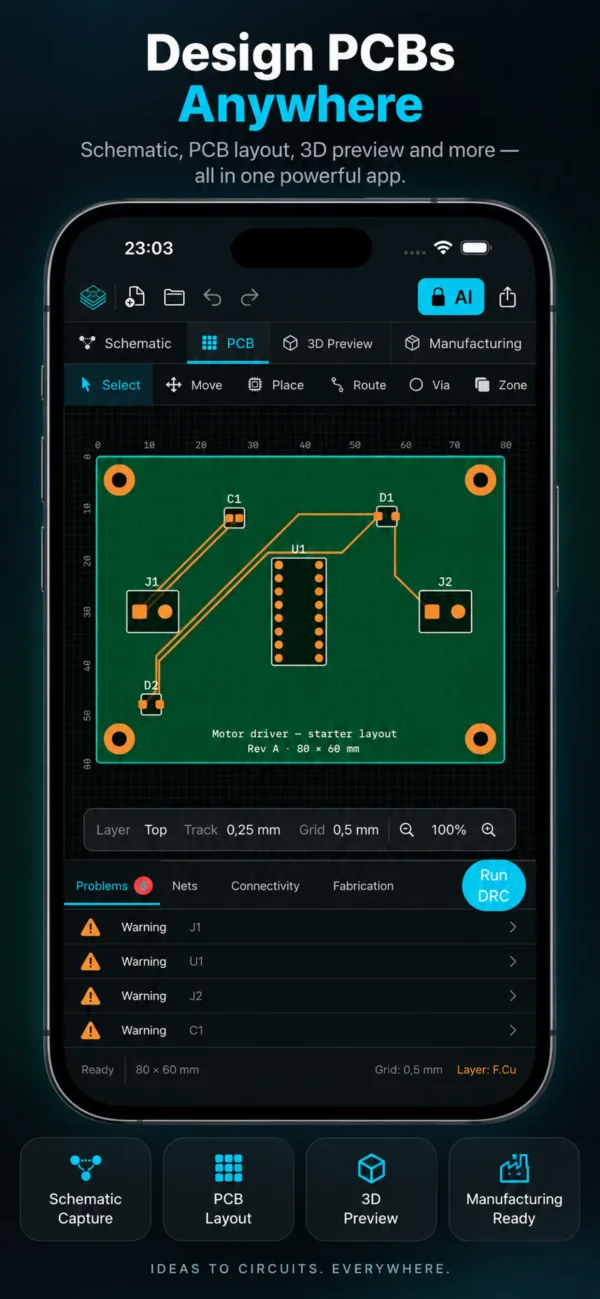
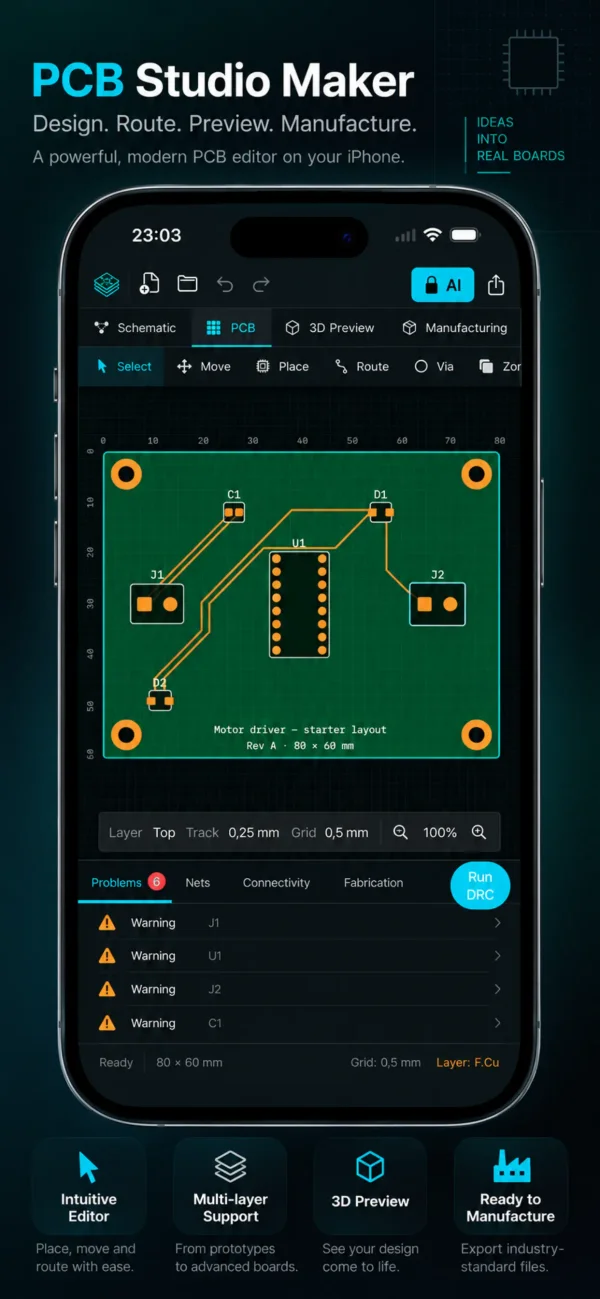
• PCB Layout Editor
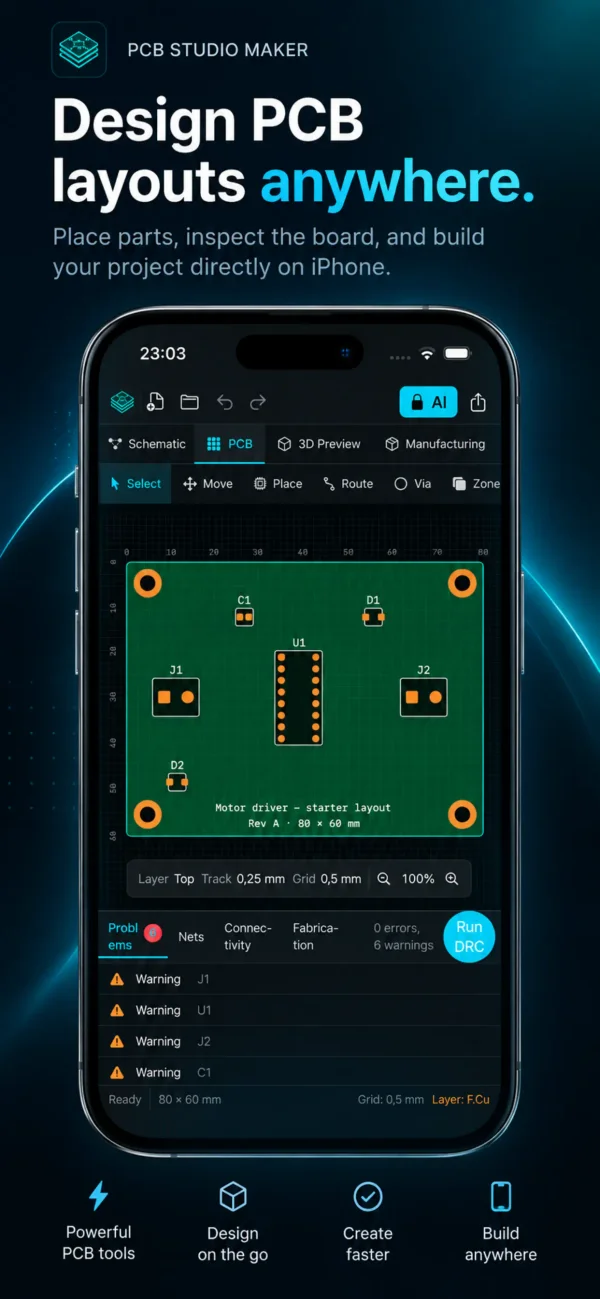
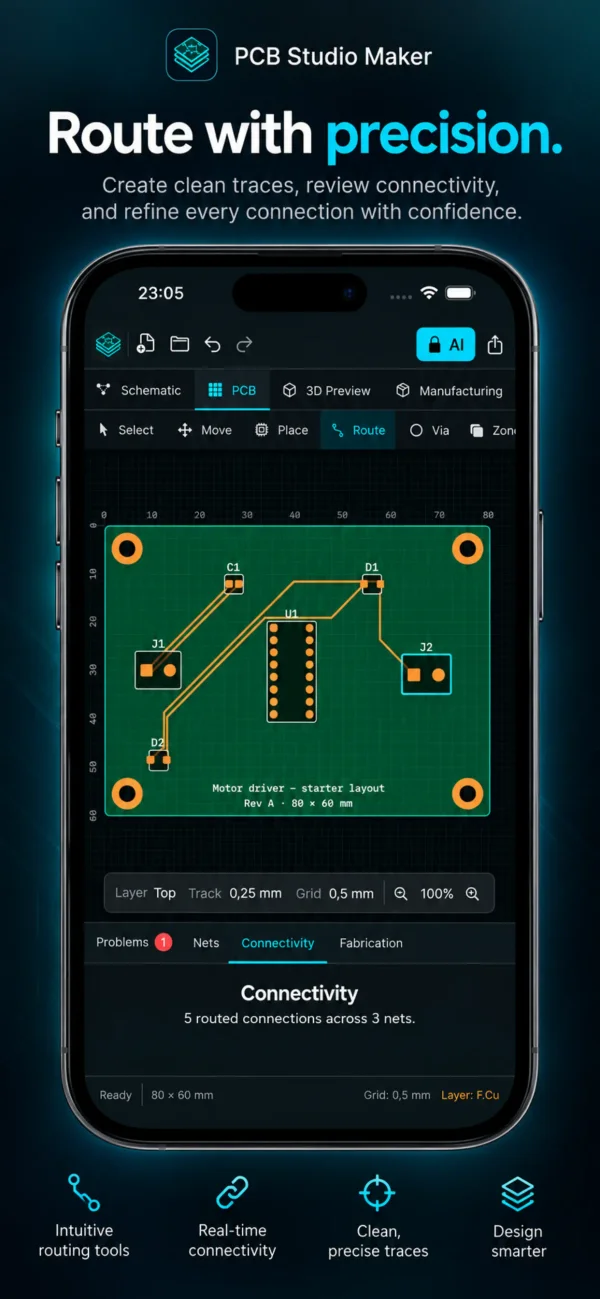
Place components, route copper tracks, add vias, inspect layers and refine your board layout.
• Component Library
Browse common resistors, capacitors, LEDs, connectors, ICs, MOSFETs, drivers, regulators and other electronic components.
• 3D Board Preview
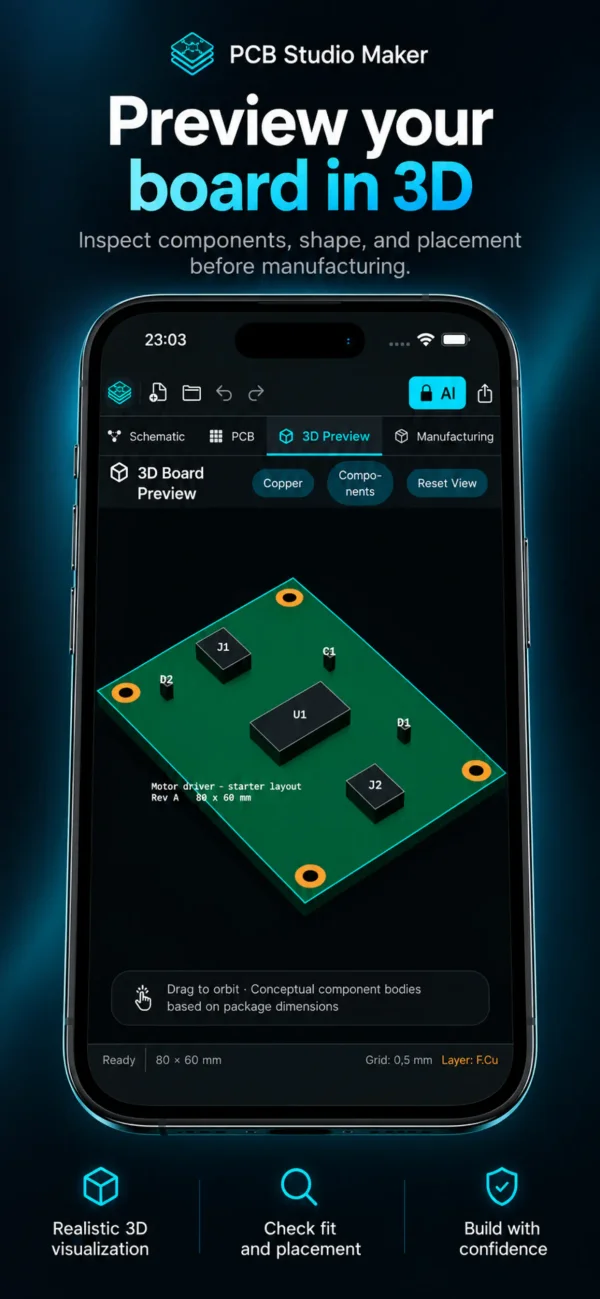
Visualize your PCB and component placement in an interactive 3D view.
• Design Rule Checks
Review warnings, connectivity issues and potential design problems before manufacturing.
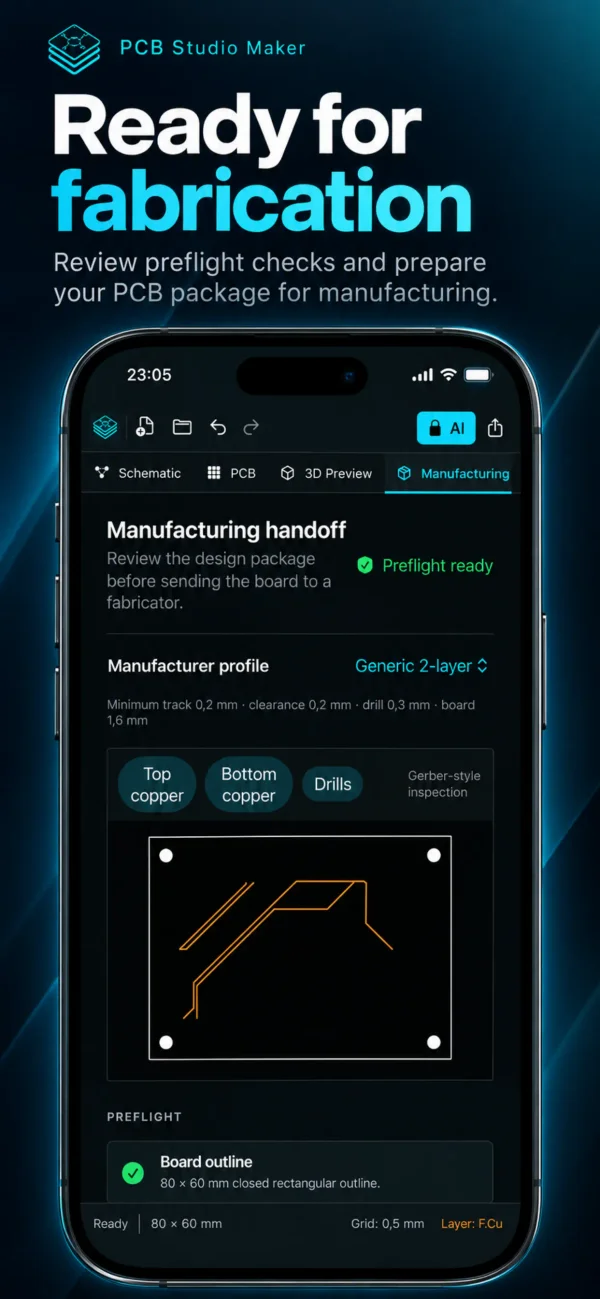
• Manufacturing Preparation
Review board layers, footprints, routing and fabrication requirements before export.
• Export Tools
Prepare manufacturing packages, board previews, parts lists, project files and other useful design outputs.
• Multi-Device Workflow
Use PCB Studio Maker on Mac, iPhone and iPad and continue designing wherever you work.
PCB Studio Maker is useful for:
• Electronics students
• Makers and hobbyists
• Embedded developers
• Robotics projects
• IoT development
• Prototype electronics
• PCB experimentation
• Hardware engineers
Whether you are building a simple prototype, motor controller, sensor board, embedded system or custom electronics project, PCB Studio Maker gives you the tools to move from idea to physical board in one streamlined workspace.
Design. Route. Preview. Manufacture.
Build your next PCB with PCB Studio Maker.
Terms of Use (EULA): https://www.apple.com/legal/internet-services/itunes/dev/stdeula/
The app uses Apple's Standard Licensed Application End User License Agreement.
Neue Funktionen
Version 1.6 · 15.11.2026
Small improvements and bug fix
App-Datenschutz
Was Mirza Pasic im App Store zum Umgang dieser App mit Daten angibt.
-
Keine Daten erfasst
Der Entwickler erfasst keine Daten von dieser App.
Die Datenschutzpraktiken können variieren, zum Beispiel je nach den von Ihnen verwendeten Funktionen oder Ihrem Alter.
Informationen
- Anbieter
- Mirza Pasic
- Kategorie
- Dienstprogramme
- Version
- 1.6
- Aktualisiert
- 15.11.2026
- Veröffentlicht
- 23.09.2026
- Größe
- 11,6 MB
- Erfordert
- iOS 17.6 oder neuer
- Altersfreigabe
- 4+
- Preis
- Kostenlos
- In-App-Käufe
- Ja
- Sprachen
- Englisch
- Copyright
- © 2026 Mirza Pasic
Das könnte Ihnen auch gefallen
-
 PCBmakerDienstprogramme
-
 Gerber Viewer : Open PCBDienstprogramme
-
 Electrocalc: Circuit & PinoutDienstprogramme
-
 Printed Circuit Board DesignerDienstprogramme
-
 BoardView ReaderMainboard-Reparatur & Diagnose
-
 Conn.LoggerDienstprogramme
-
 ChipLog Pro - IC Chip ScannerDienstprogramme
-
 BenchKit: Electronics ToolsDienstprogramme
-
 SpecPadDienstprogramme
-
 Timer 555 Calculator ProDienstprogramme