
PCB Studio Maker
Best PCB Studio Maker
Designed for iPhone, iPad, Mac
Free · In-app purchases
- Age rating4+
- CategoryUtilities
- DeveloperMirza Pasic
- LanguagesEnglish
- Size11.6 MB
Links to the official App Store page
Download.org hosts no file of PCB Studio Maker. The button opens its official App Store page, published by Mirza Pasic. Listing last checked on Nov 23, 2026.
Screenshots

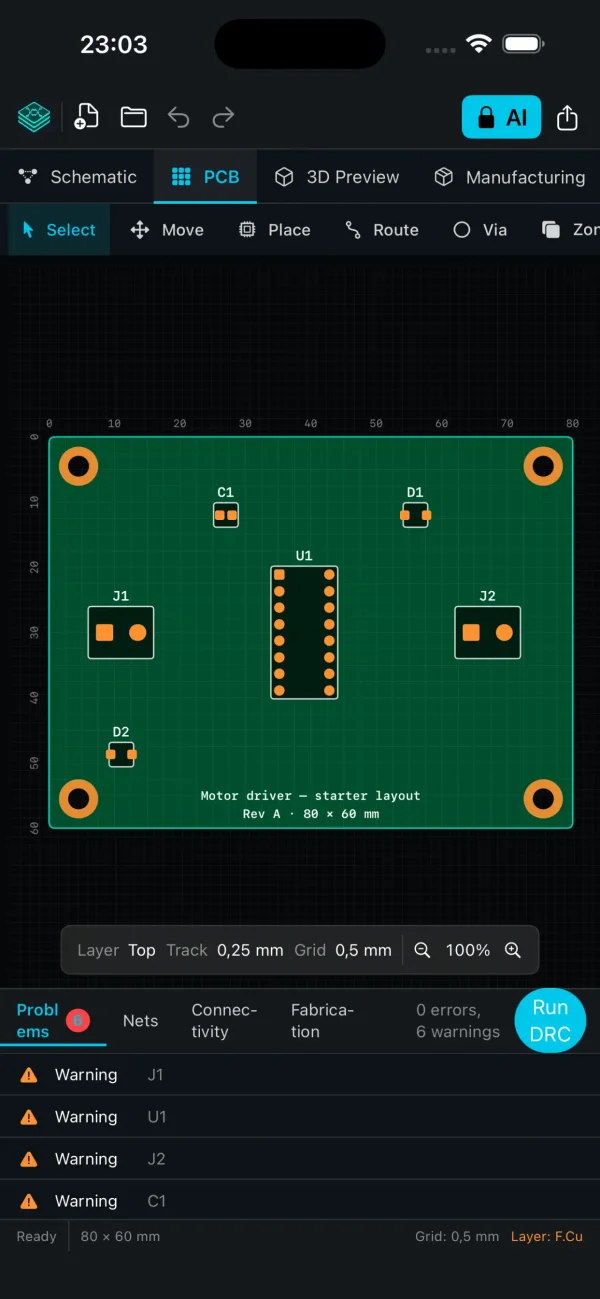
About
PCB Studio Maker is a modern PCB design workspace built for Mac, iPhone and iPad.
Create electronic projects from schematic to finished board using a clean, focused interface designed for fast prototyping, learning and real-world hardware development.
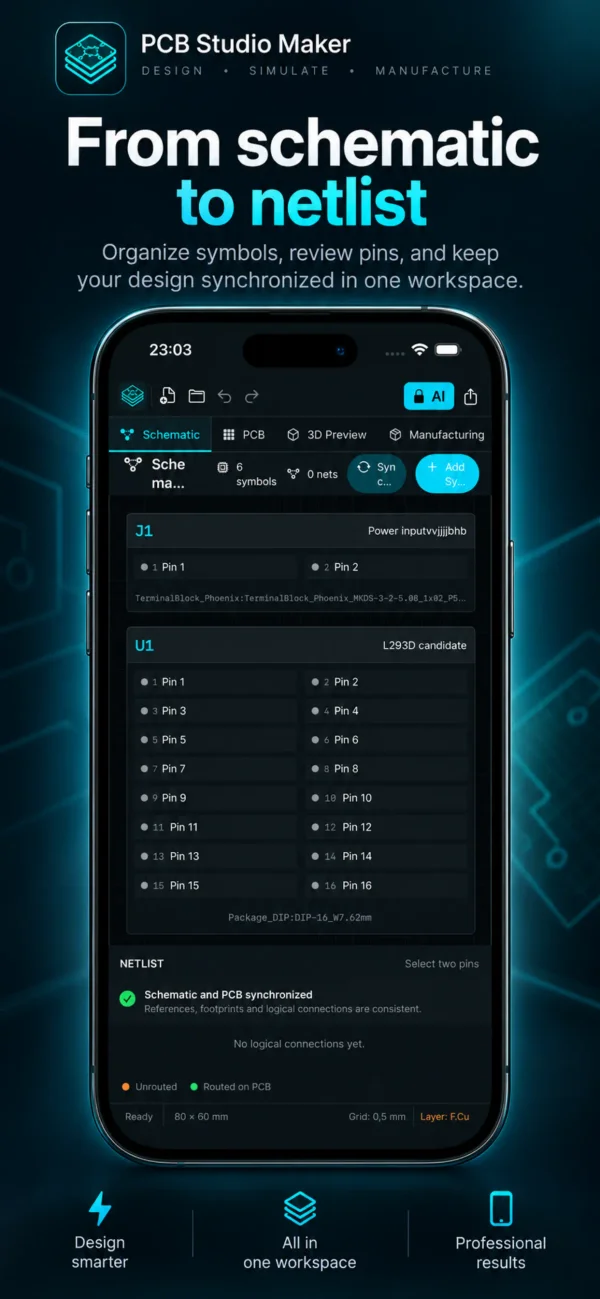
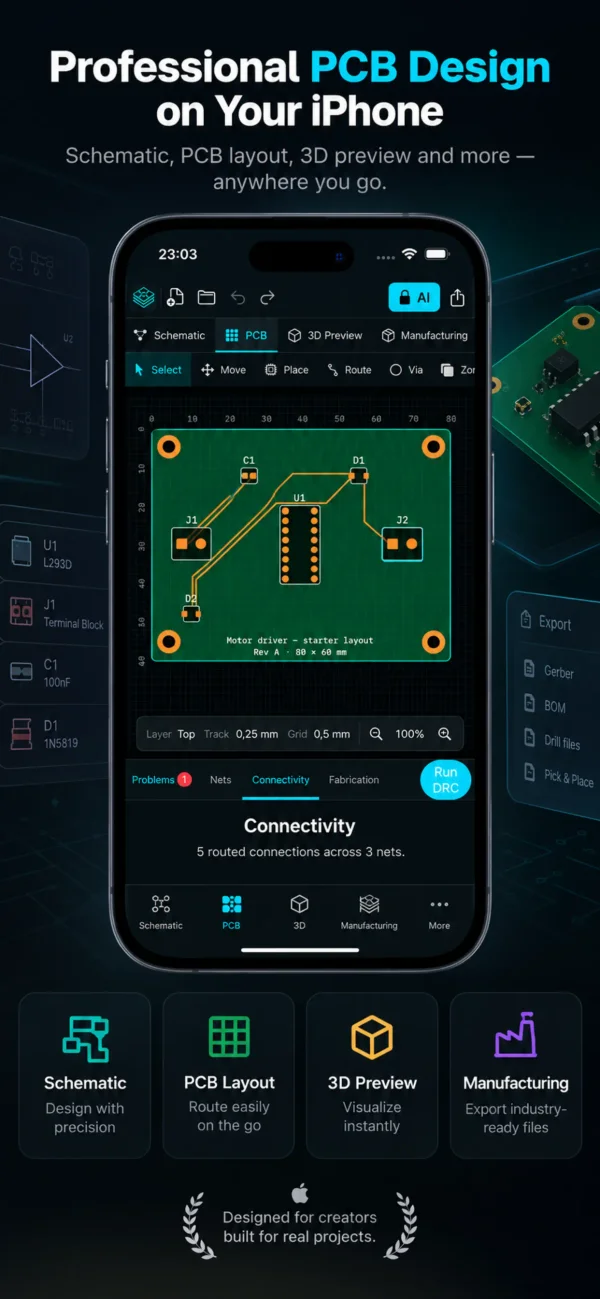
Start with your schematic, organize components and nets, sync your design with the PCB layout, route tracks, inspect connections and preview your board in 3D before preparing it for manufacturing.
KEY FEATURES
• Schematic Design
Create and organize electronic circuits with components, pins, nets and footprints.
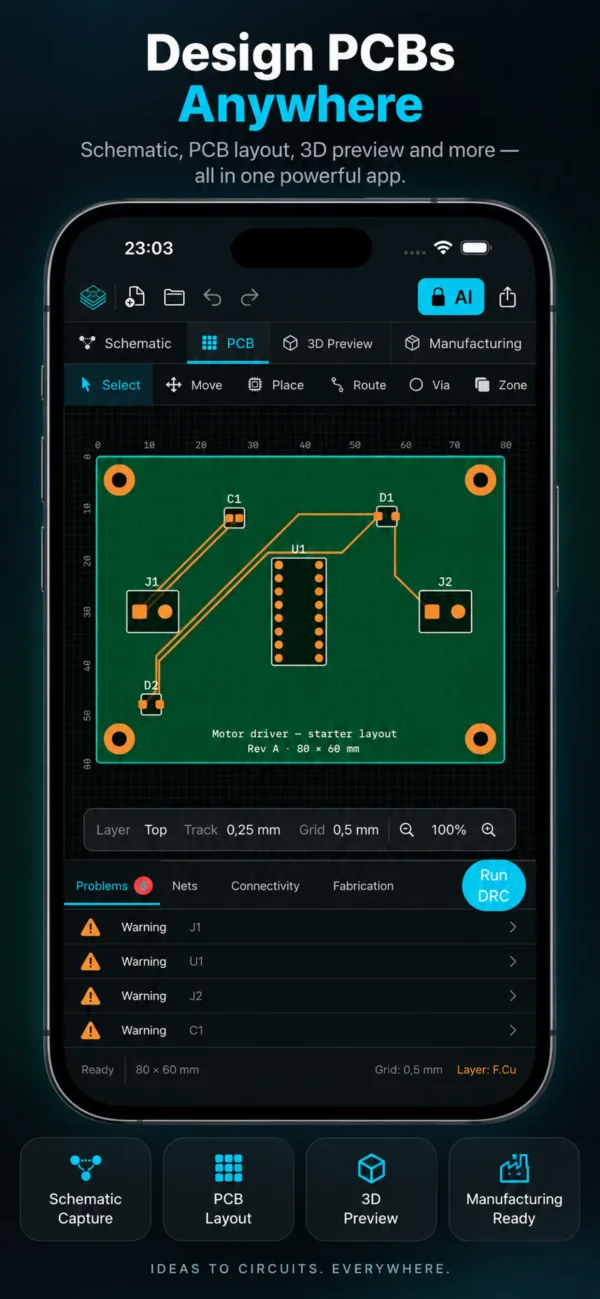
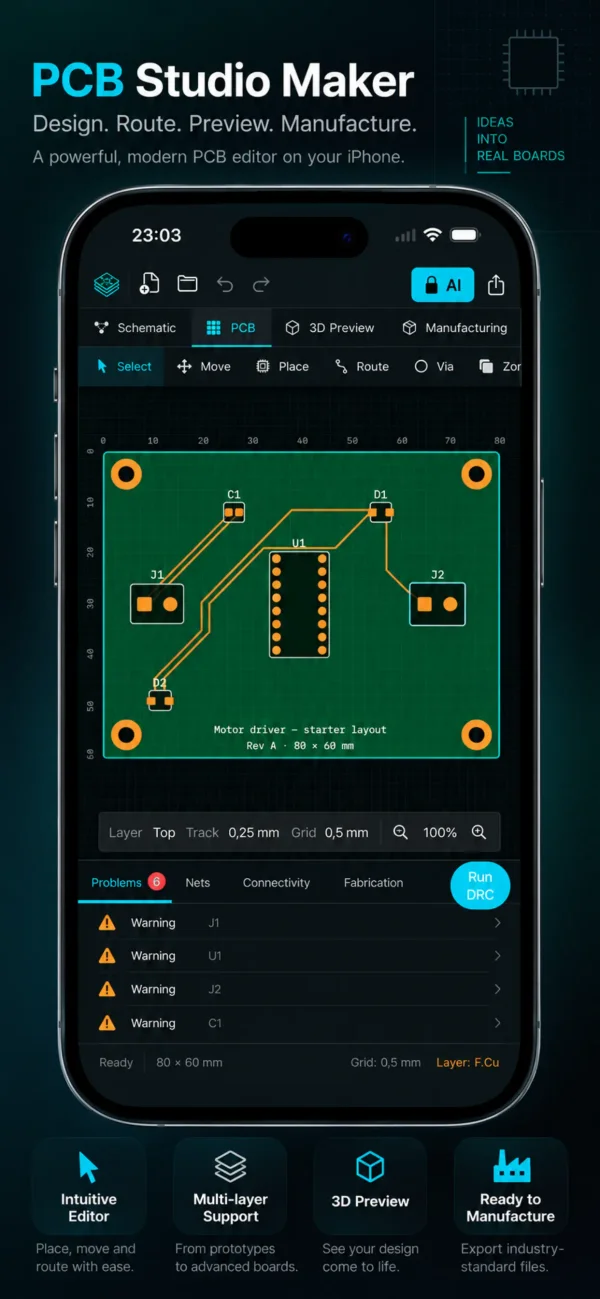
• PCB Layout Editor
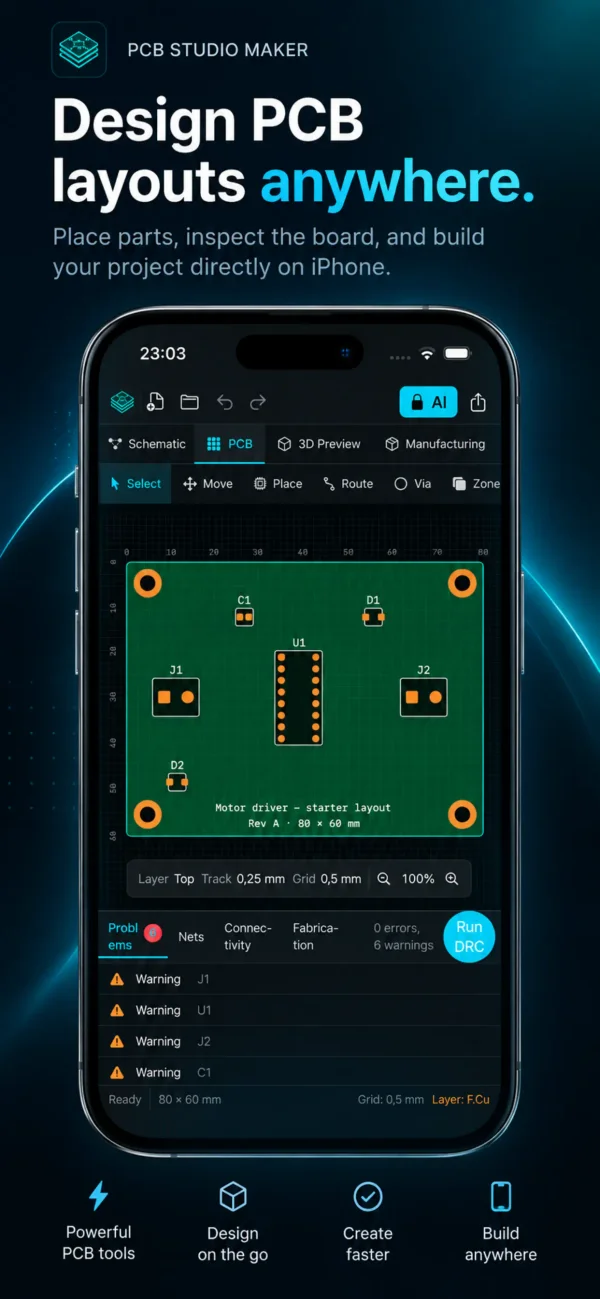
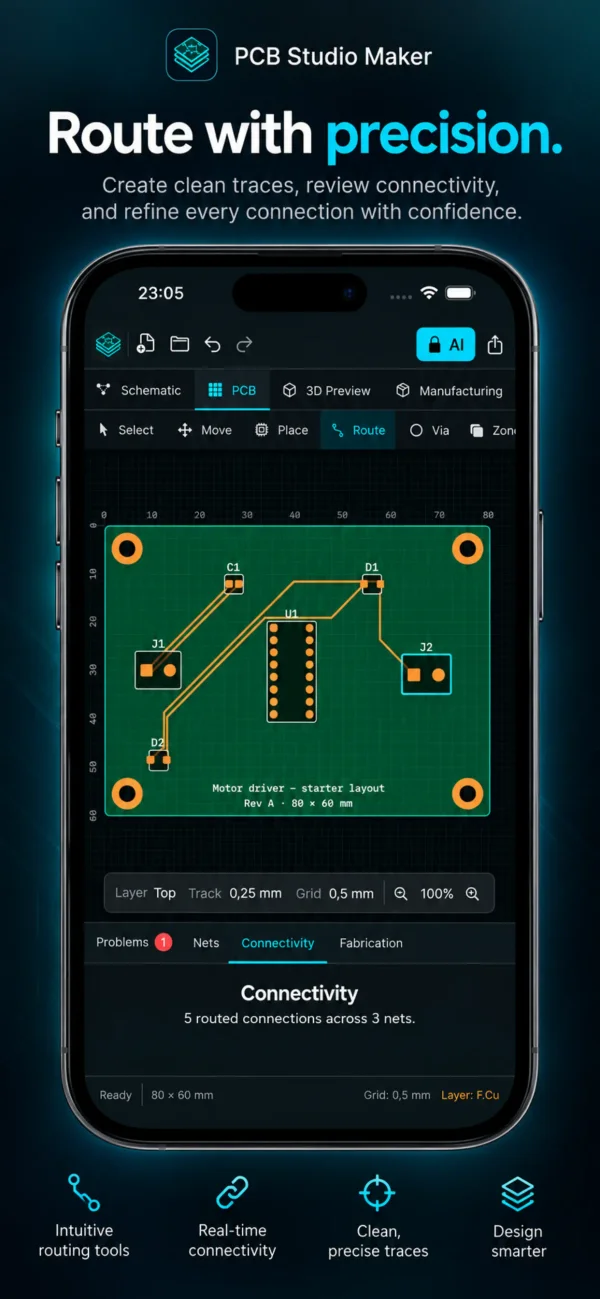
Place components, route copper tracks, add vias, inspect layers and refine your board layout.
• Component Library
Browse common resistors, capacitors, LEDs, connectors, ICs, MOSFETs, drivers, regulators and other electronic components.
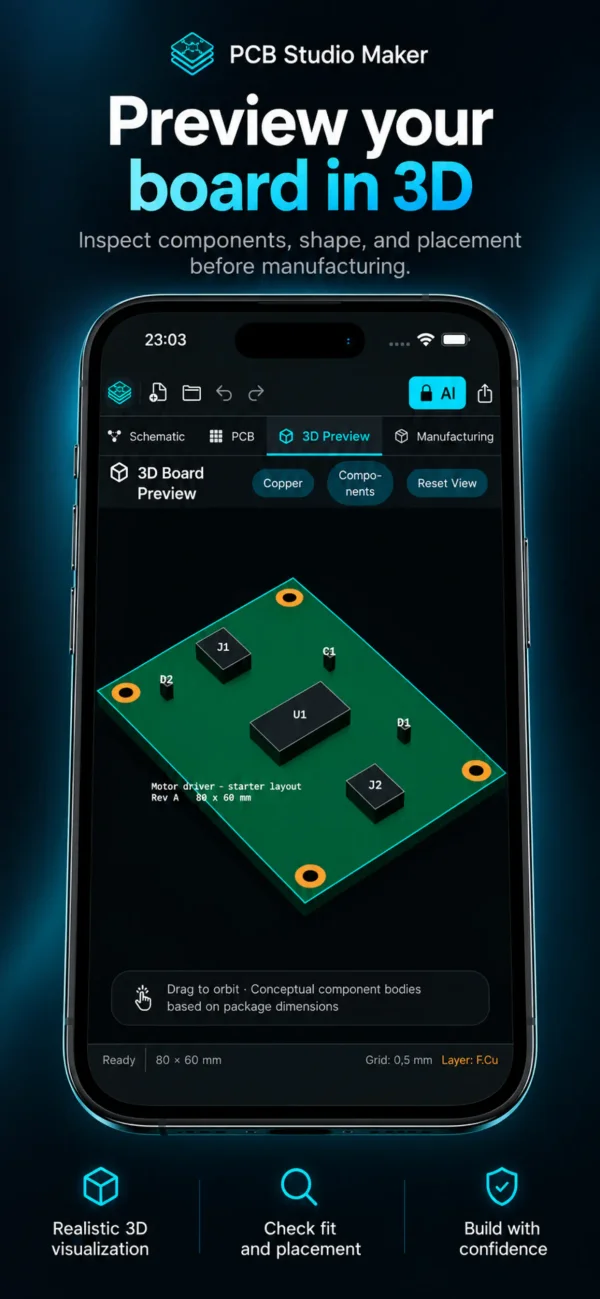
• 3D Board Preview
Visualize your PCB and component placement in an interactive 3D view.
• Design Rule Checks
Review warnings, connectivity issues and potential design problems before manufacturing.
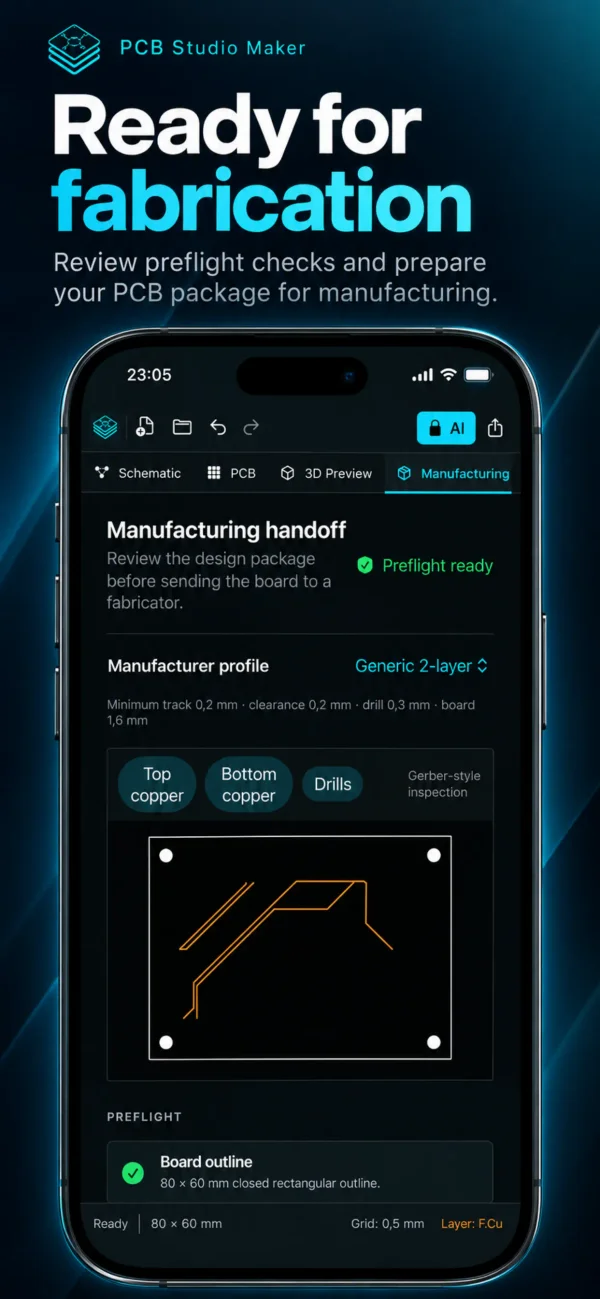
• Manufacturing Preparation
Review board layers, footprints, routing and fabrication requirements before export.
• Export Tools
Prepare manufacturing packages, board previews, parts lists, project files and other useful design outputs.
• Multi-Device Workflow
Use PCB Studio Maker on Mac, iPhone and iPad and continue designing wherever you work.
PCB Studio Maker is useful for:
• Electronics students
• Makers and hobbyists
• Embedded developers
• Robotics projects
• IoT development
• Prototype electronics
• PCB experimentation
• Hardware engineers
Whether you are building a simple prototype, motor controller, sensor board, embedded system or custom electronics project, PCB Studio Maker gives you the tools to move from idea to physical board in one streamlined workspace.
Design. Route. Preview. Manufacture.
Build your next PCB with PCB Studio Maker.
Terms of Use (EULA): https://www.apple.com/legal/internet-services/itunes/dev/stdeula/
The app uses Apple's Standard Licensed Application End User License Agreement.
What’s new
Version 1.6 · Nov 15, 2026
Small improvements and bug fix
App privacy
What Mirza Pasic declares on the App Store about how this app handles data.
-
Data not collected
The developer does not collect any data from this app.
Privacy practices may vary, for example with the features you use or your age.
Information
- Seller
- Mirza Pasic
- Category
- Utilities
- Version
- 1.6
- Updated
- Nov 15, 2026
- Released
- Sep 23, 2026
- Size
- 11.6 MB
- Requires
- iOS 17.6 or later
- Age rating
- 4+
- Price
- Free
- In-app purchases
- Yes
- Languages
- English
- Copyright
- © 2026 Mirza Pasic
You might also like
-
 PCBmakerUtilities
-
 Gerber Viewer : Open PCBView Circuits Designs & Gbr
-
 Electrocalc: Circuit & PinoutElectronics Calculator & Tools
-
 Printed Circuit Board DesignerDesign, Route & Export PCBs
-
 BoardView ReaderMotherboard repair & diagnosis
-
 Conn.LoggerUtilities
-
 ChipLog Pro - IC Chip ScannerIdentify Electronic Components
-
 BenchKit: Electronics ToolsResistor, trace, drop, divider
-
 SpecPadMarkup PDFs, Plans & Photos
-
 Timer 555 Calculator ProUtilities