
PCB Studio Maker
Best PCB Studio Maker
Conçue pour iPhone, iPad, Mac
Gratuit · Achats intégrés
- Classification d’âge4+
- CatégorieUtilitaires
- DéveloppeurMirza Pasic
- LanguesAnglais
- Taille11,6 Mo
Renvoie vers la page App Store officielle
Download.org n’héberge aucun fichier de PCB Studio Maker. Le bouton ouvre la page de l’application sur App Store, où Mirza Pasic la publie. Fiche vérifiée pour la dernière fois le 23/11/2026.
Captures d’écran

À propos
Le développeur n’a pas fourni ce texte dans votre langue.
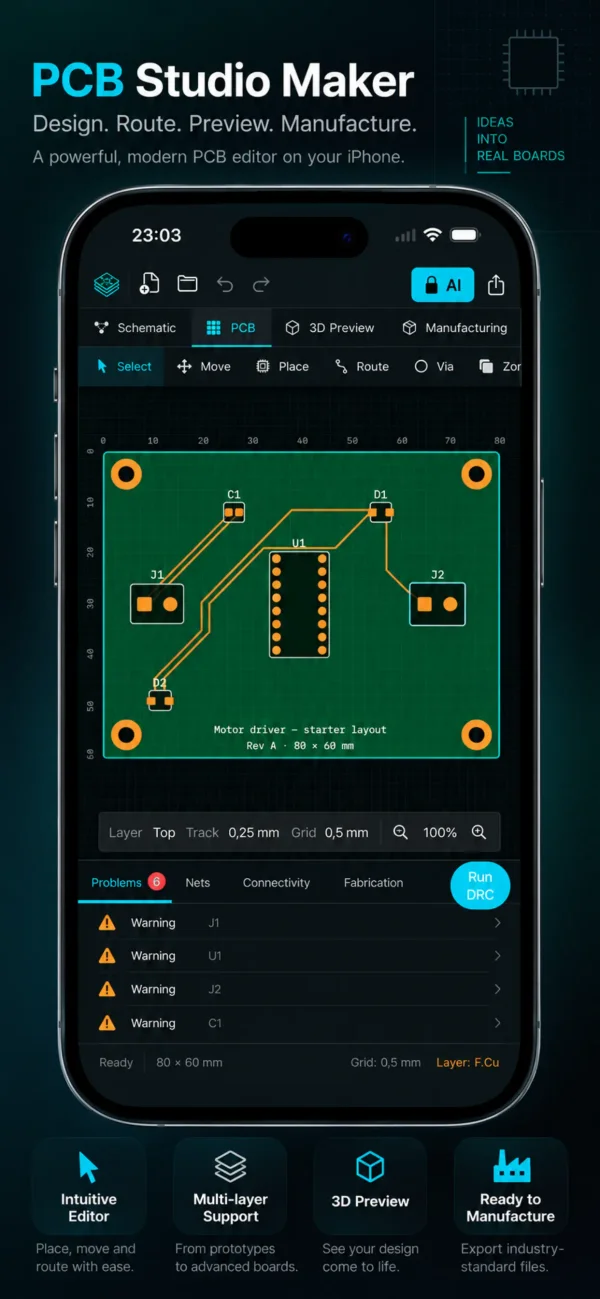
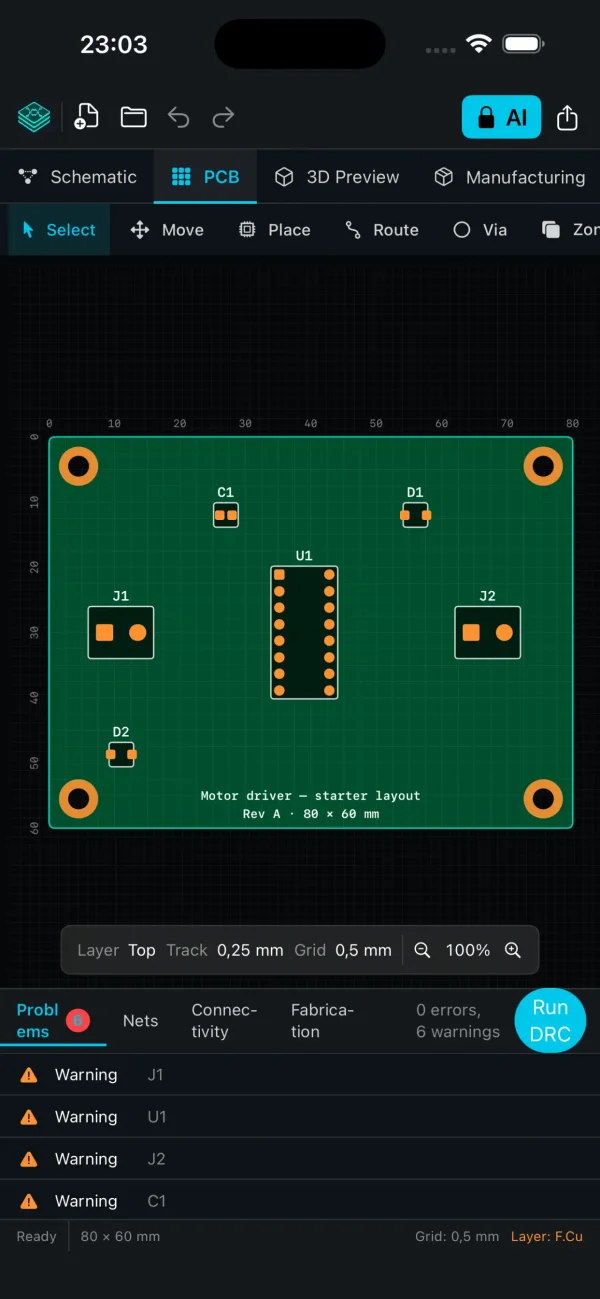
PCB Studio Maker is a modern PCB design workspace built for Mac, iPhone and iPad.
Create electronic projects from schematic to finished board using a clean, focused interface designed for fast prototyping, learning and real-world hardware development.
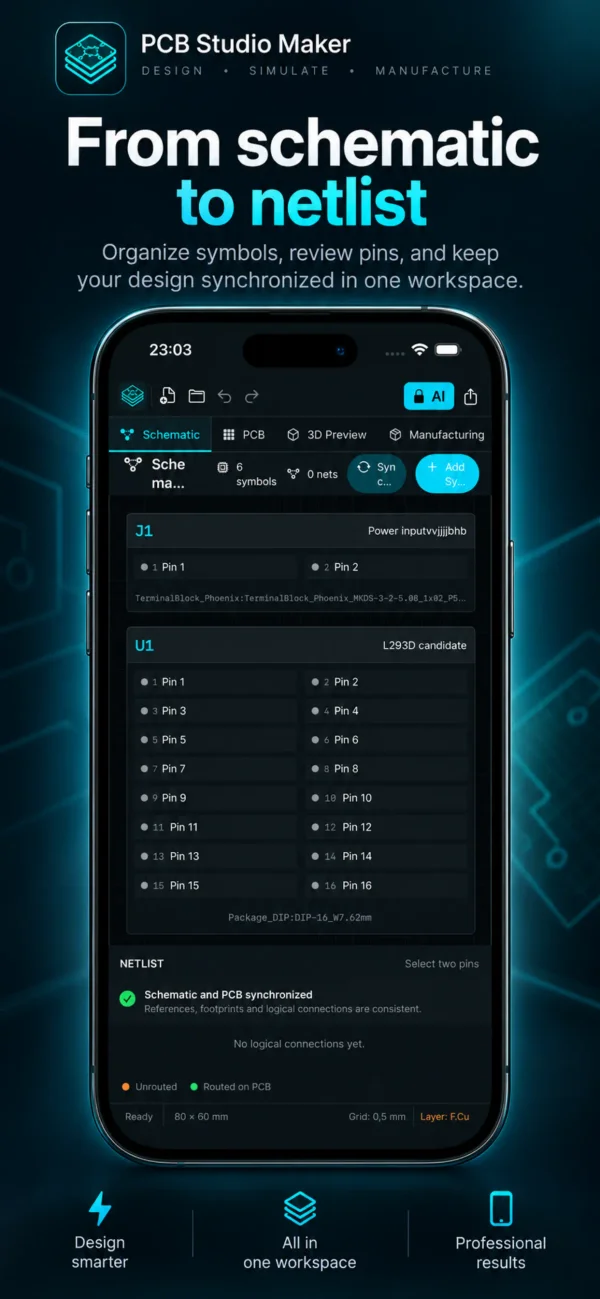
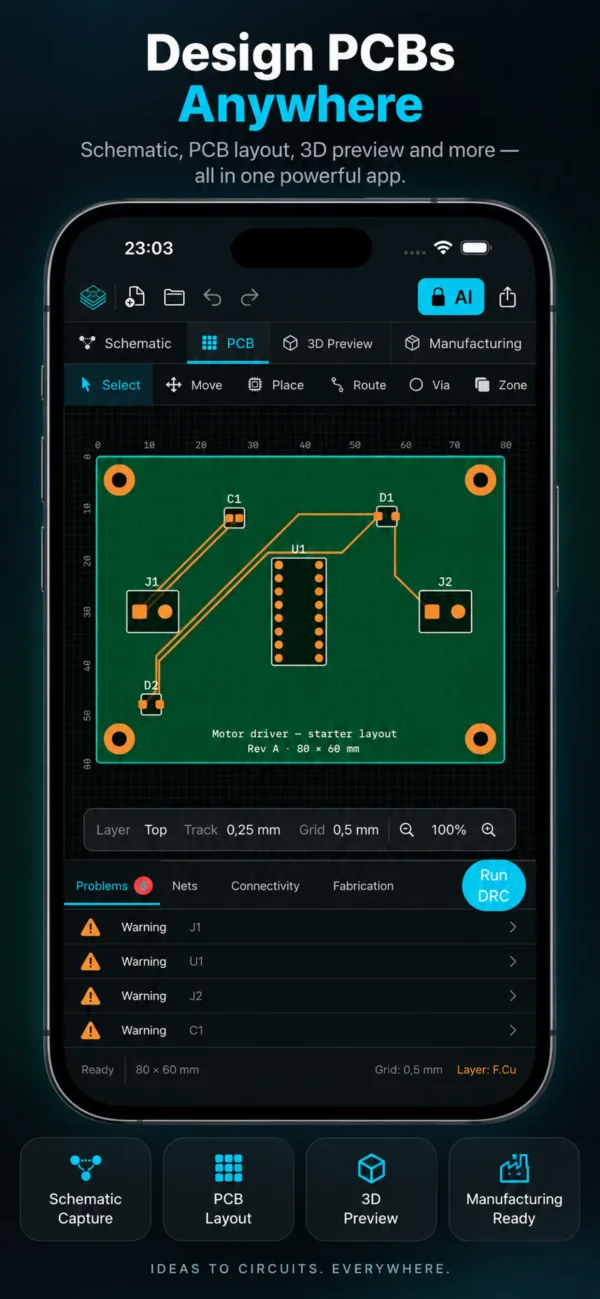
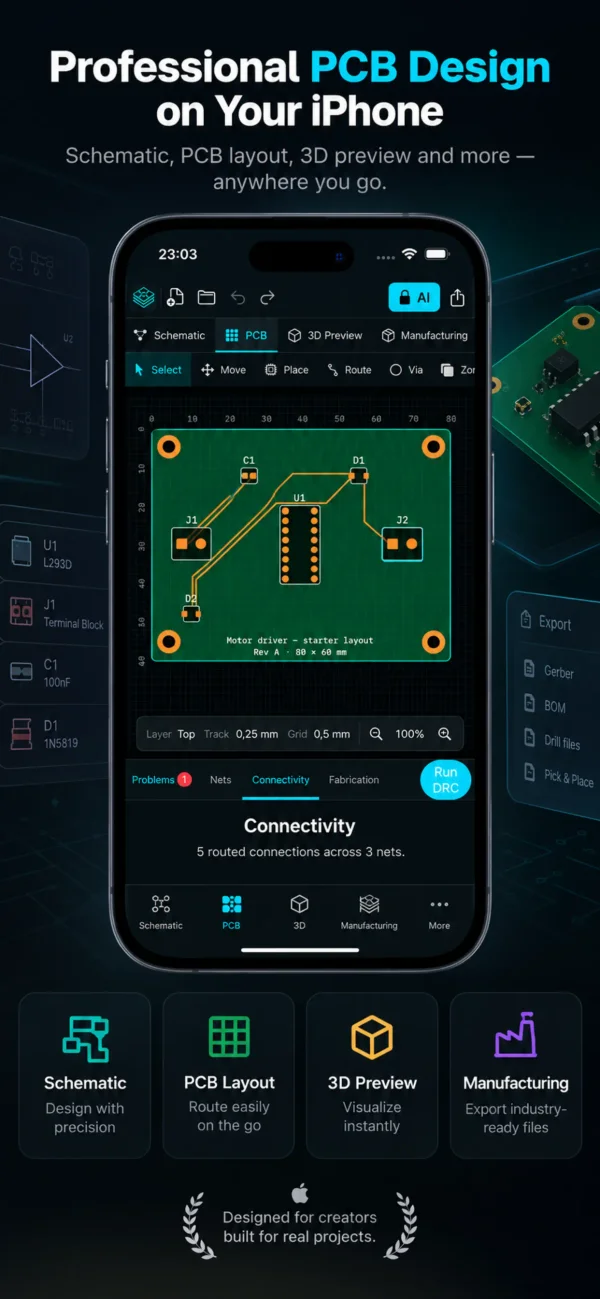
Start with your schematic, organize components and nets, sync your design with the PCB layout, route tracks, inspect connections and preview your board in 3D before preparing it for manufacturing.
KEY FEATURES
• Schematic Design
Create and organize electronic circuits with components, pins, nets and footprints.
• PCB Layout Editor
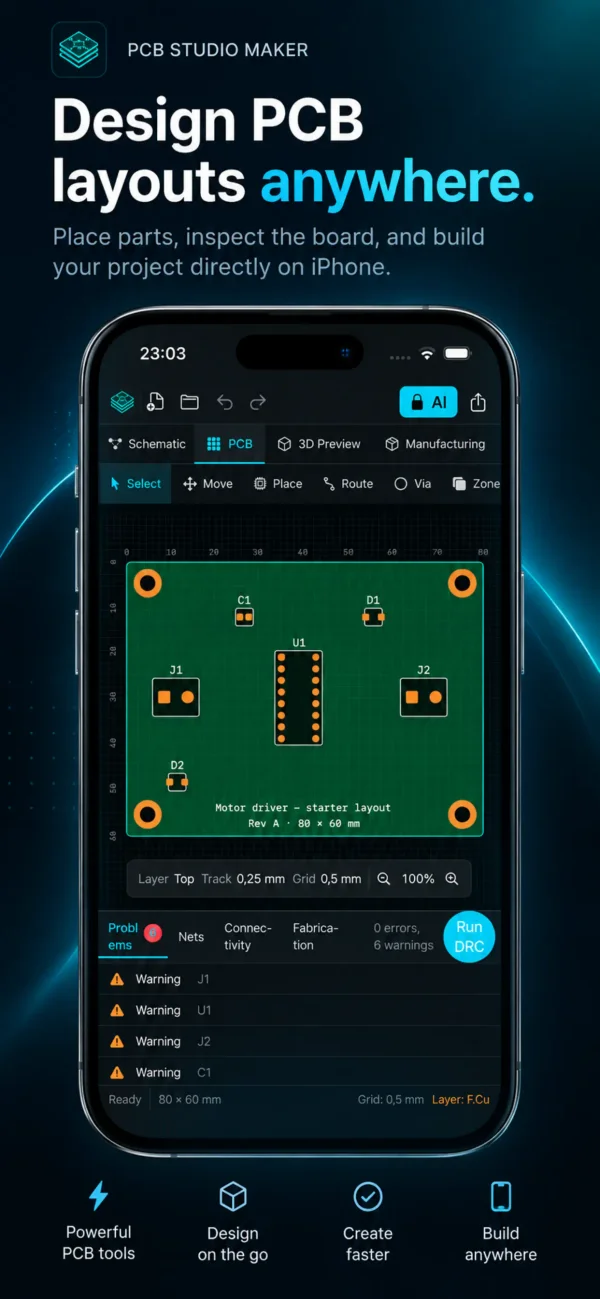
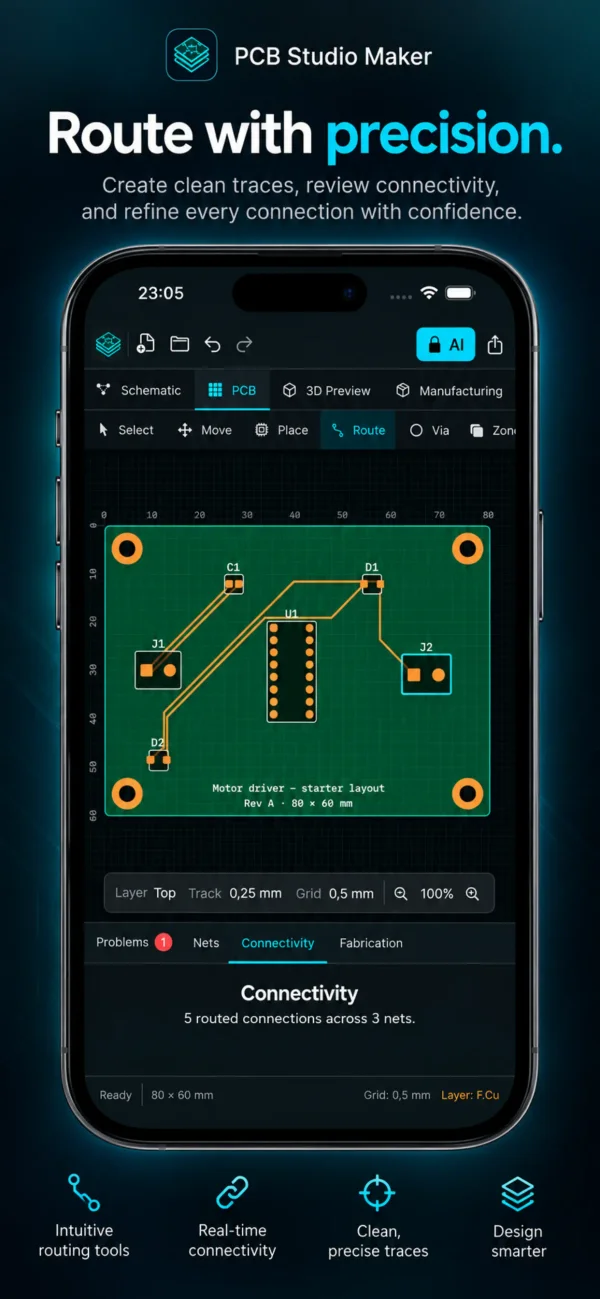
Place components, route copper tracks, add vias, inspect layers and refine your board layout.
• Component Library
Browse common resistors, capacitors, LEDs, connectors, ICs, MOSFETs, drivers, regulators and other electronic components.
• 3D Board Preview
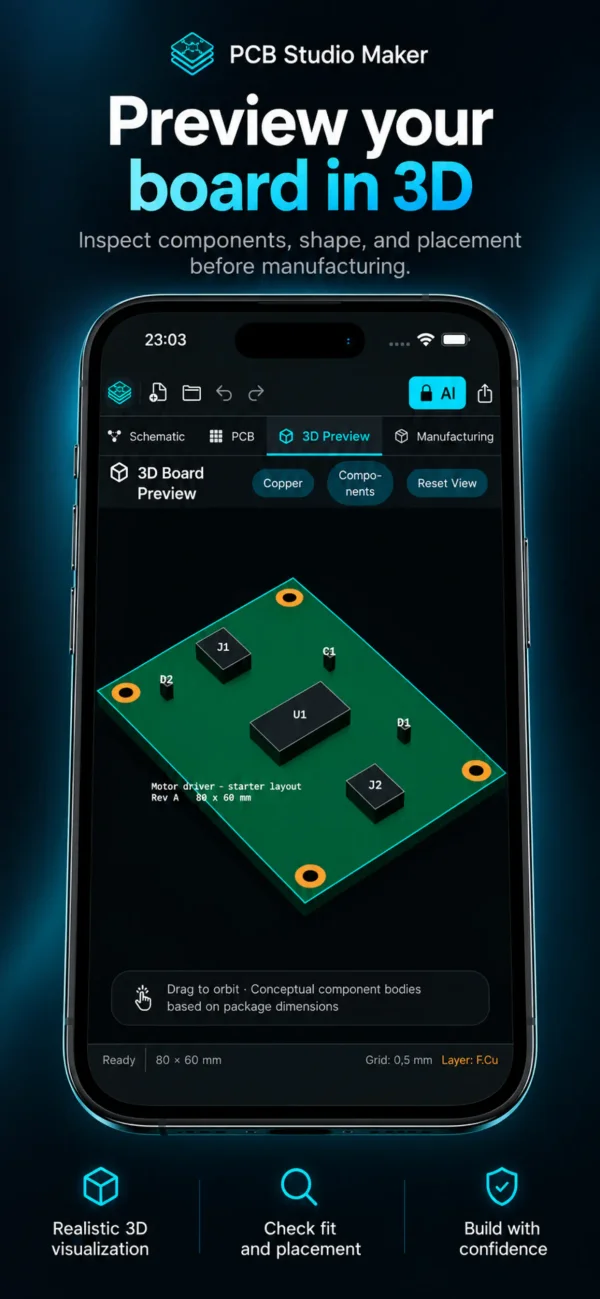
Visualize your PCB and component placement in an interactive 3D view.
• Design Rule Checks
Review warnings, connectivity issues and potential design problems before manufacturing.
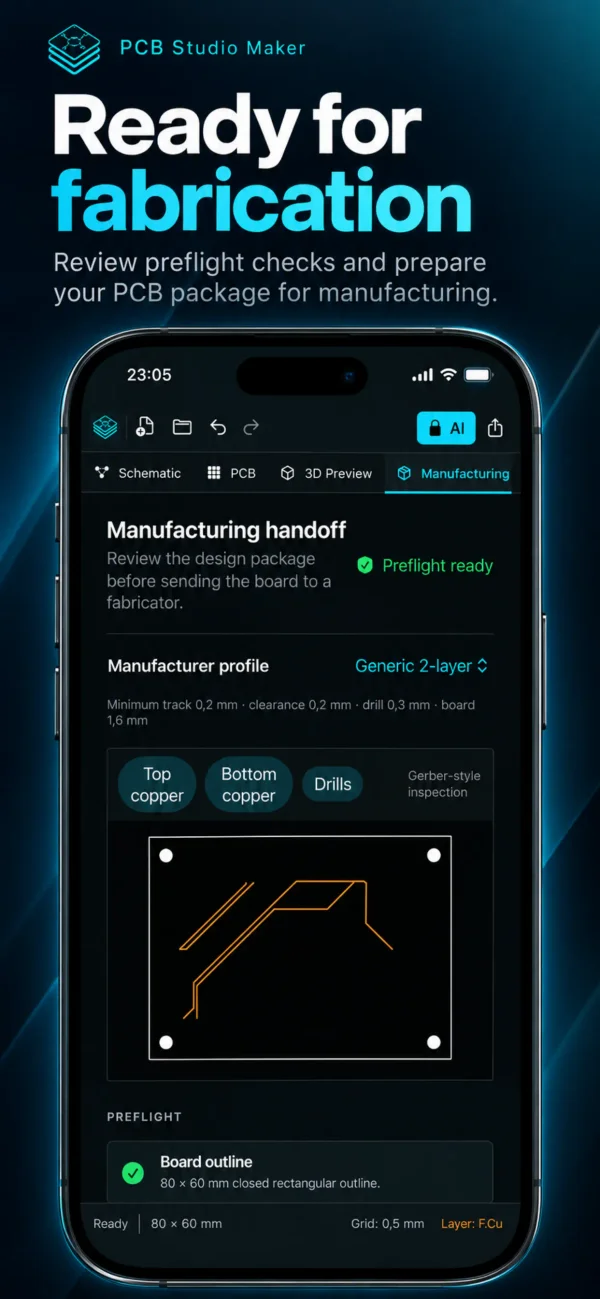
• Manufacturing Preparation
Review board layers, footprints, routing and fabrication requirements before export.
• Export Tools
Prepare manufacturing packages, board previews, parts lists, project files and other useful design outputs.
• Multi-Device Workflow
Use PCB Studio Maker on Mac, iPhone and iPad and continue designing wherever you work.
PCB Studio Maker is useful for:
• Electronics students
• Makers and hobbyists
• Embedded developers
• Robotics projects
• IoT development
• Prototype electronics
• PCB experimentation
• Hardware engineers
Whether you are building a simple prototype, motor controller, sensor board, embedded system or custom electronics project, PCB Studio Maker gives you the tools to move from idea to physical board in one streamlined workspace.
Design. Route. Preview. Manufacture.
Build your next PCB with PCB Studio Maker.
Terms of Use (EULA): https://www.apple.com/legal/internet-services/itunes/dev/stdeula/
The app uses Apple's Standard Licensed Application End User License Agreement.
Nouveautés
Version 1.6 · 15/11/2026
Small improvements and bug fix
Confidentialité de l’application
Ce que Mirza Pasic déclare sur l’App Store au sujet du traitement des données par cette application.
-
Données non collectées
Le développeur ne collecte aucune donnée à partir de cette application.
Les pratiques en matière de confidentialité peuvent varier, notamment en fonction des fonctionnalités que vous utilisez ou de votre âge.
Informations
- Vendeur
- Mirza Pasic
- Catégorie
- Utilitaires
- Version
- 1.6
- Mis à jour
- 15/11/2026
- Publié
- 23/09/2026
- Taille
- 11,6 Mo
- Nécessite
- iOS 17.6 ou version ultérieure
- Classification d’âge
- 4+
- Prix
- Gratuit
- Achats intégrés
- Oui
- Langues
- Anglais
- Copyright
- © 2026 Mirza Pasic
Vous aimerez peut-être aussi
-
 PCBmakerUtilitaires
-
 Gerber Viewer : Open PCBUtilitaires
-
 Electrocalc: Circuit & PinoutUtilitaires
-
 Printed Circuit Board DesignerUtilitaires
-
 BoardView ReaderRéparation de cartes mères
-
 Conn.LoggerUtilitaires
-
 ChipLog Pro - IC Chip ScannerUtilitaires
-
 BenchKit: Electronics ToolsUtilitaires
-
 SpecPadUtilitaires
-
 Timer 555 Calculator ProUtilitaires