PDF Aide - Edit & Convert
Edit, Convert & Scanner PDF
Entwickelt für iPhone, iPod touch
Kostenlos · In-App-Käufe
- Altersfreigabe4+
- KategorieProduktivität
- EntwicklerKESTREL CYBER PTE. LTD.
- SprachenEnglisch+ 1 weitere
- Größe26,4 MB
Verlinkt auf die offizielle App Store-Seite
Download.org hostet keine Datei von PDF Aide - Edit & Convert. Die Schaltfläche öffnet die App-Seite bei App Store, wo KESTREL CYBER PTE. LTD. die App veröffentlicht. Eintrag zuletzt geprüft am 17.11.2026.
Screenshots
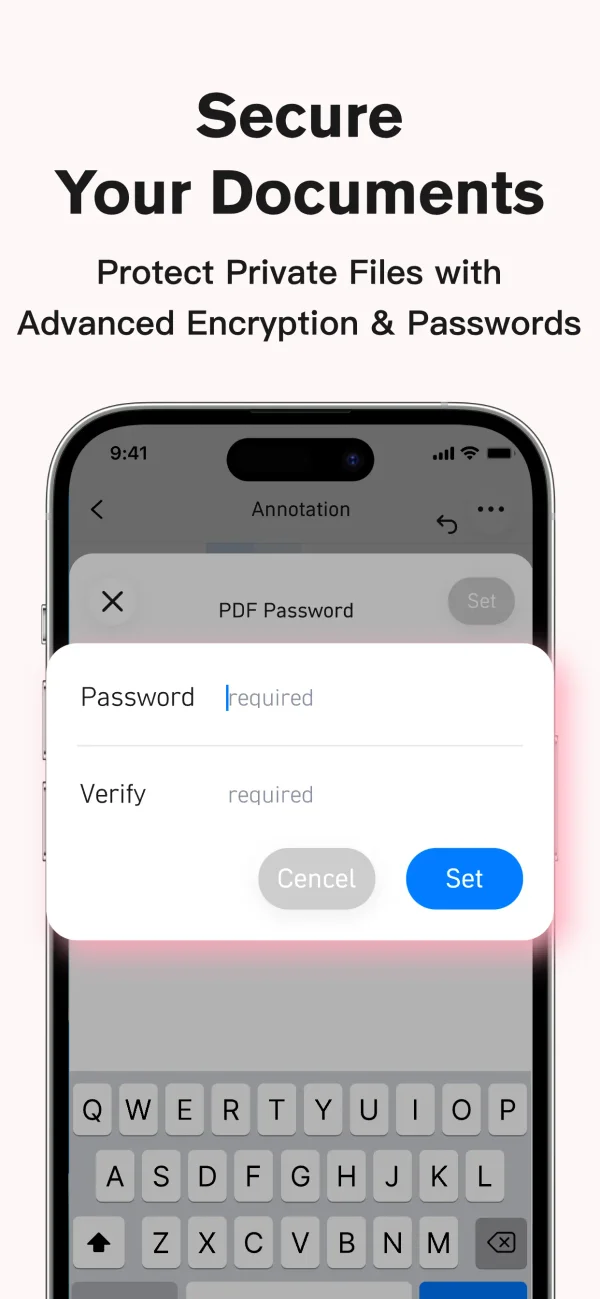
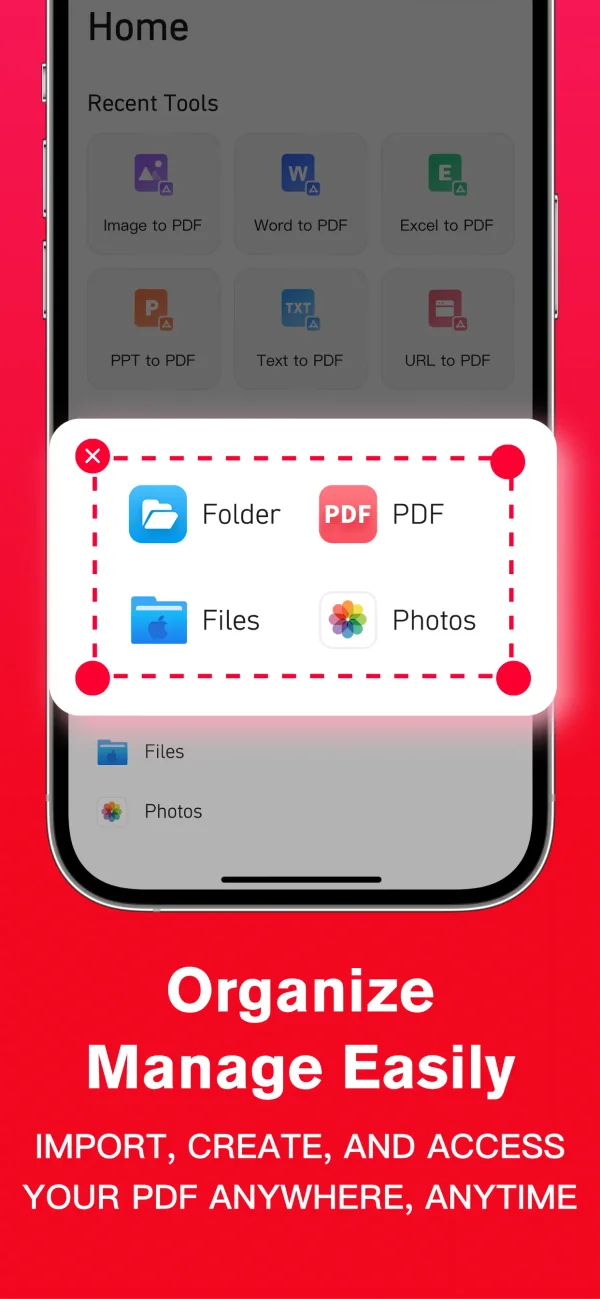
Info
Der Entwickler hat diesen Text nicht in Ihrer Sprache bereitgestellt.
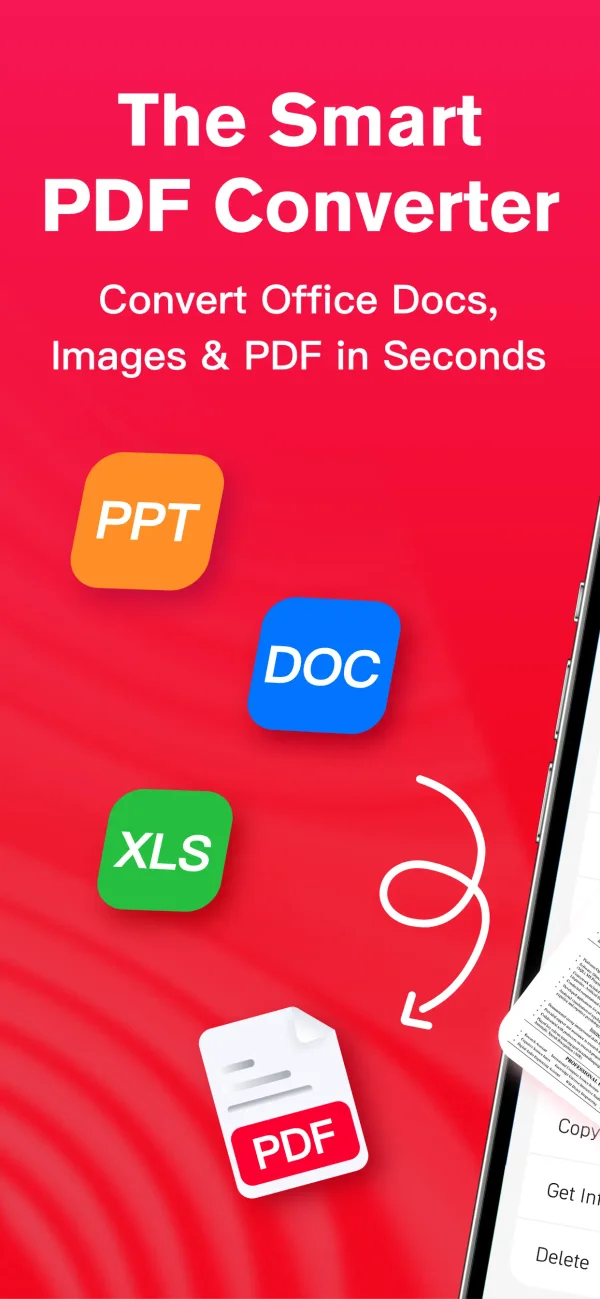
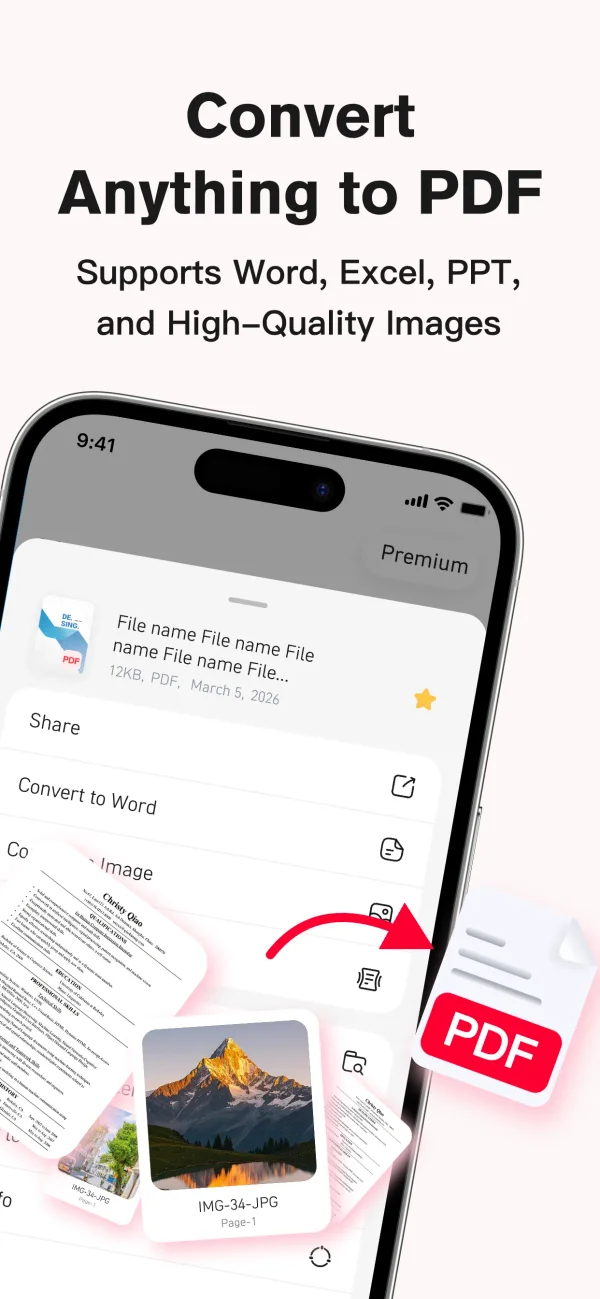
PDF Aide: Revolutionizing Your Document Workflow with Professional Editing and Conversion! Tired of constantly switching between multiple apps to process documents? PDF Aide is your best choice—the most comprehensive and user-friendly PDF processing tool designed specifically for iPhone. Whether you're a student, business professional, or working remotely, our all-in-one toolkit helps you convert, edit, sign, and manage documents in seconds. Powerful conversion tools can convert virtually anything to high-quality PDFs or export PDFs to editable formats:
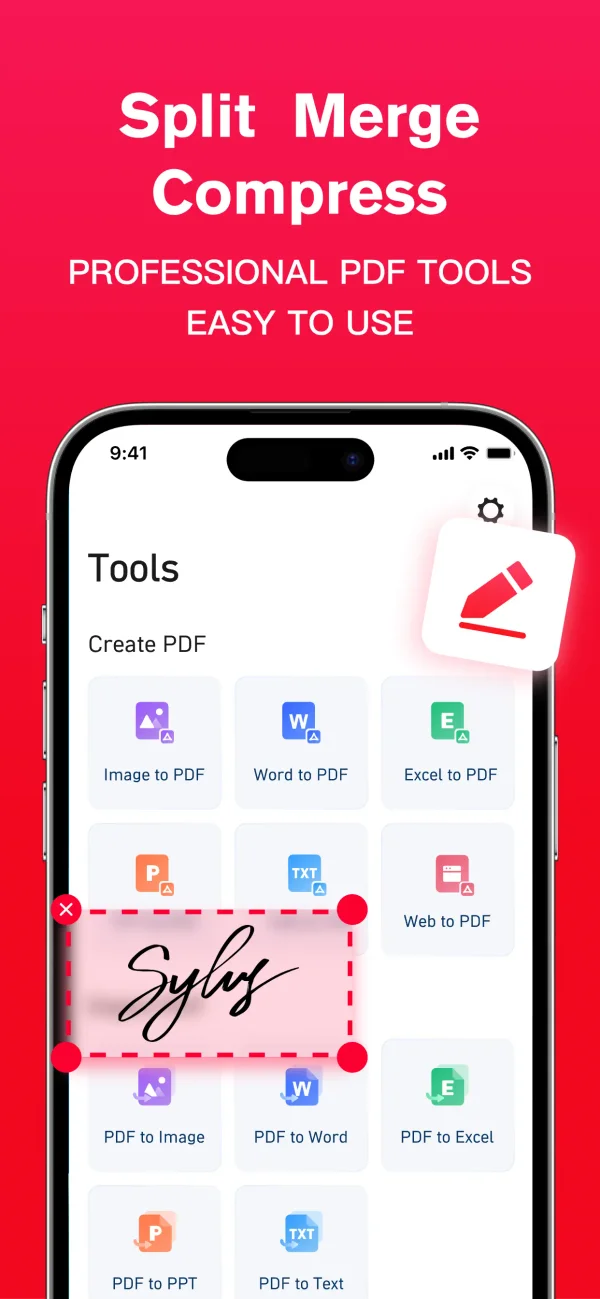
• Image to PDF: Instantly convert photos, scans, and gallery images.
• Office Conversion Suite: Seamlessly convert Word, Excel, and PowerPoint documents to PDF.
• Web to PDF: Save any webpage as a PDF for offline reading and archiving.
• Text and More: Convert plain text and other document types with a single click. Advanced editing and annotation: More than just viewing PDFs, take control of them:
• Annotations: Add annotations and draw directly on documents.
• Merge and Split: Merge multiple files into a single PDF or extract specific pages into a new document.
• Compression: Reduce file size for easy sharing via email or chat tools without loss of quality. Security and Organization: Your privacy and file organization are our top priorities:
• Password Protection: Protect sensitive information using advanced encryption technology.
• Search: Easily and quickly find the content you need in long documents. Why choose PDF Aide?
• High Fidelity: Preserves original fonts, layout, and formatting during conversion.
• Privacy First: We handle your documents securely—your data is safe.
• User-Friendly: A clean and intuitive interface designed to maximize your productivity
Subscriptions & Privacy:
Payment will be charged to your iTunes Account at confirmation of purchase. Subscriptions automatically renew unless auto-renew is turned off at least 24 hours before the end of the current period. You can manage your subscriptions in your App Store Account Settings.
Privacy Policy: https://pdf.kestrelcybers.com/privacy-policy.html
Terms of Use (EULA): https://pdf.kestrelcybers.com/user-agreement.html
Contact Us:
For any inquiries or support, please contact us at: pdfaide.ios@outlook.com
Neue Funktionen
Version 1.0.3 · 22.06.2026
Fix some bugs
App-Datenschutz
Was KESTREL CYBER PTE. LTD. im App Store zum Umgang dieser App mit Daten angibt.
-
Daten, die zum Tracking Ihrer Person verwendet werden
Können verwendet werden, um Sie über Apps und Websites anderer Unternehmen hinweg zu verfolgen.
- Kennungen
-
Nicht mit Ihnen verknüpfte Daten
Können erfasst werden, sind aber nicht mit Ihrer Identität verknüpft.
- Kennungen
- Diagnose
Die Datenschutzpraktiken können variieren, zum Beispiel je nach den von Ihnen verwendeten Funktionen oder Ihrem Alter.
Informationen
- Anbieter
- KESTREL CYBER PTE. LTD.
- Kategorie
- Produktivität
- Version
- 1.0.3
- Aktualisiert
- 22.06.2026
- Veröffentlicht
- 04.06.2026
- Größe
- 26,4 MB
- Erfordert
- iOS 15.6 oder neuer
- Altersfreigabe
- 4+
- Preis
- Kostenlos
- In-App-Käufe
- Ja
- Sprachen
- Englisch, Vereinf. Chinesisch
- Copyright
- Kestrel ©2026 Tuya Inc.
Das könnte Ihnen auch gefallen
-
 PDF Scanner:Photo to Documents
-
 Chat PDF KI - Mit PDF ChatteAI PDF Chat: Zusammenfassen
-
 TruScan: Doc & Photo ScannerProduktivität
-
 PDF Editor: Scanner & LeserBearbeiten & Unterschreiben
-
 iChat iPRODProduktivität
-
 Calc-50Produktivität
-
 FreeScanner: PDF Scanner & OCRDokumente offline bearbeiten
-
 Daily Streak - One HabitProduktivität
-
 AI WriteonAI copywriter
-
 PDF Scanner & Doc EditorProduktivität