PDF Aide - Edit & Convert
Edit, Convert & Scanner PDF
Dirancang untuk iPhone, iPod touch
Gratis · Pembelian dalam aplikasi
- Batasan usia4+
- KategoriProduktivitas
- PengembangKESTREL CYBER PTE. LTD.
- BahasaInggris+ 1 lainnya
- Ukuran26,4 MB
Tertaut ke halaman resmi App Store
Download.org tidak menyimpan file PDF Aide - Edit & Convert apa pun. Tombol ini membuka halaman aplikasi di App Store, tempat KESTREL CYBER PTE. LTD. menerbitkannya. Halaman terakhir diperiksa pada 17/11/2026.
Tangkapan layar
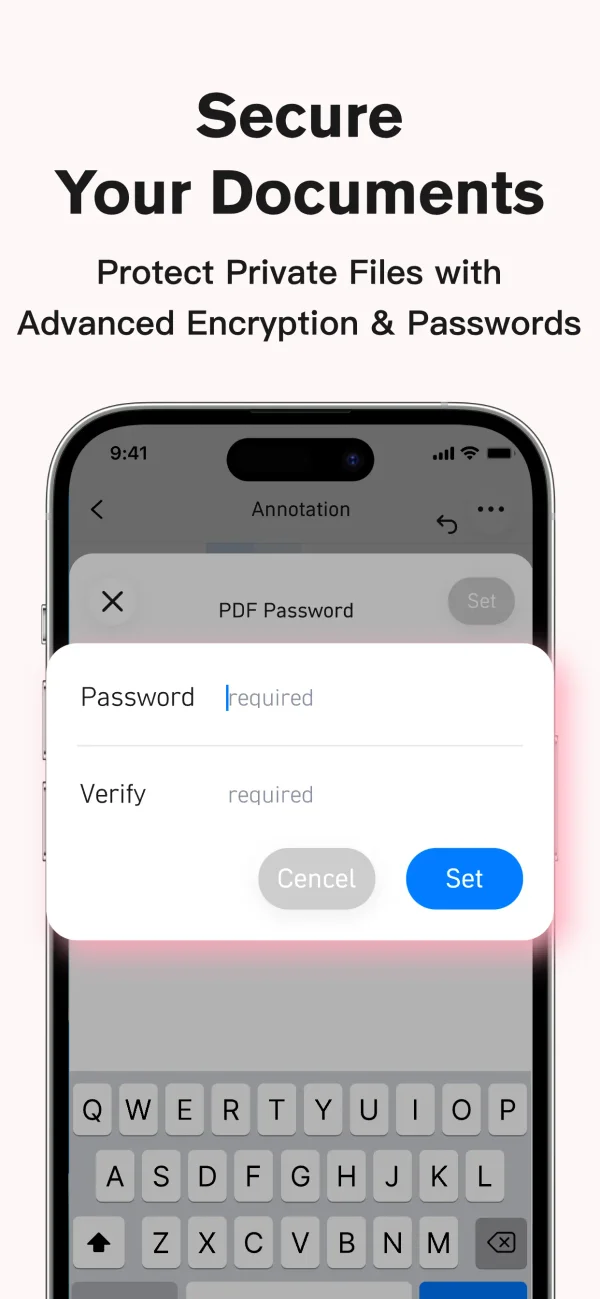
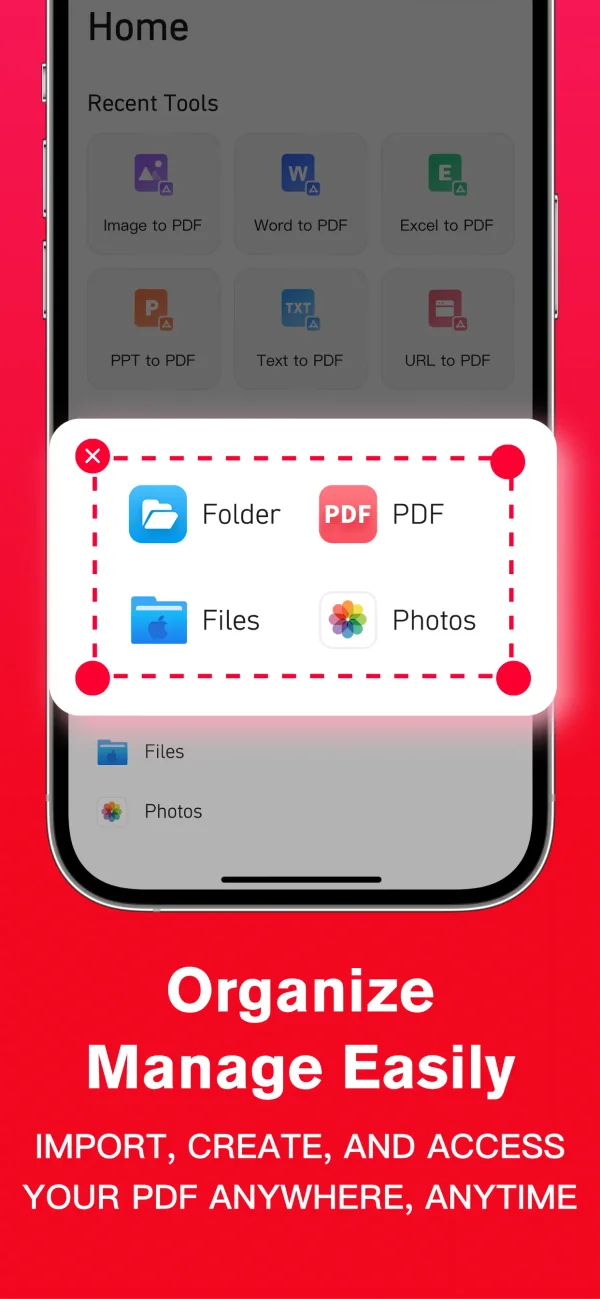
Tentang
Pengembang belum menyediakan teks ini dalam bahasa Anda.
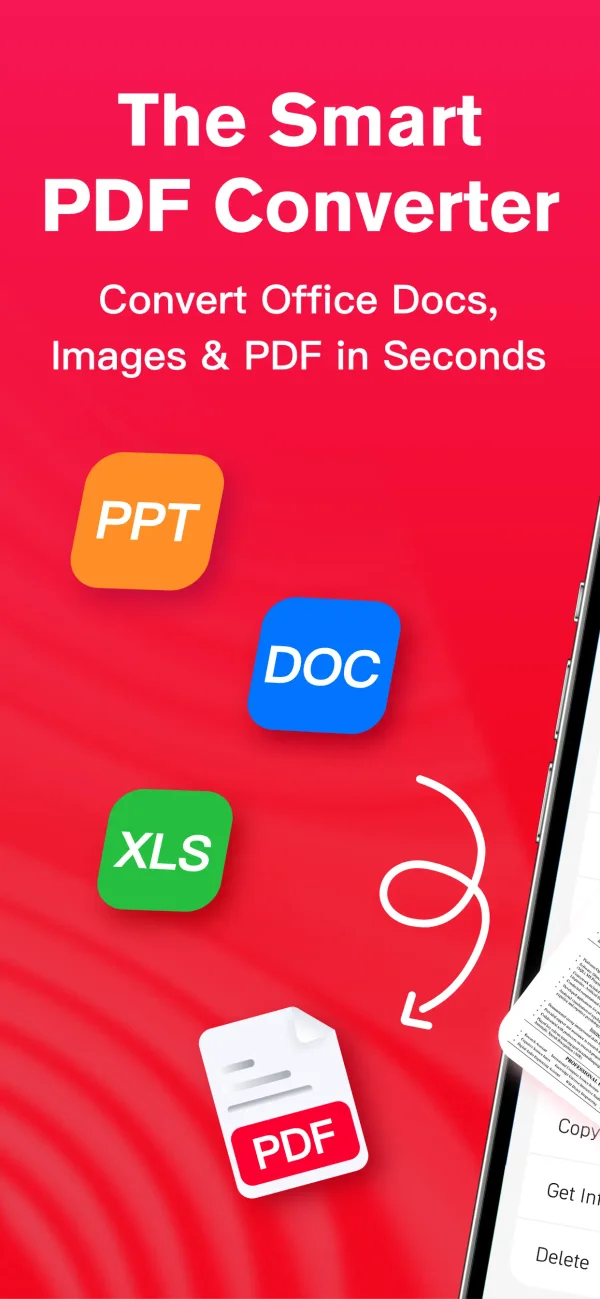
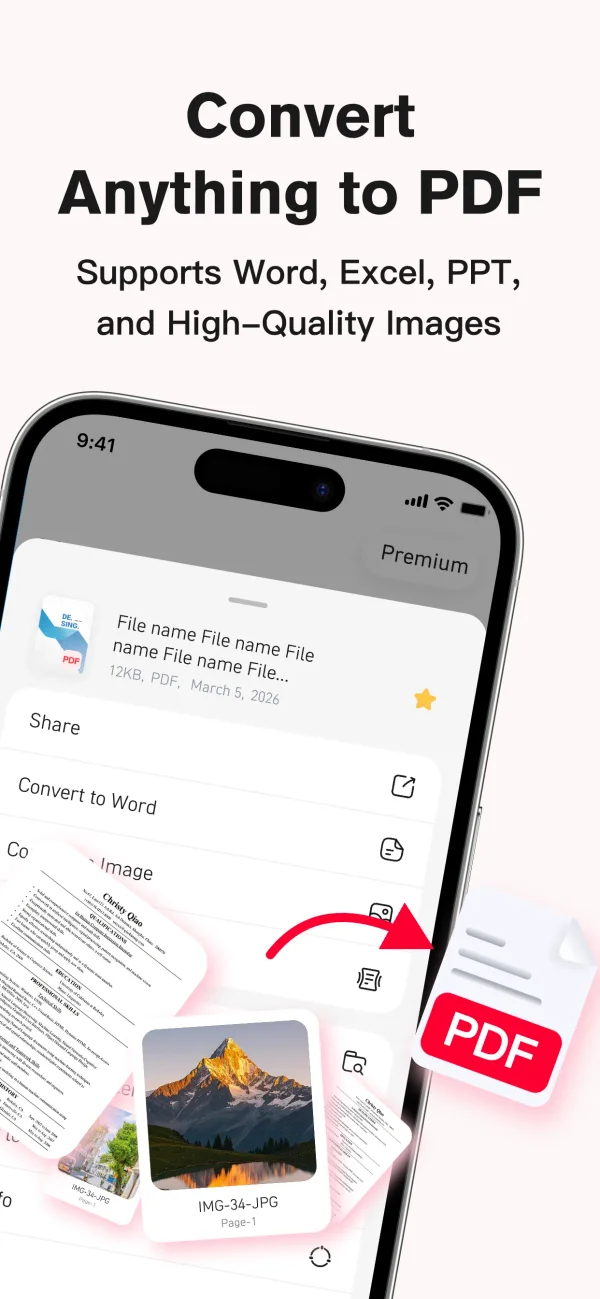
PDF Aide: Revolutionizing Your Document Workflow with Professional Editing and Conversion! Tired of constantly switching between multiple apps to process documents? PDF Aide is your best choice—the most comprehensive and user-friendly PDF processing tool designed specifically for iPhone. Whether you're a student, business professional, or working remotely, our all-in-one toolkit helps you convert, edit, sign, and manage documents in seconds. Powerful conversion tools can convert virtually anything to high-quality PDFs or export PDFs to editable formats:
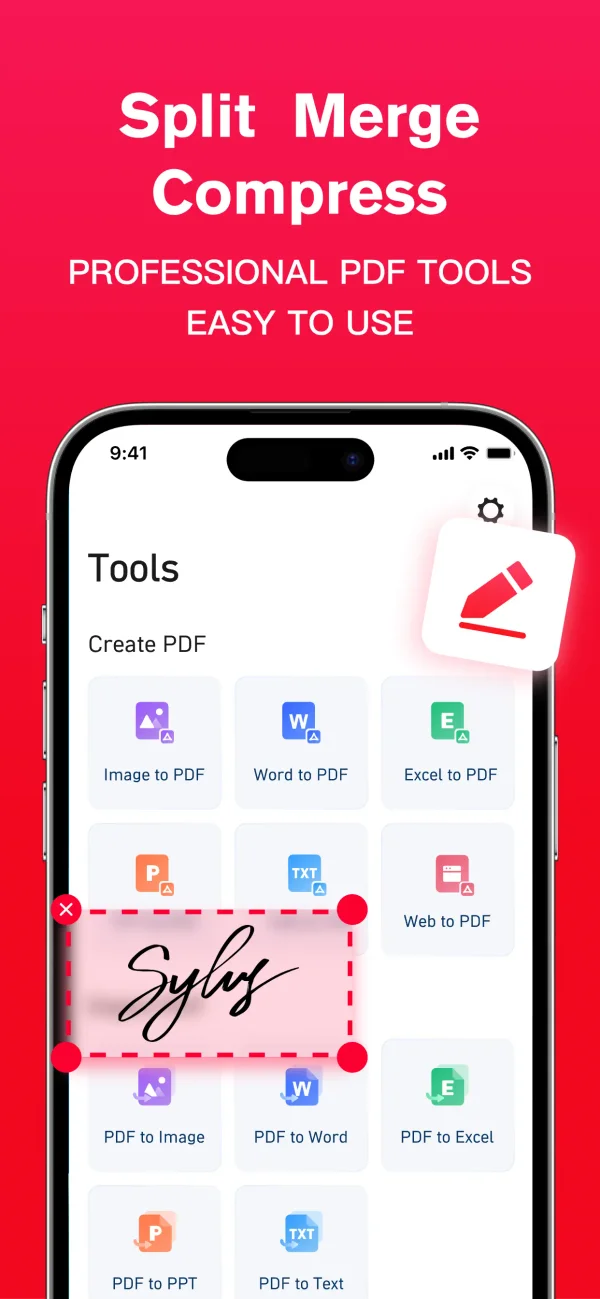
• Image to PDF: Instantly convert photos, scans, and gallery images.
• Office Conversion Suite: Seamlessly convert Word, Excel, and PowerPoint documents to PDF.
• Web to PDF: Save any webpage as a PDF for offline reading and archiving.
• Text and More: Convert plain text and other document types with a single click. Advanced editing and annotation: More than just viewing PDFs, take control of them:
• Annotations: Add annotations and draw directly on documents.
• Merge and Split: Merge multiple files into a single PDF or extract specific pages into a new document.
• Compression: Reduce file size for easy sharing via email or chat tools without loss of quality. Security and Organization: Your privacy and file organization are our top priorities:
• Password Protection: Protect sensitive information using advanced encryption technology.
• Search: Easily and quickly find the content you need in long documents. Why choose PDF Aide?
• High Fidelity: Preserves original fonts, layout, and formatting during conversion.
• Privacy First: We handle your documents securely—your data is safe.
• User-Friendly: A clean and intuitive interface designed to maximize your productivity
Subscriptions & Privacy:
Payment will be charged to your iTunes Account at confirmation of purchase. Subscriptions automatically renew unless auto-renew is turned off at least 24 hours before the end of the current period. You can manage your subscriptions in your App Store Account Settings.
Privacy Policy: https://pdf.kestrelcybers.com/privacy-policy.html
Terms of Use (EULA): https://pdf.kestrelcybers.com/user-agreement.html
Contact Us:
For any inquiries or support, please contact us at: pdfaide.ios@outlook.com
Yang baru
Versi 1.0.3 · 22/6/2026
Fix some bugs
Privasi aplikasi
Yang dinyatakan KESTREL CYBER PTE. LTD. di App Store tentang cara aplikasi ini menangani data.
-
Data yang digunakan untuk melacak Anda
Dapat digunakan untuk melacak Anda di aplikasi dan situs web milik perusahaan lain.
- Pengenal
-
Data yang tidak ditautkan dengan Anda
Dapat dikumpulkan, tetapi tidak ditautkan dengan identitas Anda.
- Pengenal
- Diagnostik
Praktik privasi dapat bervariasi, misalnya berdasarkan fitur yang Anda gunakan atau usia Anda.
Informasi
- Penjual
- KESTREL CYBER PTE. LTD.
- Kategori
- Produktivitas
- Versi
- 1.0.3
- Diperbarui
- 22/6/2026
- Dirilis
- 4/6/2026
- Ukuran
- 26,4 MB
- Memerlukan
- iOS 15.6 atau yang lebih baru
- Batasan usia
- 4+
- Harga
- Gratis
- Pembelian dalam aplikasi
- Ya
- Bahasa
- Inggris, Tionghoa Sederhana
- Hak cipta
- Kestrel ©2026 Tuya Inc.
Mungkin Anda juga suka
-
 PDF Scanner:Scan Documents & images
-
 Chat PDF AI - Chat with PDFAI Chat PDF : Ask & Summarize
-
 TruScan: Doc & Photo ScannerProduktivitas
-
 PDF Editor - Pindai & UbahBaca, Isi & Tanda Tangan
-
 iChat iPRODProduktivitas
-
 Calc-50Produktivitas
-
 FreeScanner: PDF Scanner & OCRProduktivitas
-
 Daily Streak - One HabitProduktivitas
-
 AI WriteonProduktivitas
-
 PDF Scanner & Doc EditorProduktivitas