PDF Aide - Edit & Convert
Edit, Convert & Scanner PDF
iPhone, iPod touch向けに設計
無料 · アプリ内課金
- 対象年齢4+
- カテゴリ仕事効率化
- 開発元KESTREL CYBER PTE. LTD.
- 言語英語ほか1言語
- サイズ26.4 MB
App Storeの公式ページにリンクしています
Download.orgはPDF Aide - Edit & Convertのファイルを一切ホストしていません。ボタンを押すと、KESTREL CYBER PTE. LTD.が公開しているApp Storeのアプリページが開きます。ページの最終確認:2026/11/17。
スクリーンショット
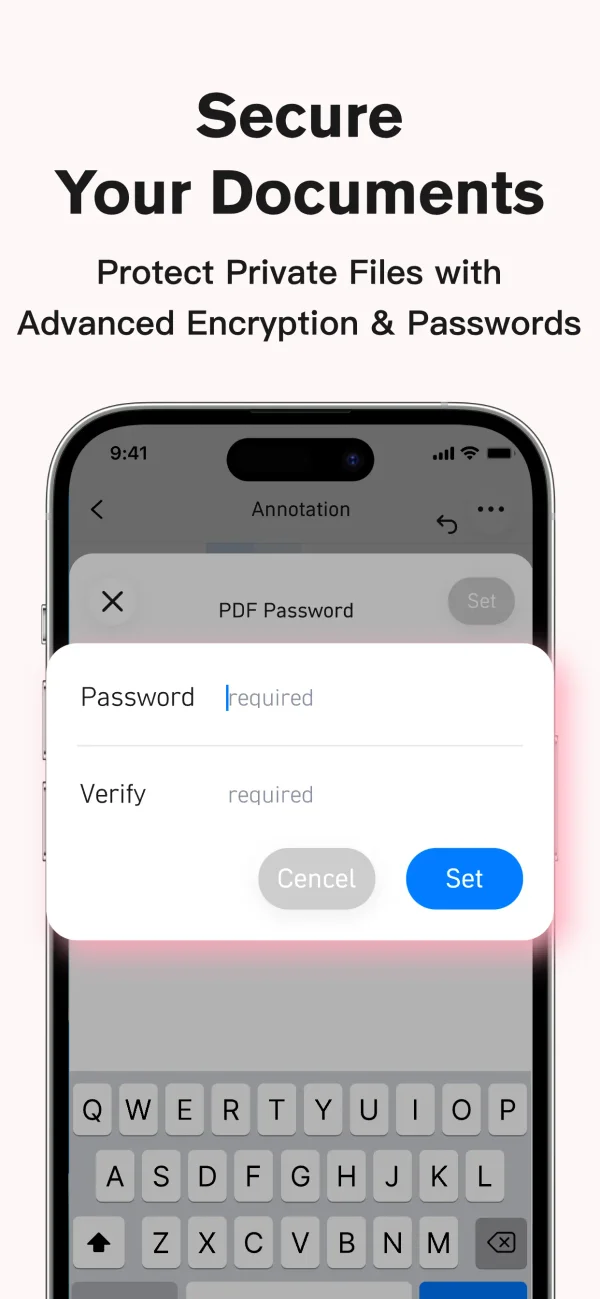
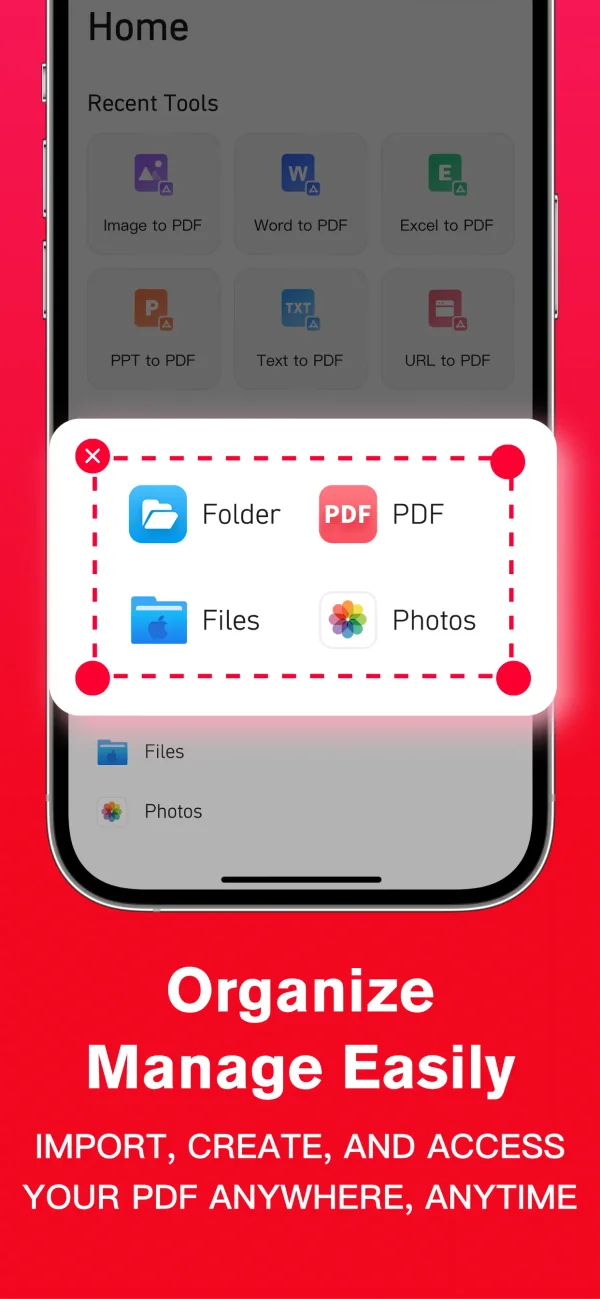
概要
開発元はこのテキストをお使いの言語で提供していません。
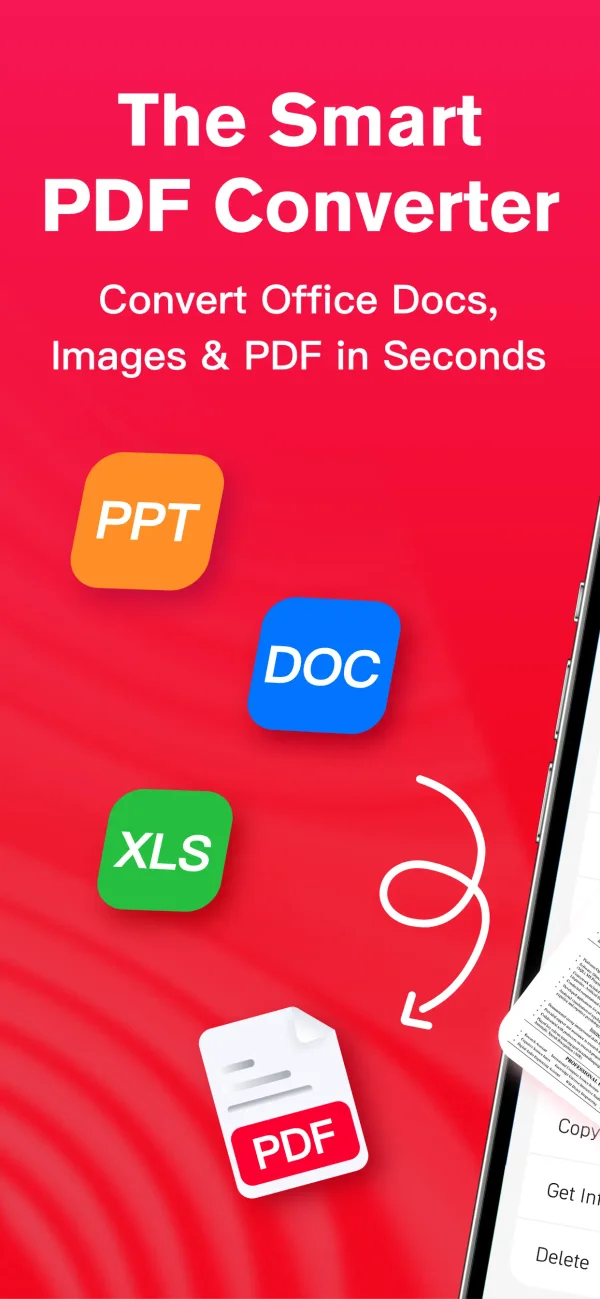
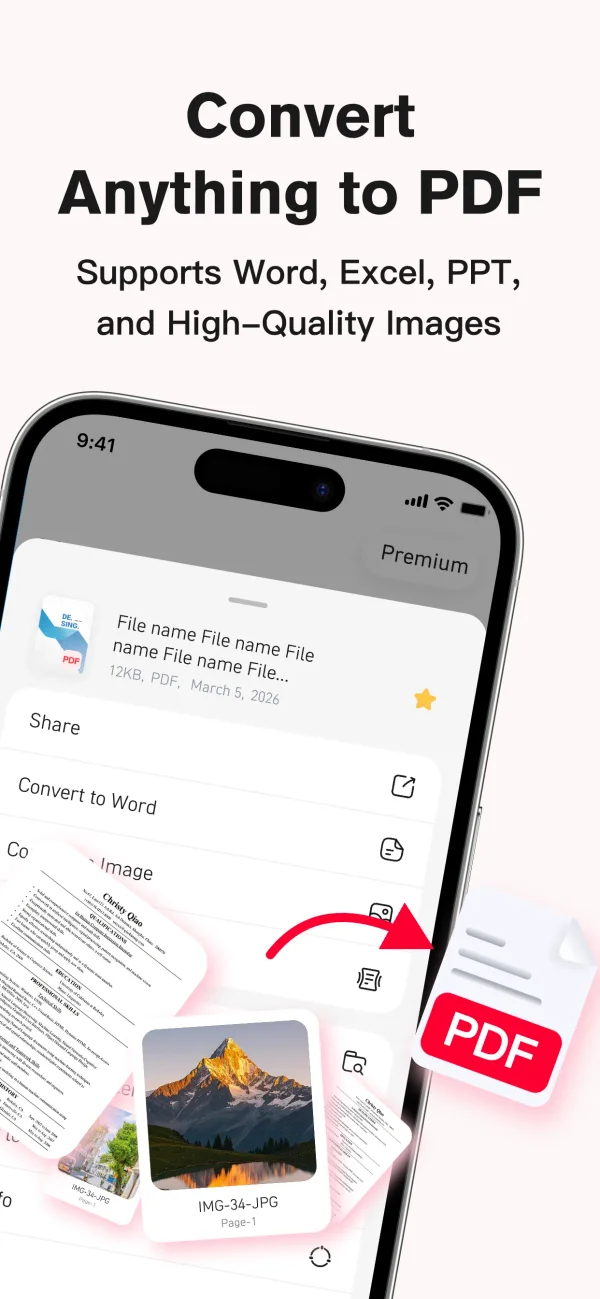
PDF Aide: Revolutionizing Your Document Workflow with Professional Editing and Conversion! Tired of constantly switching between multiple apps to process documents? PDF Aide is your best choice—the most comprehensive and user-friendly PDF processing tool designed specifically for iPhone. Whether you're a student, business professional, or working remotely, our all-in-one toolkit helps you convert, edit, sign, and manage documents in seconds. Powerful conversion tools can convert virtually anything to high-quality PDFs or export PDFs to editable formats:
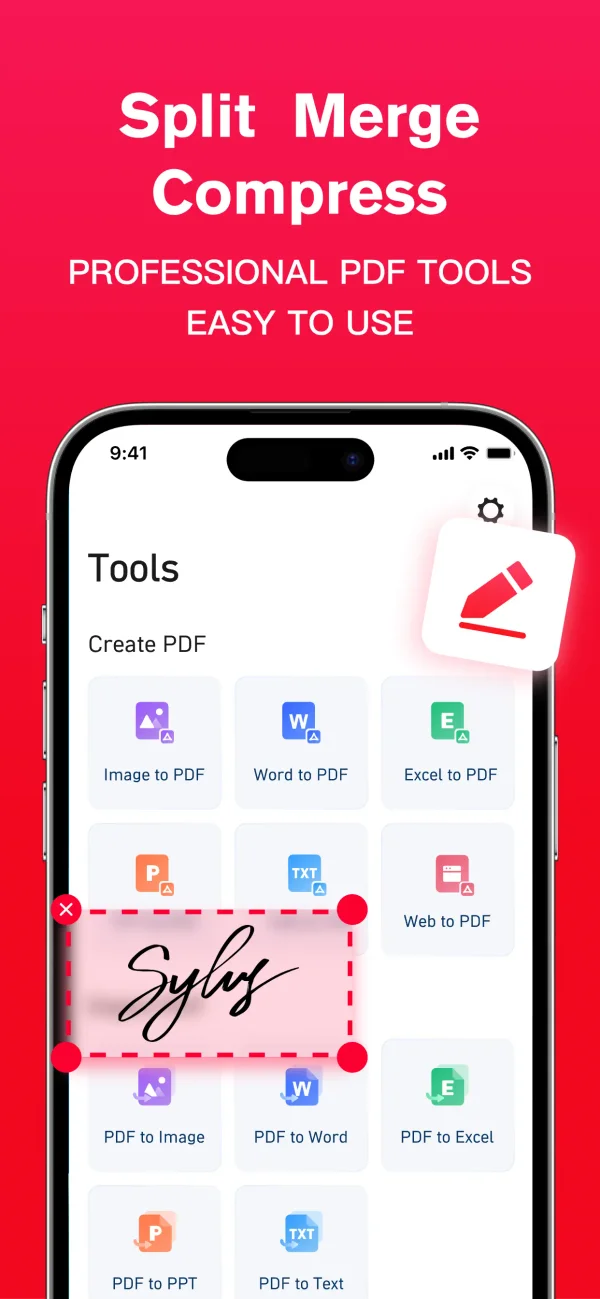
• Image to PDF: Instantly convert photos, scans, and gallery images.
• Office Conversion Suite: Seamlessly convert Word, Excel, and PowerPoint documents to PDF.
• Web to PDF: Save any webpage as a PDF for offline reading and archiving.
• Text and More: Convert plain text and other document types with a single click. Advanced editing and annotation: More than just viewing PDFs, take control of them:
• Annotations: Add annotations and draw directly on documents.
• Merge and Split: Merge multiple files into a single PDF or extract specific pages into a new document.
• Compression: Reduce file size for easy sharing via email or chat tools without loss of quality. Security and Organization: Your privacy and file organization are our top priorities:
• Password Protection: Protect sensitive information using advanced encryption technology.
• Search: Easily and quickly find the content you need in long documents. Why choose PDF Aide?
• High Fidelity: Preserves original fonts, layout, and formatting during conversion.
• Privacy First: We handle your documents securely—your data is safe.
• User-Friendly: A clean and intuitive interface designed to maximize your productivity
Subscriptions & Privacy:
Payment will be charged to your iTunes Account at confirmation of purchase. Subscriptions automatically renew unless auto-renew is turned off at least 24 hours before the end of the current period. You can manage your subscriptions in your App Store Account Settings.
Privacy Policy: https://pdf.kestrelcybers.com/privacy-policy.html
Terms of Use (EULA): https://pdf.kestrelcybers.com/user-agreement.html
Contact Us:
For any inquiries or support, please contact us at: pdfaide.ios@outlook.com
新機能
バージョン 1.0.3 · 2026/6/22
Fix some bugs
アプリのプライバシー
このアプリのデータの取り扱いについて、KESTREL CYBER PTE. LTD.がApp Storeで申告している内容です。
-
ユーザーのトラッキングに使用されるデータ
他社のアプリやウェブサイトを横断してユーザーをトラッキングする目的で使用される場合があります。
- ID
-
ユーザーに関連付けられないデータ
収集される場合がありますが、ユーザーの識別情報には関連付けられません。
- ID
- 診断
プライバシーの取り扱いは、ご利用の機能やお客様の年齢などに応じて異なる場合があります。
情報
- 販売元
- KESTREL CYBER PTE. LTD.
- カテゴリ
- 仕事効率化
- バージョン
- 1.0.3
- 更新日
- 2026/6/22
- リリース
- 2026/6/4
- サイズ
- 26.4 MB
- 必要条件
- iOS 15.6以降
- 対象年齢
- 4+
- 価格
- 無料
- アプリ内課金
- あり
- 言語
- 英語, 簡体字中国語
- 著作権
- Kestrel ©2026 Tuya Inc.
こちらもおすすめ
-
 PDF Scanner:写真文字起こし:スキャン & スキャンアプリ - スキャナー
-
 PDFチャットAI- PPDFとチャットするPDF Ai チャット : 解析 & 要約
-
 TruScan: Doc & Photo Scanner仕事効率化
-
 PDF編集・スキャン・OCR・変換・署名・結合・注釈書類リーダー・フォーム記入・圧縮・翻訳・要約・保護・画像
-
 iChat iPROD仕事効率化
-
 Calc-50仕事効率化
-
 FreeScanner: PDFスキャナー&文字認識OCRオフラインで編集・結合・圧縮
-
 Daily Streak - One Habit仕事効率化
-
 AI Writeon仕事効率化
-
 PDF Scanner & Doc Editor仕事効率化