PDF Compressor App
Compress & Reduce PDF Size
Entwickelt für iPhone
Kostenlos · In-App-Käufe
- Altersfreigabe4+
- KategorieWirtschaft
- EntwicklerKirti Arya
- SprachenEnglisch
- Größe7,6 MB
Verlinkt auf die offizielle App Store-Seite
Download.org hostet keine Datei von PDF Compressor App. Die Schaltfläche öffnet die App-Seite bei App Store, wo Kirti Arya die App veröffentlicht. Eintrag zuletzt geprüft am 12.11.2026.
Screenshots




Info
Der Entwickler hat diesen Text nicht in Ihrer Sprache bereitgestellt.
PDF Converter & Compressor – Fast, Smart & Secure
Easily compress PDF files and images on your iPhone with PDF Converter & Compressor — a simple, powerful, and privacy-focused tool designed to reduce file size without compromising quality.
Whether you need to share documents faster, save storage space, or upload files with size limits, this app helps you compress PDFs and images in just a few taps.
Powerful PDF & Image Compression
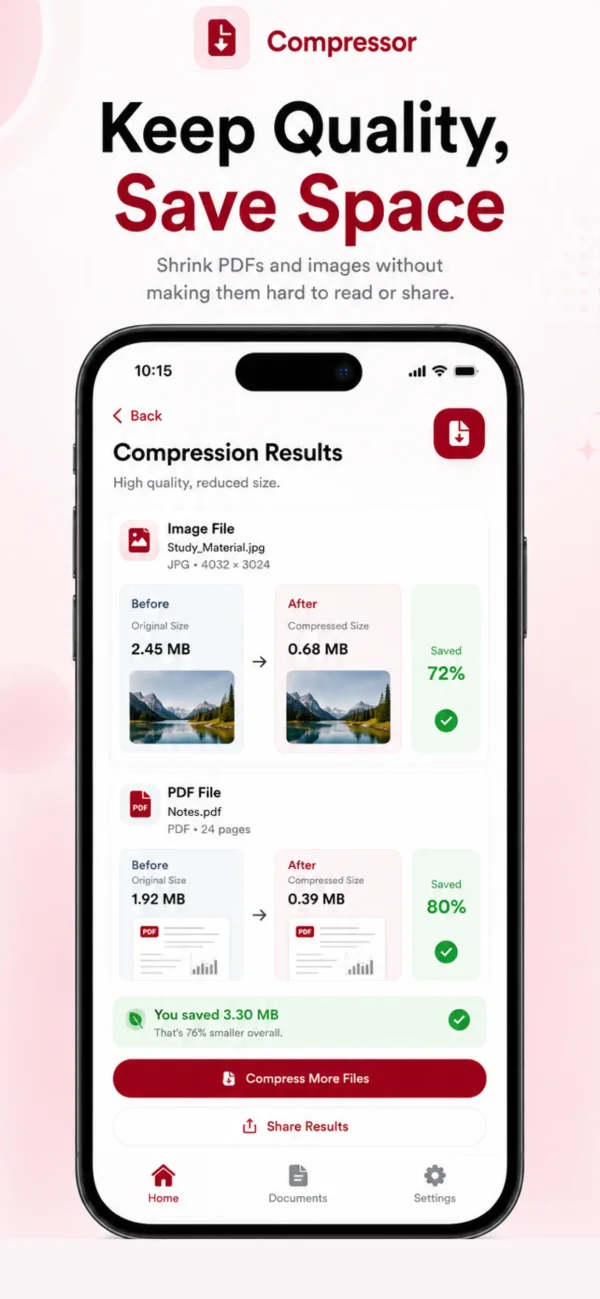
Reduce file size quickly with smart compression technology.
You can compress:
• PDF documents
• Images (JPG, PNG, and more)
• Scanned files and large documents
Choose the compression level that fits your needs and get instant results.
3 Compression Levels – Full Control
You decide how much to compress your files:
• Maximum Compression – Best for sharing and saving space
• Balanced Compression – Reduced size with good quality
• Low Compression – Minimal size reduction with high quality
Ideal for emails, cloud uploads, messaging apps, and professional use.
All Compressed Files in One Place
Never lose track of your documents.
All compressed PDFs and images are automatically saved in a dedicated section, allowing you to:
• View all compressed files
• Preview documents anytime
• Manage your files easily
Everything stays organized and accessible.
Save or Share Instantly
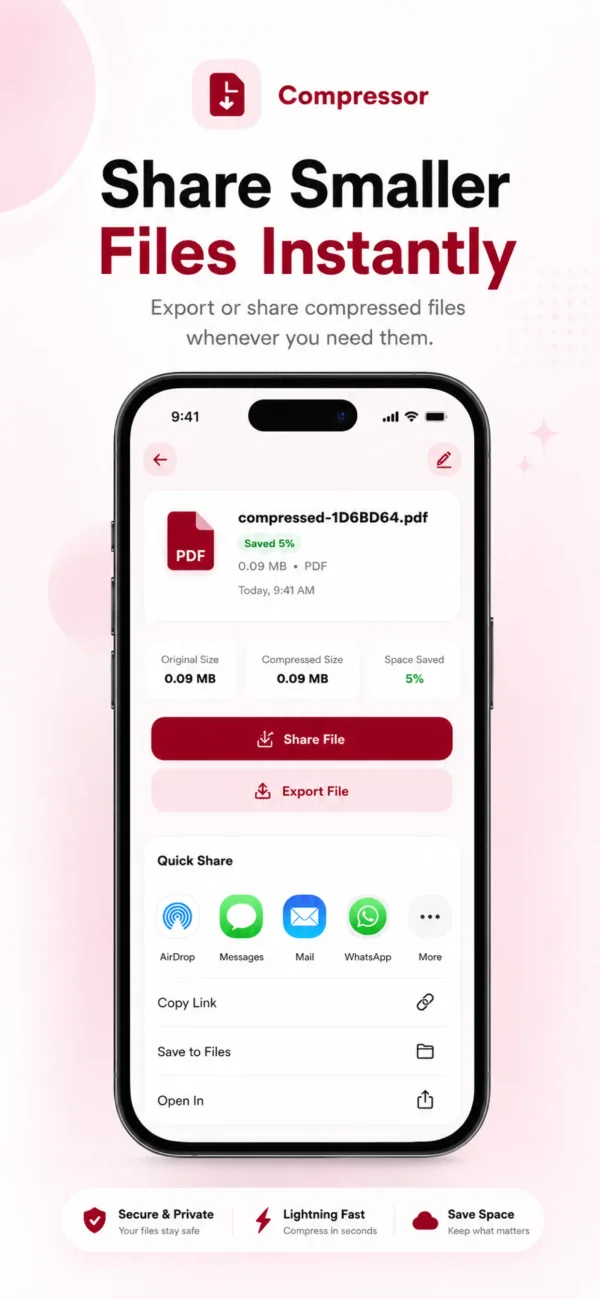
Once compression is complete, you can:
• Save files directly to the Files app
• Share via WhatsApp, Mail, AirDrop, or any supported app
• Send documents instantly without size issues
No extra steps. No confusion.
Fast, Offline & Secure
• Lightning-fast processing
• Works offline with no internet required
• Files stay on your device
• No uploads, no tracking, full privacy
Your documents remain completely secure.
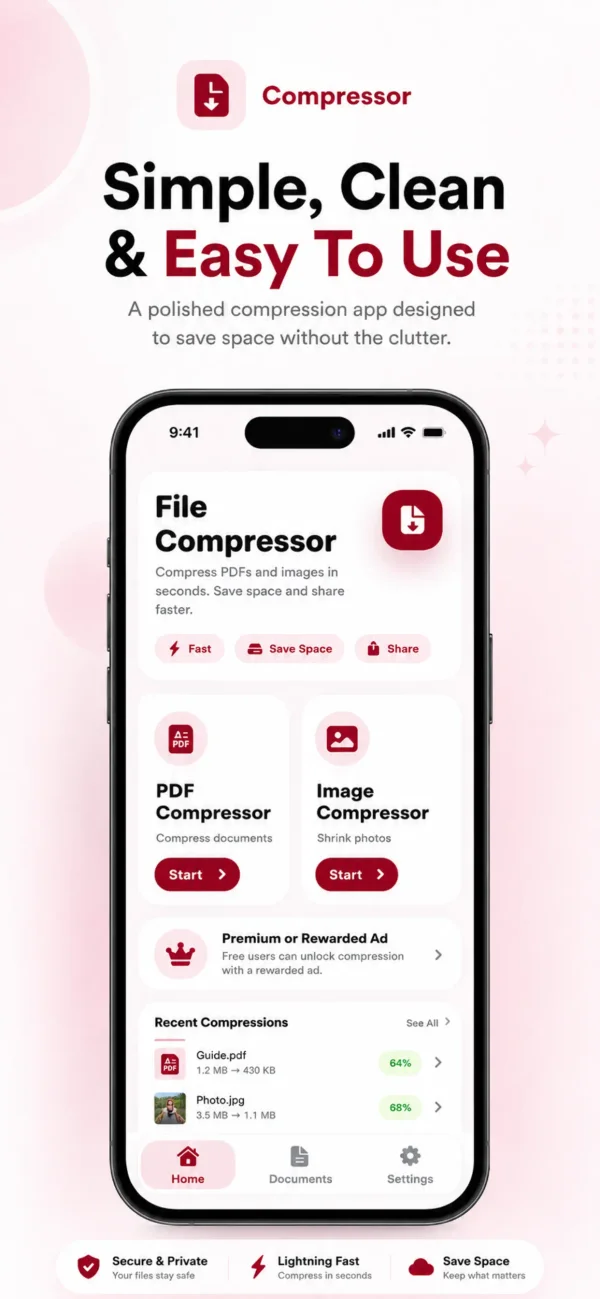
Simple & Elegant iOS Design
Designed specifically for iOS with a clean, modern interface that feels natural and easy to use.
No technical knowledge needed — just select, compress, and share.
Why Choose PDF Converter & Compressor?
• Compress PDF and image files
• Choose from three compression levels
• Manage all compressed files in one place
• Save to device or share instantly
• Offline and privacy-friendly
• Fast, simple, and reliable
Subscription - Just $4.99 for lifetime subscription
Privacy Poliy - https://compressedpdfimg.blogspot.com/2026/01/privacy-policy.html
Neue Funktionen
Version 1.0.8 · 03.06.2026
We’ve updated the app with a cleaner and smoother UI for a better compression experience.
This version also improves the PDF and image compression flow, saved file management, and file actions like share, export, rename, and delete.
App-Datenschutz
Was Kirti Arya im App Store zum Umgang dieser App mit Daten angibt.
-
Keine Daten erfasst
Der Entwickler erfasst keine Daten von dieser App.
Die Datenschutzpraktiken können variieren, zum Beispiel je nach den von Ihnen verwendeten Funktionen oder Ihrem Alter.
Informationen
- Anbieter
- Kirti Arya
- Kategorie
- Wirtschaft
- Version
- 1.0.8
- Aktualisiert
- 03.06.2026
- Veröffentlicht
- 10.01.2026
- Größe
- 7,6 MB
- Erfordert
- iOS 18.5 oder neuer
- Altersfreigabe
- 4+
- Preis
- Kostenlos
- In-App-Käufe
- Ja
- Sprachen
- Englisch
- Copyright
- © compressor
Das könnte Ihnen auch gefallen
-
 InvoX – Voice to InvoiceWirtschaft
-
 SubClearFinanzen
-
 MyMark – Sign PDFProduktivität
-
 WorkIntent - Time TrackerProduktivität
-
 PDF Scanner App - OCR & ScanWirtschaft
-
 Tasbeeh StreakProduktivität
-
 MailBoom: Gmail Inbox CleanerProduktivität
-
 Blockfolio Pro: Crypto TrackerTrack Crypto and Fiat Assets
-
 Orbb - Alles SpeichernSpäter lesen & Links ordnen
-
 SoloWriteProduktivität