PDF Scanner App - OCR & Scan
Scan Documents, OCR, Sign PDF
Entwickelt für iPhone, iPad, iPod touch
Kostenlos
- Altersfreigabe4+
- KategorieWirtschaft
- Entwickler婉媚 邵
- SprachenEnglisch
- Größe19,0 MB
Verlinkt auf die offizielle App Store-Seite
Download.org hostet keine Datei von PDF Scanner App - OCR & Scan. Die Schaltfläche öffnet die App-Seite bei App Store, wo 婉媚 邵 die App veröffentlicht. Eintrag zuletzt geprüft am 16.11.2026.
Screenshots
Info
Der Entwickler hat diesen Text nicht in Ihrer Sprache bereitgestellt.
PDF Scanner App – Scan, OCR & Manage PDFs Securely
Turn your iPhone into a powerful PDF scanner and text recognition tool — fast, private, and completely offline.
Scan, sign, and organize documents effortlessly anytime, anywhere.
KEY FEATURES:
Document Scanning
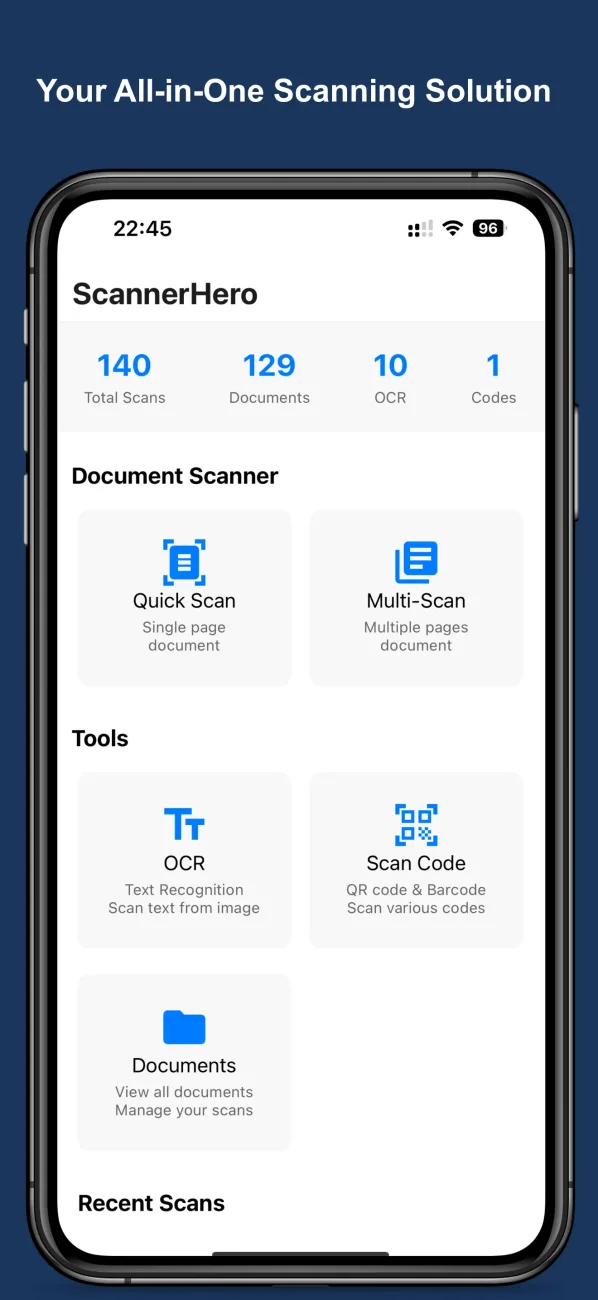
- Quick Scan for single-page documents
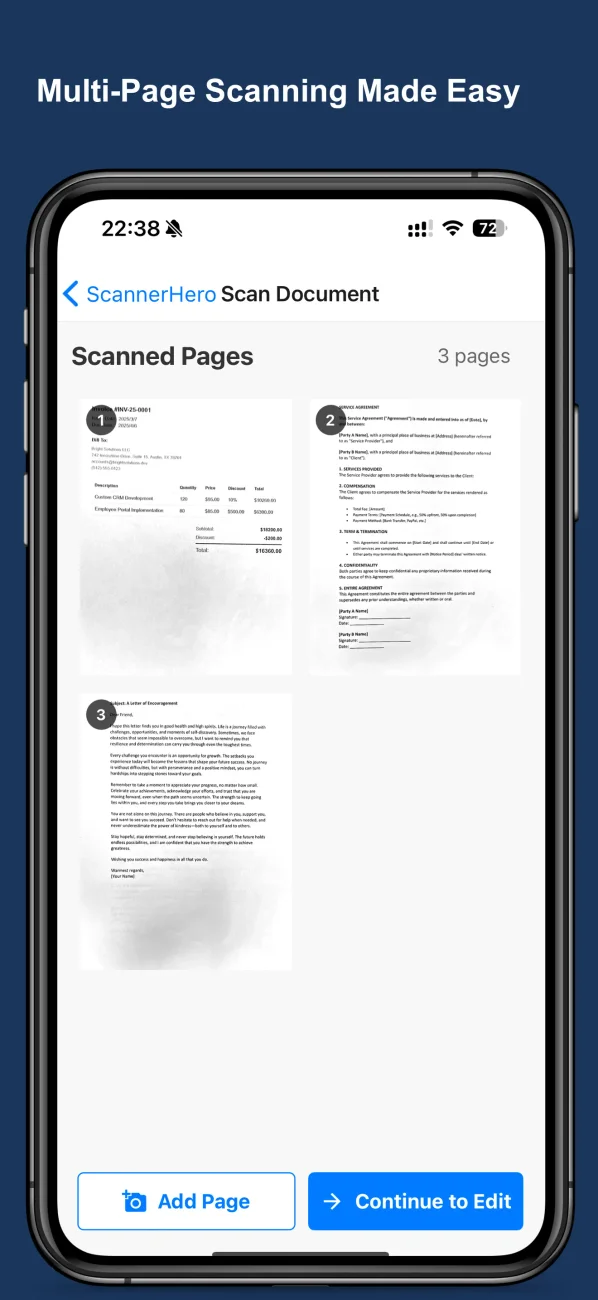
- Multi-Scan for multi-page documents
- Automatic document edge detection
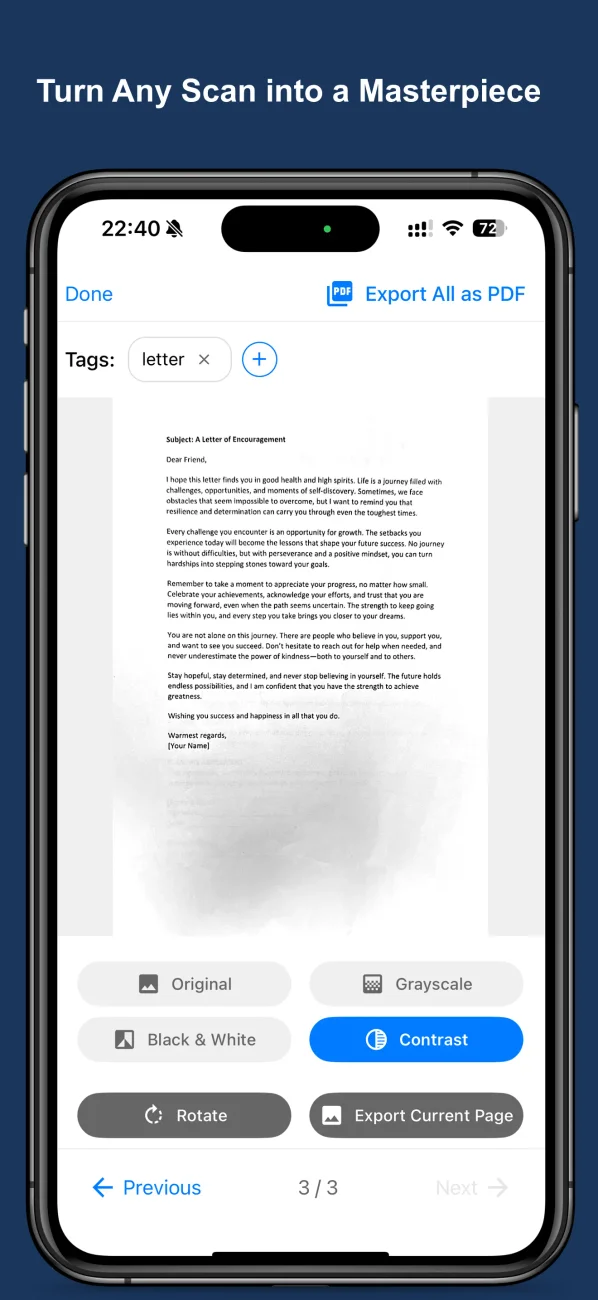
- Smart image enhancement with multiple filters (Original, Grayscale, Black & White, High Contrast)
- Real-time document frame guidance
PDF Management & Editing
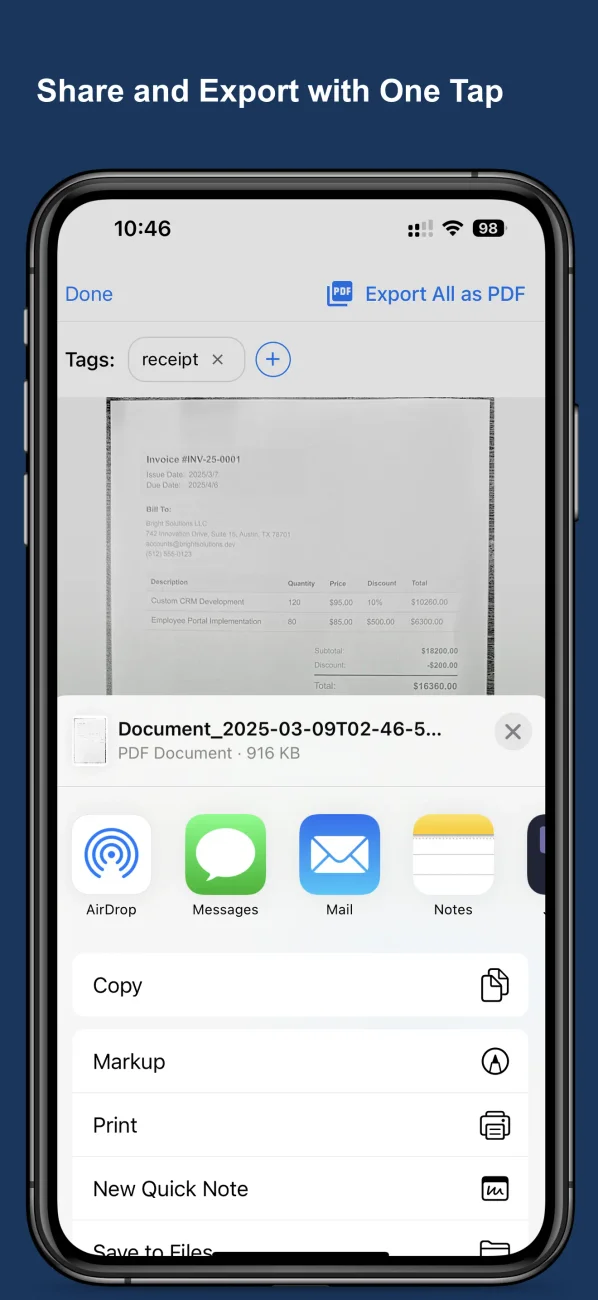
- Export scanned documents as PDFs
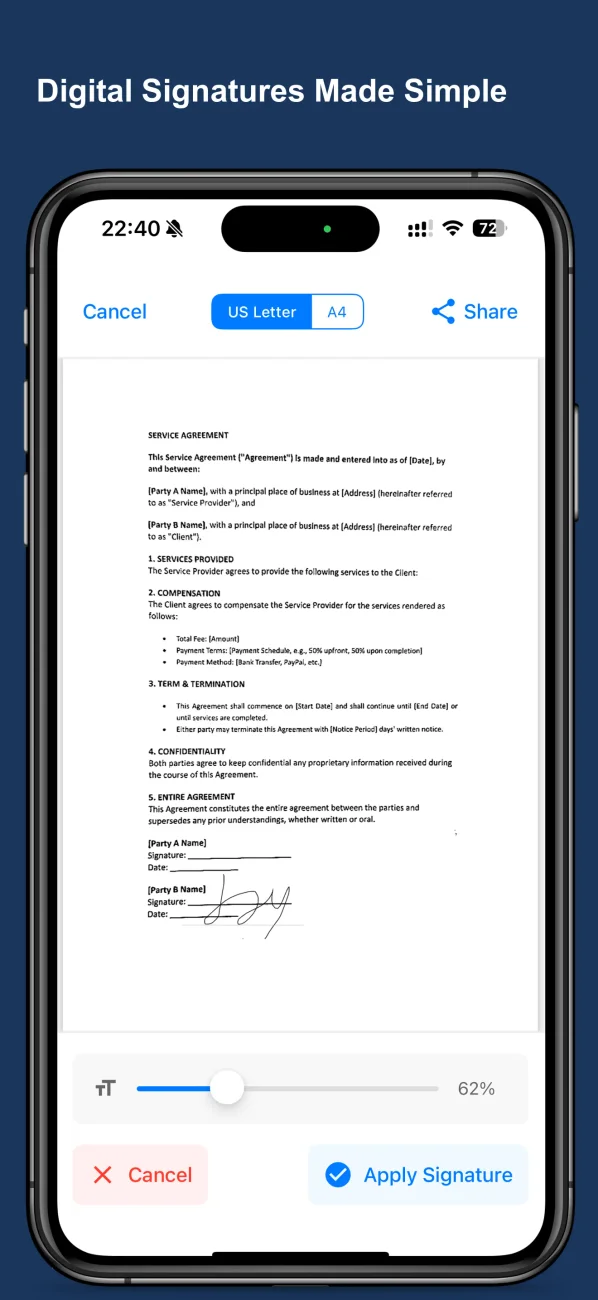
- Add digital signatures to PDFs
- Adjust signature size and position with intuitive controls
- Choose between standard paper sizes (US Letter or A4)
- Easy PDF sharing options
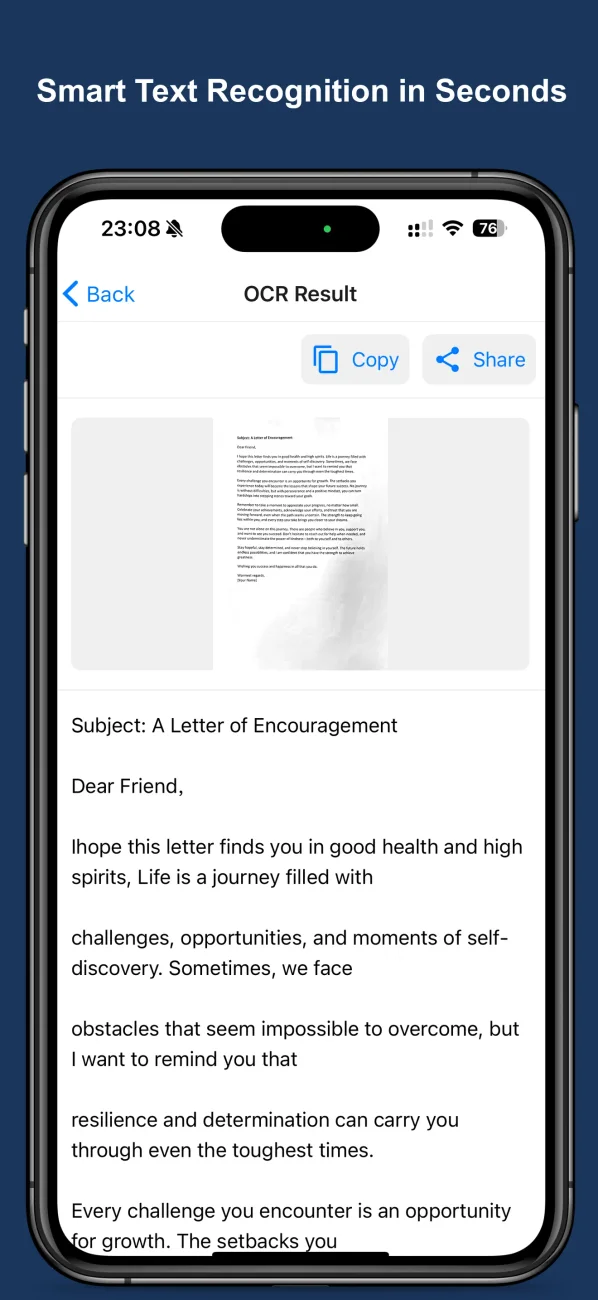
Text Recognition (OCR)
- Accurate text extraction from images
- Support for multiple languages including English, Chinese (Simplified & Traditional), Japanese, Korean, and more
- Instant text recognition without internet connection
- Copy and share extracted text easily
QR Code & Barcode Scanner
- Fast and accurate code detection
- Support for various code formats
- Instant results display
- One-tap copy function
Professional Image Processing
- Automatic perspective correction
- Default high contrast enhancement for better readability
- One-touch image rotation and adjustment
- High-quality output for professional documents
Document Management
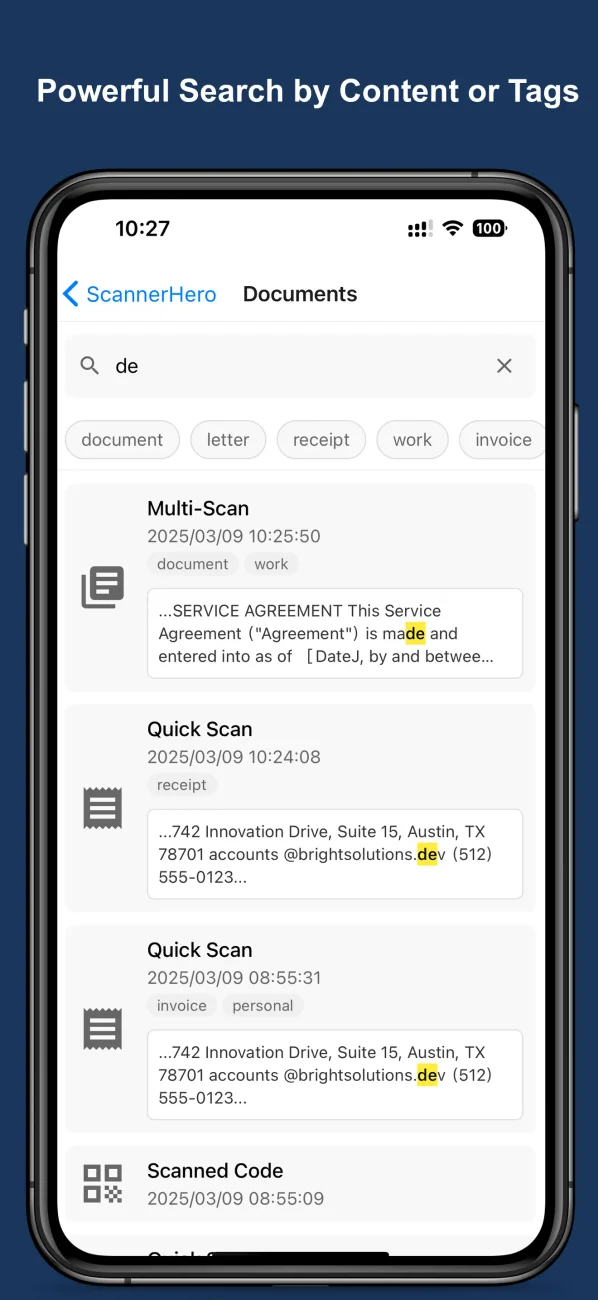
- Organized document library
- Chronological sorting
- Quick preview
- Multi-page document support
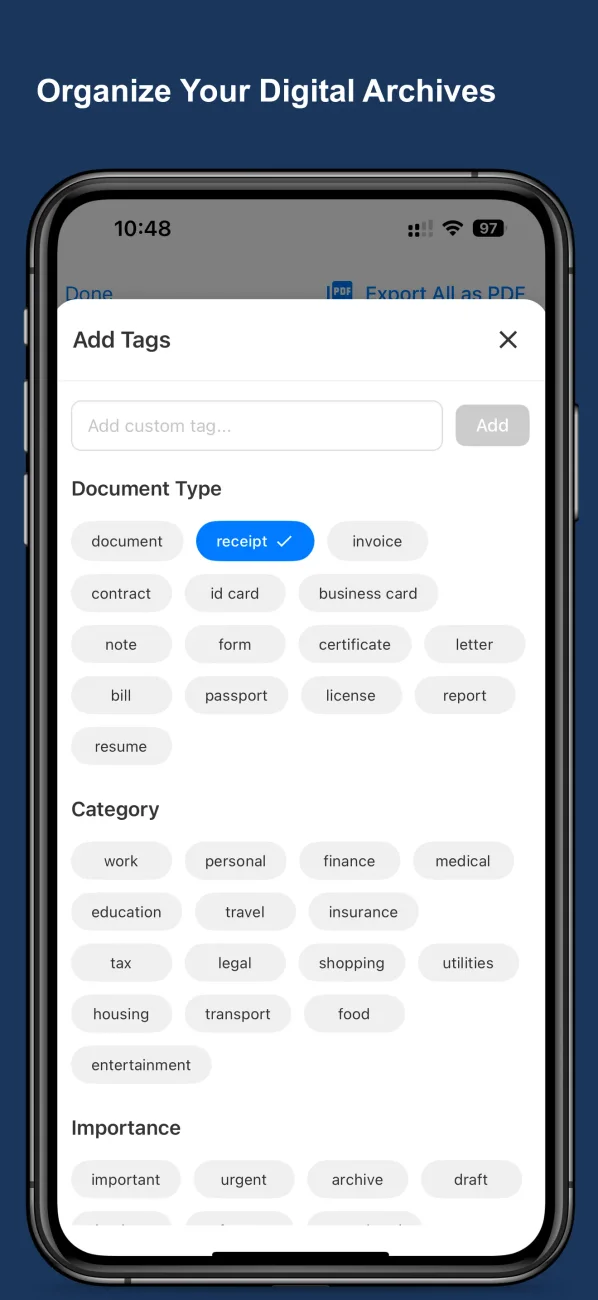
- Document tagging system for easy categorization
PRIVACY FIRST:
- All processing happens on your device
- No cloud storage or transmission
- No internet connection required
- Your documents stay private
Perfect for:
- Students capturing lecture notes
- Professionals digitizing documents
- Anyone needing to sign and share PDFs
- Quick document digitization
- Scanning and managing receipts
- Reading QR codes and barcodes
- Creating multi-page documents from physical papers
Download PDF Scanner App now
and enjoy fast, secure document scanning — right on your iPhone.
Neue Funktionen
Version 1.1 · 09.10.2025
Bug fixes and stability improvements.
App-Datenschutz
Was 婉媚 邵 im App Store zum Umgang dieser App mit Daten angibt.
-
Nicht mit Ihnen verknüpfte Daten
Können erfasst werden, sind aber nicht mit Ihrer Identität verknüpft.
- Diagnose
Die Datenschutzpraktiken können variieren, zum Beispiel je nach den von Ihnen verwendeten Funktionen oder Ihrem Alter.
Informationen
- Anbieter
- 婉媚 邵
- Kategorie
- Wirtschaft
- Version
- 1.1
- Aktualisiert
- 09.10.2025
- Veröffentlicht
- 19.03.2025
- Größe
- 19,0 MB
- Erfordert
- iOS 13.4 oder neuer
- Altersfreigabe
- 4+
- Preis
- Kostenlos
- Sprachen
- Englisch
- Copyright
- © 2025 Wanmei
Das könnte Ihnen auch gefallen
-
 uWeb Server2Produktivität
-
 ScanDropZProduktivität
-
 PDF Compressor AppWirtschaft
-
 Simple Week ChecklistProduktivität
-
 Sheaf: PDF Editor & ScannerSignieren, Zusammenfügen, OCR
-
 DefectLog - Snag & Punch ListWirtschaft
-
 Private TranscribeSprache zu Text – offline
-
 InvoX – Voice to InvoiceWirtschaft
-
 Local PDFPDFs offline bearbeiten
-
 Runny - Quick Chat Style NotesProduktivität