PDF Documents Scanner: Scan
Photo Converter, Editor & OCR
Entwickelt für iPhone
Kostenlos · In-App-Käufe
- Altersfreigabe9+
- KategorieWirtschaft
- EntwicklerYauheni Chyruk
- SprachenEnglisch
- Größe11,6 MB
Verlinkt auf die offizielle App Store-Seite
Download.org hostet keine Datei von PDF Documents Scanner: Scan. Die Schaltfläche öffnet die App-Seite bei App Store, wo Yauheni Chyruk die App veröffentlicht. Eintrag zuletzt geprüft am 18.11.2026.
Screenshots

Info
Der Entwickler hat diesen Text nicht in Ihrer Sprache bereitgestellt.
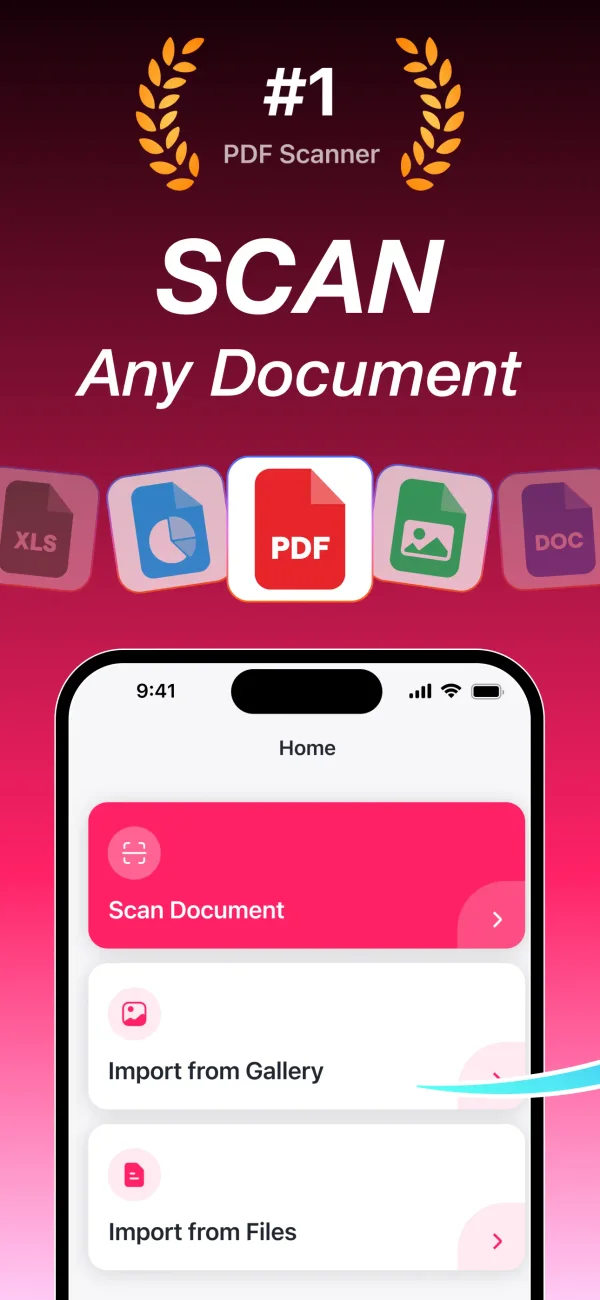
Turn your iPhone into a fast, private PDF scanner. Scan documents in one tap — receipts, contracts, notes, IDs — and save them as clean, shareable PDFs.
PDF Documents Scanner uses Apple's VisionKit to detect document edges, capture, and convert to PDF — all on your device. No cloud uploads, no accounts, no data leaks.
WHAT'S FREE
• One complete document every week — scan it, convert it, save it, view it, share it
• Auto edge detection on every scan
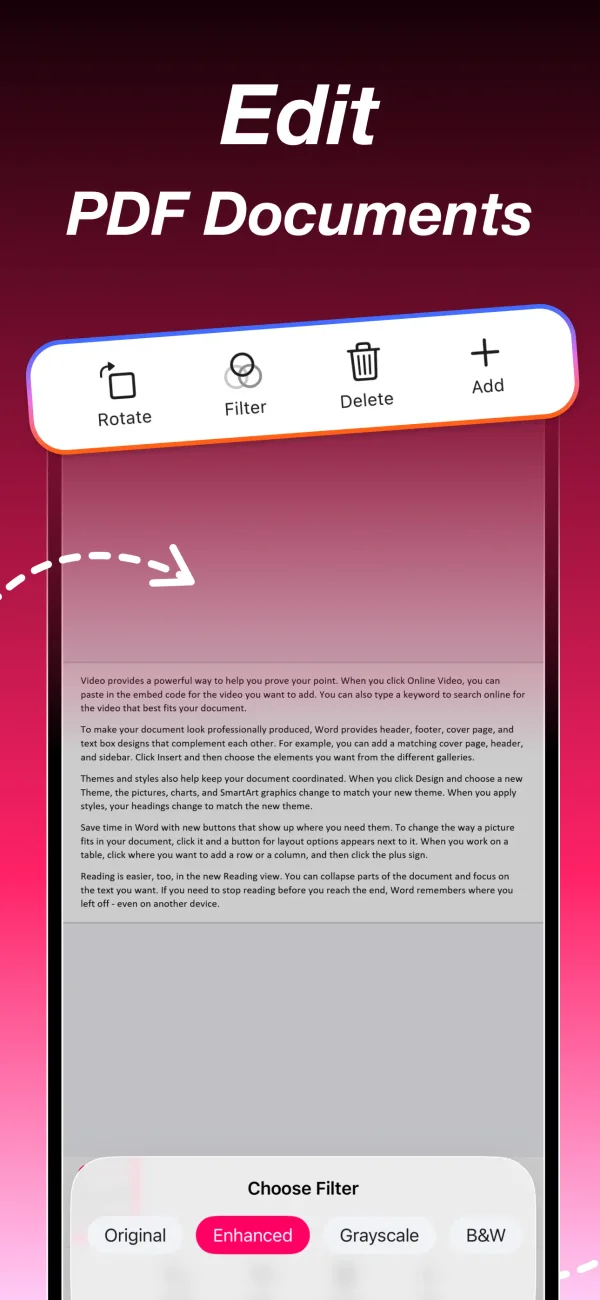
• All filters: original, enhanced, grayscale, black & white
• Rotate and reorder pages
• No watermarks on your PDF
PREMIUM (subscription required)
• Unlimited documents — scan and save as many as you want
• Extract text from any scan and copy it
• Import from Photos
• Import from Files
Your free document each week is a real, finished PDF. No watermark, no expiry, no locked preview. The Home screen always shows how many free scans you have left before you start.
SMART DOCUMENT SCANNING
Auto-detect document edges and capture in one tap. Built with Apple's VisionKit for crisp, accurate scans every time.
SMART FILTERS
Auto-enhance every scan with enhanced, grayscale, and black & white filters. Sharper, cleaner pages with no manual tweaking.
ROTATE & PERFECT
Fix page orientation with a single tap. Get exactly the document you need.
EXTRACT TEXT — Premium
Open any saved document and tap Copy Text. The app reads the page and gives you the words back, ready to paste into an email, a note, or a search box. Recognition runs entirely on your iPhone — your documents are never uploaded.
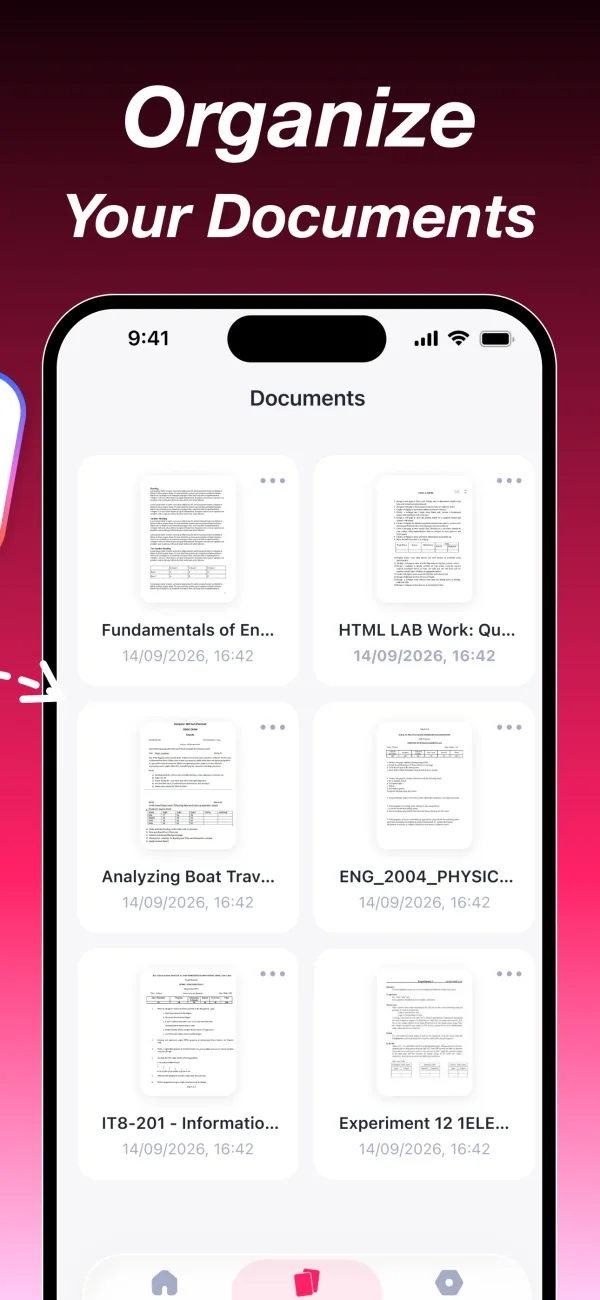
ORGANIZED LIBRARY
Every document you save is organized and easy to find. Tap any document to view, share, or export.
SHARE EVERYWHERE
Send PDFs via Mail, Messages, AirDrop, or Files — anywhere iOS supports sharing.
IMPORT FROM ANYWHERE — Premium
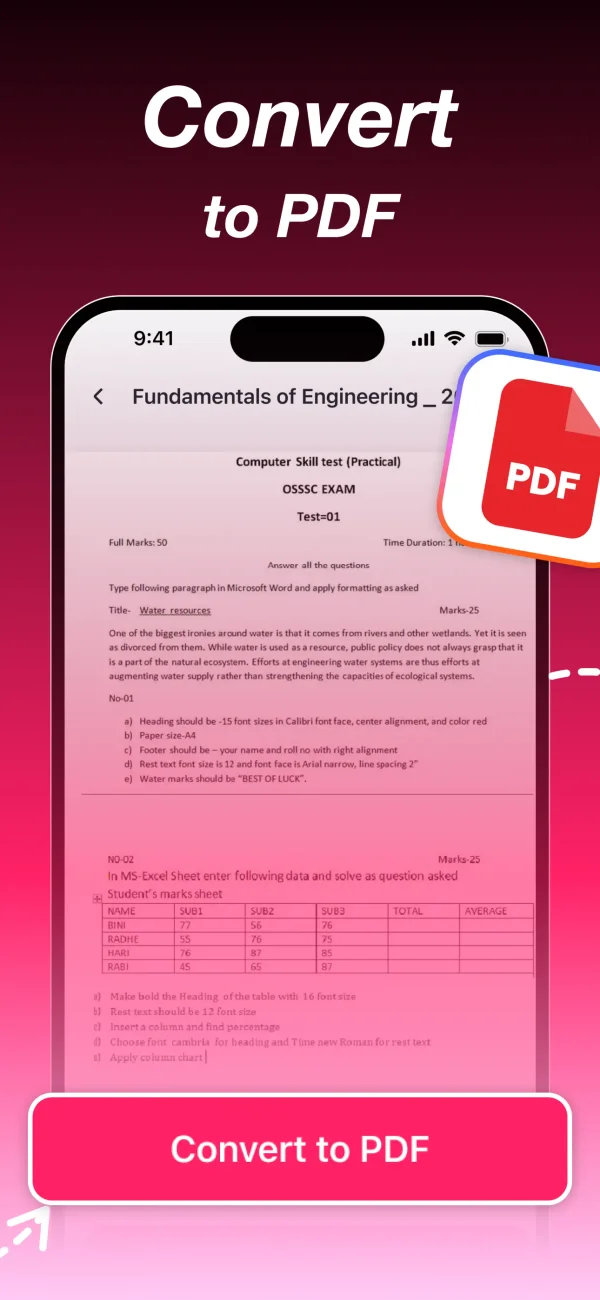
Turn existing photos or files into PDFs. Import from Photos or Files in seconds.
PRIVATE BY DESIGN
Most scanner apps upload your documents to their servers. PDF Documents Scanner processes everything on-device — edge detection and text recognition both run on your iPhone. Your receipts, contracts, and IDs stay where they belong.
Download PDF Documents Scanner and turn your iPhone into a private pocket scanner today.
Terms of Use: https://www.apple.com/legal/internet-services/itunes/dev/stdeula/
Privacy Policy: https://docs.google.com/document/d/e/2PACX-1vQHCNI-JA4AUXOFM21Xnhp58kJkSFvC3nr9zvBY77JKTdiwFICBvKw4r6OHzbdw2AlpeY-0ENuc9lVj/pub
Neue Funktionen
Version 1.2 · 08.09.2026
Your free scan is now a real, finished PDF.
Every week you get one complete document — scan it, convert it, save it, view it, and share it, with no watermark. Previously you could scan for free but needed a subscription to save or view anything. The Home screen now shows how many free scans you have left before you start.
NEW: Extract text. Open any saved document, tap Copy Text, and get the words back ready to paste. Recognition runs entirely on your iPhone.
This update also brings PDF Scanner to iPhones running iOS 16 and later — previously it required a much newer version of iOS.
Premium unlocks unlimited documents, text extraction, and import from Photos and Files.
App-Datenschutz
Was Yauheni Chyruk im App Store zum Umgang dieser App mit Daten angibt.
-
Nicht mit Ihnen verknüpfte Daten
Können erfasst werden, sind aber nicht mit Ihrer Identität verknüpft.
- Käufe
- Kennungen
- Nutzungsdaten
- Diagnose
Die Datenschutzpraktiken können variieren, zum Beispiel je nach den von Ihnen verwendeten Funktionen oder Ihrem Alter.
Informationen
- Anbieter
- Yauheni Chyruk
- Kategorie
- Wirtschaft
- Version
- 1.2
- Aktualisiert
- 08.09.2026
- Veröffentlicht
- 02.06.2026
- Größe
- 11,6 MB
- Erfordert
- iOS 16.0 oder neuer
- Altersfreigabe
- 9+
- Preis
- Kostenlos
- In-App-Käufe
- Ja
- Sprachen
- Englisch
- Copyright
- © 2026 PDF Documents Scanner
Das könnte Ihnen auch gefallen
-
 SnapScan: PDF Scanner & OCRDokumente scannen & signieren
-
 PDF Scanner - PaperSnapDokumente scannen & teilen
-
 ScanKit - DokumentenscannerOCR, Unterschrift, PDF & Sync
-
 PDF Konverter: ScannenDokumentenscanner
-
 NovaPDF: PDF Scanner & EditorProduktivität
-
 Filr: AI Document OrganizerProduktivität
-
 SnapReceipt AI: Expense ScanFinanzen
-
 PDF Tools - Scan, Merge, SplitProduktivität
-
 City WorkstationWirtschaft
-
 Rider RayXpressWirtschaft