PDF Documents Scanner: Scan
Photo Converter, Editor & OCR
Được thiết kế cho iPhone
Miễn phí · Mua hàng trong ứng dụng
- Độ tuổi9+
- Danh mụcKinh Doanh
- Nhà phát triểnYauheni Chyruk
- Ngôn ngữTiếng Anh
- Kích thước11,6 MB
Liên kết đến trang App Store chính thức
Download.org không lưu trữ tệp nào của PDF Documents Scanner: Scan. Nút này mở trang ứng dụng trên App Store, nơi Yauheni Chyruk phát hành ứng dụng. Trang được kiểm tra lần cuối: 18/11/2026.
Ảnh chụp màn hình

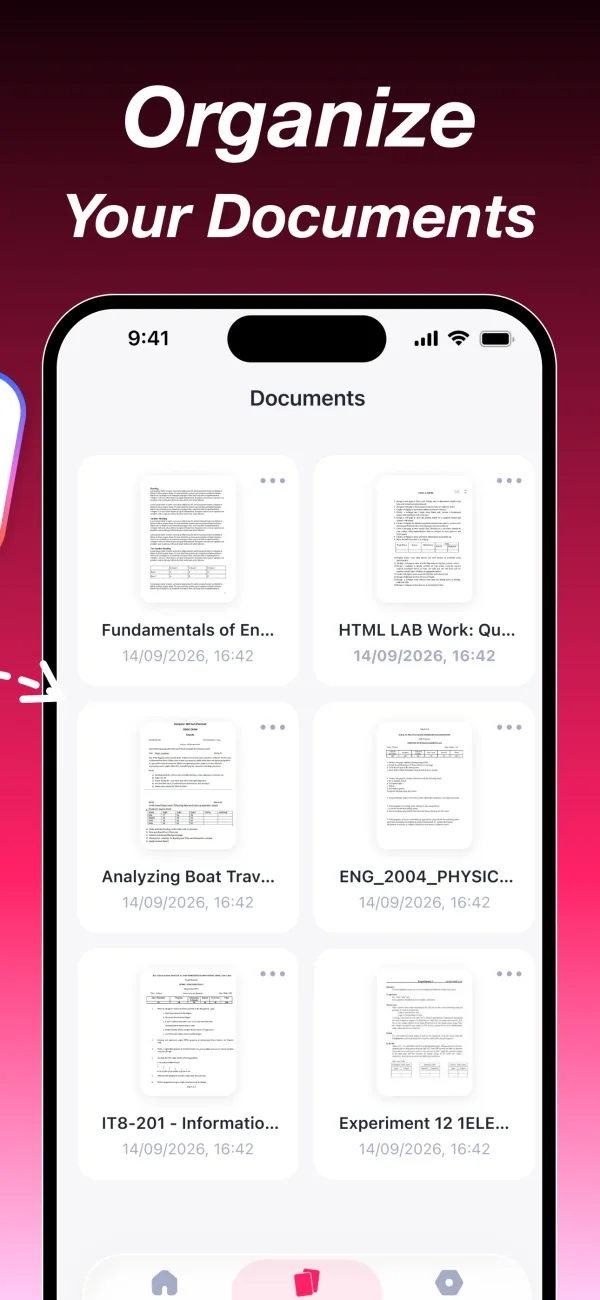
Giới thiệu
Nhà phát triển chưa cung cấp nội dung này bằng ngôn ngữ của bạn.
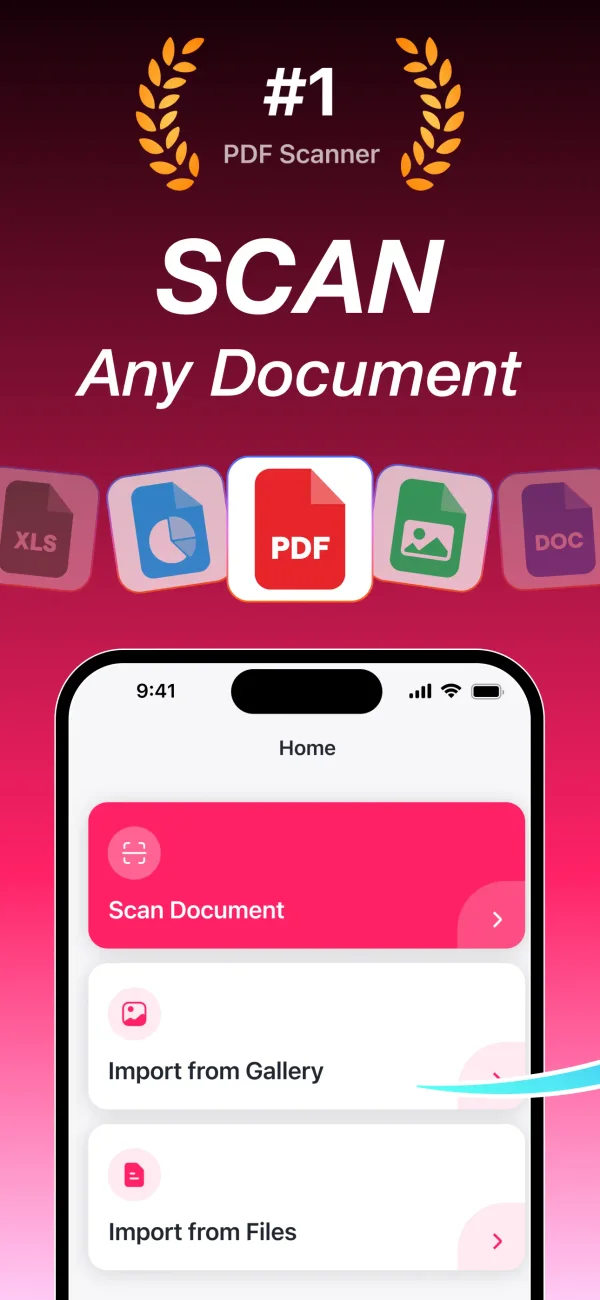
Turn your iPhone into a fast, private PDF scanner. Scan documents in one tap — receipts, contracts, notes, IDs — and save them as clean, shareable PDFs.
PDF Documents Scanner uses Apple's VisionKit to detect document edges, capture, and convert to PDF — all on your device. No cloud uploads, no accounts, no data leaks.
WHAT'S FREE
• One complete document every week — scan it, convert it, save it, view it, share it
• Auto edge detection on every scan
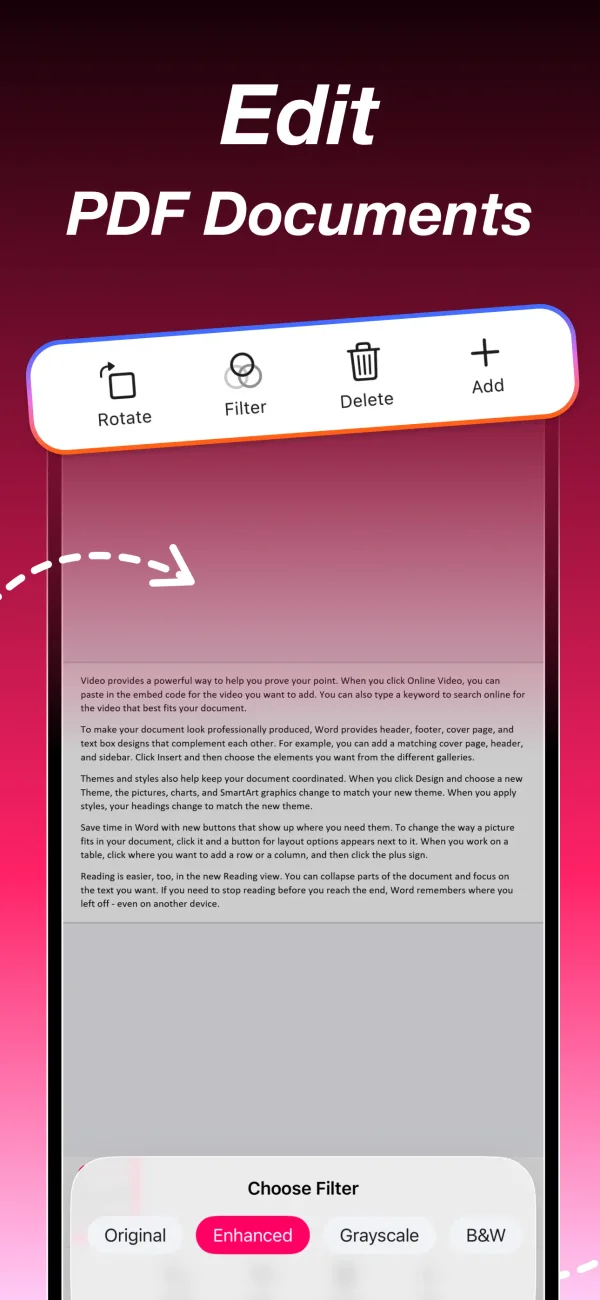
• All filters: original, enhanced, grayscale, black & white
• Rotate and reorder pages
• No watermarks on your PDF
PREMIUM (subscription required)
• Unlimited documents — scan and save as many as you want
• Extract text from any scan and copy it
• Import from Photos
• Import from Files
Your free document each week is a real, finished PDF. No watermark, no expiry, no locked preview. The Home screen always shows how many free scans you have left before you start.
SMART DOCUMENT SCANNING
Auto-detect document edges and capture in one tap. Built with Apple's VisionKit for crisp, accurate scans every time.
SMART FILTERS
Auto-enhance every scan with enhanced, grayscale, and black & white filters. Sharper, cleaner pages with no manual tweaking.
ROTATE & PERFECT
Fix page orientation with a single tap. Get exactly the document you need.
EXTRACT TEXT — Premium
Open any saved document and tap Copy Text. The app reads the page and gives you the words back, ready to paste into an email, a note, or a search box. Recognition runs entirely on your iPhone — your documents are never uploaded.
ORGANIZED LIBRARY
Every document you save is organized and easy to find. Tap any document to view, share, or export.
SHARE EVERYWHERE
Send PDFs via Mail, Messages, AirDrop, or Files — anywhere iOS supports sharing.
IMPORT FROM ANYWHERE — Premium
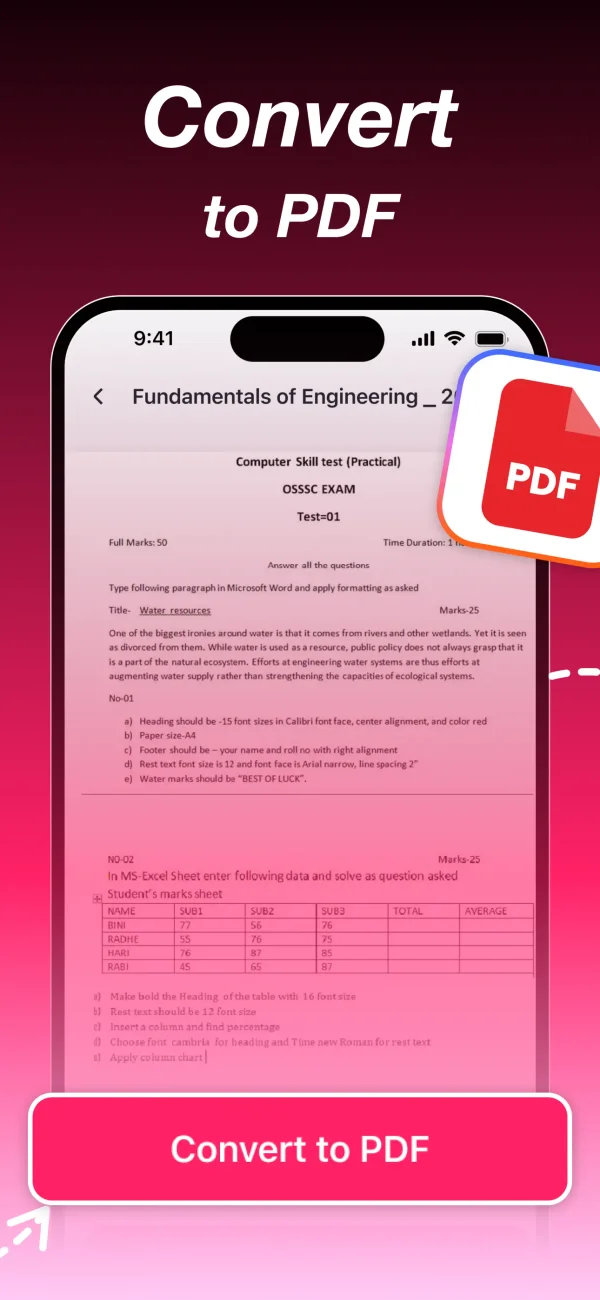
Turn existing photos or files into PDFs. Import from Photos or Files in seconds.
PRIVATE BY DESIGN
Most scanner apps upload your documents to their servers. PDF Documents Scanner processes everything on-device — edge detection and text recognition both run on your iPhone. Your receipts, contracts, and IDs stay where they belong.
Download PDF Documents Scanner and turn your iPhone into a private pocket scanner today.
Terms of Use: https://www.apple.com/legal/internet-services/itunes/dev/stdeula/
Privacy Policy: https://docs.google.com/document/d/e/2PACX-1vQHCNI-JA4AUXOFM21Xnhp58kJkSFvC3nr9zvBY77JKTdiwFICBvKw4r6OHzbdw2AlpeY-0ENuc9lVj/pub
Có gì mới
Phiên bản 1.2 · 08/09/2026
Your free scan is now a real, finished PDF.
Every week you get one complete document — scan it, convert it, save it, view it, and share it, with no watermark. Previously you could scan for free but needed a subscription to save or view anything. The Home screen now shows how many free scans you have left before you start.
NEW: Extract text. Open any saved document, tap Copy Text, and get the words back ready to paste. Recognition runs entirely on your iPhone.
This update also brings PDF Scanner to iPhones running iOS 16 and later — previously it required a much newer version of iOS.
Premium unlocks unlimited documents, text extraction, and import from Photos and Files.
Quyền riêng tư của ứng dụng
Những gì Yauheni Chyruk khai báo trên App Store về cách ứng dụng này xử lý dữ liệu.
-
Dữ liệu không liên kết với bạn
Có thể được thu thập nhưng không liên kết với danh tính của bạn.
- Mục mua
- Mã định danh
- Dữ liệu sử dụng
- Chẩn đoán
Phương thức đảm bảo quyền riêng tư có thể khác nhau, chẳng hạn như tuỳ theo các tính năng bạn sử dụng hoặc độ tuổi của bạn.
Thông tin
- Người bán
- Yauheni Chyruk
- Danh mục
- Kinh Doanh
- Phiên bản
- 1.2
- Cập nhật
- 08/09/2026
- Phát hành
- 02/06/2026
- Kích thước
- 11,6 MB
- Yêu cầu
- iOS 16.0 trở lên
- Độ tuổi
- 9+
- Giá
- Miễn phí
- Mua hàng trong ứng dụng
- Có
- Ngôn ngữ
- Tiếng Anh
- Bản quyền
- © 2026 PDF Documents Scanner
Có thể bạn cũng thích
-
 SnapScan: Máy quét PDF & OCRScan tài liệu, ảnh, chữ ký tay
-
 Quét PDF - PaperSnapQuét tài liệu, chia sẻ PDF
-
 ScanKit - PDF Document ScannerHiệu Suất
-
 PDF Converter: Scan DocsHiệu Suất
-
 NovaPDF: PDF Scanner & EditorHiệu Suất
-
 Filr: AI Document ScannerHiệu Suất
-
 SnapReceipt AI: Expense ScanTài Chính
-
 PDF Tools - Scan, Merge, SplitHiệu Suất
-
 City WorkstationKinh Doanh
-
 Rider RayXpressKinh Doanh