- 対象年齢9+
- カテゴリビジネス
- 開発元Yauheni Chyruk
- 言語英語
- サイズ11.6 MB
App Storeの公式ページにリンクしています
Download.orgはPDF Documents Scanner: Scanのファイルを一切ホストしていません。ボタンを押すと、Yauheni Chyrukが公開しているApp Storeのアプリページが開きます。ページの最終確認:2026/11/18。
スクリーンショット

概要
開発元はこのテキストをお使いの言語で提供していません。
Turn your iPhone into a fast, private PDF scanner. Scan documents in one tap — receipts, contracts, notes, IDs — and save them as clean, shareable PDFs.
PDF Documents Scanner uses Apple's VisionKit to detect document edges, capture, and convert to PDF — all on your device. No cloud uploads, no accounts, no data leaks.
WHAT'S FREE
• One complete document every week — scan it, convert it, save it, view it, share it
• Auto edge detection on every scan
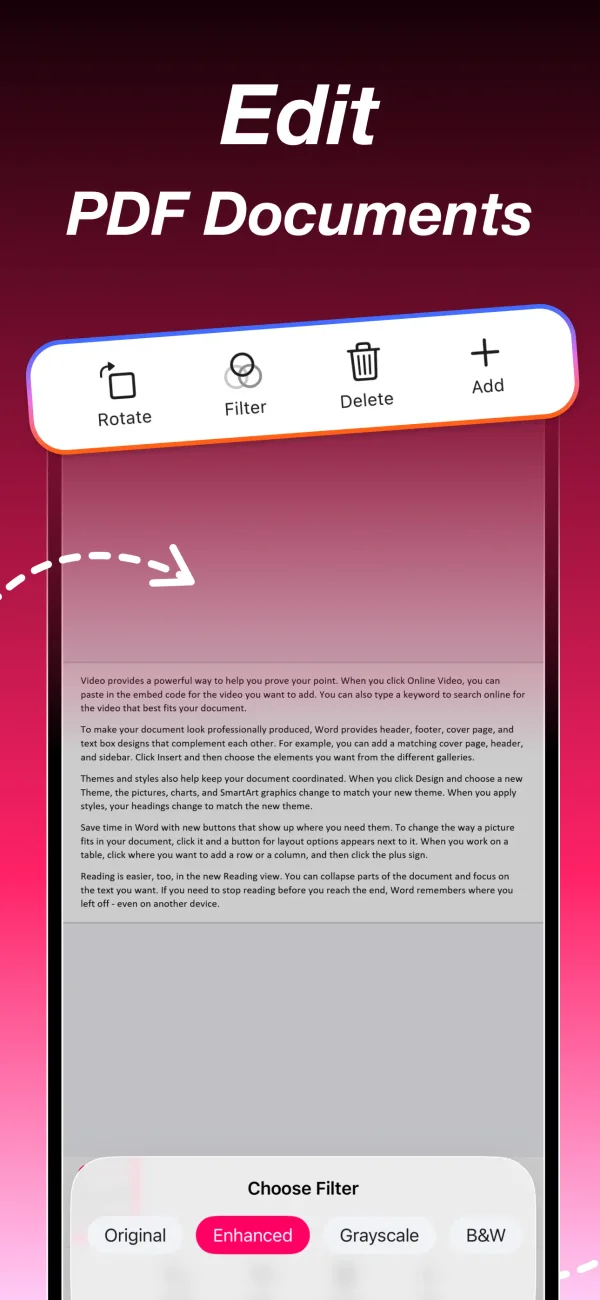
• All filters: original, enhanced, grayscale, black & white
• Rotate and reorder pages
• No watermarks on your PDF
PREMIUM (subscription required)
• Unlimited documents — scan and save as many as you want
• Extract text from any scan and copy it
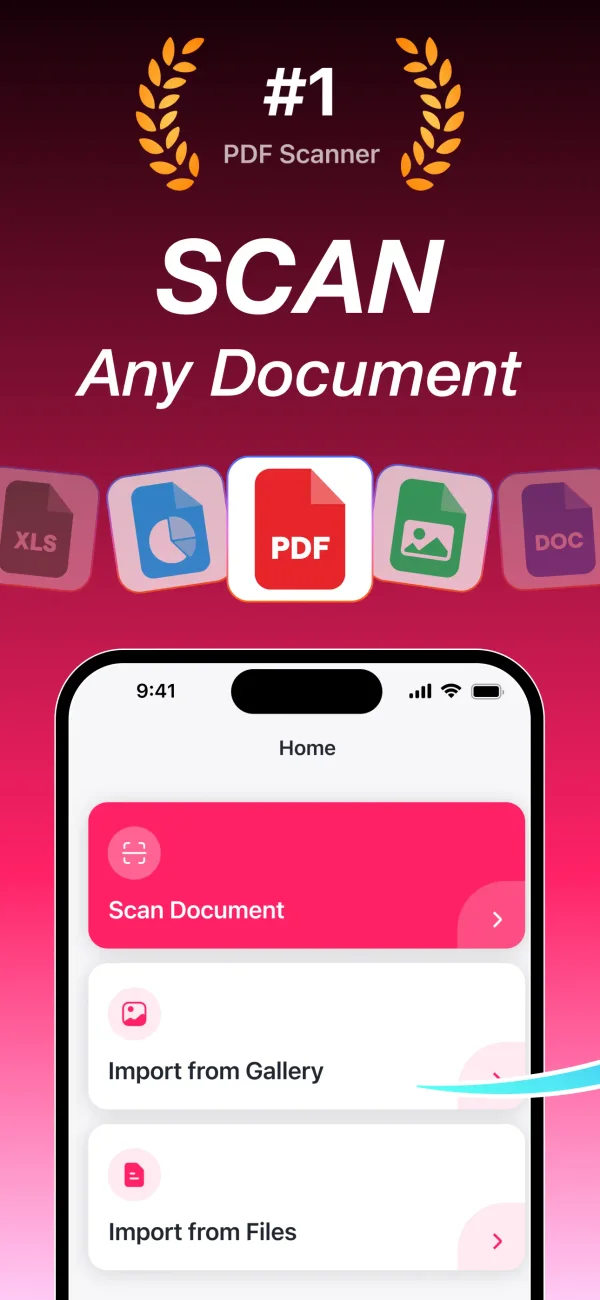
• Import from Photos
• Import from Files
Your free document each week is a real, finished PDF. No watermark, no expiry, no locked preview. The Home screen always shows how many free scans you have left before you start.
SMART DOCUMENT SCANNING
Auto-detect document edges and capture in one tap. Built with Apple's VisionKit for crisp, accurate scans every time.
SMART FILTERS
Auto-enhance every scan with enhanced, grayscale, and black & white filters. Sharper, cleaner pages with no manual tweaking.
ROTATE & PERFECT
Fix page orientation with a single tap. Get exactly the document you need.
EXTRACT TEXT — Premium
Open any saved document and tap Copy Text. The app reads the page and gives you the words back, ready to paste into an email, a note, or a search box. Recognition runs entirely on your iPhone — your documents are never uploaded.
ORGANIZED LIBRARY
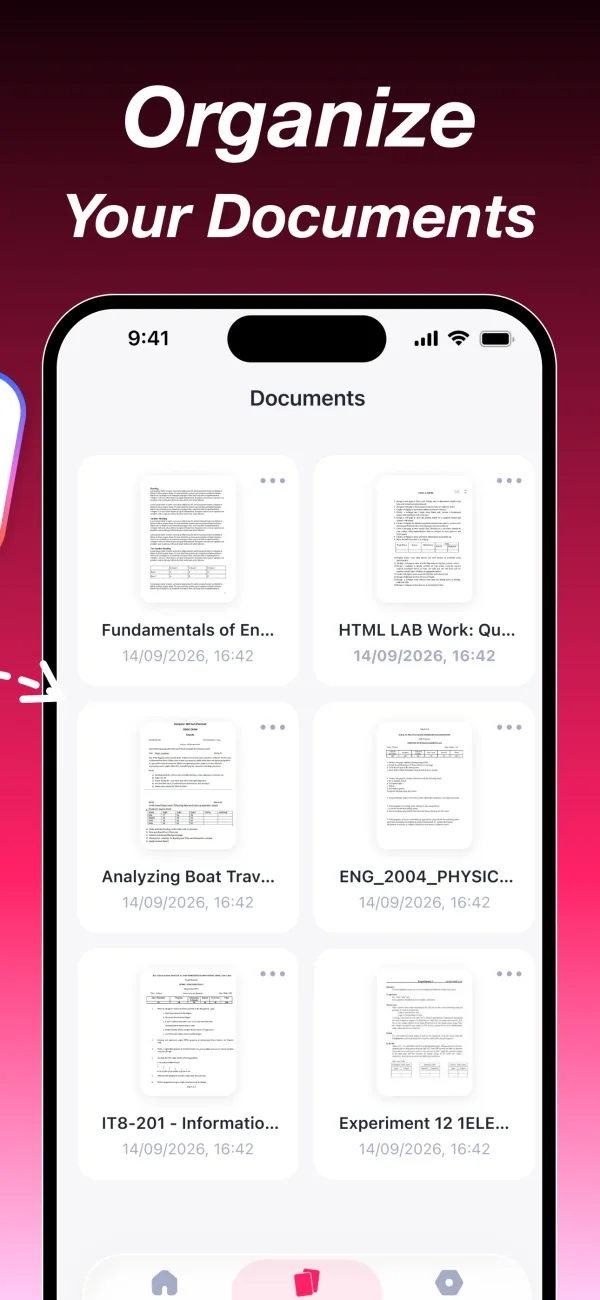
Every document you save is organized and easy to find. Tap any document to view, share, or export.
SHARE EVERYWHERE
Send PDFs via Mail, Messages, AirDrop, or Files — anywhere iOS supports sharing.
IMPORT FROM ANYWHERE — Premium
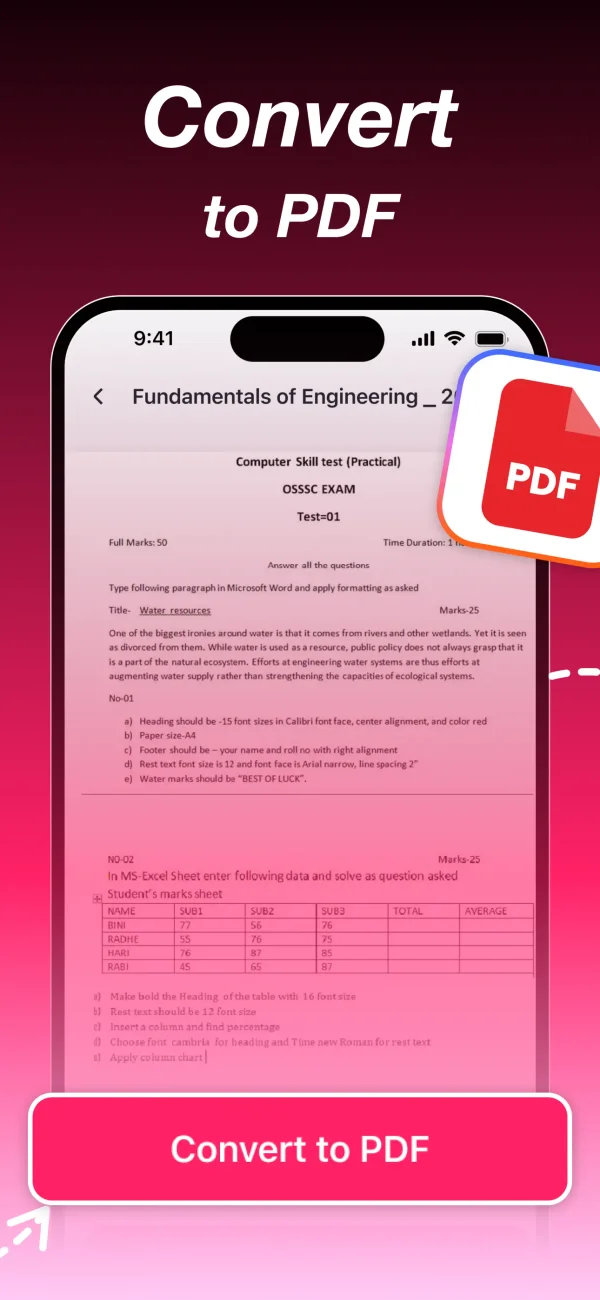
Turn existing photos or files into PDFs. Import from Photos or Files in seconds.
PRIVATE BY DESIGN
Most scanner apps upload your documents to their servers. PDF Documents Scanner processes everything on-device — edge detection and text recognition both run on your iPhone. Your receipts, contracts, and IDs stay where they belong.
Download PDF Documents Scanner and turn your iPhone into a private pocket scanner today.
Terms of Use: https://www.apple.com/legal/internet-services/itunes/dev/stdeula/
Privacy Policy: https://docs.google.com/document/d/e/2PACX-1vQHCNI-JA4AUXOFM21Xnhp58kJkSFvC3nr9zvBY77JKTdiwFICBvKw4r6OHzbdw2AlpeY-0ENuc9lVj/pub
新機能
バージョン 1.2 · 2026/9/8
Your free scan is now a real, finished PDF.
Every week you get one complete document — scan it, convert it, save it, view it, and share it, with no watermark. Previously you could scan for free but needed a subscription to save or view anything. The Home screen now shows how many free scans you have left before you start.
NEW: Extract text. Open any saved document, tap Copy Text, and get the words back ready to paste. Recognition runs entirely on your iPhone.
This update also brings PDF Scanner to iPhones running iOS 16 and later — previously it required a much newer version of iOS.
Premium unlocks unlimited documents, text extraction, and import from Photos and Files.
アプリのプライバシー
このアプリのデータの取り扱いについて、Yauheni ChyrukがApp Storeで申告している内容です。
-
ユーザーに関連付けられないデータ
収集される場合がありますが、ユーザーの識別情報には関連付けられません。
- 購入
- ID
- 使用状況データ
- 診断
プライバシーの取り扱いは、ご利用の機能やお客様の年齢などに応じて異なる場合があります。
情報
- 販売元
- Yauheni Chyruk
- カテゴリ
- ビジネス
- バージョン
- 1.2
- 更新日
- 2026/9/8
- リリース
- 2026/6/2
- サイズ
- 11.6 MB
- 必要条件
- iOS 16.0以降
- 対象年齢
- 9+
- 価格
- 無料
- アプリ内課金
- あり
- 言語
- 英語
- 著作権
- © 2026 PDF Documents Scanner
こちらもおすすめ
-
 SnapScan:PDFスキャナー・OCR文字認識・変換ログイン不要・端末内処理で署名・透かし・保存整理共有まで
-
 PDFスキャン - PaperSnap書類をスキャンして共有
-
 ScanKit - AI PDFスキャナー文字認識、電子署名、ファイル結合と同期
-
 PDF Converter: Scan Docs仕事効率化
-
 NovaPDF: PDF Scanner & Editor仕事効率化
-
 Filr: AI Document Scanner仕事効率化
-
 SnapReceipt AI: Expense Scanファイナンス
-
 PDF Tools - Scan, Merge, Split仕事効率化
-
 City Workstationビジネス
-
 Rider RayXpressビジネス