PDF Scanner App - OCR & Scan
Scan Documents, OCR, Sign PDF
Designed for iPhone, iPad, iPod touch
Free
- Age rating4+
- CategoryBusiness
- Developer婉媚 邵
- LanguagesEnglish
- Size19.0 MB
Links to the official App Store page
Download.org hosts no file of PDF Scanner App - OCR & Scan. The button opens its official App Store page, published by 婉媚 邵. Listing last checked on Nov 16, 2026.
Screenshots
About
PDF Scanner App – Scan, OCR & Manage PDFs Securely
Turn your iPhone into a powerful PDF scanner and text recognition tool — fast, private, and completely offline.
Scan, sign, and organize documents effortlessly anytime, anywhere.
KEY FEATURES:
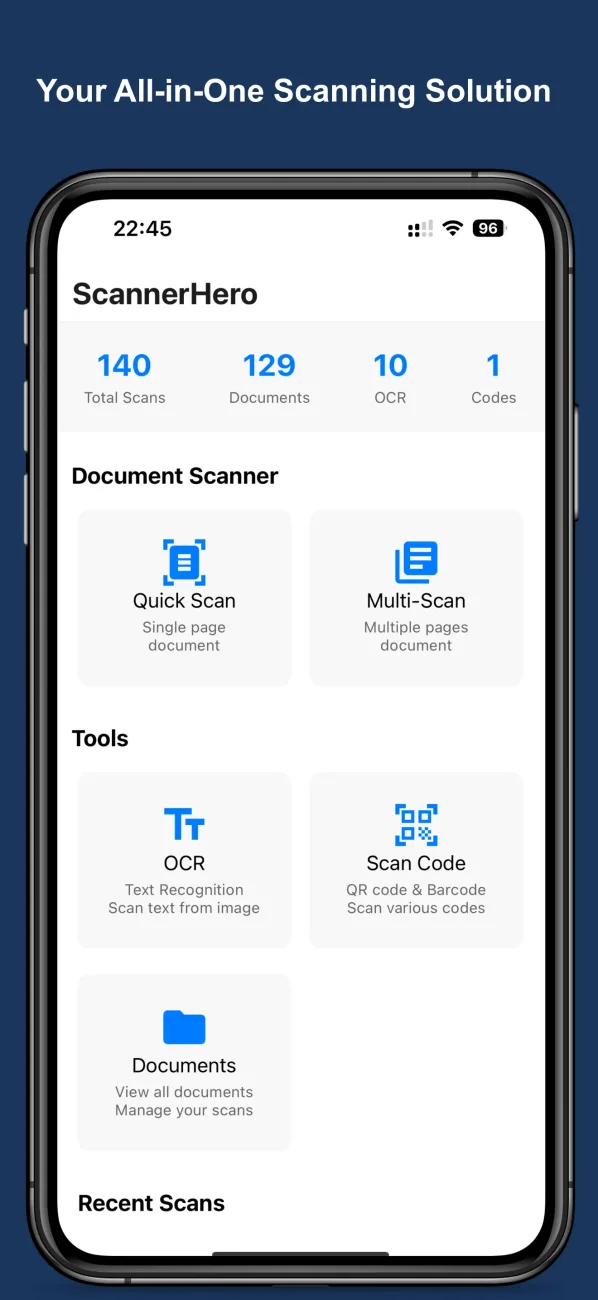
Document Scanning
- Quick Scan for single-page documents
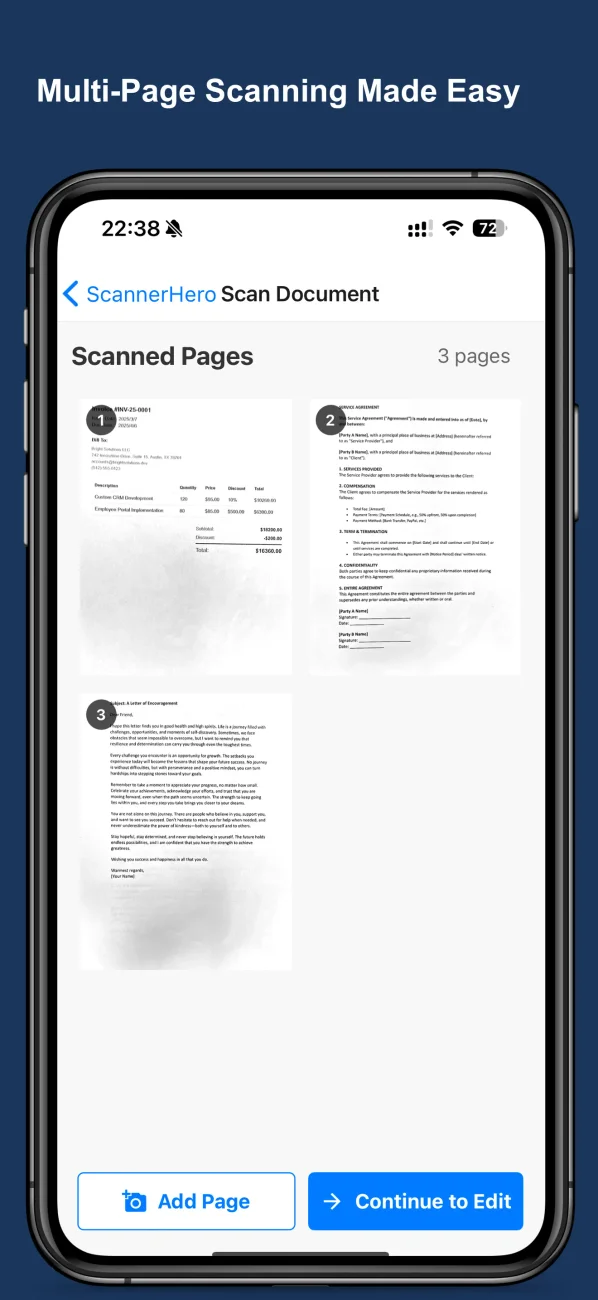
- Multi-Scan for multi-page documents
- Automatic document edge detection
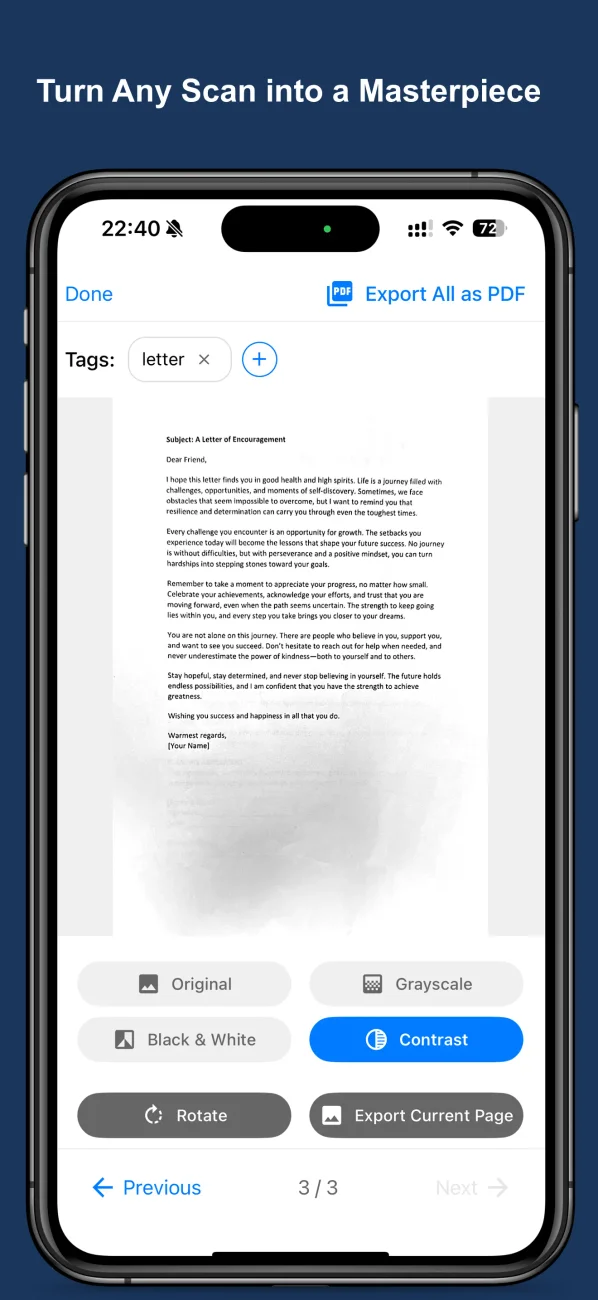
- Smart image enhancement with multiple filters (Original, Grayscale, Black & White, High Contrast)
- Real-time document frame guidance
PDF Management & Editing
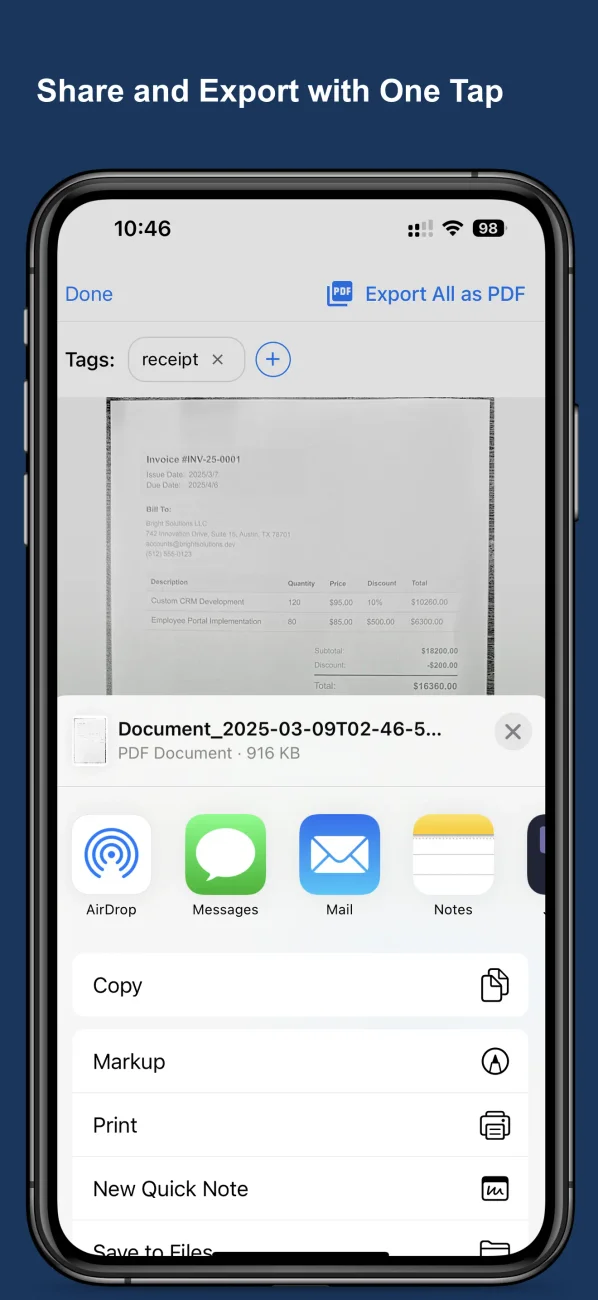
- Export scanned documents as PDFs
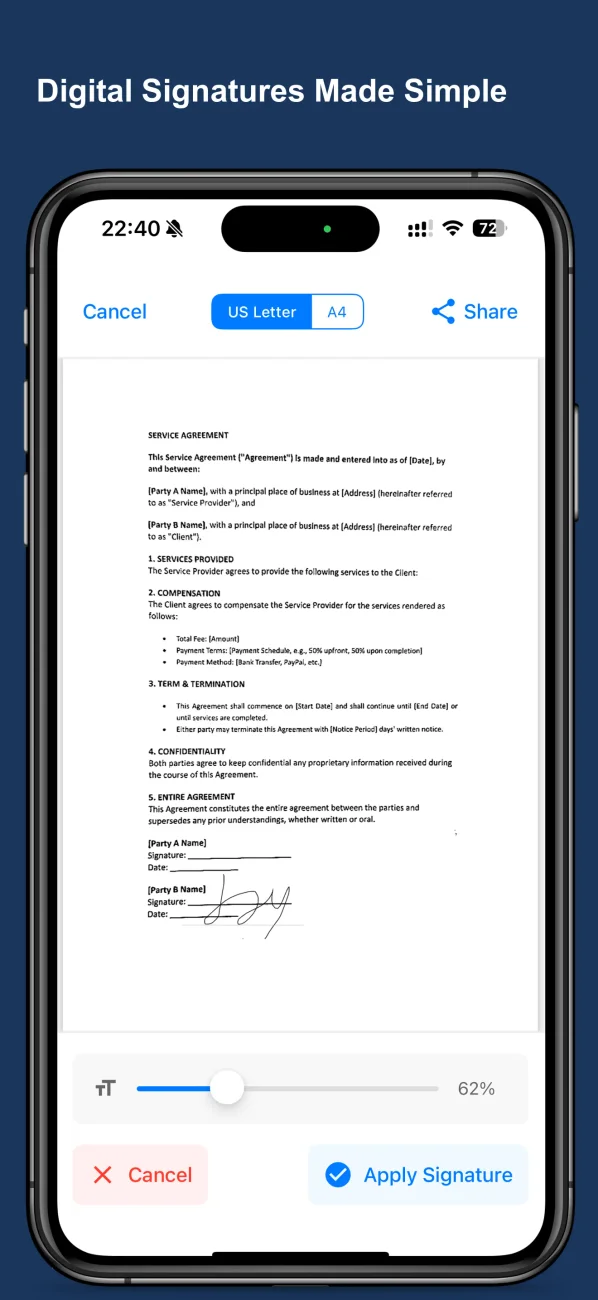
- Add digital signatures to PDFs
- Adjust signature size and position with intuitive controls
- Choose between standard paper sizes (US Letter or A4)
- Easy PDF sharing options
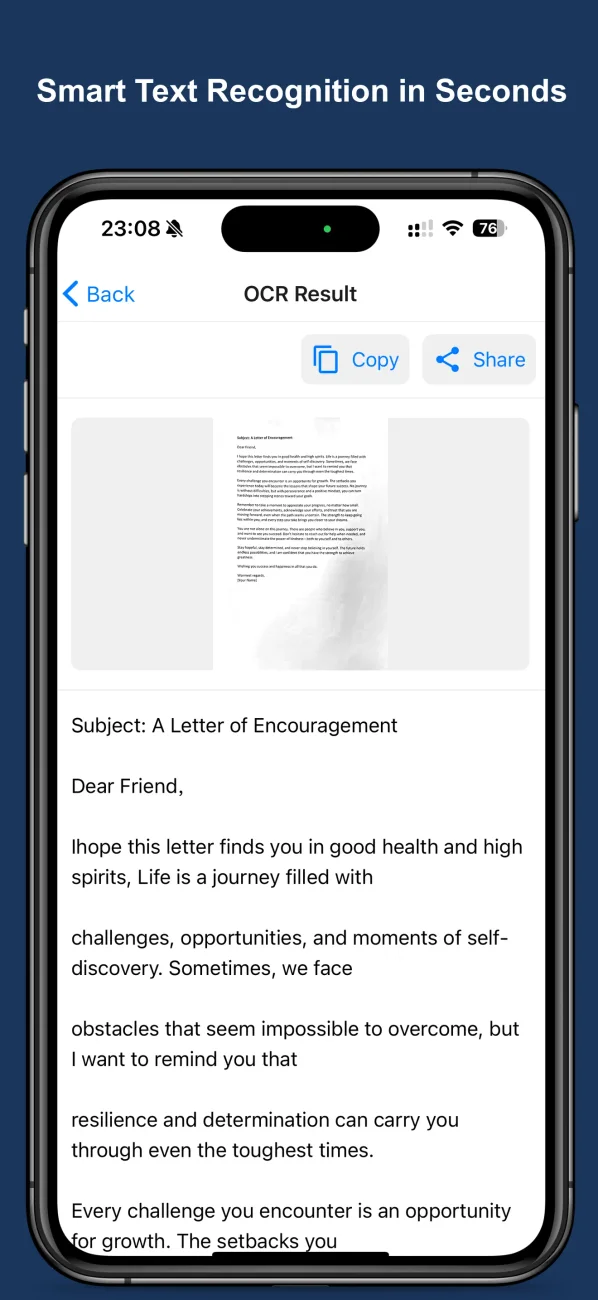
Text Recognition (OCR)
- Accurate text extraction from images
- Support for multiple languages including English, Chinese (Simplified & Traditional), Japanese, Korean, and more
- Instant text recognition without internet connection
- Copy and share extracted text easily
QR Code & Barcode Scanner
- Fast and accurate code detection
- Support for various code formats
- Instant results display
- One-tap copy function
Professional Image Processing
- Automatic perspective correction
- Default high contrast enhancement for better readability
- One-touch image rotation and adjustment
- High-quality output for professional documents
Document Management
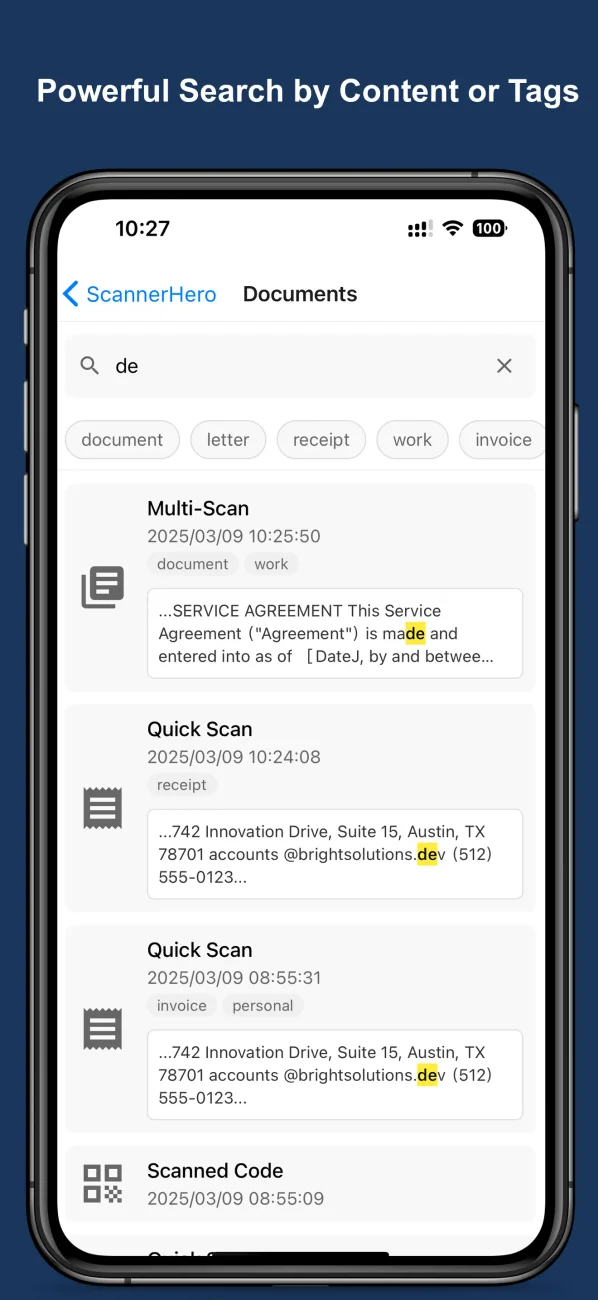
- Organized document library
- Chronological sorting
- Quick preview
- Multi-page document support
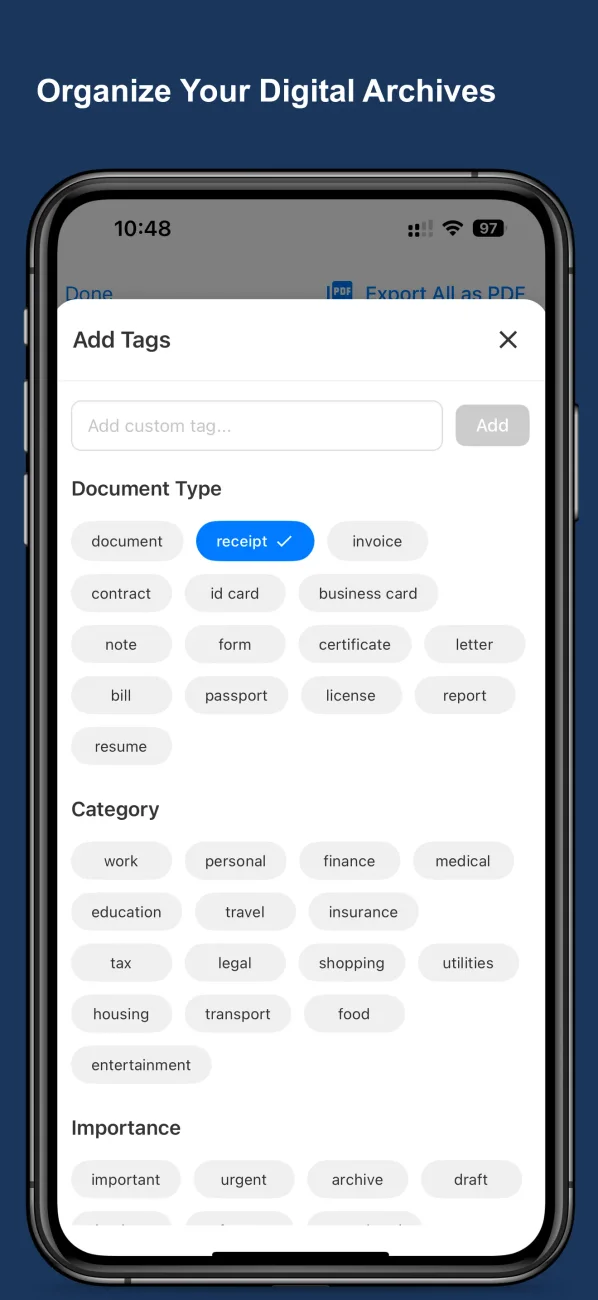
- Document tagging system for easy categorization
PRIVACY FIRST:
- All processing happens on your device
- No cloud storage or transmission
- No internet connection required
- Your documents stay private
Perfect for:
- Students capturing lecture notes
- Professionals digitizing documents
- Anyone needing to sign and share PDFs
- Quick document digitization
- Scanning and managing receipts
- Reading QR codes and barcodes
- Creating multi-page documents from physical papers
Download PDF Scanner App now
and enjoy fast, secure document scanning — right on your iPhone.
What’s new
Version 1.1 · Oct 9, 2025
Bug fixes and stability improvements.
App privacy
What 婉媚 邵 declares on the App Store about how this app handles data.
-
Data not linked to you
May be collected but is not linked to your identity.
- Diagnostics
Privacy practices may vary, for example with the features you use or your age.
Information
- Seller
- 婉媚 邵
- Category
- Business
- Version
- 1.1
- Updated
- Oct 9, 2025
- Released
- Mar 19, 2025
- Size
- 19.0 MB
- Requires
- iOS 13.4 or later
- Age rating
- 4+
- Price
- Free
- Languages
- English
- Copyright
- © 2025 Wanmei
You might also like
-
 uWeb Server2Share your file to any device
-
 ScanDropZProductivity
-
 PDF Compressor AppCompress & Reduce PDF Size
-
 Simple Week ChecklistWeekly Checklist
-
 Sheaf: PDF Editor & ScannerSign, Merge, Compress & OCR
-
 DefectLog - Snag & Punch ListSite Inspection Photo Reports
-
 Private TranscribeOffline Voice & Speech to Text
-
 InvoX – Voice to InvoiceBusiness
-
 Local PDFManage and edit PDFs offline
-
 Runny - Quick Chat Style NotesCapture ideas by a single tap